My Ed Tech World
  • Home
  • Blog
  • Resources
    • Virtual Rooms
    • Student Resources >
      • Y5/T1 STEAM
      • 4th Grade STEAM
      • Student STEAM Resources
    • Learning Landscapes EDU
    • Web Resources
    • iPad Resources
    • SIOP Resources >
      • Preparation
      • Building Background
      • Comprehensible Input
      • Strategies
      • Interaction
      • Practice-Application
      • Lesson Delivery
      • Review/Assessment
  • Professional
    • Virtual Make & Take
    • Accomplishments
    • Conferences >
      • 2018-2019 >
        • Fire Up (Spring 2019)
        • MACUL 2019
      • 2017-2018 >
        • Podstock 2017
        • Rebel U 2018
        • Fire Up (Fall 2017)
      • 2016-2017 >
        • Podstock 2016
        • Rebel U 2016
        • COETC16
        • Fire Up (Fall 2016)
        • MACUL 2017
        • Fire Up (Spring 2017)
      • 2009-2015 >
        • 2015-2016 >
          • Fire Up (Fall 2015)
          • Rebel U 2015
          • KISD Tech Camp 2015
          • Fire Up (Spring 2015)
        • 2014-2015 >
          • Fire Up (Spring) 2014
          • Rebel U - Cooperative Learning & Technology
          • Fire Up (Fall) 2014
        • 2013 >
          • Rebel U {Virtual Edition} - Sustainability
          • Fire Up (Spring) 2013
          • MACUL 2013
          • Rebel U - Teaching & Learning Like a Superhero
          • Fire Up (Fall) 2013
        • 2012 >
          • Fire Up (Spring) - Get Inspired with Technology
          • Rebel U - iSpy an iPad
          • MACUL - Personalized Learning Conference
          • Fire Up (Fall) - Bringing Learning Outside the Classroom
        • 2011 >
          • MACUL - Google Sites
          • Fire Up Spring
          • Rebel U - Test Taking Tools & Strategies
          • Rebel U - 40 in 40
          • Teaching & Learning in the Cloud - Building a Tech Leader's Toolbox
          • Fire Up Fall - Building a Tech Leader's Toolbox
        • 2010 >
          • KISD TechKnow - Google Sites
          • Rebel U - Google Docs
          • Rebel U - Picnik
          • Teaching & Learning in the Cloud - Google Sites
          • Fire Up (Fall) - Cool Web Tools
          • Fire Up (Spring) - Google Sites
        • 2009 >
          • Fire Up Fall - PP in the Classroom
    • PD >
      • Flex PD >
        • Bye Bye Be
      • Rebel U
      • 12 Days of (Ed Tech) Cheer
    • My Zazzle Store
    • Disclaimer
  • Contact

STEAM Birthday Celebration

2/11/2021

4 Comments


Maker Mat & Choice Board

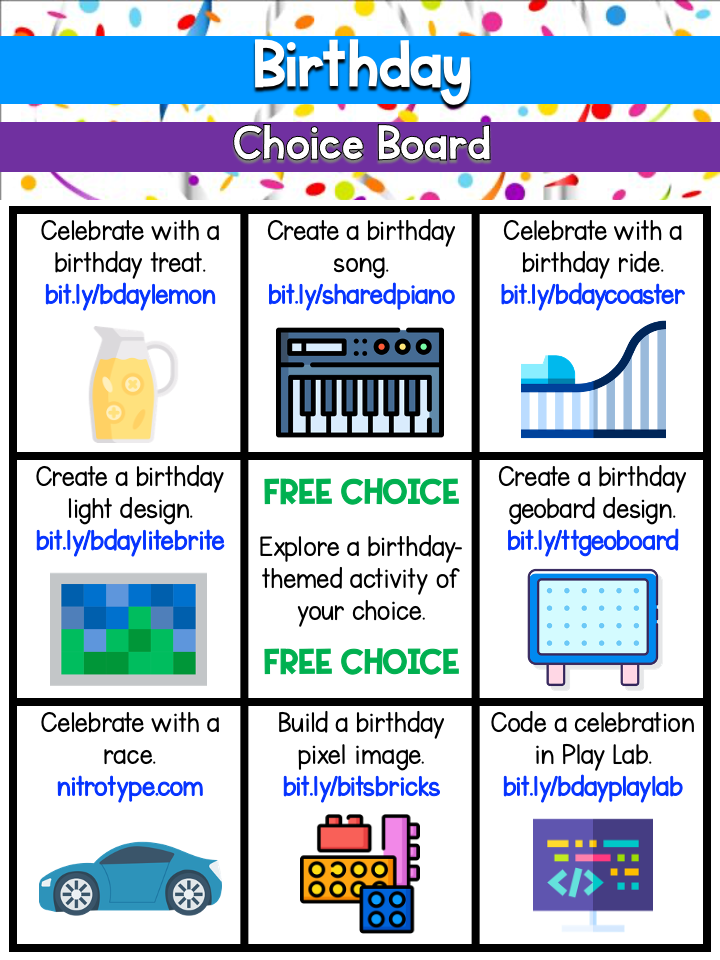
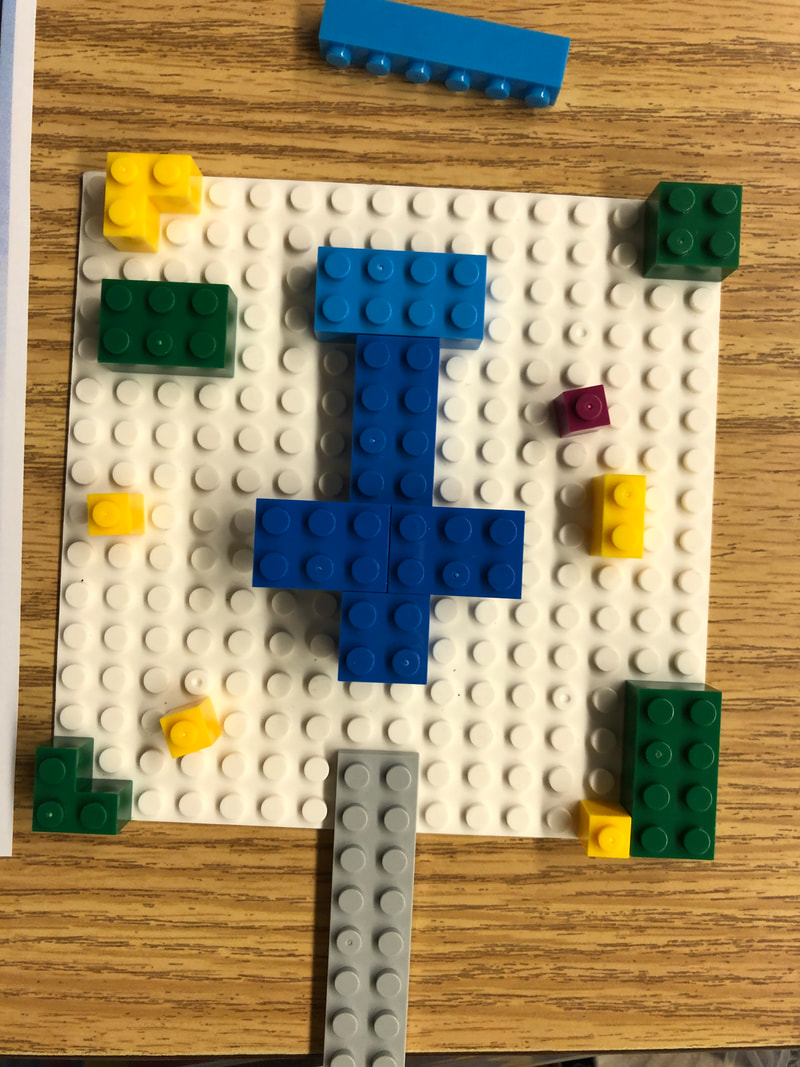
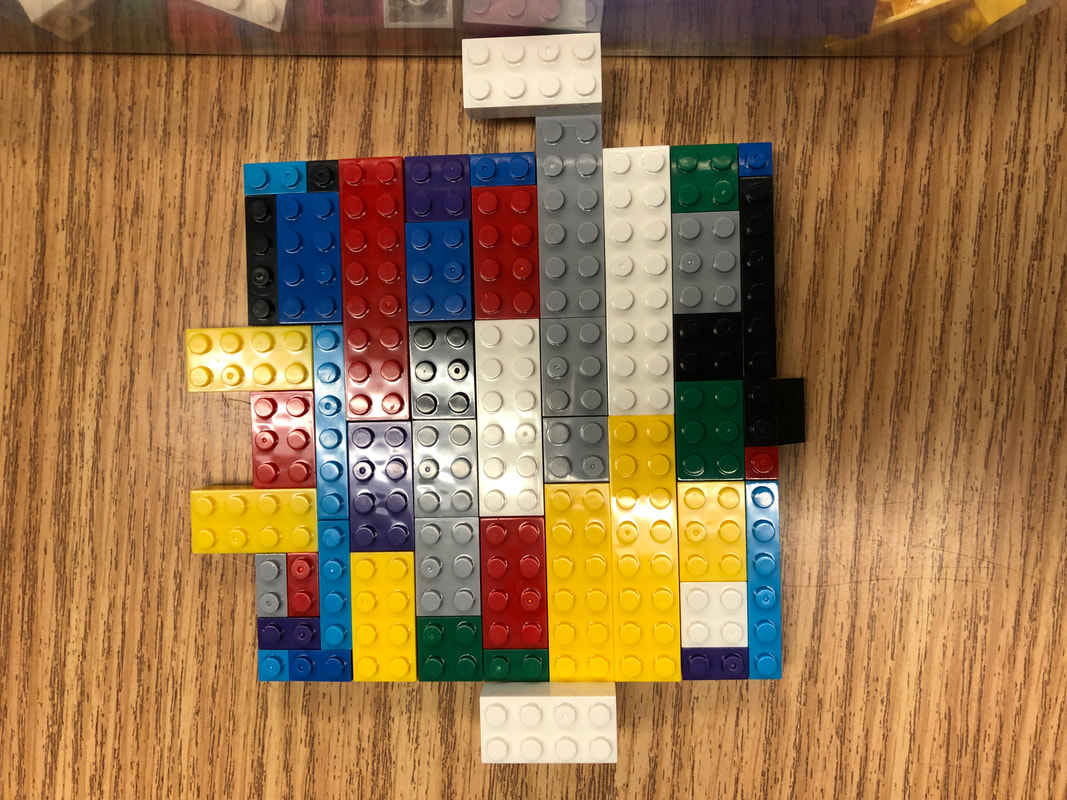
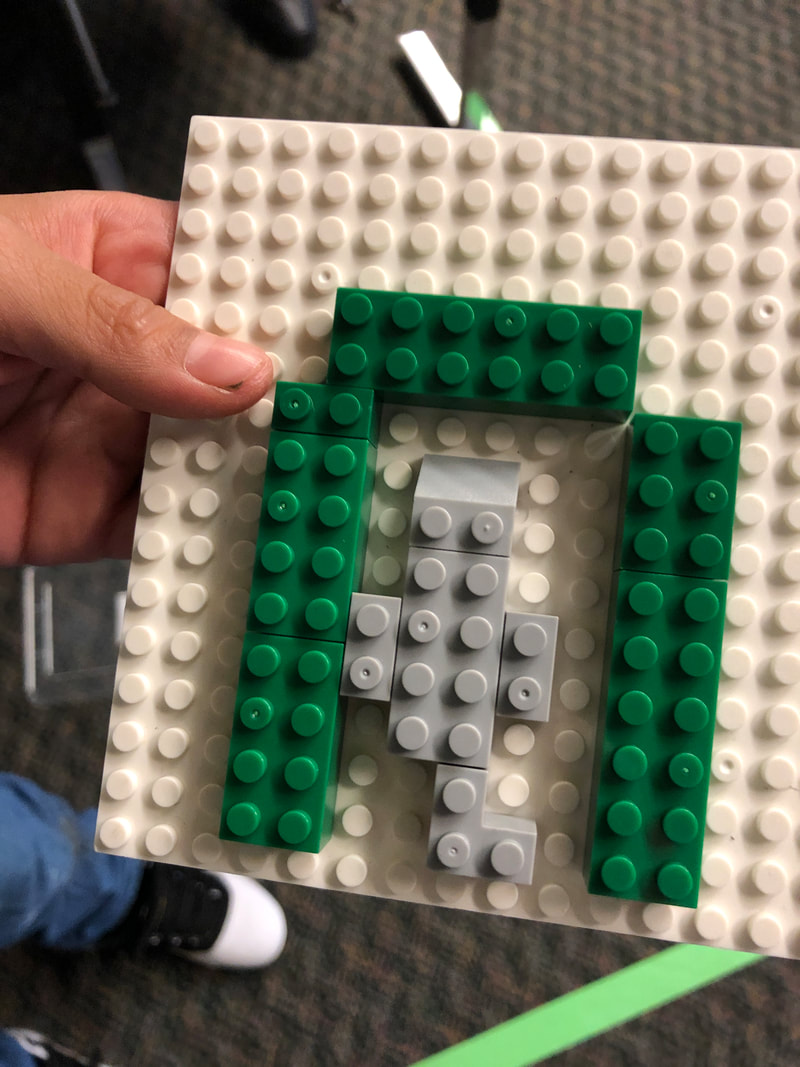
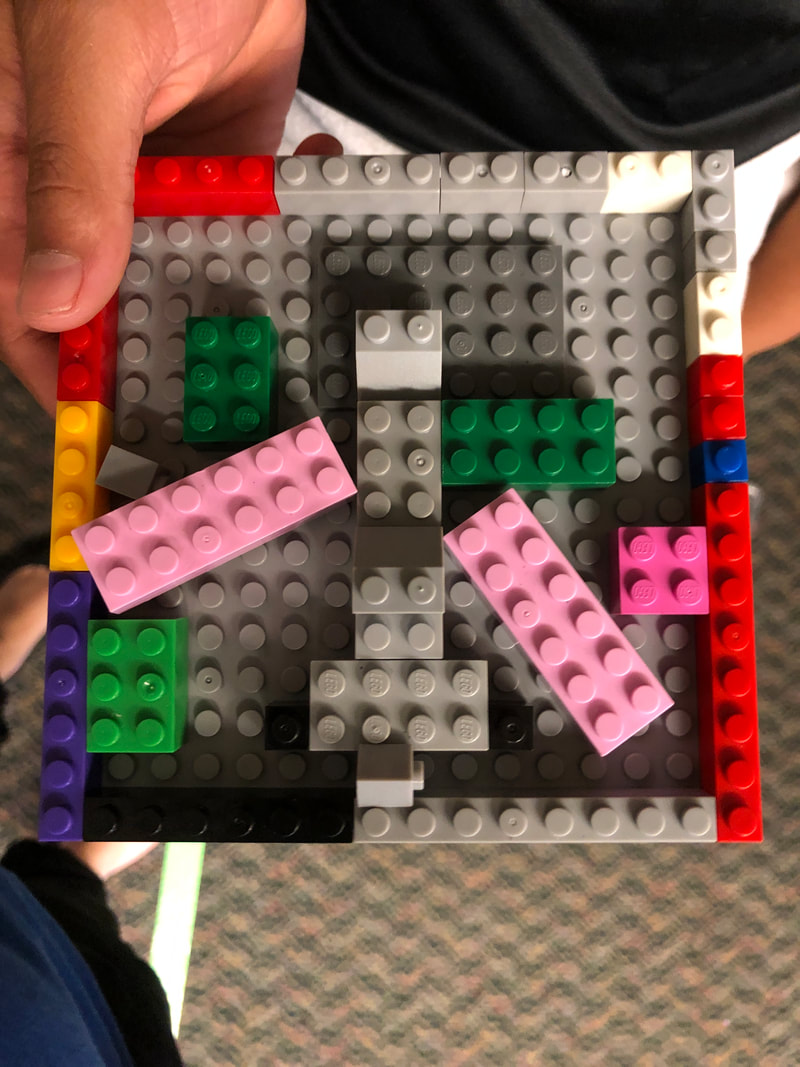
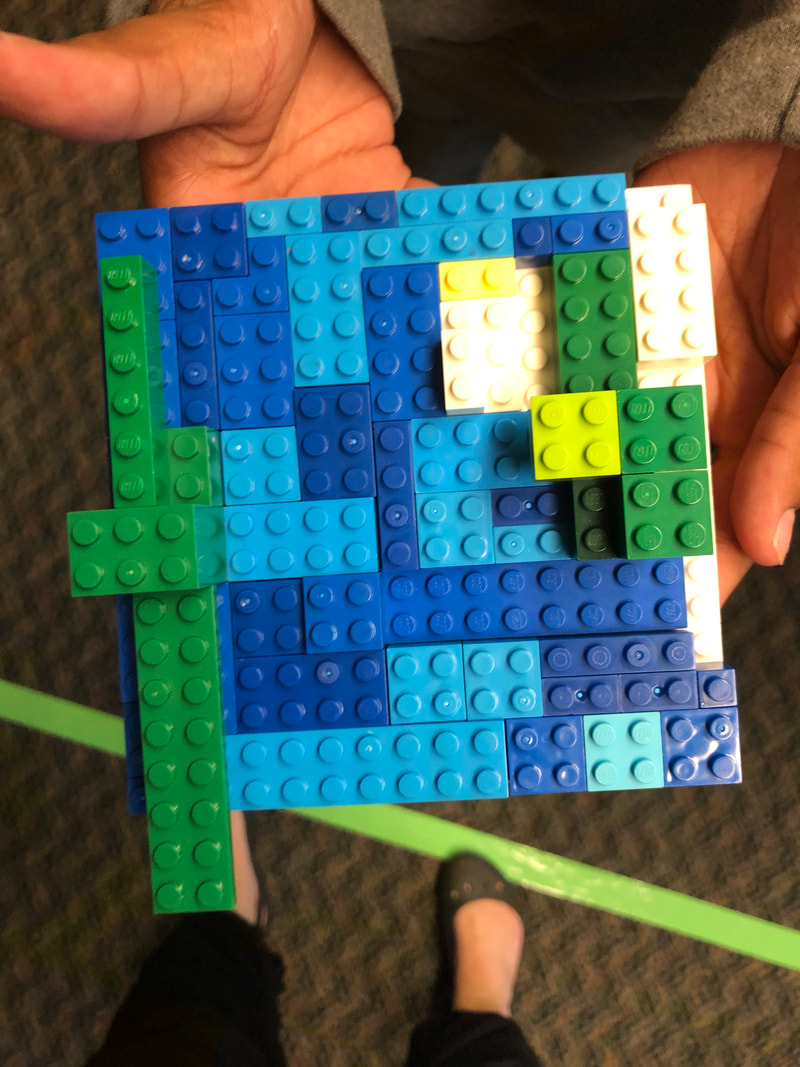
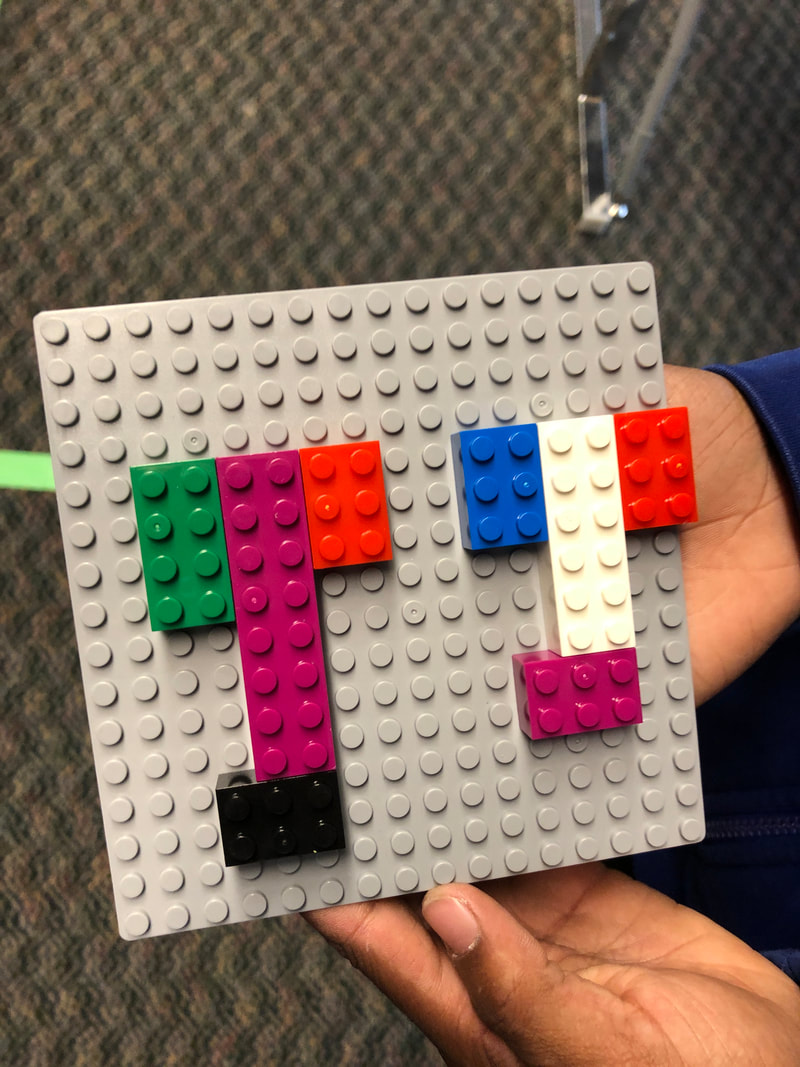
In celebration of all birthdays in all times of the year, I thought I would put together some fun STEAM activities!  Whether it be a Maker Mat, a Choice Board, and a pixel art activity, any (or all!) can easily be integrated for some student creativity and critical thinking.
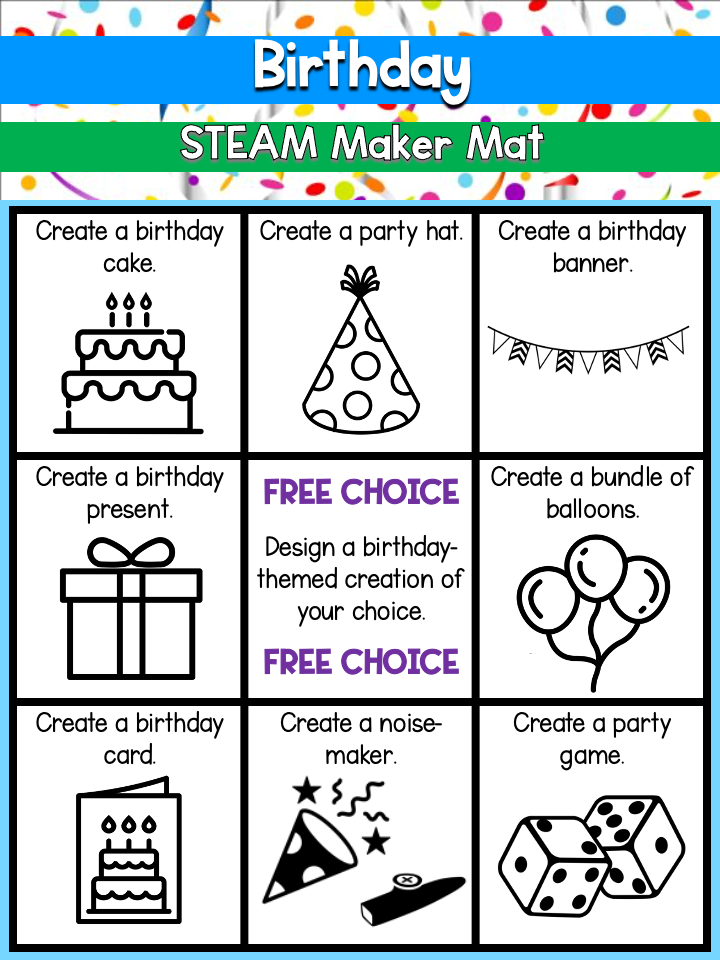
Maker Mat & Choice Board
Picture
Picture

Pixel Art Review

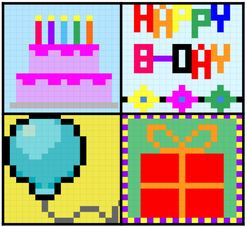
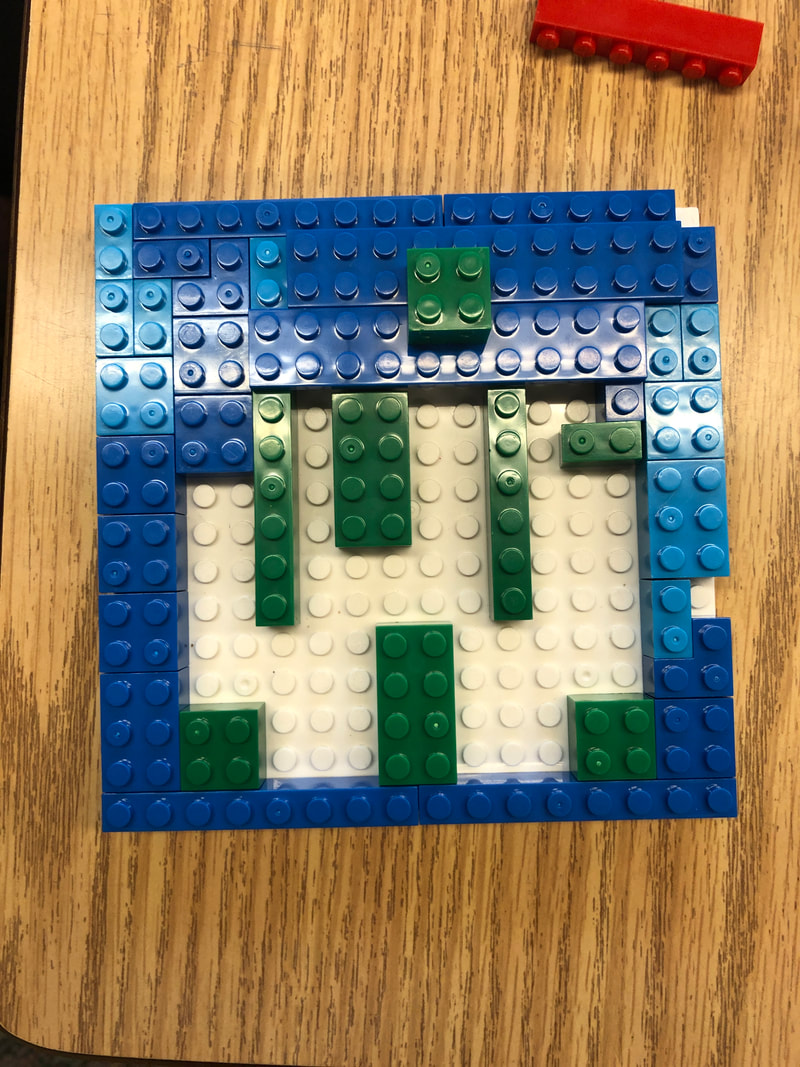
Birthday fun doesn't have to be just creativity and critical thinking - it could be a fun themed-way to also incorporate some content!  With this pixel art review activity, simply plug in your content and students can review with a self-checking sheet that provides instant feedback!
Birthday Pixel Art
Picture
4 Comments

Coding Choice Board

12/30/2020

1 Comment

 
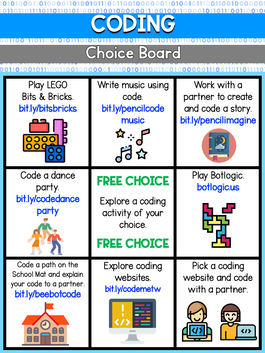
Recently I was going through my coding Symbaloo and making sure that all links were working.  Of course, in fixing some broken links I found some more awesome websites.  Which started me thinking about the fact that I haven't created a coding choice board yet, so that had to be fixed! 

As many schools are still in remote learning or are trying to avoid sharing materials, I thought a choice board with just digital options would be a good starting point.  In setting up this choice board, I tried to include options that would appeal to different learning styles. Hopefully students will find an activity that appeals to them!
Picture
Coding Choice Board
1 Comment

Put a Little "SOUL" Into Your Teaching

12/28/2020

0 Comments

 
Recently, I watched Disney/Pixar's latest movie, Soul, with my family.  It was such a cute movie that made you think deeper about yourself.  I loved how it talked about finding purpose and how your purpose doesn't matter much if you don't find the time to live while pursuing it.  Such a great message for kiddos about how they can be something bigger than themselves through their personality, purpose, and living life as your best self.

As I was watching the movie and seeing how my own kiddos were drawn into the story, I thought it would be a great theme motivator for digital activities.  Although 2020 may be coming to a close, we still aren't in the clear and distance learning is still part of our reality.  I love when I can put a spin on something that students are interested in to draw them into the learning.

I put together some of my favorite types of activities below using Soul as the theme.  Feel free to use (if you share, please give credit)!  How about we start out with a Google Slide as a welcome agenda?
Welcome Agenda

Google Jamboard Warm Up

Picture
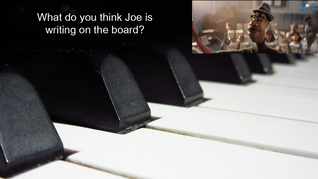
Why not start a day/lesson off with a little warm up?  I love using Google Jamboard for activities like this where I want students to think creatively.  With this prompt, students are to place themselves in the shoes of Joe and think about what he might be writing on the board to share with his students.  Simply have students add text or a sticky note, and you can start collecting responses!

Soul Warm Up

Pixel Art Review

Picture
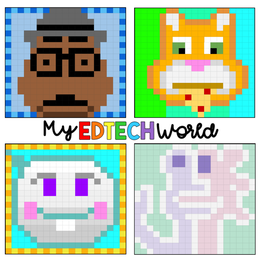
To say I have been a bit obsessed with pixel art lately would be an understatement.  I love pairing the pixel art concept with Google Sheets to make interactive review/question and answer type sheets.  Possibly just a glorified worksheet, but it engages students and self-checks along the way.  It can open up communication among students when they reach a question/problem that they are having difficulty with, as it provides instant feedback on if the answer is correct or not.  These type of activities could be great for students to be paired up online and complete together.
Below are two different links - one to the blank template and one to an example of content inserted (using multiplication facts). 

Soul Pixel Art Template
Soul Pixel Art - Multiplication

Choice Board

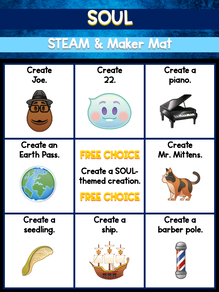
Surprise, surprise - a choice board!  In my world, every theme has some sort of STEAM/Maker Mat choice board.  I love how it allows students to be creative, work with a variety of building materials, and even work with one another.  I like how maker mats can be used for in-person as well as online learning!
Printable Soul Maker Mat
Picture
For the online version, I created a digital Maker Mat using digital building blocks.  Students can select any of the bricks and copy and paste them to make new bricks.  This is a great way for students to practice keyboard shortcuts, manipulating objects, and being creative.
Online Soul Maker Mats

SPARK (Bingo) Game Boards

Picture
Let's be honest, we all have one of those games we play on our phone that is a bit of a guilty addiction.  I will admit, I have played Disney Emoji Blitz for longer than I would like to admit. ;)

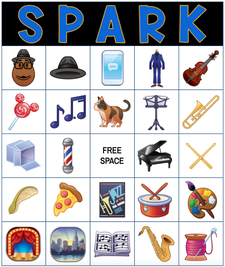
With the release of the movie, the game had a special event in which you can earn characters and keyboard items.  So why not a fun, bingo (let's call it SPARK as this is Soul-themed after all) game!  I created this game using flippity.net, as they have an easy bingo template that works with Google Slides.  If you click on the button below for the "Online SPARK Boards," you not only have the option to print boards, but you can also have students access an online bingo board as well as a wheel to spin for the teacher (under the "Play" tab).  Some ways to use this SPARK board:
  • This would be a great activity to play with students online when you need a relationship-builder. 
  • The bingo board creator could also be used by students to create their own game boards using your current content.
  • Individual boards could be printed small and used for classroom management.

Online SPARK Boards
Printable SPARK Boards

Picture
These are just some ideas for how I might use the theme of the movie to get started with some STEAM/EdTechy activities for students.  But really, the possibilities are endless?  How would you integrate the movie/theme of the movie into your curriculum?

0 Comments

Winter STEAM/Maker Choice Board

12/21/2020

0 Comments

 
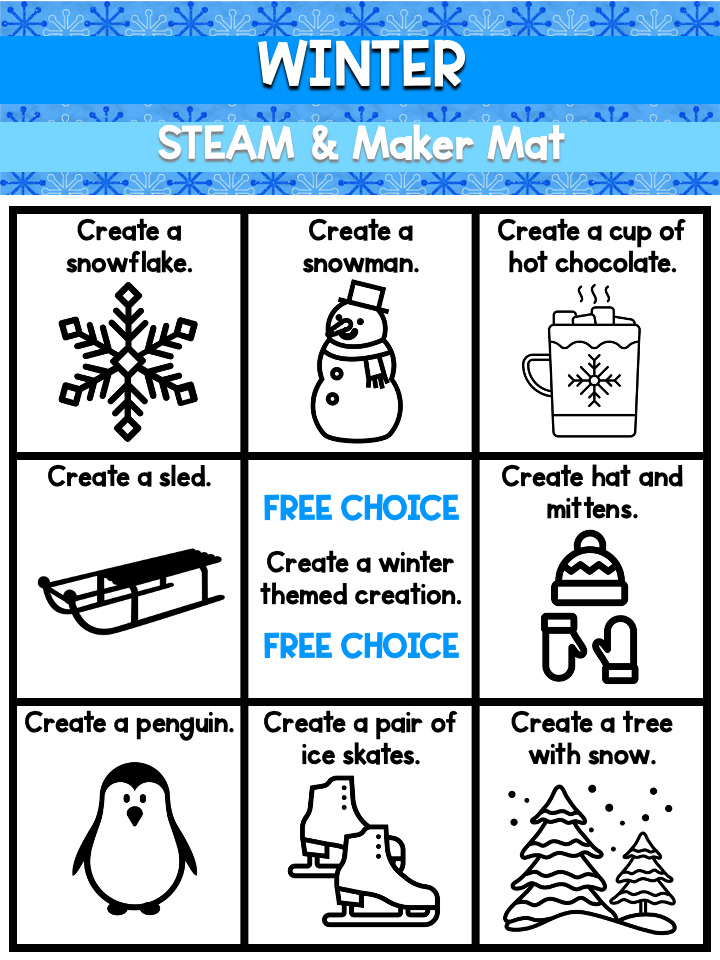
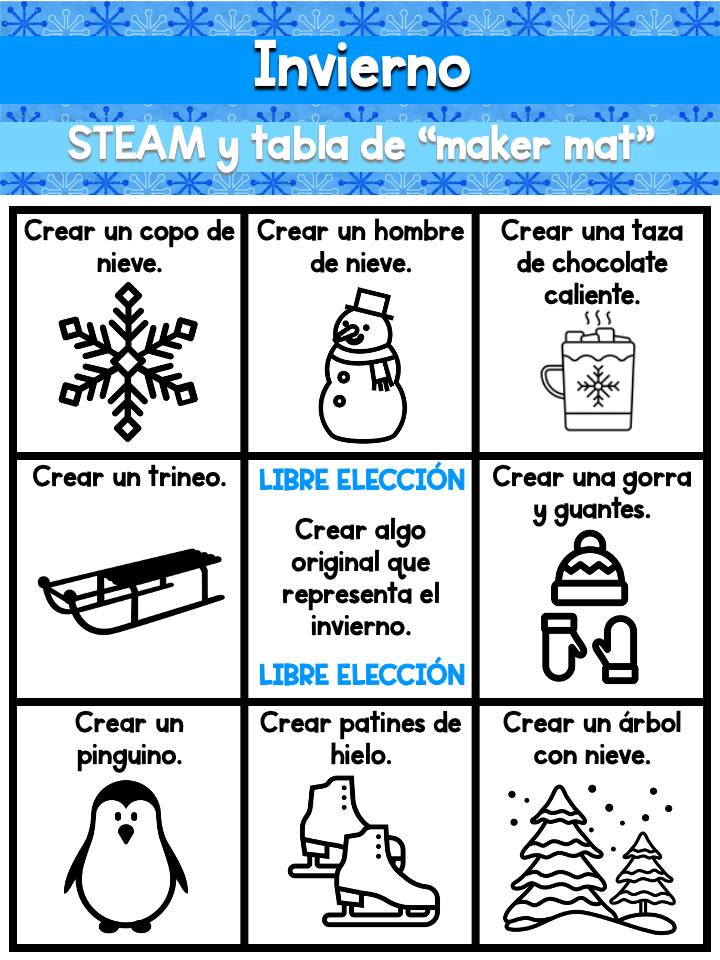
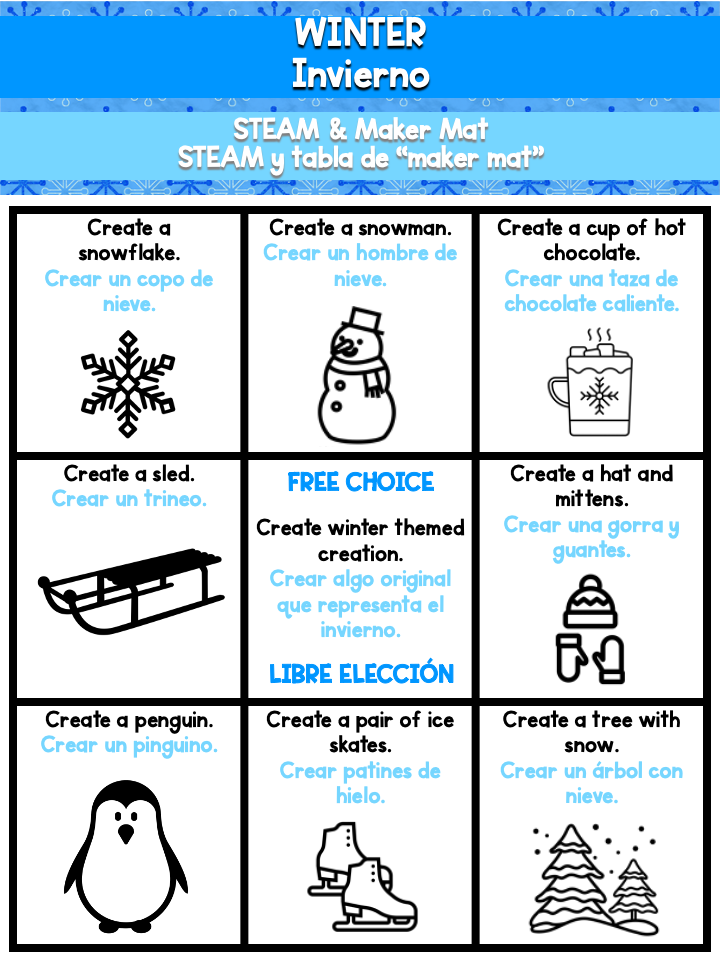
I guess you could say this is a new twist on an old thing.  Previously, I had shared winter-themed task cards.  They were ones I had used with students when we were building with LEGOs for a STEAM activity.  To be honest though, sometimes I like task cards and sometimes I like Maker Mats.  It depends on how I am running the activity, what is available for building, and how students are collaborating together.

As I had volunteered to provide an activity for my son's holiday party before break, I thought I would send my Winter Maker Mat and some pipe cleaners for students to create.  As many of the maker mats I create are targeted towards an elementary audience with English Language Learners and other special populations, I try to incorporate an English version, a Spanish version, and one with both English and Spanish as well as pictures on all.  I want to make sure the activity is accessible to all learnings.  The great thing is that in my experience, students rarely recreate the picture as is when they are creating!  They use their creativity to take their background knowledge and design something new and amazing!
Maker Mat Printout
Picture
Picture
Picture
0 Comments

Home Alone STEAM/Maker Choice Board

11/29/2020

1 Comment

 
Picture
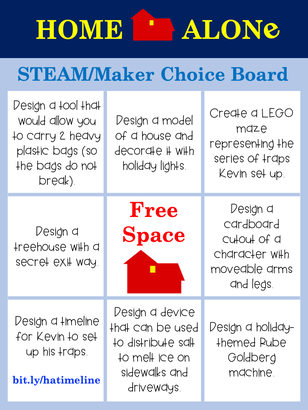
I have to admit, Christmas is my favorite holiday.  I love the snow, the lights, and the overall feeling of the season.  Also, let's not forget about the movies.  I could binge every Christmas movie over and over.  Especially some of the classics, which definitely includes Home Alone for me!  And when I learned that there was a picture book to go along with the story, I knew it was a choice board in the making!

I know when people think of Home Alone, the first thing that comes to mind for many is the traps at the end of the movie.  As I was watching the movie this year, I realized there are so many other STEAM/Maker connections that can be made throughout the story.  I love to connect STEAM activities to a story for deeper meaning, but I have to admit that this choice board is a hybrid between the movie and the book.  The cardboard cutout references the house party scene in the movie, the salt distributor references Mr. Marley and his trash can and shovel in the movie, and the tool to carry bags references when Kevin goes grocery shopping and the bags break on the way home.  I felt they presented some great opportunities for critical thinking and problem solving!

Home Alone Choice Board

Estimating a Timeline

Picture
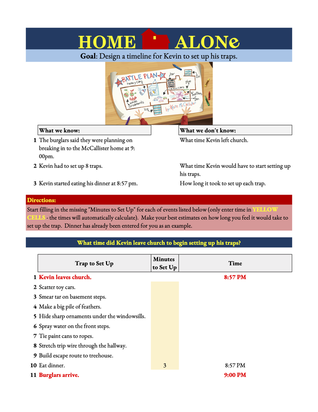
This is one one of the activities on the choice board, but I wanted to highlight this one as it could also be a stand alone activity.  One of the things that always stuck with me in the movie was how long it might have taken to set up the traps.  Kevin must have had some serious creativity and critical thinking skills to make this all happen in a timely fashion.
Using the provided template, students are supposed to work backward from when the burglars are supposed to arrive and estimate how long it would have have taken to set up each trap.  This will definitely spark some conversation about how long it would take to collect the resources needed and then to set up the trap.  Afterwards, students can compare and graph results as a class and determine the most reasonable time for when Kevin would have had to leave church to set up the traps in time before 9:00pm.

Note: This spreadsheet is set up so that students only have to enter information in the yellow cells.  The focus should be on problem solving the logistics, and not determining Google Sheet calculations.  If you would like to take it one step further, students could delete the existing calculations and create their own.

Home Alone Timeline Template
1 Comment

the office STEAM/Maker Choice Board

11/25/2020

1 Comment

 
Picture
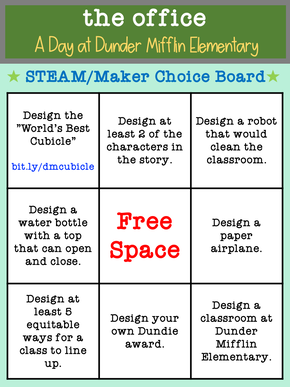
I am not sure about you, but I am a HUGE fan of the television show The Office.  I could watch season after season on repeat and still laugh, cringe, and tear up at moments.  So when I heard that there was a picture book that was about The Office, I was all about it!  I am all about a good picture book, and this one was definitely at the top of my list!  It takes the characters, personalities, and icons from the show and puts them into an elementary classroom setting.  I mean, Michael as the Line Leader and Dwight as the Assistant to the Line Leader?! :)

Obviously, I wanted to do something STEAM-related with the book.  I instantly came up with the idea for creating a digital cubicle space.  This would be a great way for students to share their personalities, build relationships, and gain insight that can be used for building a culturally responsive classroom.  As I started building a template, I knew I couldn't stop there - there were too many engineering opportunities that the story provided.  A choice board was born!

the office Choice Board
1 Comment

Virtual STEAM Minecraft

10/20/2020

0 Comments

 
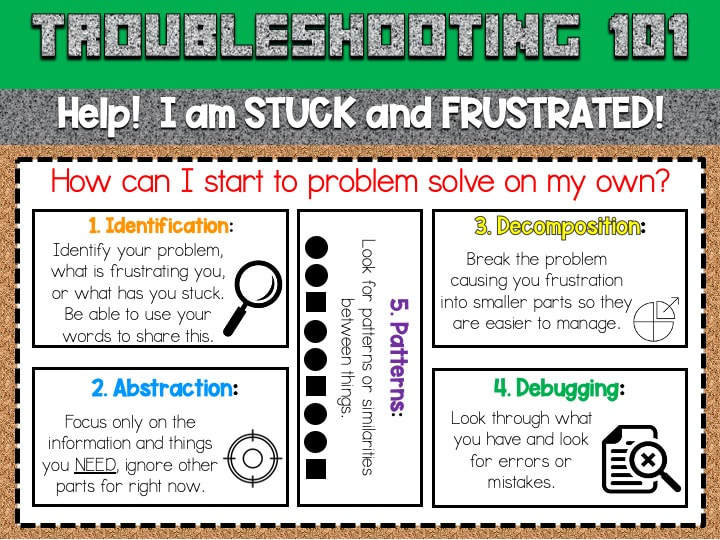
Back in the spring, right before our schools shut down for face to face learning, I was in the middle of my STEAM Minecraft unit.  We were focusing on Computational Thinking and how we can use it to help us solve problems we might have - whether it is troubleshooting or the actual content.  The theme idea came from the students (so it was a Culturally Responsive Teaching approach), so I used that drive the content.  The students were so engaged!  They had to know more, visit each station, and probably would have stayed all day if I let them. 
Computational Thinking Sheets
Picture
This fall has presented us with different challenges with teaching and learning.  This was a unit I designed and the kids absolutely loved.  I knew I needed to find  a way to make this happen in a virtual or socially distanced setting.  As much as I would have loved to completely replicate this unit skill for skill, I wasn't quite able to the way I wanted.  Although that part was a bit of a bummer, it also allowed me to stretch myself a bit and try new and different things.  My hope is that this digital/virtual version of my Minecraft until will allow teachers to insert their content into a station if desired.  This content can be whatever is relevant to whatever you are teaching now (or planning for the future)!  

Below I am including preview of the resources, but also links where you can make copies of the files and make it your own!

Minecraft Virtual Classroom

Most of the station square links in the presentation will open a new Google Slide presentation.  A few of the station square links (Station 1, Station 2, and Station 7) will force students to make a copy of an existing Google Slide presentation (Station 2 will force a copy of a Google Sheet).  This is because to complete those particular stations, students will need a copy of the full presentation to manipulate different components.
Link to Virtual Classroom
0 Comments

Digital Citizenship Shark Week: Fun Friday #2

9/27/2020

0 Comments

 
Picture
That is a wrap on our Digital Citizenship Shark Week (even though it was actually two weeks long)!  I have to say, I am so glad that I poured a lot of my creativity into this unit and made Digital Citizenship something that students will connect with a fun theme.  I absolutely love the Common Sense Media's Digital Citizenship Curriculum, but I knew deep down that the simplicity of the presentation would not be something that would engage my students.  This is not about students needing to be entertained 24/7, it is about presenting content in a way that is relevant and meaningful to them.  Sharks were definitely the way to go!  We were able to read several stories with sharks, connect them to our content, and even work in STEAM and Computer Science concepts into our activities.  It was so much more than sharks and Digital Citizenship - it was a culturally responsive approach to teaching!

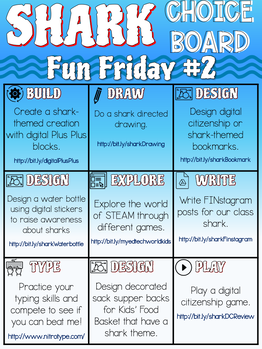
Choice Board #2
For our last day, we had our second Fun Friday choice board.  I offered Nitro Type and STEAM websites again, but had seven new options for them to choose from.  Be Internet Awesome has become a quick favorite among students.  It is always interesting to me to see where students gravitate towards and their unique personalities that come out when they are given choice.  This school year is so different that what they have experienced in the past and although we are distanced, masked, and not able to share resources, we can still find different ways to learn and have fun along the way.  Is absolutely exhausting for the teacher?  100%!  It is also 100% worth it to see the ah-ha moments and excitement among students!
0 Comments

Digital Citizenship Shark Week: Fun Friday #1

9/25/2020

0 Comments

 
Picture
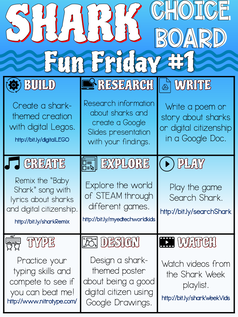
Whew!  We made it through our first week of our Digital Citizenship Shark Week!  I am so happy that I designed this unit the way that I did for the two week Specials rotations we have at school.  This will get each class started off with the same important information about digital citizenship, but it also works in so many STEAM elements.  I am breaking up the digital citizenship lessons with a STEAM lesson in between.  This has really helped the students stay engaged in the digital citizenship lessons as they know there are STEAM activities worked into those lessons as well as the lesson for the next day.

Choice Board #1
So why not celebrate with a little Fun Friday?!  This is where we put what we learned about personal and private information into practice by signing up for a Nitro Type account.  We learned how to sign into an online service using our Google account, and then created our public racing name.  We talked about how we don't want to use any private information for this name, as others will see it.  After we did some racing, I mean typing practice, I gave them a Fun Friday Choice Board that had other shark and digital citizenship activities they could choose from.  I was surprised at how many students simply wanted to keep on working on Nitro Type!  It was fun as we learned how to add each other as friends and race against one another.  Of course, they all wanted to race me and see if they could beat the teacher!  They learned quickly that they need to practice some more, but will definitely be challenging me in the future.  It was definitely a great way to spend our Friday as teaching and learning is absolutely draining on everyone right now - teachers and students!
0 Comments

Digital Citizenship Shark Week: STEAM Activity #1

9/8/2020

0 Comments

 
This week we started back in person with students, so I thought I would start with something I feel is important for all students - Digital Citizenship!  I feel that this is more important than ever as we are spending a large part of our day on the computer (even if we are in-person) and it is super important for students to recognize inappropriate online behavior and how to work towards addressing it.

As important as this topic is, I completely understand that it is not the most exciting topic for students.  You can picture it now, in fact, almost HEAR it, "I know, I know," "This is so boring!" and the list could go on and on.  Soooo, I knew I had to "fun it up" a bit in order for it to really hit home and leave an impact.  I took a suggestion from the student evaluation from Camp Legend this summer chose a theme of sharks.  I figured it would be a perfect topic to weave digital citizenship in, a variety of STEAM activities, and even some Science.

STEAM Activity

Picture
As Specials at my school started the same day as in-person learning, I didn't want to jump full into full-blown content first thing in the morning.  I figured it was not in the best interest of anyone! ;) So instead, I chose to lead into our Shark Digital Citizenship unit with a STEAM activity that I knew would spark their interest as well as give me an opportunity to get to know students a bit better. 

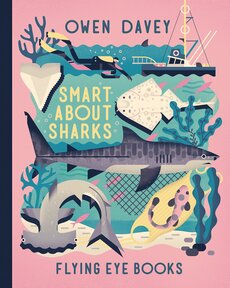
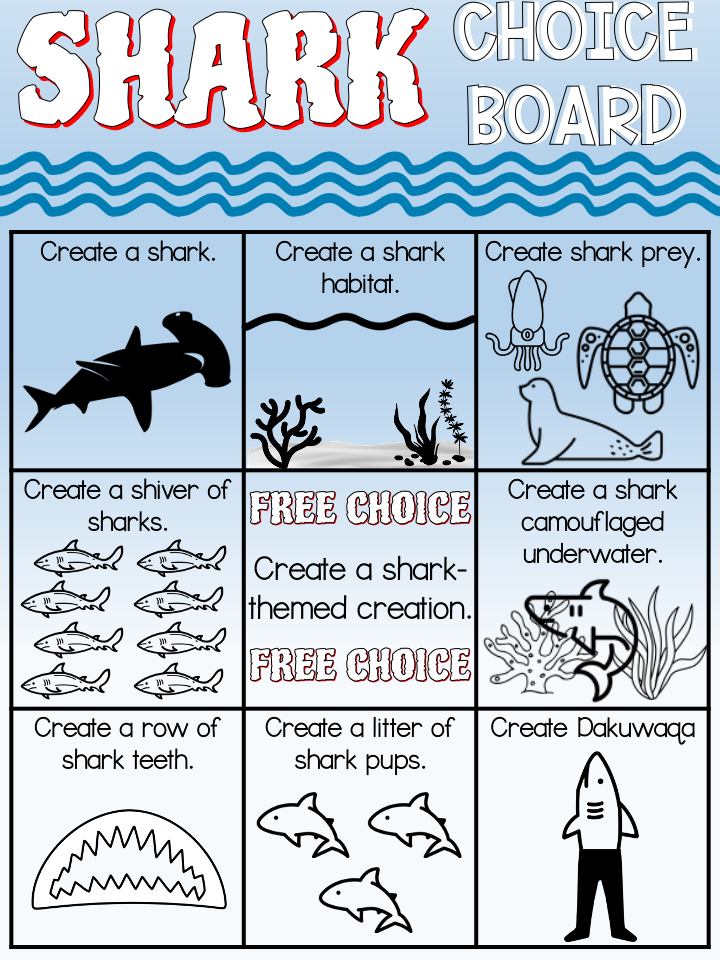
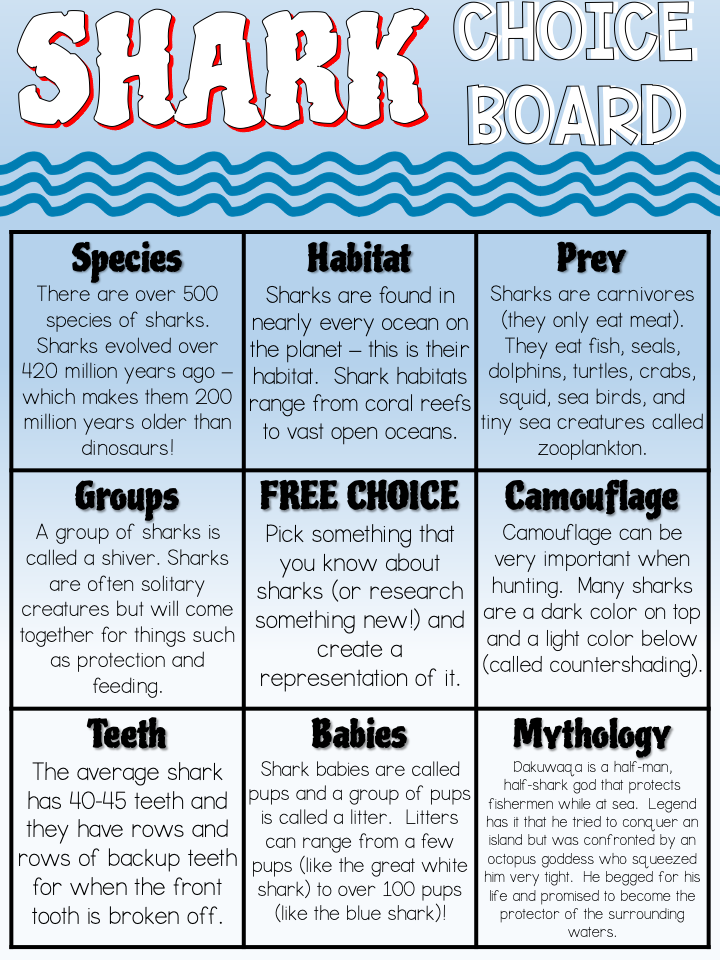
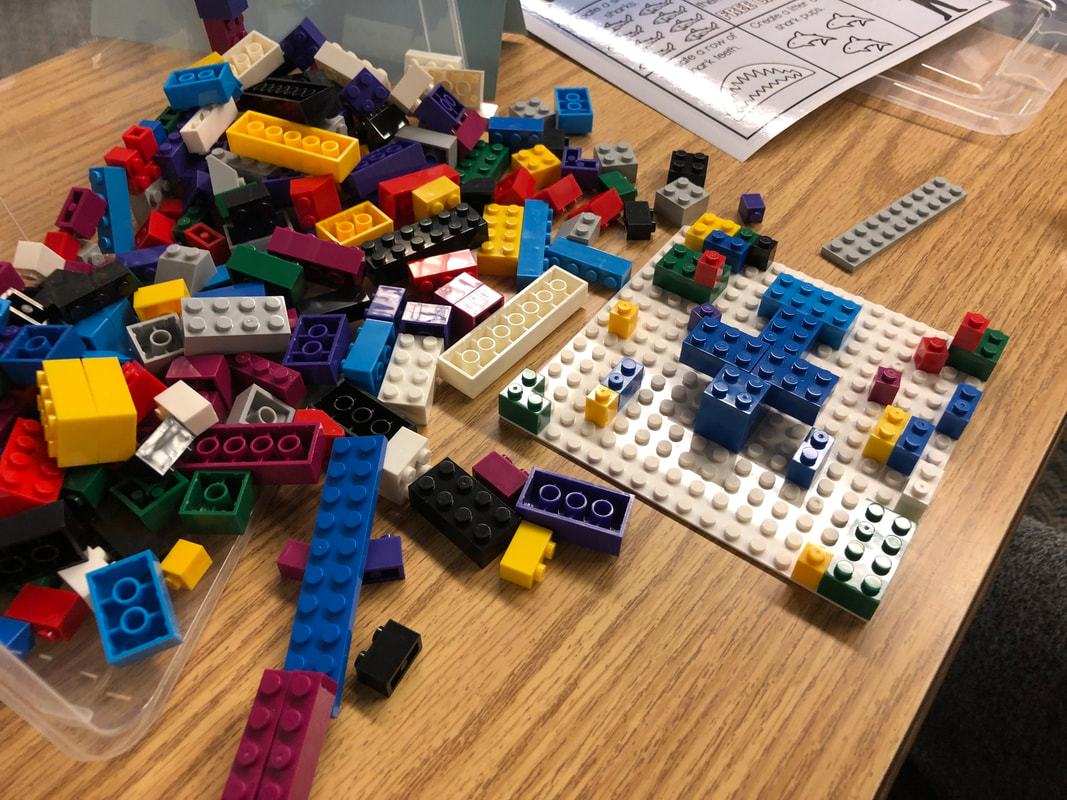
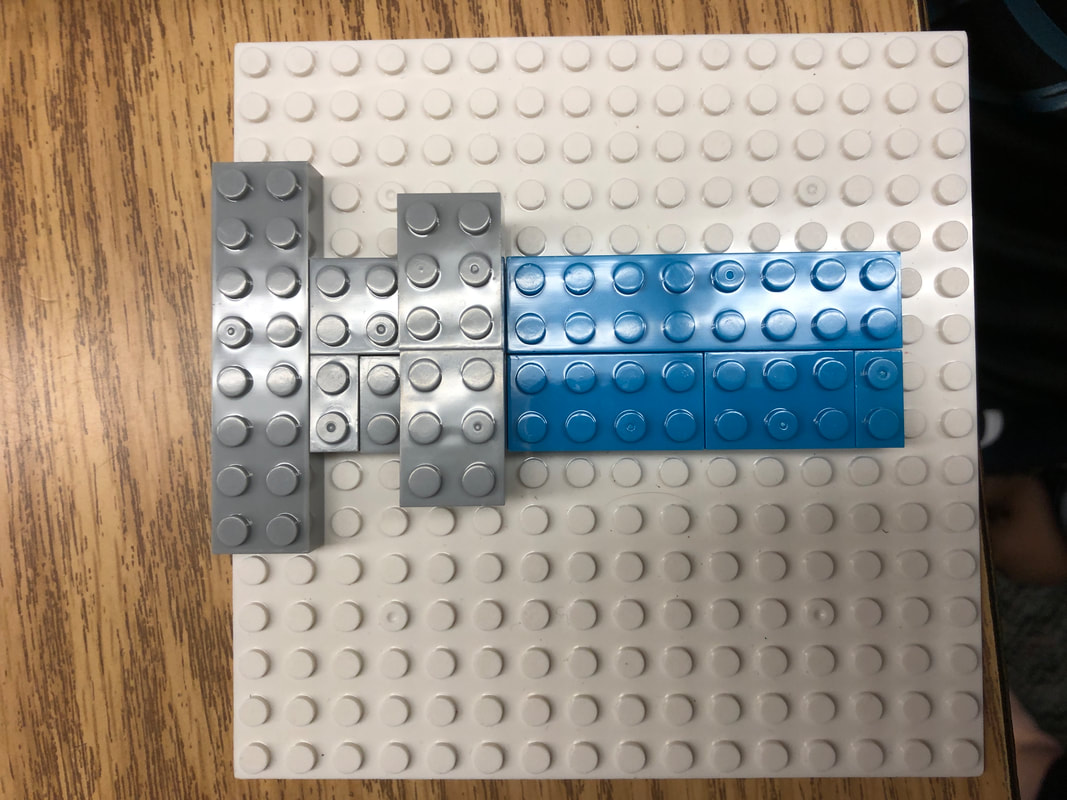
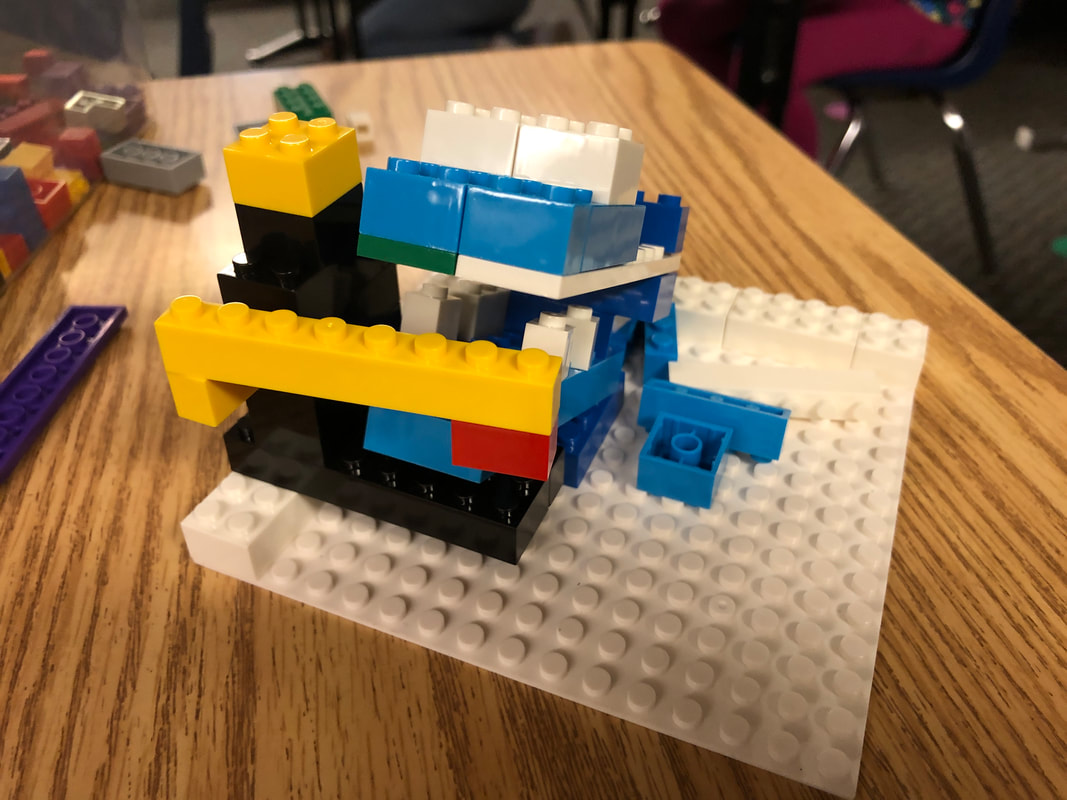
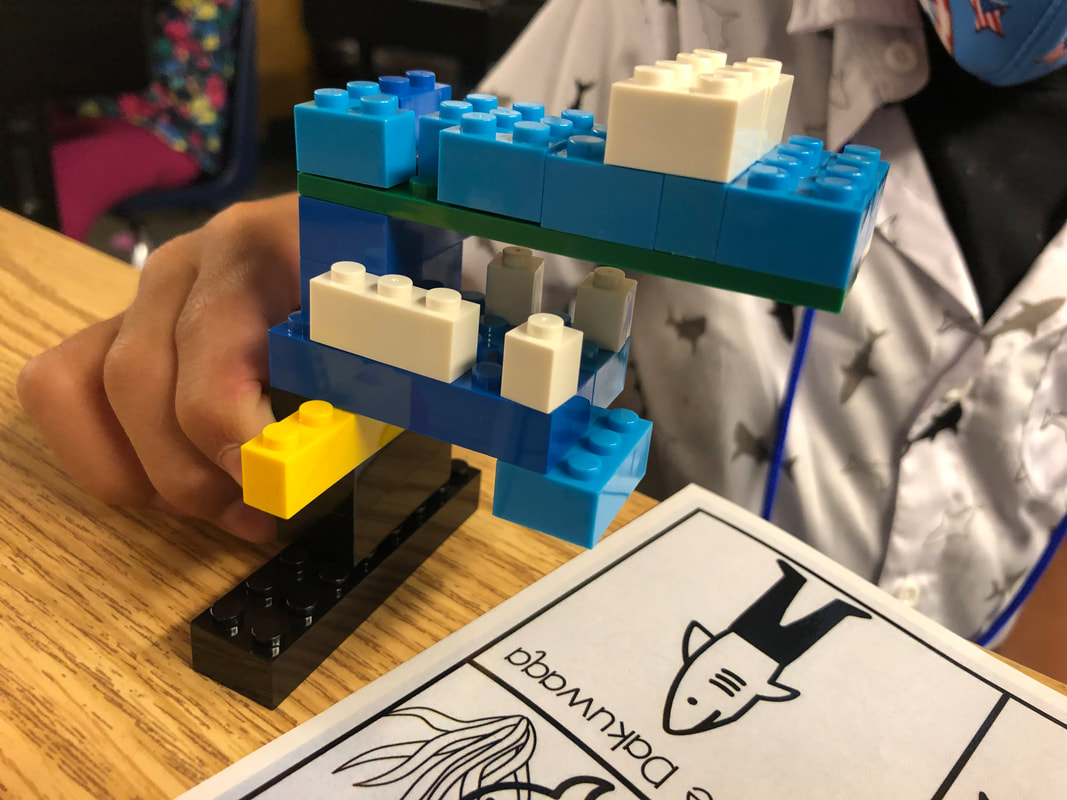
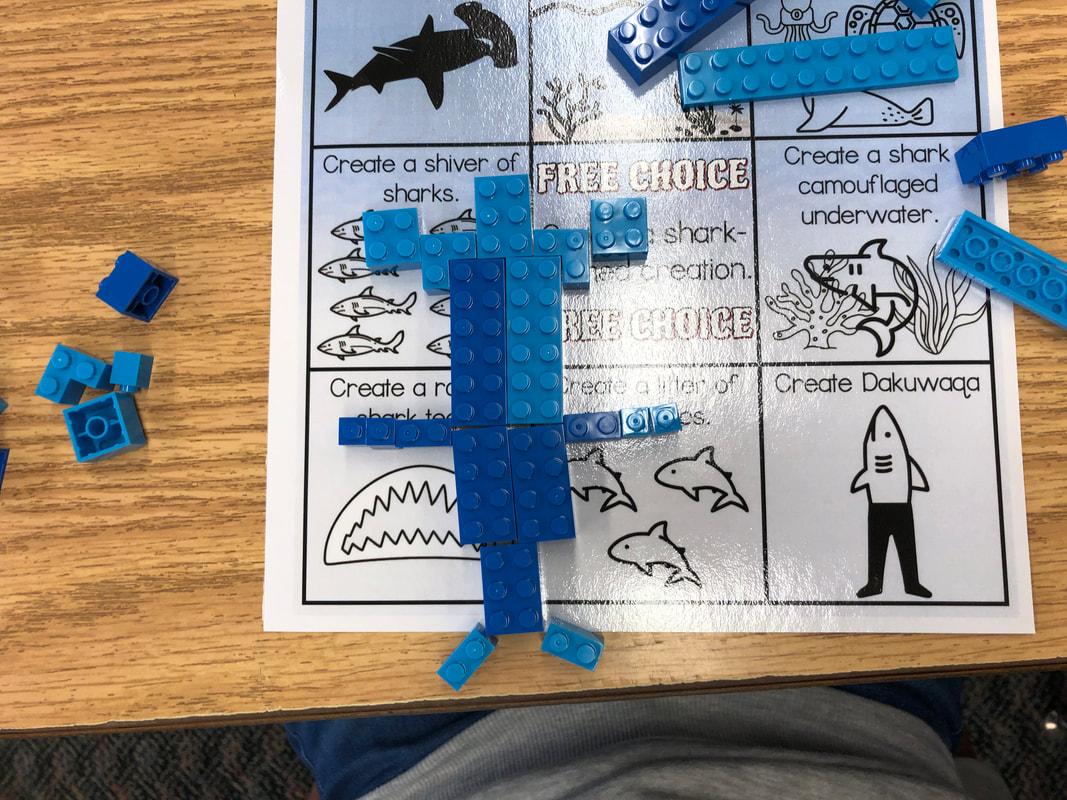
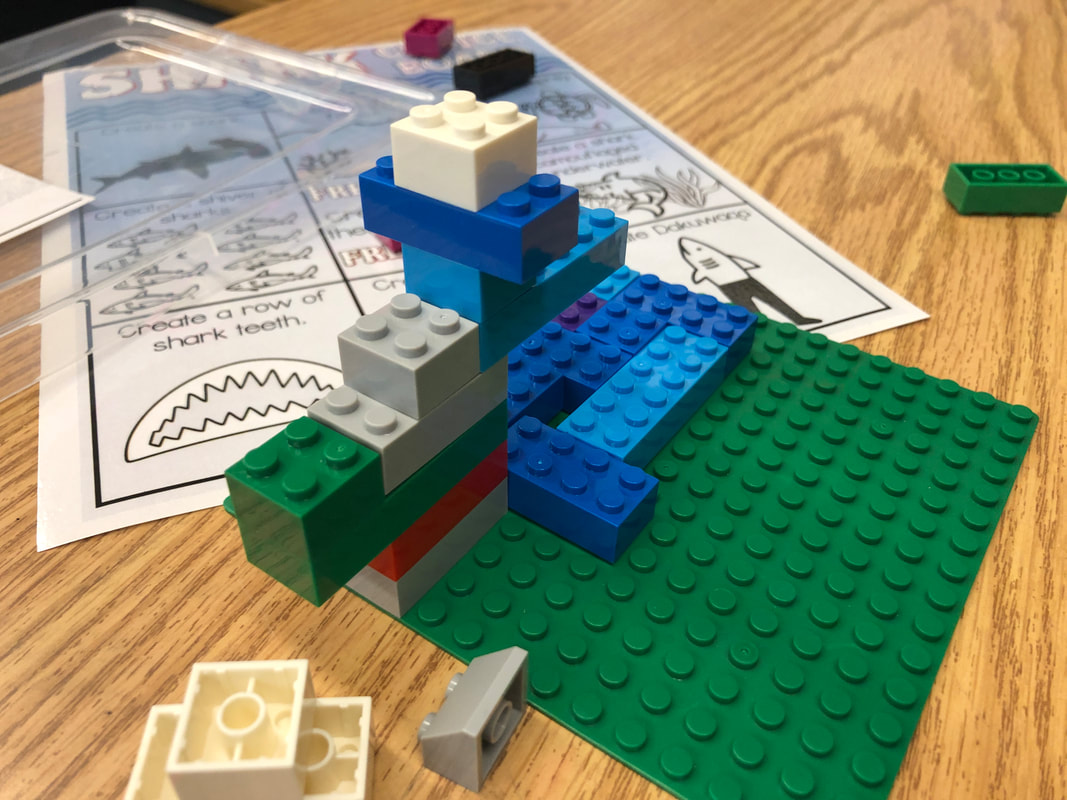
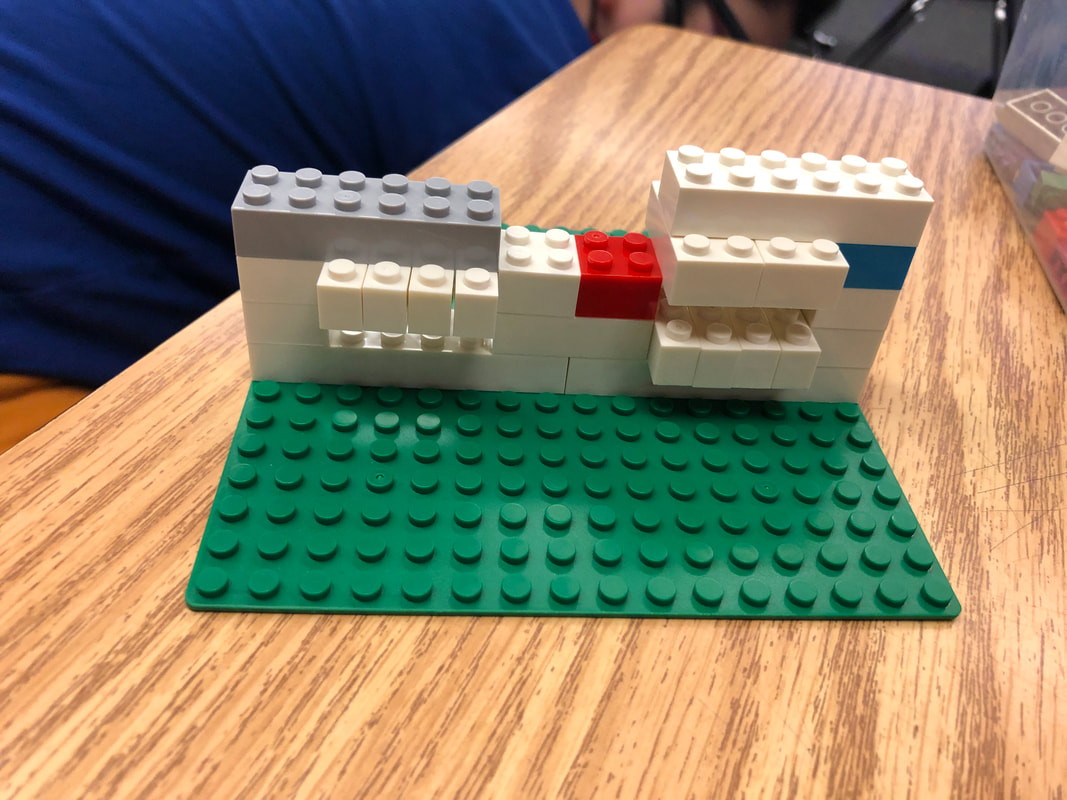
I created a choice board based on the book, Smart About Sharks.  There were so many great facts and images in this book, that I knew it would be a perfect anchor text for our Choice Board.  I was gifted this book by an amazing person in my PLN from my Shark Week Digital Citizenship Amazon Wish List and am so grateful that it made this learning activity come to life!  Students were given the Choice Board and could choose any item as their starting point.  I had brief descriptions and visuals on the front and more details on the back if anyone wanted more information.  The students seemed to enjoy the activity and actually worked through the items pretty quickly.  It is amazing the difference in their work when they are not in groups and constantly talking and sharing while they are building.  It was one of the things I was hoping to observe as far as their natural collaboration and communication and what would happen when they were not in groups and the natural sharing and conversation was not one of the main parts of their learning.  I learned many things today!

Printable Choice Board
Picture
Picture
As we have several classes that are full remote for the year, I have also been working to not only have the materials our in-person students will need, but also those that can be used by our virtual students.  I created a digital version of the print choice board and provided students with some digital LEGO pieces to build and design.  I hope that my virtual students have just as much fun as the in-person students with being able to create and learn about sharks!
Digital Choice Board
0 Comments
<<Previous

    Like What You See? Show Me Some Love!

    My Amazon Wish List
    Buy Me a Coffee!

    Follow Me

     Subscribe in a reader

    Would you like e-mail notifications?  Enter your e-mail address below to subscribe.

    Enter your email address:


    Categories

    All
    100th Day
    10 Minute Tech Tools
    1:1 Program
    2012 Edtechcheer
    21stcenturylearning
    3D Pens
    3D Printing
    6C Learner Profile
    Activators
    Aliens
    Alphabet Practice
    Angles
    App Review
    Arduino
    Army Men
    Artificial Intelligence
    Assessments
    Augmented Reality
    Back To School
    Beads
    Bingo
    Birthday
    Bitmoji
    Black History Month
    Book Spin
    Botley
    Brain Flakes
    Brain Games
    Breakout EDU
    Bridge Builders
    Button Making
    Camp Legend
    Careers
    Cars
    Chalk
    Choice Board
    Chopsticks
    Christmas
    Cinco De Mayo
    Circuitry
    Clear/Neon Building Bricks
    Clothespins
    Code & Go Mouse
    Coding
    Coffee Filters
    Comics
    Community Partner
    Computational Thinking
    Computer Science
    Conductive Play-Dough
    Conferences
    COVID19 Distance Learning
    CoVid19 Learn At Home
    Crack The Code
    Creation Cubes
    Creative Writing
    Culturally Responsive Teaching
    Dash
    DBEI
    Debate
    Design Thinking
    Dia De Los Muertos
    Dice
    Digital Activities
    Digital Citizenship
    Digital Comics
    Digital Manipulatives
    Distance Learning
    Dot Day
    Drawing
    Earth Day
    Earthquake
    Easter
    EdTech Cheer
    Edtech Cheer 2013
    EdTech Cheer 2014
    EdTech Cheer 2015
    Egged On
    Election
    Engagement
    Engineering Building Blocks
    Fall
    Fidget
    Financial Literacy
    Fire Safety
    Fireup
    Flippity
    Flockmen
    Forces
    Four In A Row
    Friendship
    Glow Day
    Glow Games
    Glowie Mats
    Glow STEAM
    Glps Tech Blog
    Godfrey-Lee
    Google Classroom
    Googledocs
    Google Sheets
    Google Sites
    Google Slides
    Graphic Recording
    Groundhog Day
    Growth Mindset
    Guest Speaker
    Guided Practice
    Halloween
    Hispanic Heritage Month
    Hour Of Code
    House Builders
    Imaginative Play
    Improv
    Index Cards
    Instructional Strategies
    Ipad
    ISTE
    KEVA Planks
    Knitting
    LearningLandscapesEDU
    Lego
    Legos
    Lesson Plans
    Lesson Preparation
    Listening Center
    Literacy
    LittleBits
    Lunch & Learn
    MACUL
    Macul11
    Macul12
    Macul13
    Mad Libs
    Magic Nuudles
    Magna Tiles
    Magnets
    Magnet Tiles
    Maker
    Maker Mat
    Marbles
    Math
    Memory
    Micro:bit
    Minecraft
    Mini Erasers
    Mini-Erasers
    Monthly Integration Idea
    Multiplication
    National Unplugged Play Day
    Nutrition
    Online Learning
    Optical Illusion
    Outdoor Learning
    Ozobots
    Paper Circuits
    Paper Craft
    Paper Quilling
    Paper Rolls
    Passion Project
    Pattern Blocks
    PBIS
    Perler Beads
    Physical Education
    Pipe Cleaner Circuits
    Pipe Cleaners
    Pipettes
    Pix Brix
    Pixel Art
    Plastic Cups
    Play Dough
    Plus Plus
    Podstock
    Pom Poms
    Pop It
    Popsicle Sticks
    Potato Head
    Powerpoint
    Power Tiles Circuits
    Professional Development
    QR Codes
    Qubits
    Quickfires
    Quick Tips
    Reading Month
    Rebelnet
    Rebelu
    Rebel U 2018
    Remote Learning
    Reward
    Robotics
    Room Transformation
    School Spirit
    Scratch
    Senior Capstone
    Sewing
    Shapegram
    Shark Week
    Shrinky Dinks
    SIOP
    Sketchnotes
    Slinky Dog
    Sloths
    Snap Circuits
    Snow Day
    Snowflakes
    Spanish
    Spanish Market
    Spelling
    Spiders
    Sports
    Spring
    Stamps
    Star Wars
    STEAM Calendar
    STEAM Glow Games
    STEAM Night
    STEAM Word Wall
    STEM/STEAM
    Stoneware
    Storybook STEAM
    Story On A Stick
    St. Patrick's Day
    Strawbees
    Straw Builders
    Straws
    STREAM
    Student Engagement Games
    Student Portfolios
    Sum Blox
    Summarizers
    Summer
    Super Bowl
    Symbaloo
    Task Cards
    Teacher Website
    Techintegration
    Tech Integration
    Thanksgiving
    Thaumatropes
    Thematic Learning
    Tinker Toys
    Town Blocks
    Toy Story STEAM Mania
    Unplugged Coding
    Valentine's Day
    Vehicle Builders
    Videostreaming
    Virtual Exploration Rooms
    Virtual Relaxation Room
    Volcano
    Water Activity
    Wikki Stix
    Winter
    Winter Olympics
    Women's History Month
    Wooden Blocks
    Wooden Planks
    Yarn
    Yeti
    Zentangles


    Archives

    June 2024
    December 2022
    March 2022
    October 2021
    September 2021
    July 2021
    May 2021
    February 2021
    December 2020
    November 2020
    October 2020
    September 2020
    August 2020
    June 2020
    April 2020
    March 2020
    February 2020
    January 2020
    December 2019
    November 2019
    October 2019
    September 2019
    August 2019
    May 2019
    April 2019
    March 2019
    February 2019
    January 2019
    December 2018
    November 2018
    October 2018
    September 2018
    August 2018
    June 2018
    May 2018
    April 2018
    March 2018
    February 2018
    January 2018
    December 2017
    November 2017
    October 2017
    September 2017
    August 2017
    March 2017
    September 2016
    July 2016
    April 2016
    March 2016
    February 2016
    January 2016
    December 2015
    November 2015
    October 2015
    September 2015
    April 2015
    February 2015
    January 2015
    November 2014
    October 2014
    September 2014
    March 2014
    January 2014
    December 2013
    November 2013
    October 2013
    September 2013
    May 2013
    April 2013
    March 2013
    February 2013
    January 2013
    December 2012
    November 2012
    October 2012
    September 2012
    March 2012
    December 2011
    November 2011
    October 2011
    July 2011
    June 2011
    April 2011
    March 2011
    January 2011
    December 2010
    November 2010
    October 2010
    September 2010
    March 2010
    December 2009
    November 2009
    October 2009

Powered by Create your own unique website with customizable templates.
Photo from Sustainable Economies Law Center