My Ed Tech World
  • Home
  • Blog
  • Resources
    • Virtual Rooms
    • Student Resources >
      • Y5/T1 STEAM
      • 4th Grade STEAM
      • Student STEAM Resources
    • Learning Landscapes EDU
    • Web Resources
    • iPad Resources
    • SIOP Resources >
      • Preparation
      • Building Background
      • Comprehensible Input
      • Strategies
      • Interaction
      • Practice-Application
      • Lesson Delivery
      • Review/Assessment
  • Professional
    • Virtual Make & Take
    • Accomplishments
    • Conferences >
      • 2018-2019 >
        • Fire Up (Spring 2019)
        • MACUL 2019
      • 2017-2018 >
        • Podstock 2017
        • Rebel U 2018
        • Fire Up (Fall 2017)
      • 2016-2017 >
        • Podstock 2016
        • Rebel U 2016
        • COETC16
        • Fire Up (Fall 2016)
        • MACUL 2017
        • Fire Up (Spring 2017)
      • 2009-2015 >
        • 2015-2016 >
          • Fire Up (Fall 2015)
          • Rebel U 2015
          • KISD Tech Camp 2015
          • Fire Up (Spring 2015)
        • 2014-2015 >
          • Fire Up (Spring) 2014
          • Rebel U - Cooperative Learning & Technology
          • Fire Up (Fall) 2014
        • 2013 >
          • Rebel U {Virtual Edition} - Sustainability
          • Fire Up (Spring) 2013
          • MACUL 2013
          • Rebel U - Teaching & Learning Like a Superhero
          • Fire Up (Fall) 2013
        • 2012 >
          • Fire Up (Spring) - Get Inspired with Technology
          • Rebel U - iSpy an iPad
          • MACUL - Personalized Learning Conference
          • Fire Up (Fall) - Bringing Learning Outside the Classroom
        • 2011 >
          • MACUL - Google Sites
          • Fire Up Spring
          • Rebel U - Test Taking Tools & Strategies
          • Rebel U - 40 in 40
          • Teaching & Learning in the Cloud - Building a Tech Leader's Toolbox
          • Fire Up Fall - Building a Tech Leader's Toolbox
        • 2010 >
          • KISD TechKnow - Google Sites
          • Rebel U - Google Docs
          • Rebel U - Picnik
          • Teaching & Learning in the Cloud - Google Sites
          • Fire Up (Fall) - Cool Web Tools
          • Fire Up (Spring) - Google Sites
        • 2009 >
          • Fire Up Fall - PP in the Classroom
    • PD >
      • Flex PD >
        • Bye Bye Be
      • Rebel U
      • 12 Days of (Ed Tech) Cheer
    • My Zazzle Store
    • Disclaimer
  • Contact

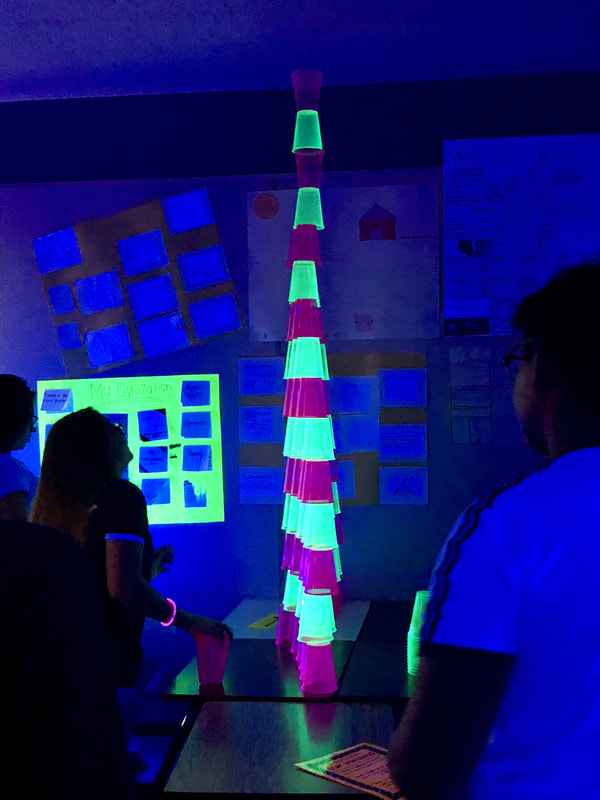
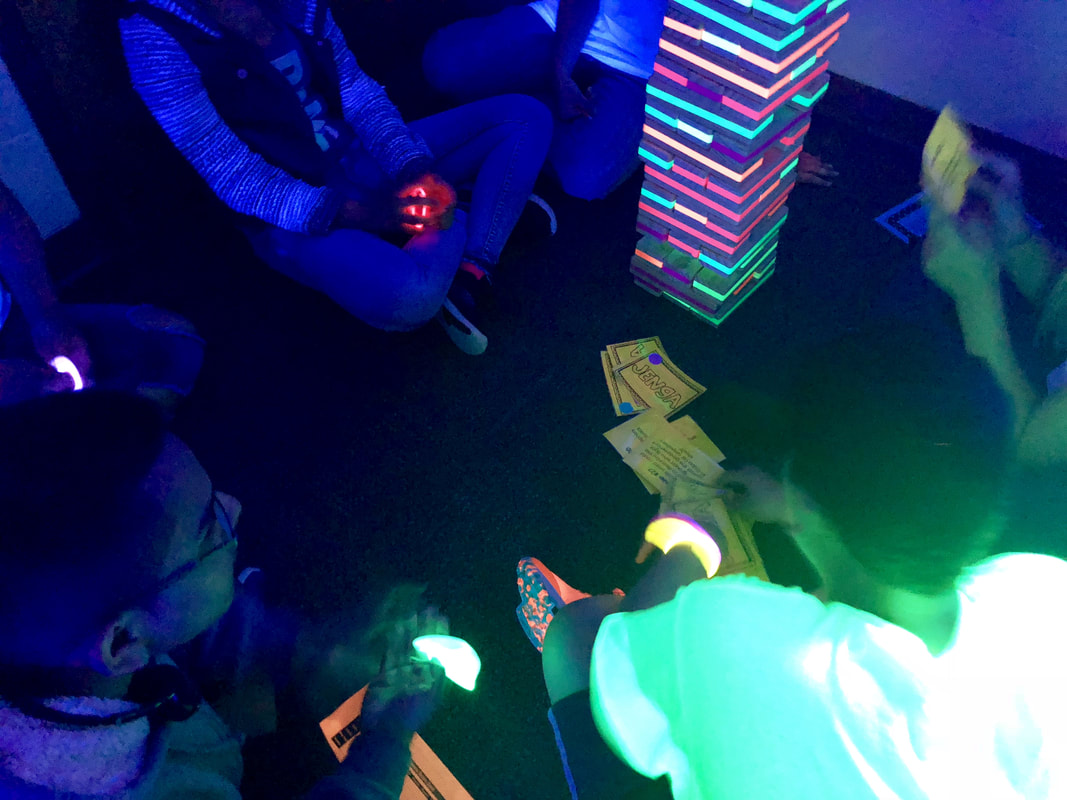
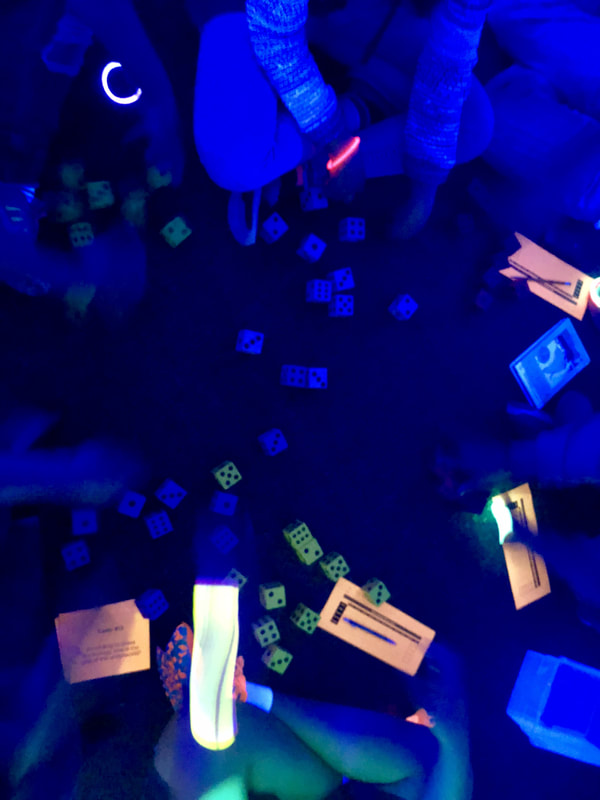
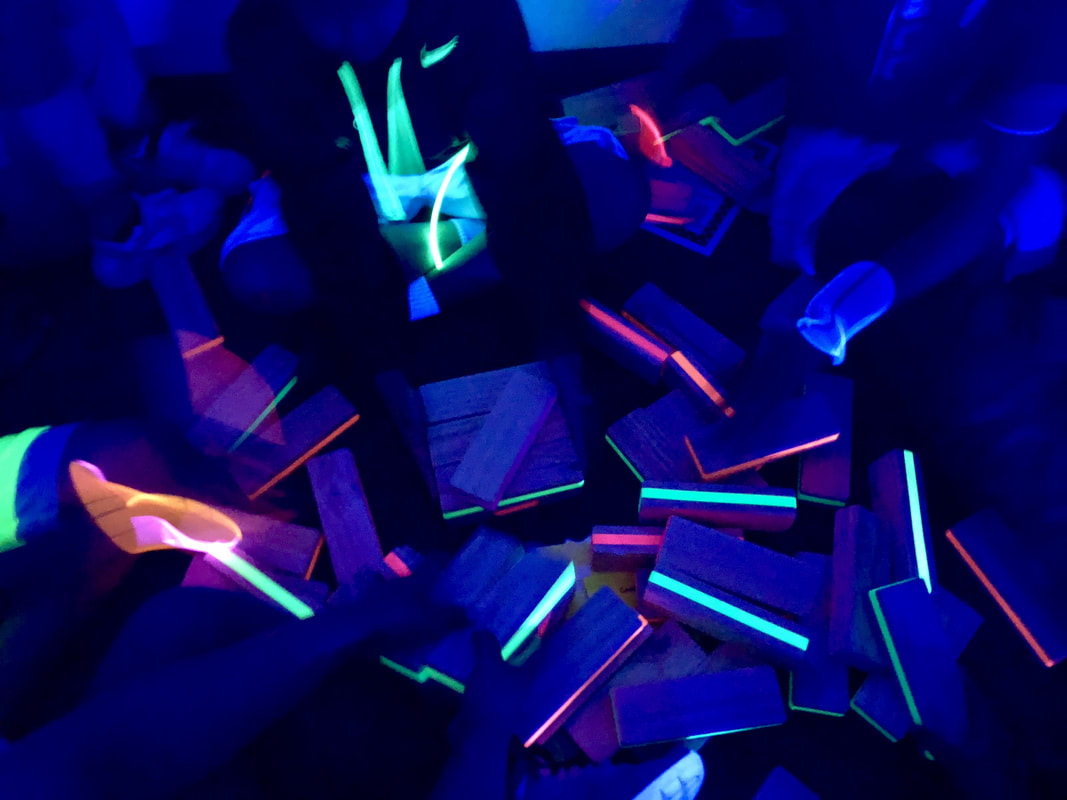
STEAM Glow Games

2/7/2020

3 Comments


Before Jumping In...

Note: Before we jumped into our STEAM Glow Games, we spent time learning how to play all the games and learning how to reflect and self-assess.  To see how we practiced this, click on the "Intro to Games" button.  On this link I also included links to all the games that were used in our STEAM Glow Games.
Intro to Games & Reflection

STEAM Glow Games in Action

Picture
Over the winter break, I was trying to think ahead for some of the content to cover for my STEAM classes.  As I was reflecting on what I have already covered, I began to feel as though I might not have hit on some of the deeper meanings of STEAM.  We have done a lot of building, creating, engineering, and designing, but I didn't feel like I had really hit on what each letter of STEAM means in the bigger picture of things beyond our classroom and school. 

Why do we have STEAM class?  Who are people in STEAM careers?  What are some possible STEAM careers?  How do we take what we know about STEAM and apply it to our life outside of school?  What are the 6Cs and how does that fit with STEAM?  How does our mindset affect our attitude and our work in STEAM?  These were some of my driving questions I wanted students to think more about and have a deeper understanding about as it relates to themselves and the world.

Why the Glow Games?

I knew this was going to be a challenge for students to tackle and I also knew that there would be students who would not find this "fun" compared to other activities we have done in class.  I am not one to let fun guide my instruction, but rather help students find joy and fun in whatever they are doing.  I figured that this would be an opportunity to insert one of my favorite classroom transformations - a glow room!  And why not teach them something other than just the content along the way?  Hello games!

One thing I have noticed this year is that my students have a difficult time working in groups collaboratively, so we have done a lot of collaborative work and learning how to talk to talk to one another constructively.  I also learned through talking with my students, that many of them did not know how to play many games or spend time playing games at home.  I feel that games are a great way for students to communicate with one another while working towards a common goal.  So if students are working towards a common goal of learning, playing games as part of the learning process.  According to Hope King, using games appropriately in the classroom is a great way to engage students in powerful learning and applications.  On her blog she has stated two rules to keep in mind when using games for student engagement and learning:
​1) No turns/no outs: When preparing a game, make sure that every single student is accountable to answer every single question independently. This ensures that each student is not having the fun until they put in the work. 

When students are given the opportunity to get "out", they often will do this when they are tired of working or would rather just sit. We need to make sure that every student is always a part of the game, and that they are accountable for their learning. 

2) Next level gaming: We need to make sure that games don't simply focus on memorization, but rather that they emphasize the application of a skill. Don't just get stuck on memorizing terminology, but give opportunities for the students to be able to use the terms to create and analyze.
Using these two items as guides for incorporating my games in with the content, I decided to use task cards to guide the table conversation.  Students would take turns reading a task card to the group, all group members would write their answers in their answer books, then share their answers with the group before taking a turn playing a game (or part of a game).  Some of the questions I put together in the book were questions they should know from our previous classwork, but most were application or opinion questions.  I wanted them to think about what they already know and use information I provided to do some problem solving and analysis.  I know that is a hefty task to ask of fourth graders, but I know they could do it with perseverance, grit, and teamwork.  I always tell my students that we do hard things, and by doing hard things our brain grows.  If we always do easy things, we are not challenging ourselves to do difficult things and grow as a learner.

Below I have links to two different resources - the Student Booklet and the Teacher Resources.  The Student Booklet is what I copied and stapled together for students.  This not only had their answer recording sheets and reflection page, but also a page of information that they might find helpful in answering some of the task card questions.  The Teacher Resources has all of the task card questions, game direction sheets, and additional information I used to set up and run the STEAM Glow Games.
Student Booklet
Teacher Resources
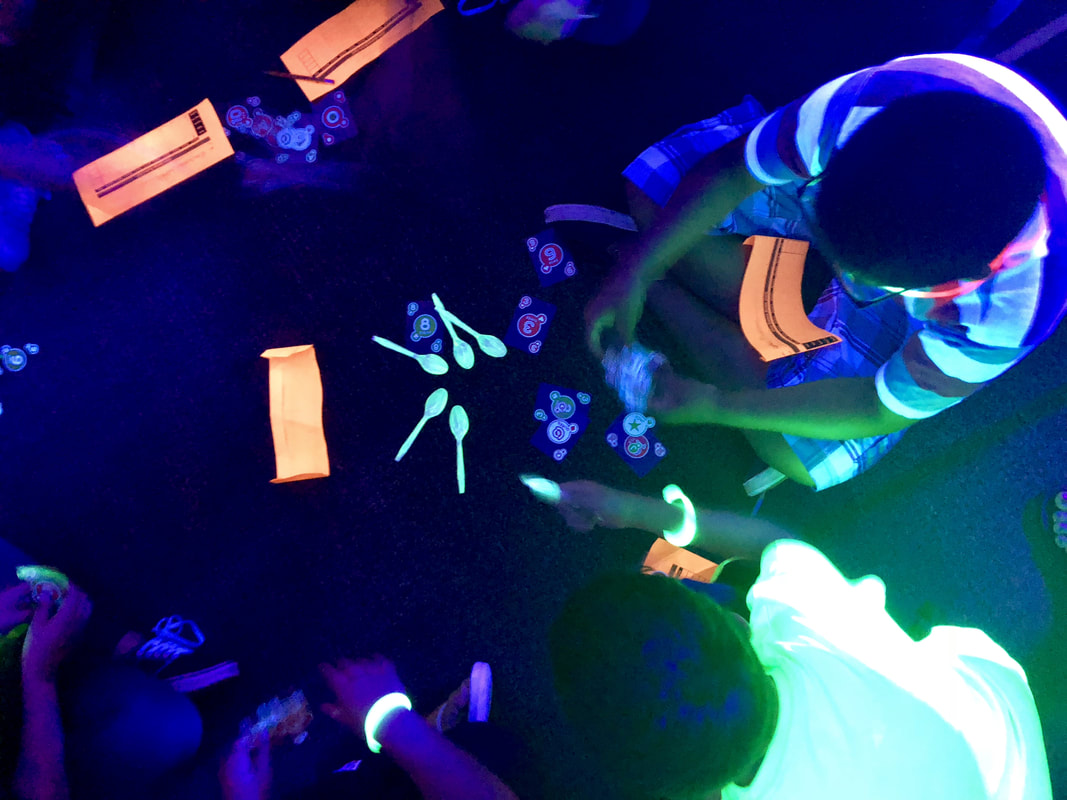
We truly had a blast while working through our STEAM Glow Games.  I tried to capture some video while students were working through stations because I wanted to be able to show them later the amazing things they accomplished through these games.

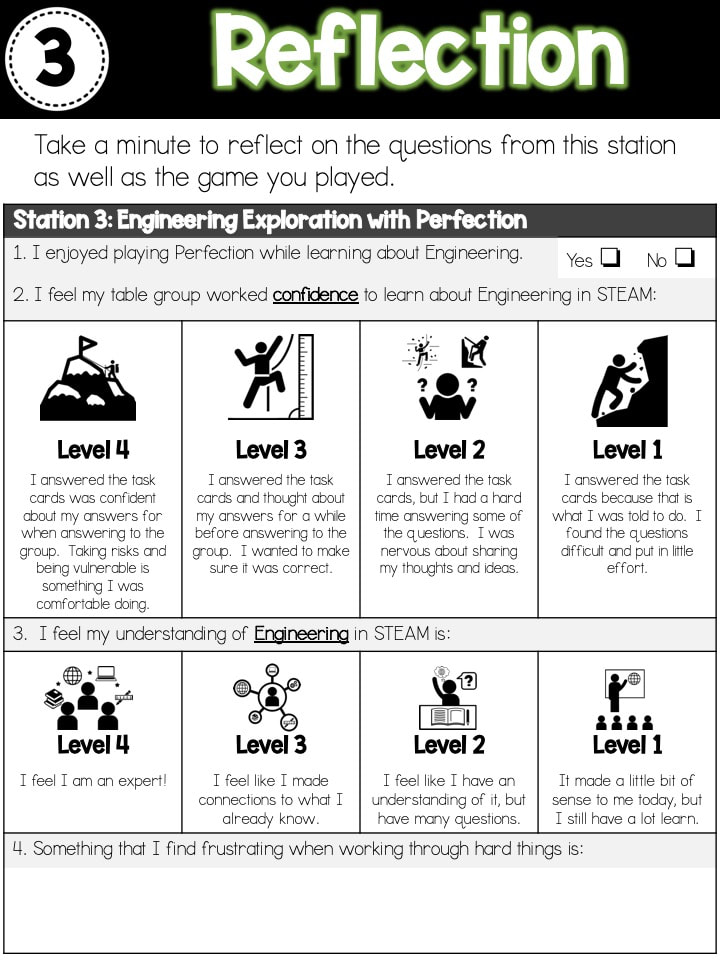
Student Reflection

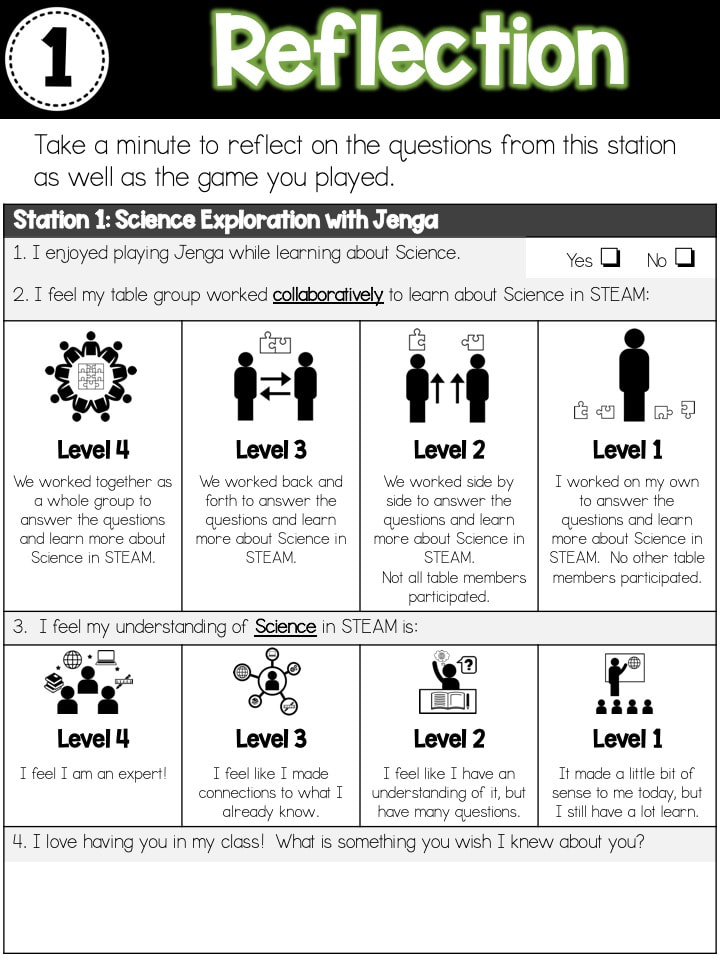
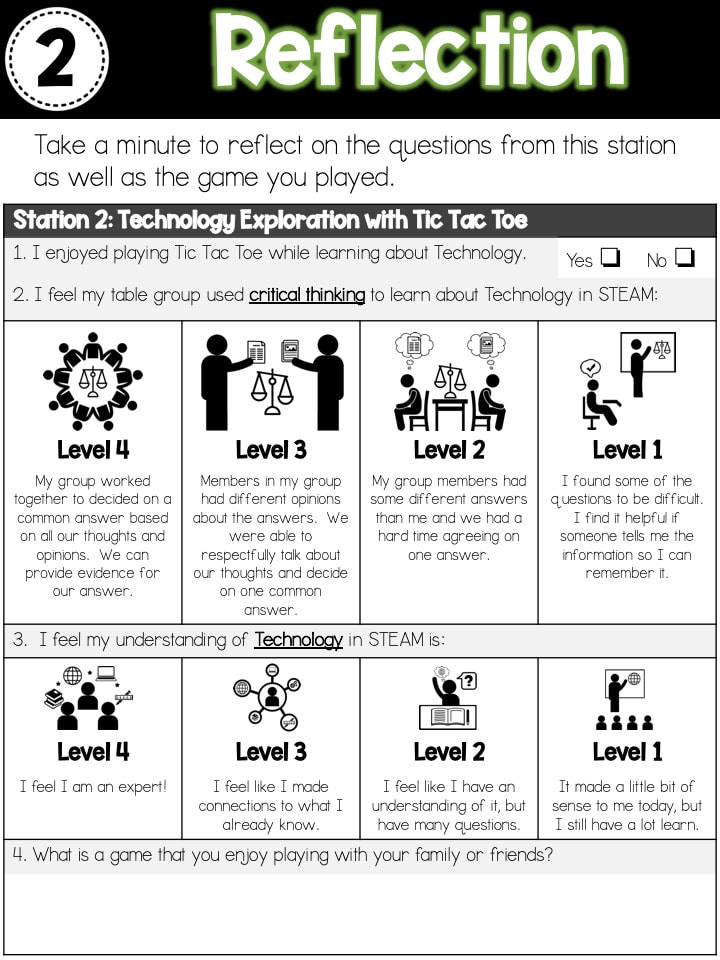
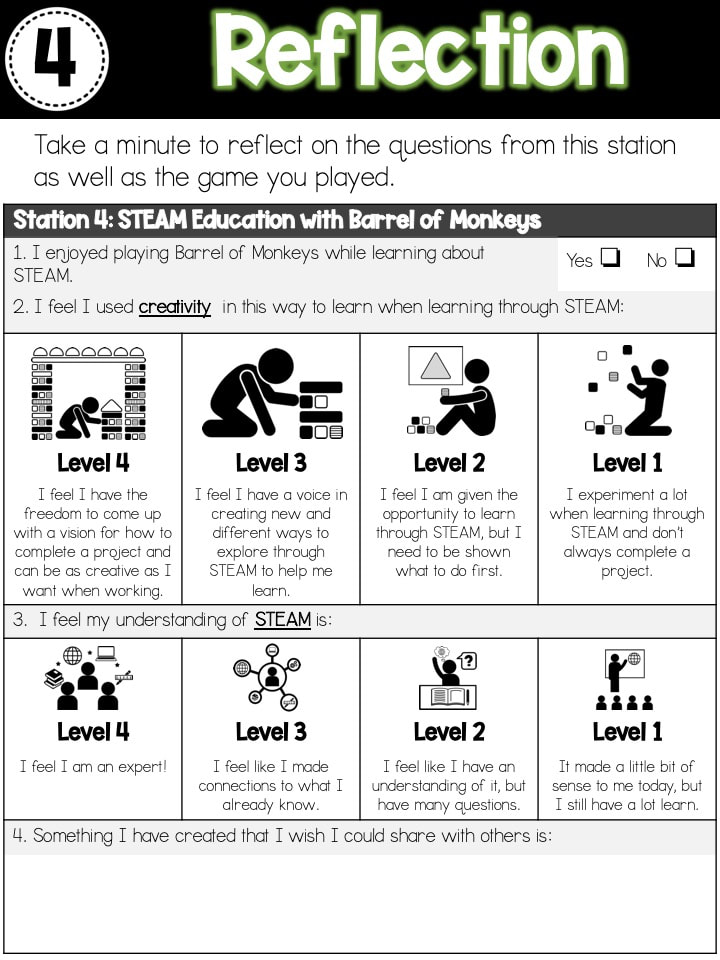
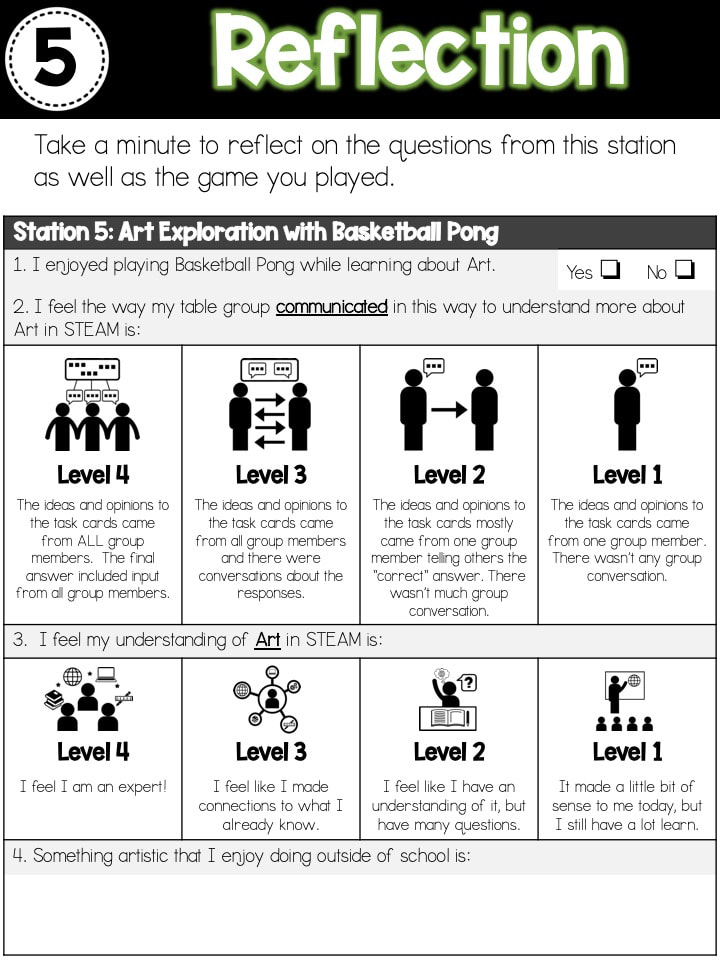
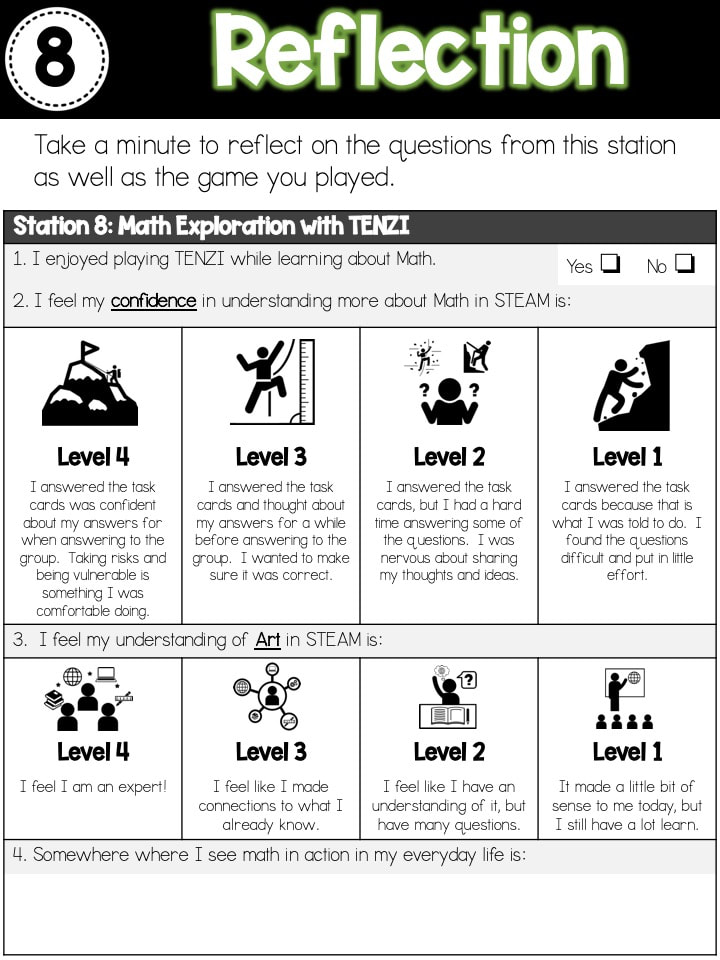
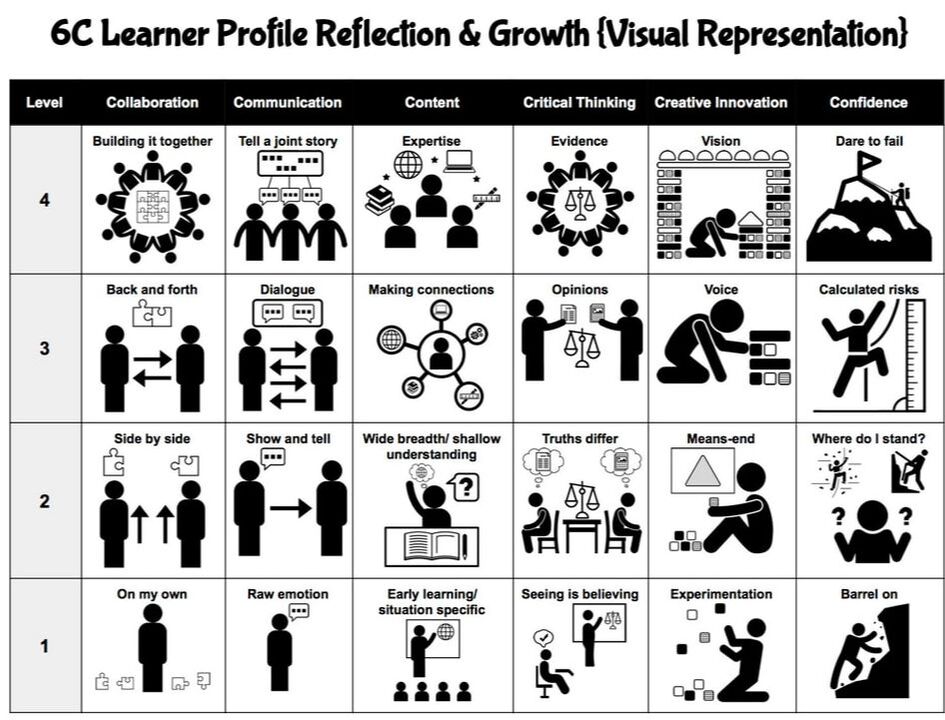
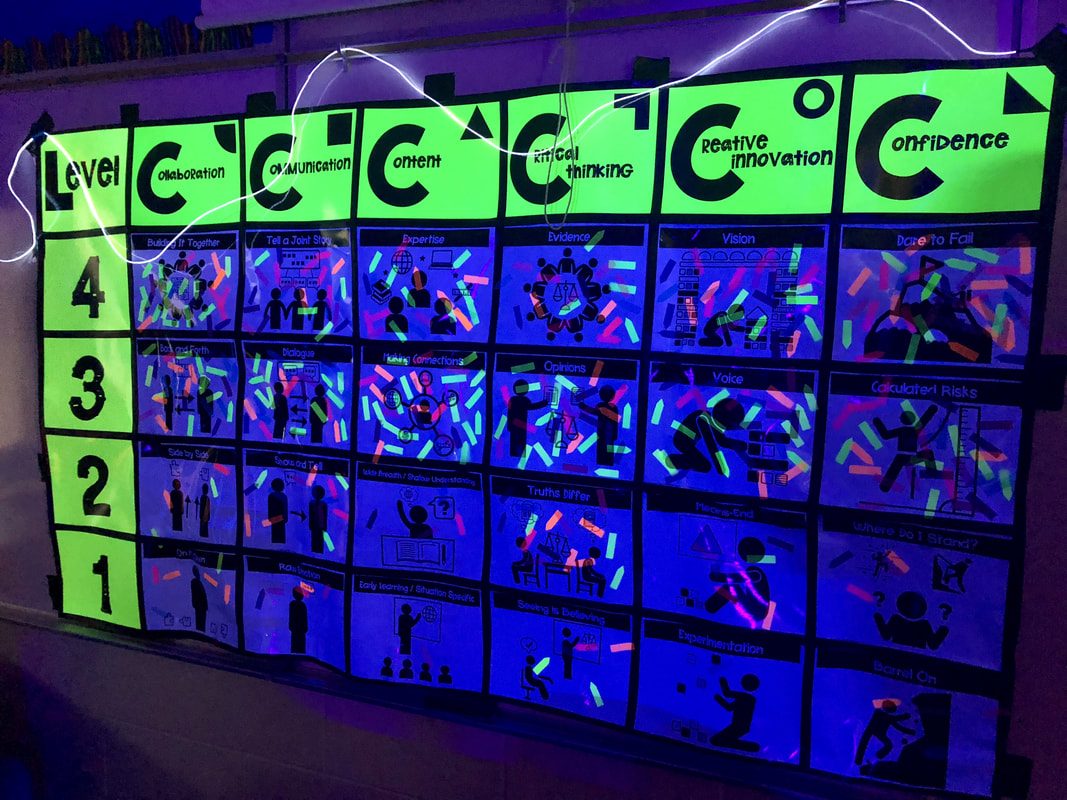
At the end of each learning station, I asked students to reflect on their experience at the station and how it fit in with the 6C Learner Profile that our district has adopted (based off the book, Becoming Brilliant by Roberta Michnick Golinkoff PhD and Kathy Hirsh-Pasek PhD). ​  I selected a "C" for each game and used that as the focus for my question in addition to a content question.  I also included a question at the end (as my district is focusing on cultural responsive teaching) to learn more about my students as individuals and how their unique identity contributes to our class culture.  These questions have led students to not only answer them on their recording sheet, but come up and verbally share their responses with me because they feel valued and excited about what they are doing.

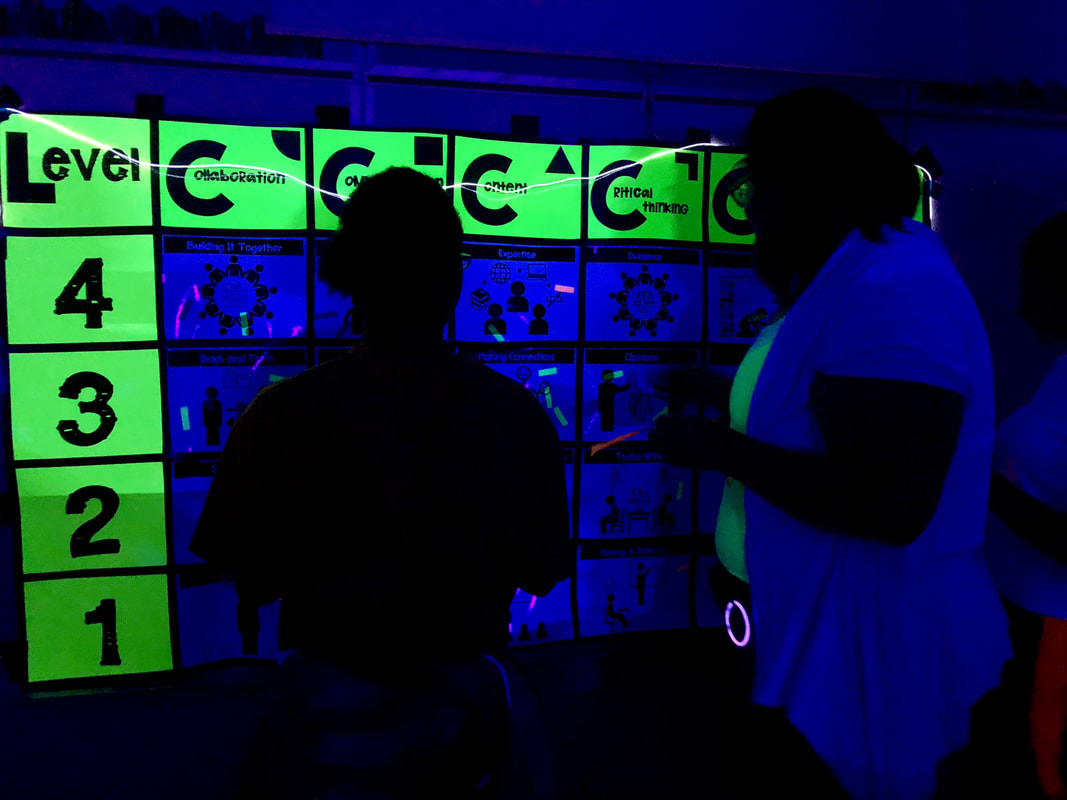
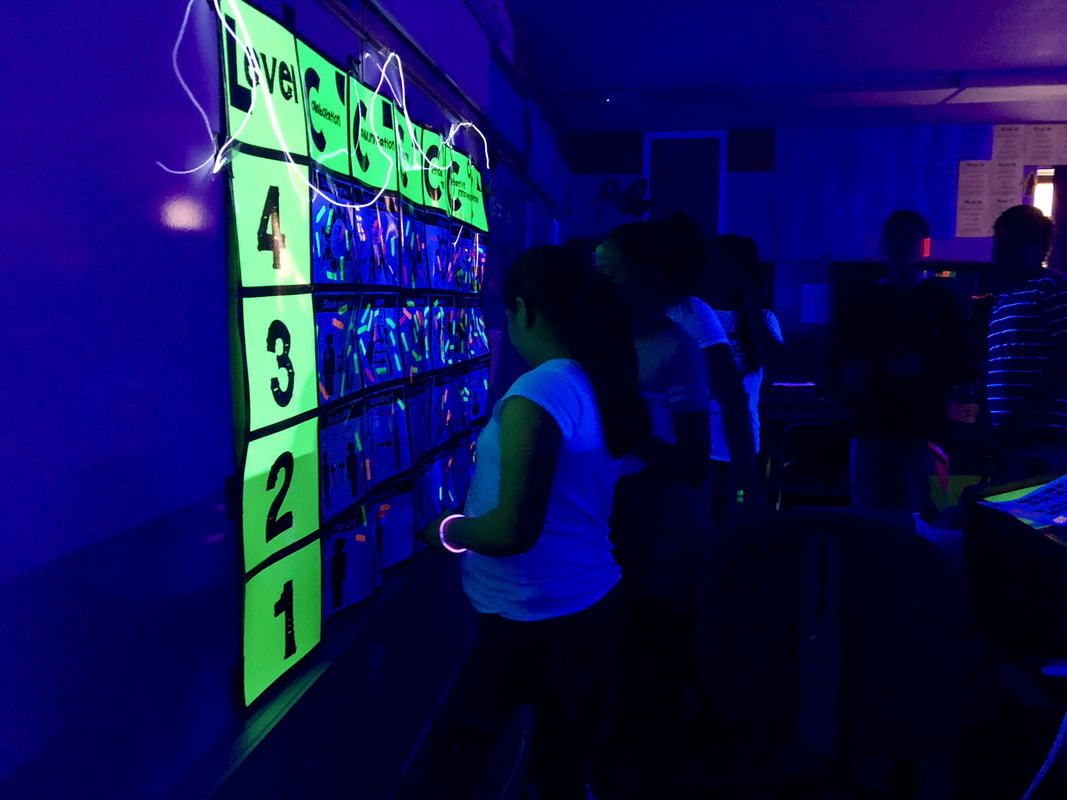
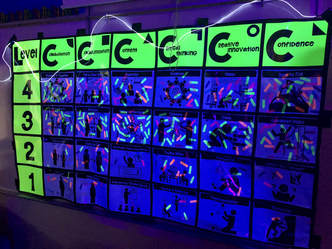
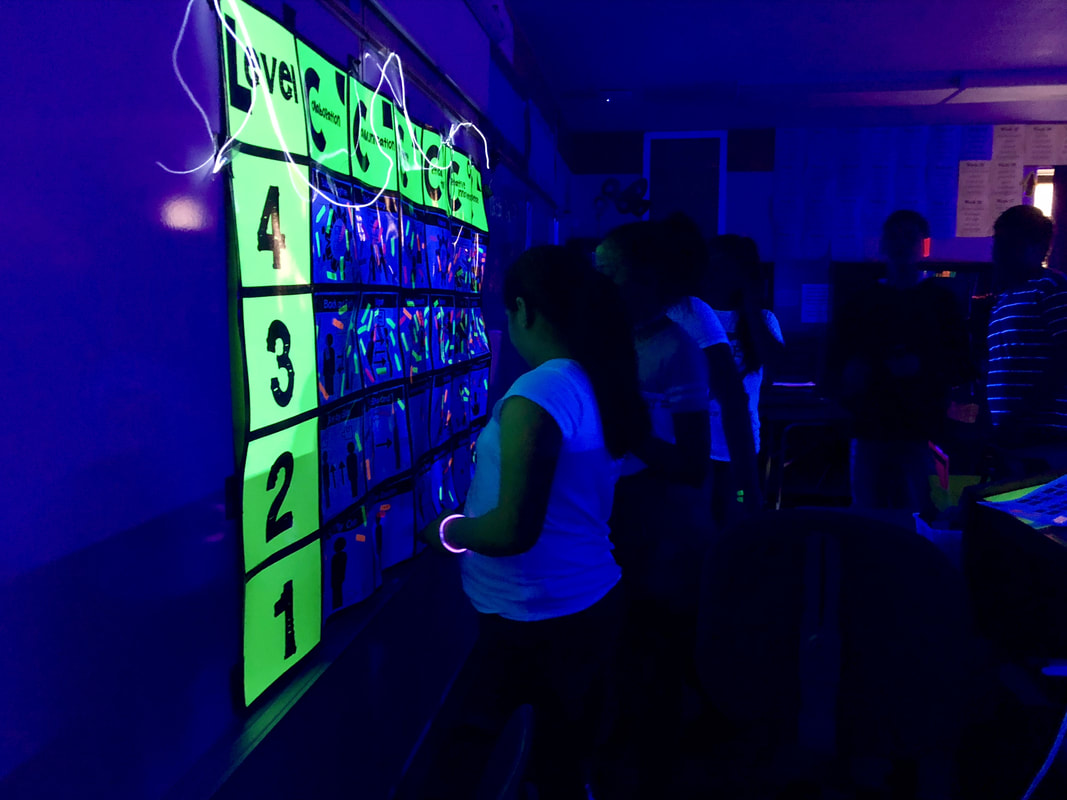
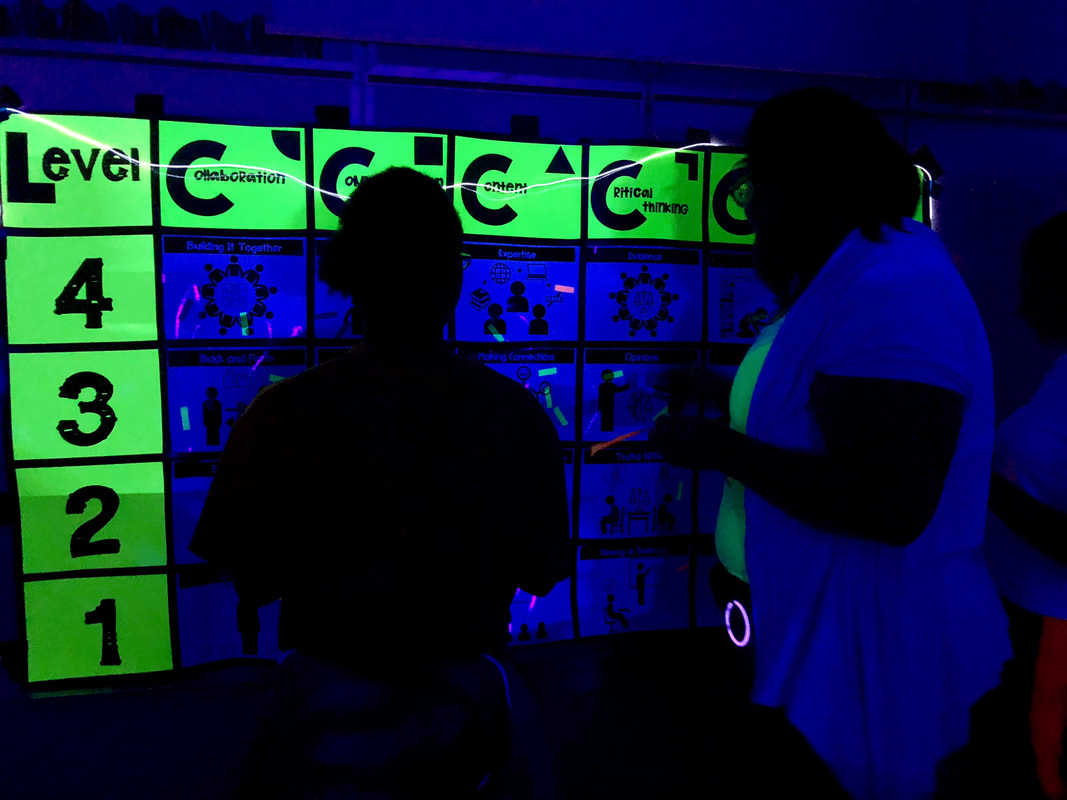
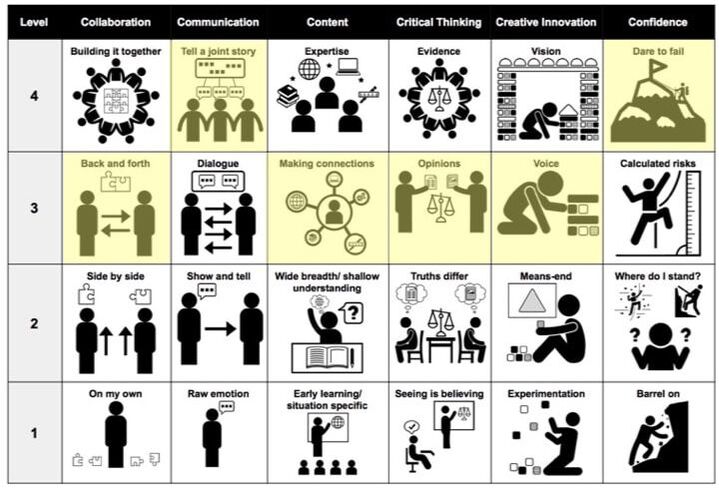
Below is the 6C Learner Profile Matrix we use to measure growth.  I have highlighted the levels for each "C" that I feel students should reach if they are an active learning participant in the STEAM Glow Games.  For the Glow Games, I asked students to self assess as part of their reflection page in their booklet and then I put their information into a spreadsheet for my own data tracking.  Instead of me assessing them (our STEAM class is not graded, but rather as participation), I was curious what the students would "grade" themselves as if given the opportunity. 
Picture

Classroom Set Up

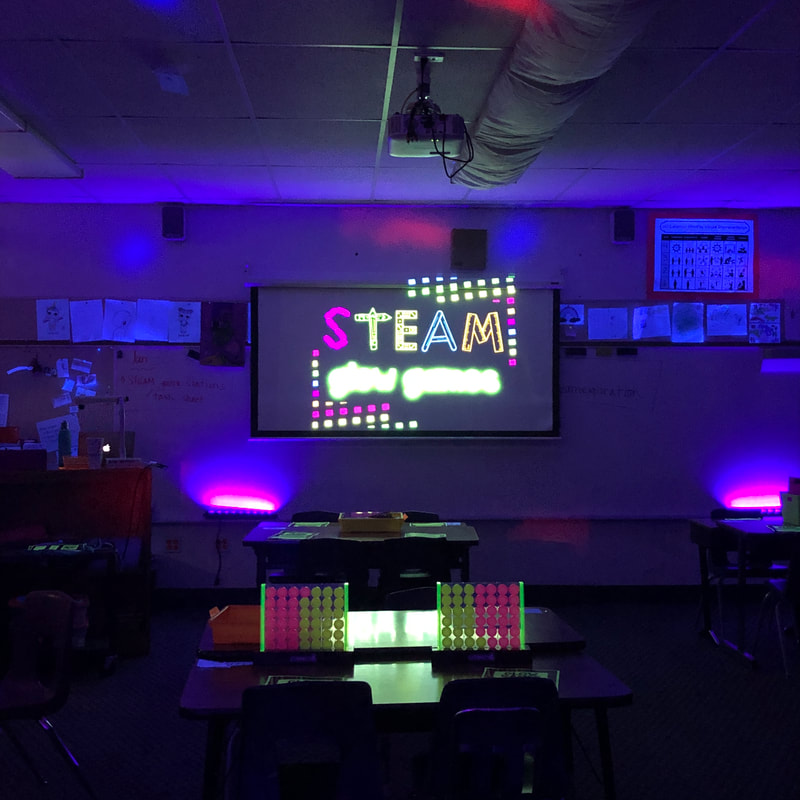
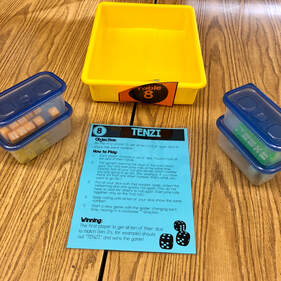
I set the room up similarly to that of when we were just practicing how to play the games.  I felt that the consistency would help keep order in how games were set up, how they reset the stations, and how to rotate from one station to another.  Each station had a container that had pencils, game directions, the game (if it fit), and the task cards.  Students carried their booklets with them from station to station.
Picture

Stations

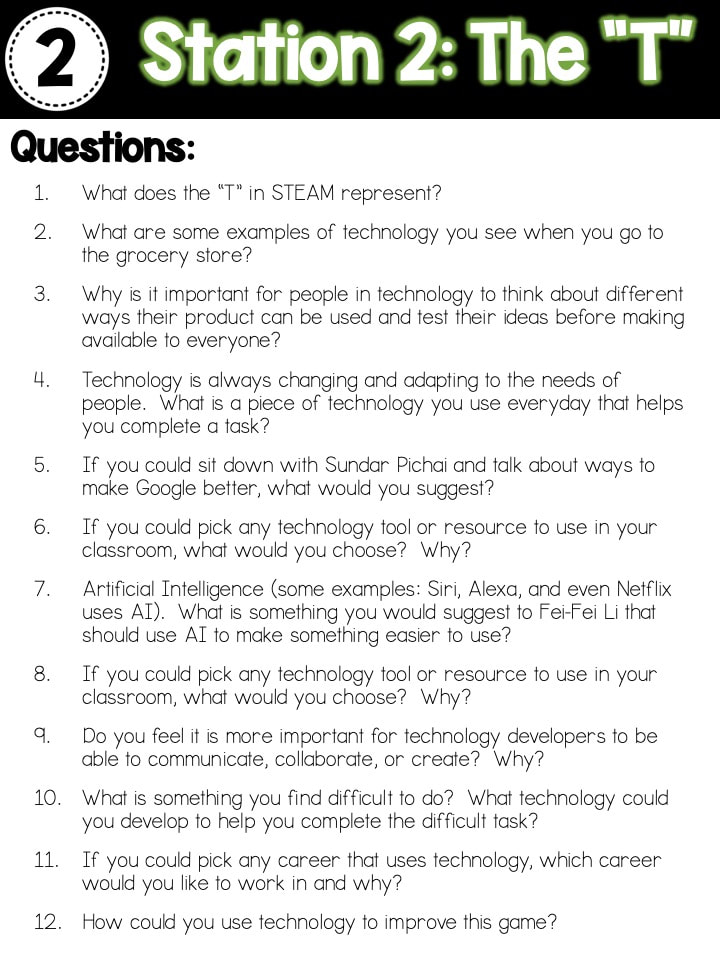
So, here is the breakdown of the stations I created and how they were implemented.  I created a presentation that I used to guide students through our class time during the STEAM Glow Games.  I wanted to make sure everyone knew why we were learning more about STEAM, my expectations, and how the class time was going to be used.  I embedded the timers into the presentation and projected them so students could always see how much time had elapsed. 

I only see my students for one hour a week, so I spread our STEAM Glow Games out over the course of four weeks.  Each week students rotated through two stations.  I included brain breaks right before our rotation to a new station so they would have time to get up, get some wiggles out, and potentially dance out any frustrations they might have encountered.
STEAM Glow Games Presention

Station #1 - 

Picture
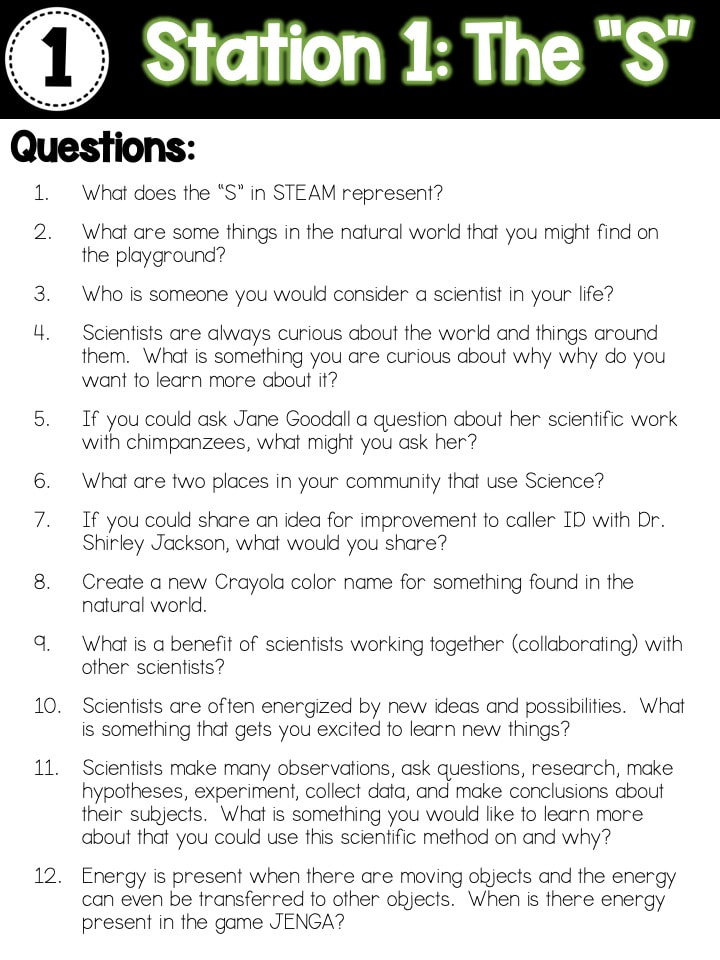
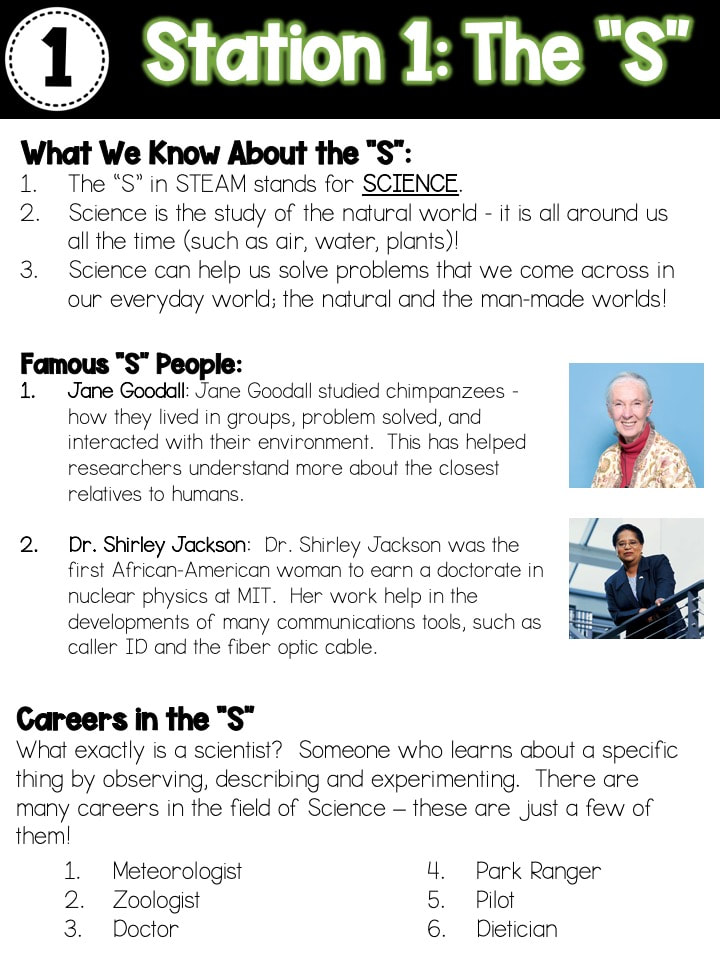
For this station, the focus was on Science and collaboration.  I wanted students to understand that much of science is rooted in the natural world and that it can be used to help solve problems in our everyday lives.
Picture
Picture
Picture
Picture

Station #2 - 

Picture
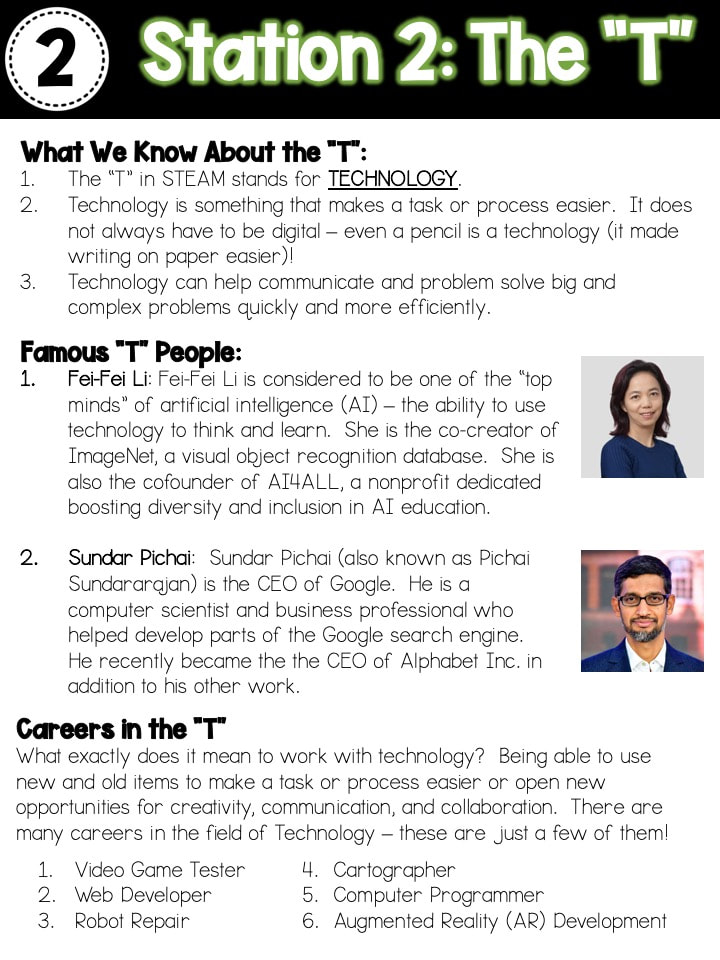
For this station, the focus was on Technology and critical thinking.  ​I wanted students to understand that technology does not always require something to be digital.  In its simplest form, technology is something that makes a task or process easier.  I think this was absolutely mind-blowing for some students when I explained even a pencil was considered a new technology at some point.
Picture
Picture
Picture
Picture

Station #3 - 

Picture
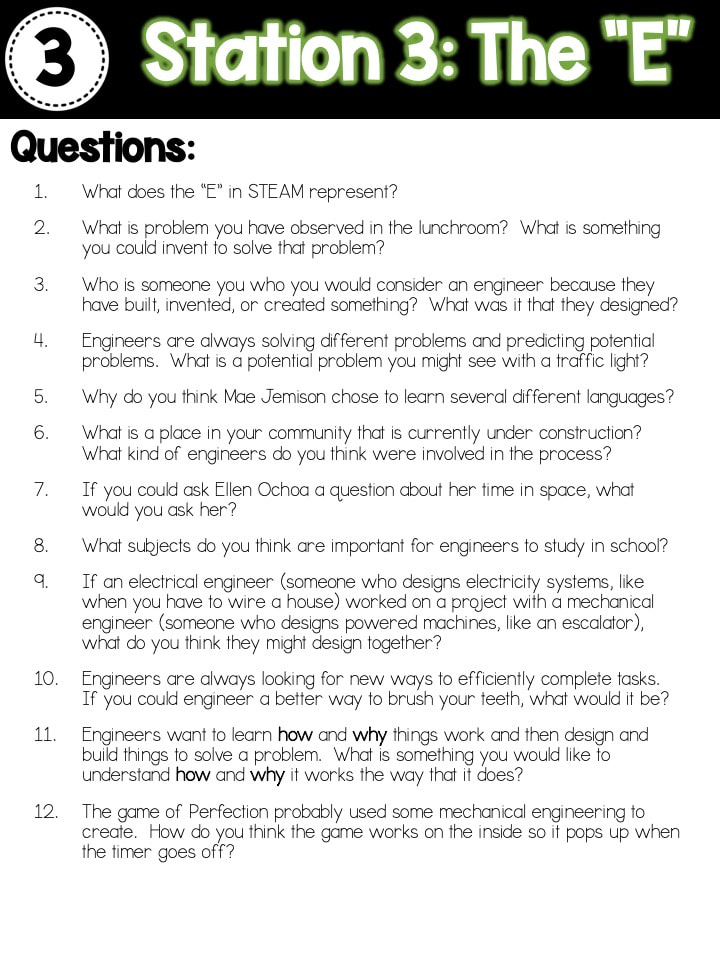
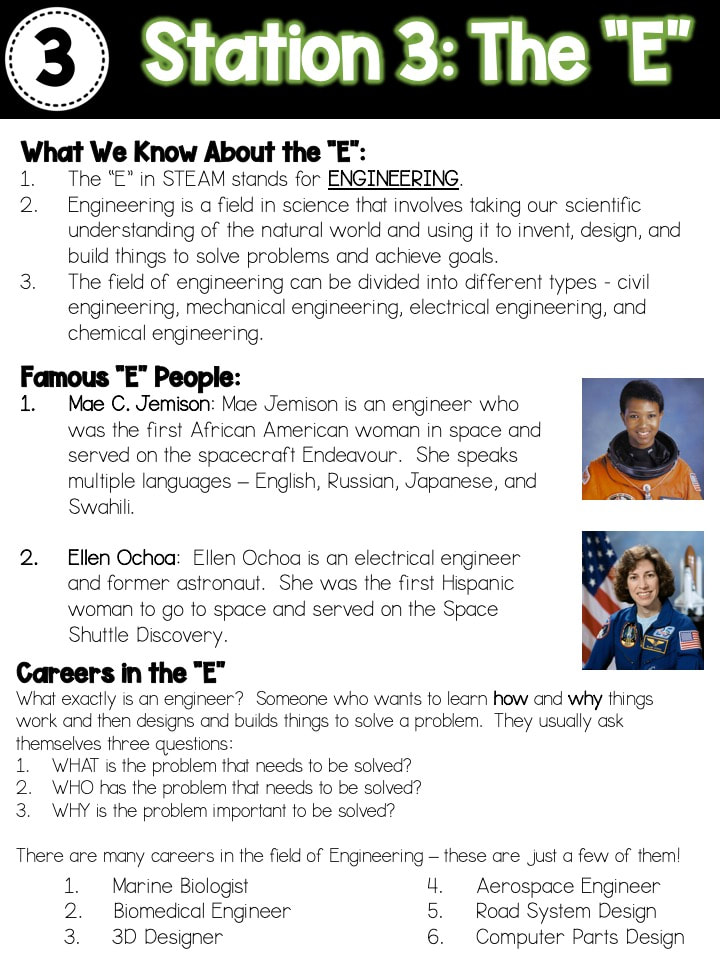
For this station, the focus was on Engineering and confidence.  ​I wanted students to understand that there are different kinds of engineering, but for each kind they are all trying to solve problems.  Most of the engineering we have done to this point has involved brainstorming, designing, and creating.  I wanted them to see that those skills they are acquiring and refining through our activities are transferrable to many different aspects of their life outside of school.
Picture
Picture
Picture
Picture

Station #4 - 

Picture
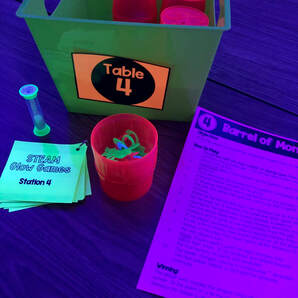
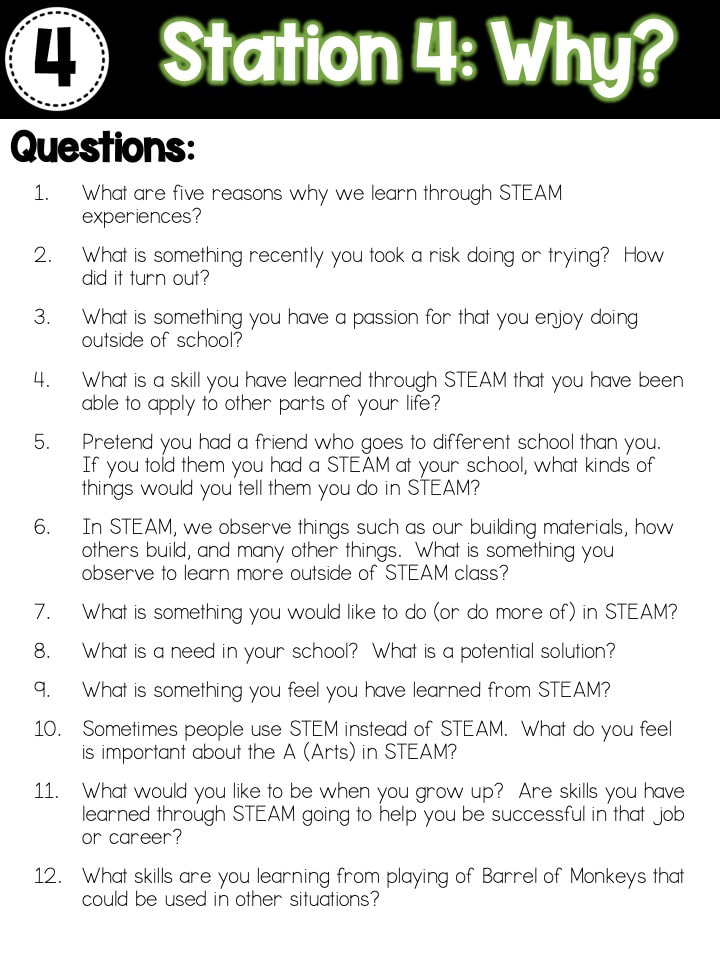
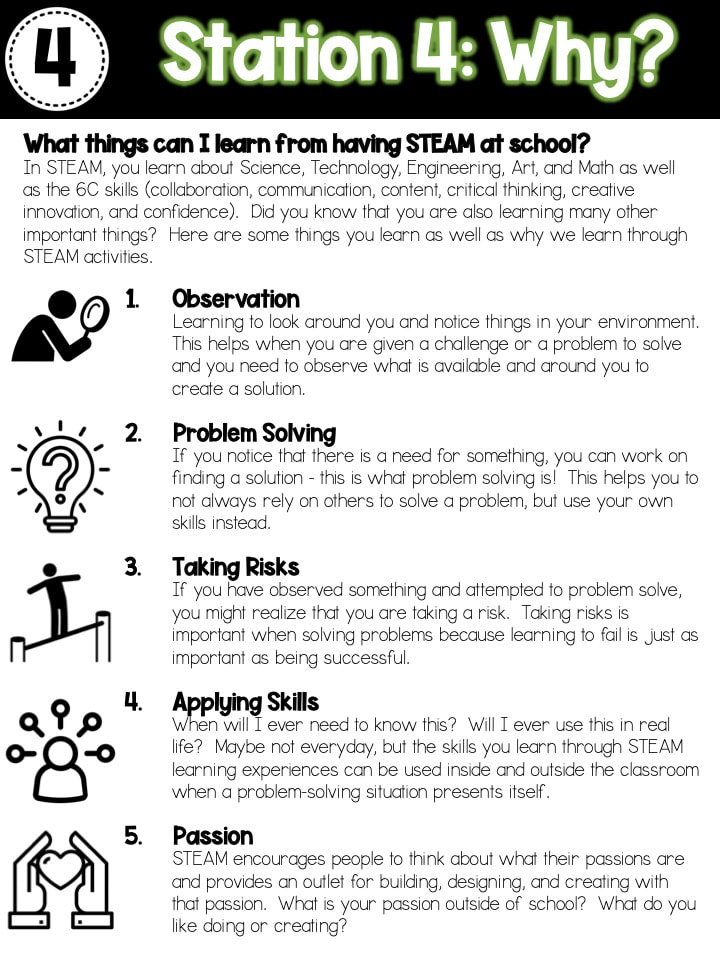
For this station, the focus was on "The Why" of STEAM and creative innovation.  ​I wanted them to have a deeper understanding of why we now have a STEAM class as a Special class at school.  The skill that they learn and practice in this class can be transferred to many areas and can enhance their problem solving skills and confidence in other content areas.  This station turned out to be very difficult for students.  I am not sure if it was that many of the questions were opinion-based questions and it made them think deeper about "the why" or if the questions were a little too difficult.  When we talked through some of the difficult questions they had, they seemed to have an understanding of what was being asked.
Picture
Picture
Picture
Picture

Station #5 - 

Picture
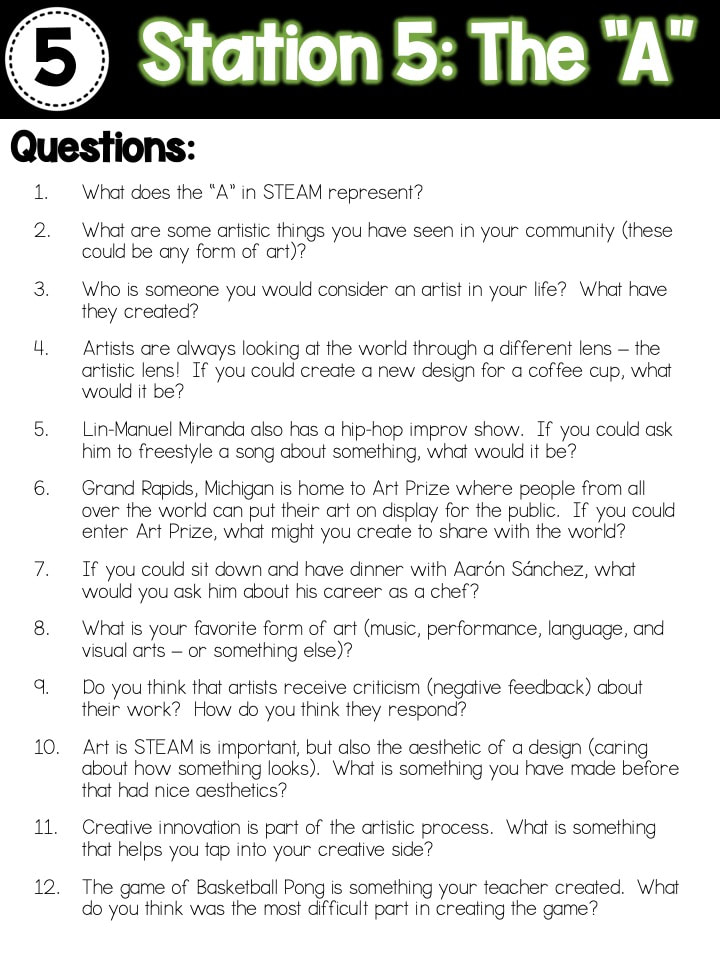
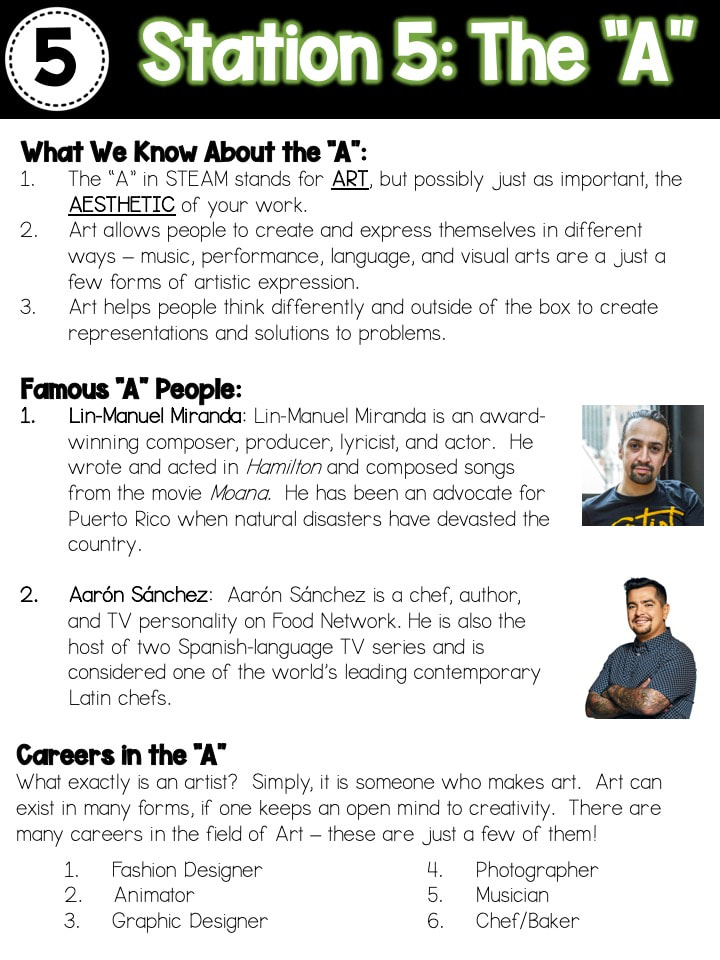
For this station, the focus was on Art and communication.  ​What I was really hoping they would understand when they walked away from this station was that art can take place in many different forms.  Art is not just drawing, coloring, or painting, but can be music, performances, language expression, and visual arts (among others).  When I teach the "A" to students, I teach them that it is not just ART, but also the AESTHETIC of their work.  It is about caring about what they created and taking pride in their work when sharing it with others.
Picture
Picture
Picture
Picture

Station #6 - 

Picture
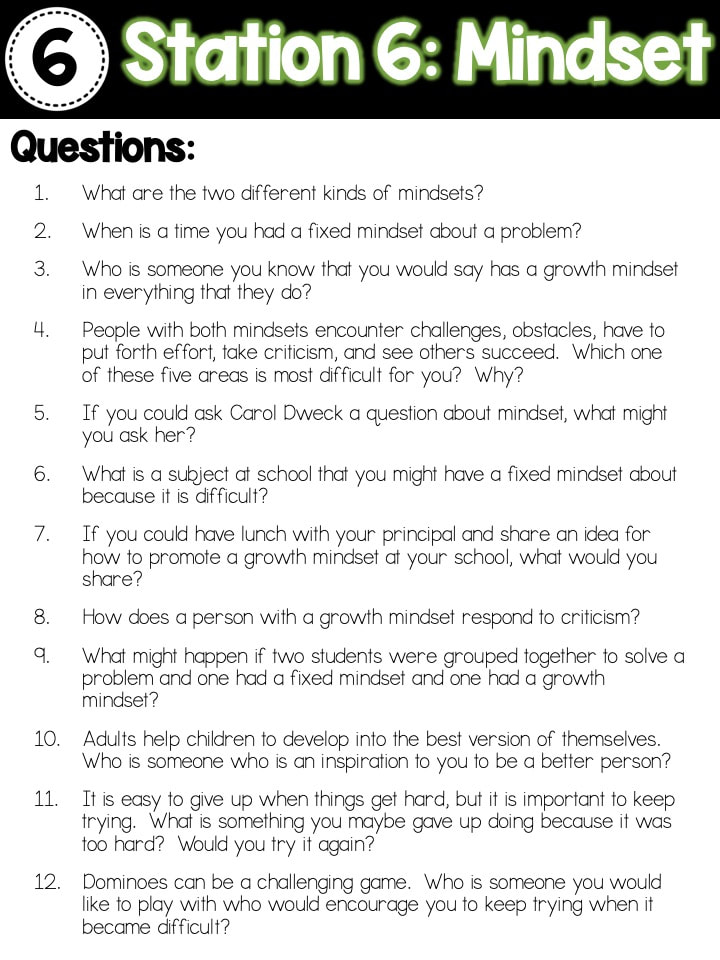
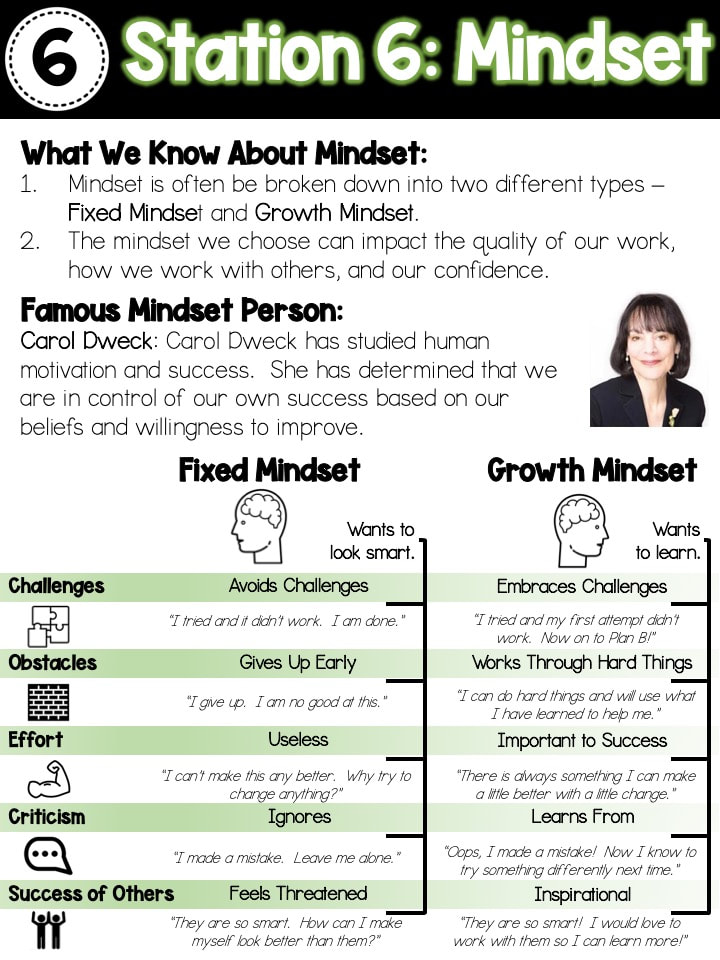
For this station, the focus was on mindset and critical thinking.  ​My students often struggle when they are presented with a difficult task in which they cannot solve or complete right away.  I wanted them to think more about their mindset towards challenges and how their mindset towards difficult things can actually help them solve problems.  When talking to groups, I shared with them that if they recognize they have a fixed mindset towards something, it is not a bad thing as long as they work towards growing and learning from the experience.
Picture
Picture
Picture
Picture

Station #7 - 

Picture
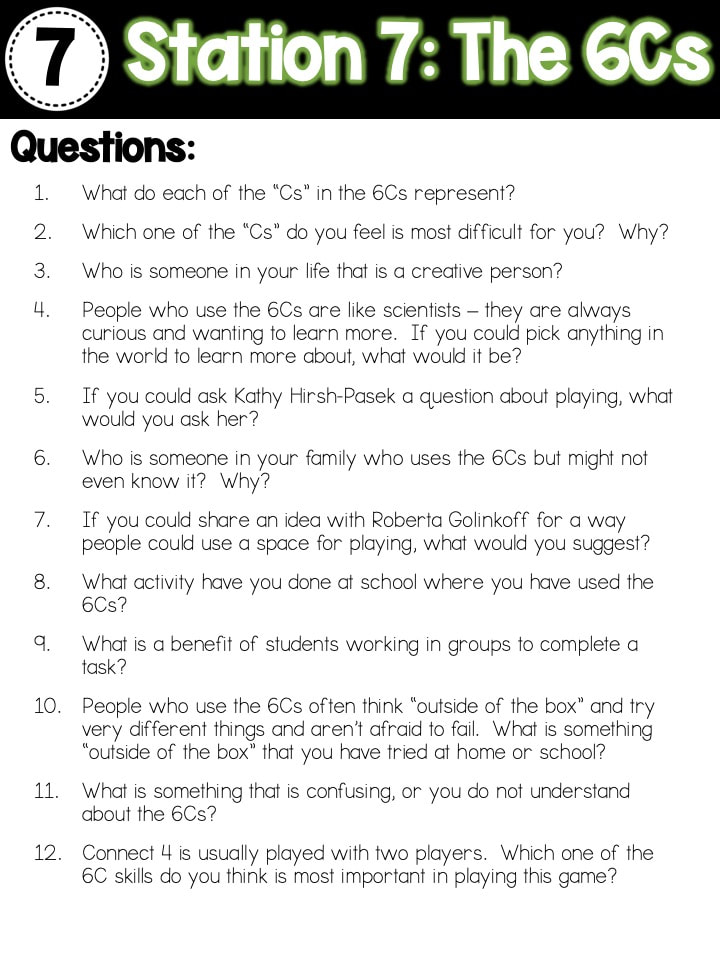
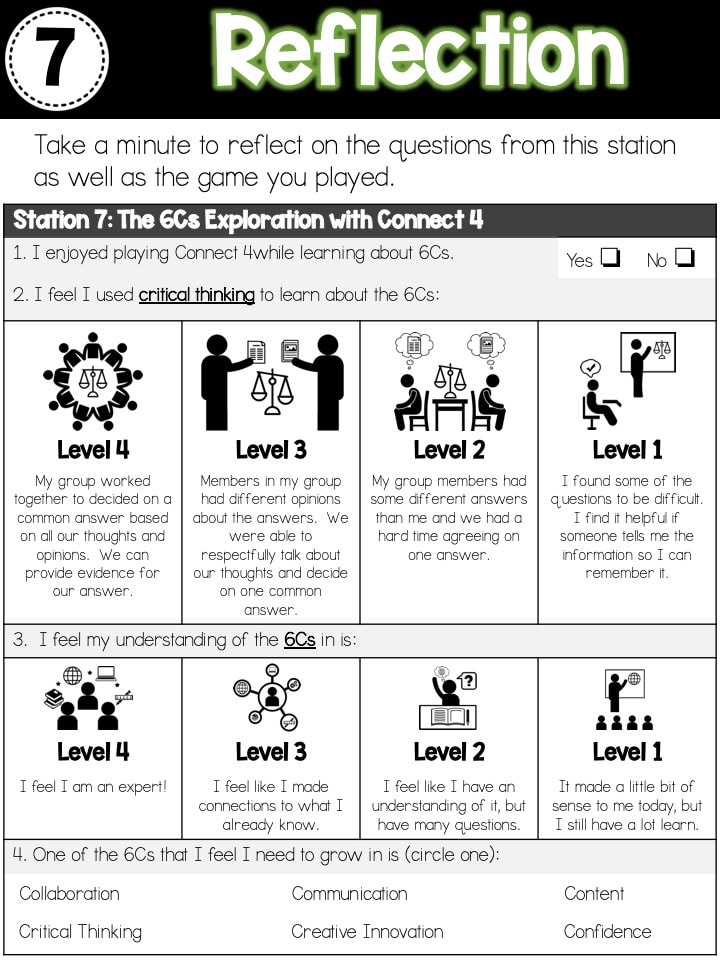
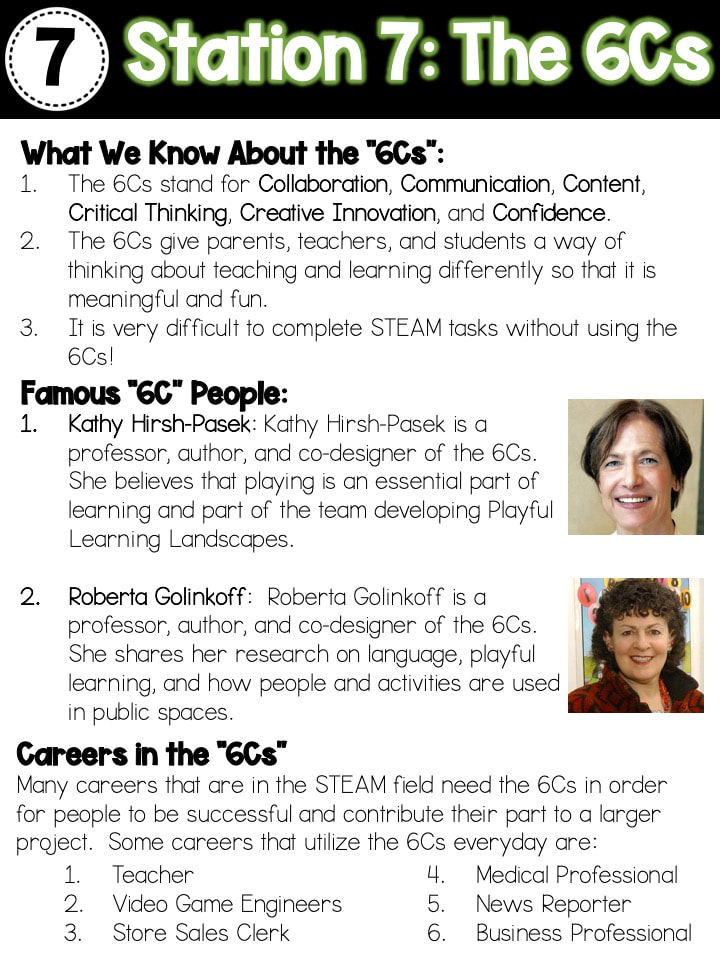
For this station, the focus was on the 6Cs and critical thinking.  ​We have been incorporating the 6Cs into our self evaluations and reflections in activities, but I feel as though I had not really explicitly addressed what the 6Cs are and why they are important in the learning process.  It was interesting that students did not really connect all of our reflections with the giant 6C chart that is in all classrooms.  When I pointed out the pictures and told them my written explanations helped them understand what the levels meant, it was like an ah-ha moment when the realized the connection.
Picture
Picture
Picture
Picture

Station #8 - 

Picture
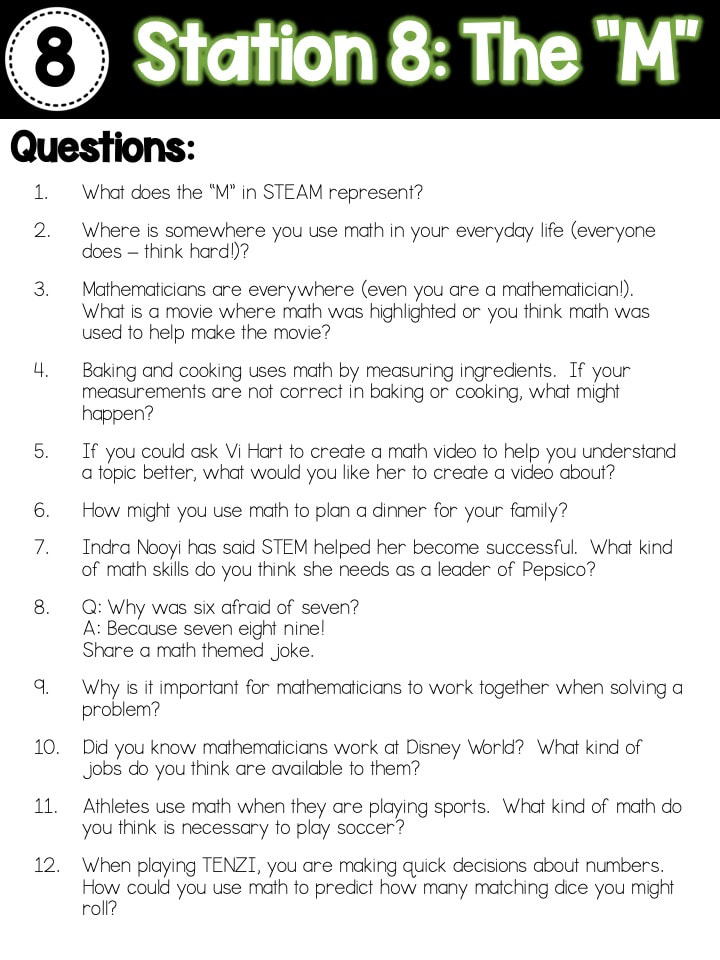
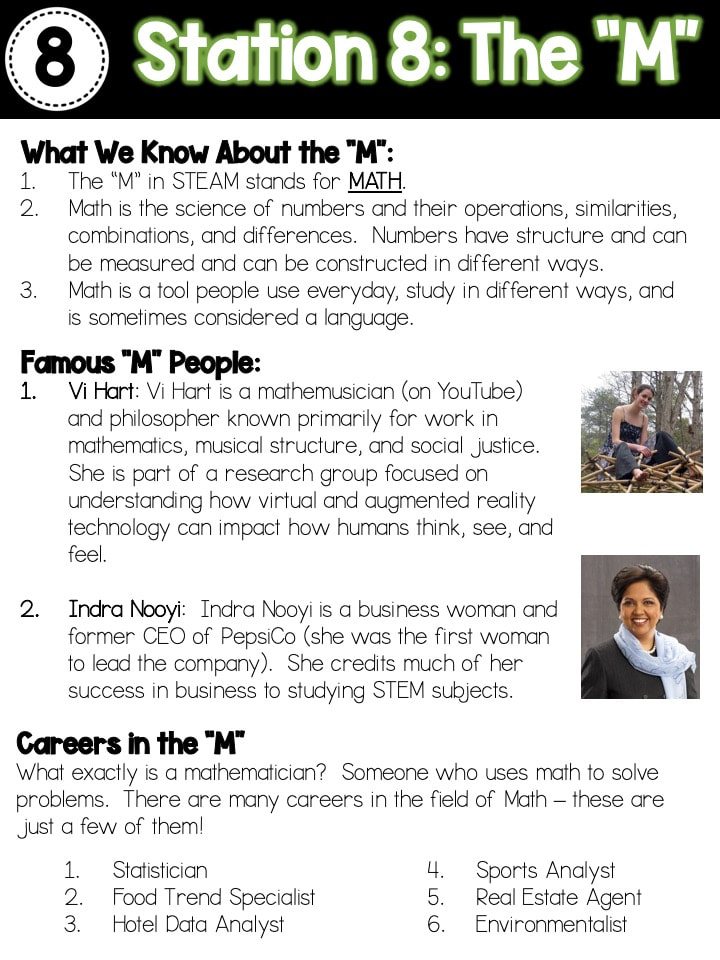
For this station, the focus was on Math and confidence.  ​I know math is something that many students struggle with and I wanted them to understand that they really do use math in their everyday lives, whether they realize it or not.  I have a Computer Science major and a Math minor, so I always share this with students.  I share this with them because math was always something that challenged me.  I could memorize all sorts of vocabulary, dates, and other facts, but math presented a challenge to me as it was always changing.  I tell them that the challenge was what drove me to develop a love for the subject, regardless of how many hours I spent in the Math Department getting help in tutoring in college!
Picture
Picture
Picture
Picture

Side Note:

Also, as I have mentioned several times on my blog, I choose to freely share my resources and materials instead of selling them.  I choose to do this because I feel that as educators, we can show our support for each other in many ways.  I do ask though, that if you really like what you see and end up using in your classroom, to consider contributing to my DonorsChoose projects or something off my Amazon wishlist.  This is something I have started doing myself as a way of paying it forward and putting learning materials back into the classroom.  This ensures that everything goes back into the hands of my students for continued STEAM learning.  :)
DonorsChoose
Amazon Wishlists
3 Comments

6C Skill Building...With Games!

1/9/2020

1 Comment

 
Picture
Welcome 2020!  In 4th grade STEAM class, we are accepting you with a fresh start, new activities, and lots of learning.  But, starting back to school after a couple of weeks off for Winter Break can be a bit rough at first.  So as I knew this transition and getting back into routines and norms might be a little difficult, I did what I do best...shake things up a bit!

I feel as though the concept of STEAM is something that I haven't really hit hard with my students in helping them understand what STEAM means in the real world and everyday applications.  I know that this is something that I want to dig in with them, but depending on how it is presented, it might not be the most engaging topic to them.  Soooo....why not use some outside the box thinking to make it fun!  With games!  I saw this as a perfect opportunity to welcome the Glow Games to our classroom.

Before I launched into the Glow Games, I knew that many students would not have played all of the games that I was going to incorporate into the STEAM Glow Games.  This provided the opportunity to introduce the games in a non-threatening way where all students were able to have common experiences that would build their background knowledge and confidence for when content was included.  I am taking two weeks to introduce the games to students (I only see them once a week for one hour), spending ten minutes per game, playing four games each week.  Students started at their normal tables and rotated through the next three stations during the class period.

Spending the time to introduce, experience, and play the games was critical to everyone starting off with minimal barriers for them to be successful in the STEAM Glow Games.  Each student knew how to play each game, knew how to self evaluated post-playing, and knew strategies for encouragement when playing games.  This foundation was essential for me so that when we moved into the STEAM Glow Games, I was not spending time teaching the students how to play the games, but rather the games serve as the engagement component that supported the content.

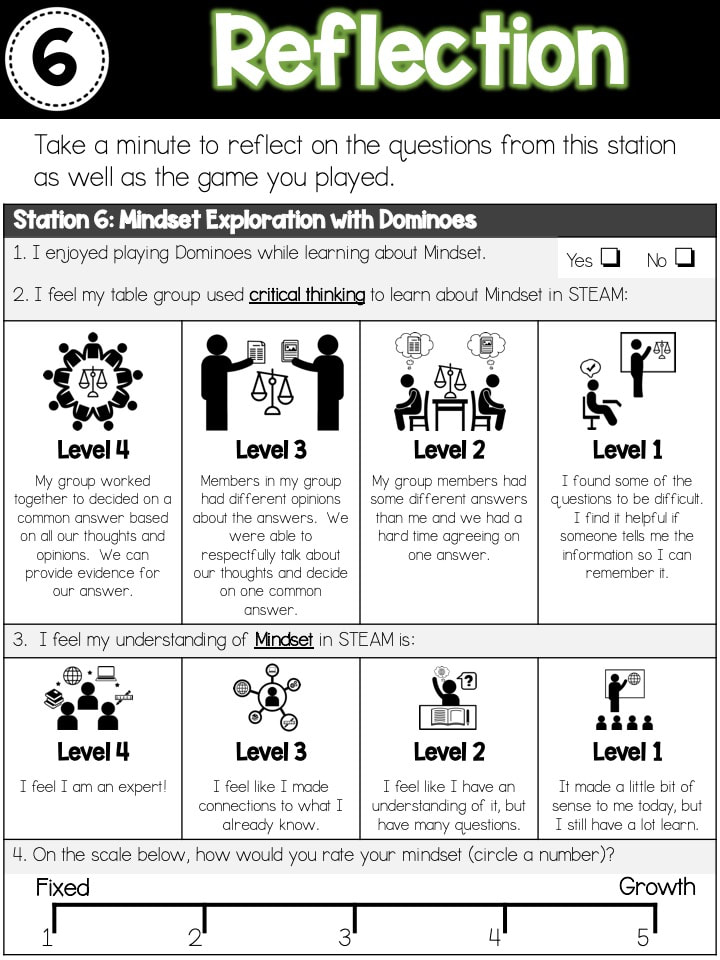
At the end of playing each game station, I asked students to reflect on their game playing experience and how it fit in with the 6C Learner Profile that our district has adopted (based off the book, Becoming Brilliant by Roberta Michnick Golinkoff PhD and Kathy Hirsh-Pasek PhD). ​  I selected a "C" for each game and used that as the focus for my question. 

Picture

Classroom Set Up

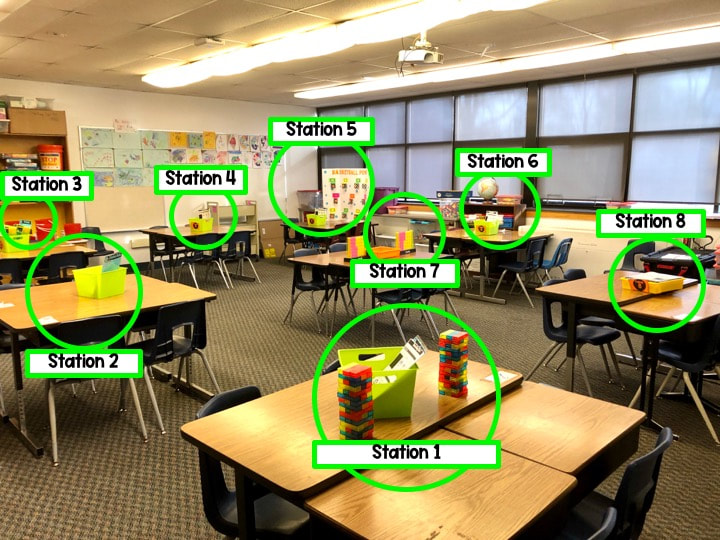
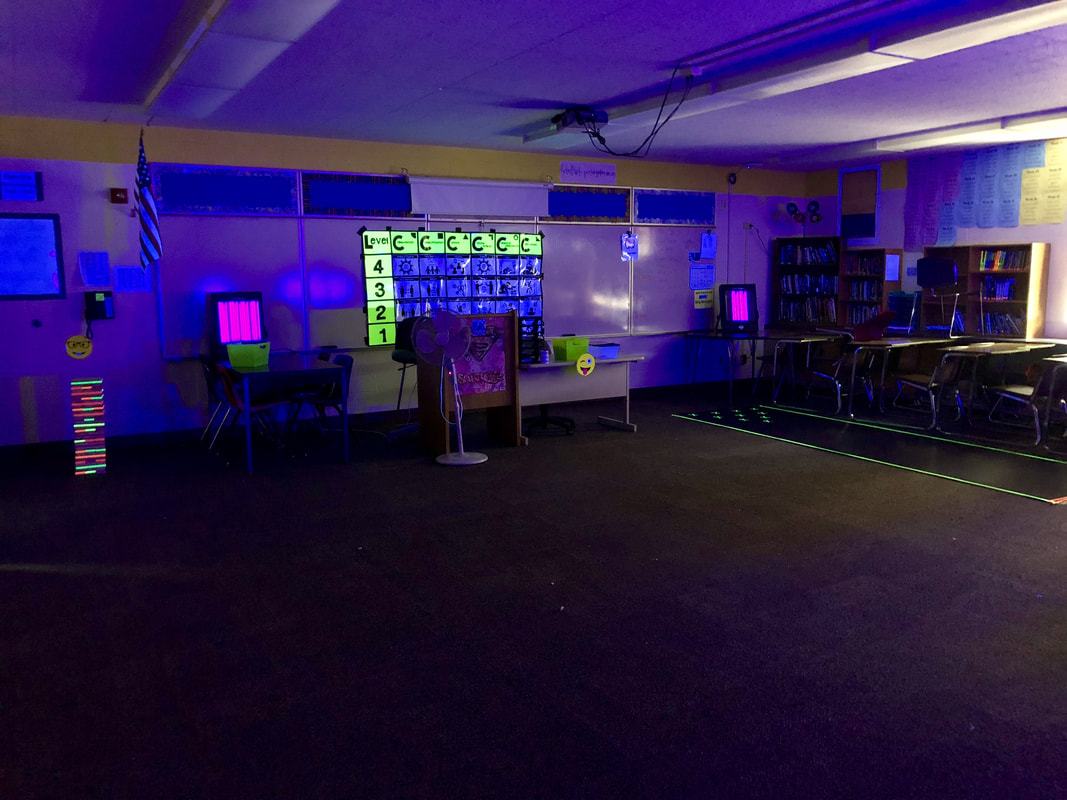
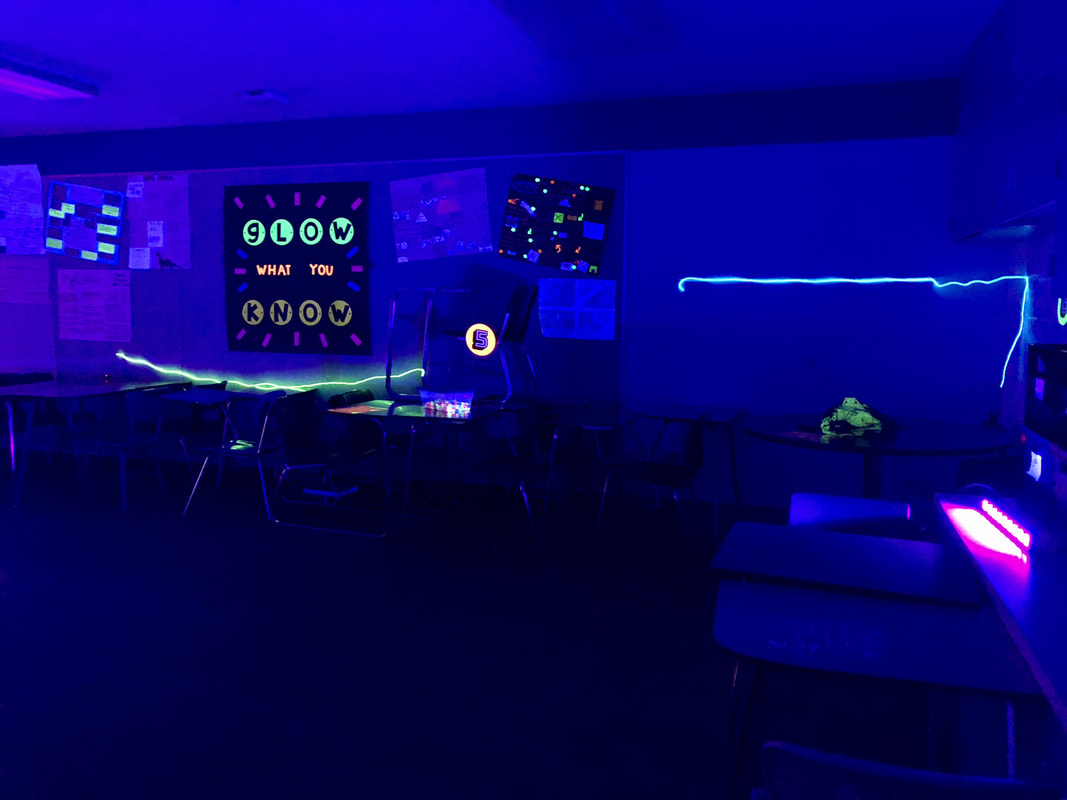
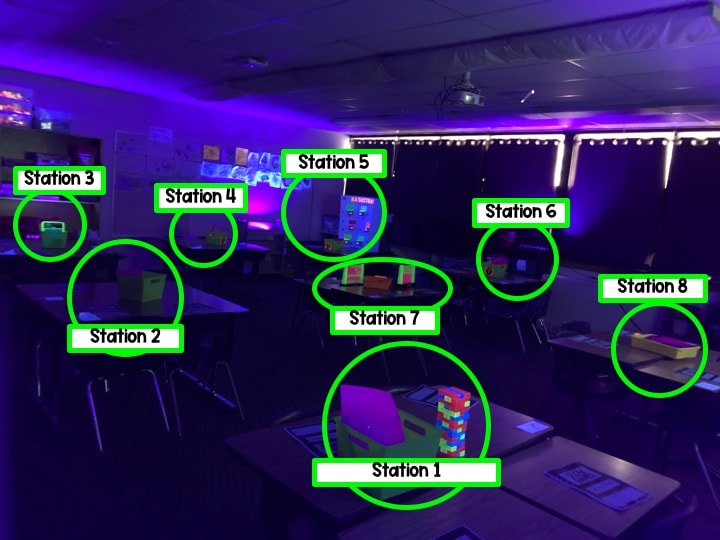
Below is a snapshot of the room as I had it set up.  I tried to separate the games that would have moving pieces (Basketball Pong/Station 5-Jenga/Station 1 and Perfection/Station 3-TENZI/Station 8) so there wouldn't be a bunch of crazy activity going on in one corner of the room.  After playing the games, I feel that the strategic placement of the stations worked out really well and kept materials contained to their appropriate tables.  
Picture

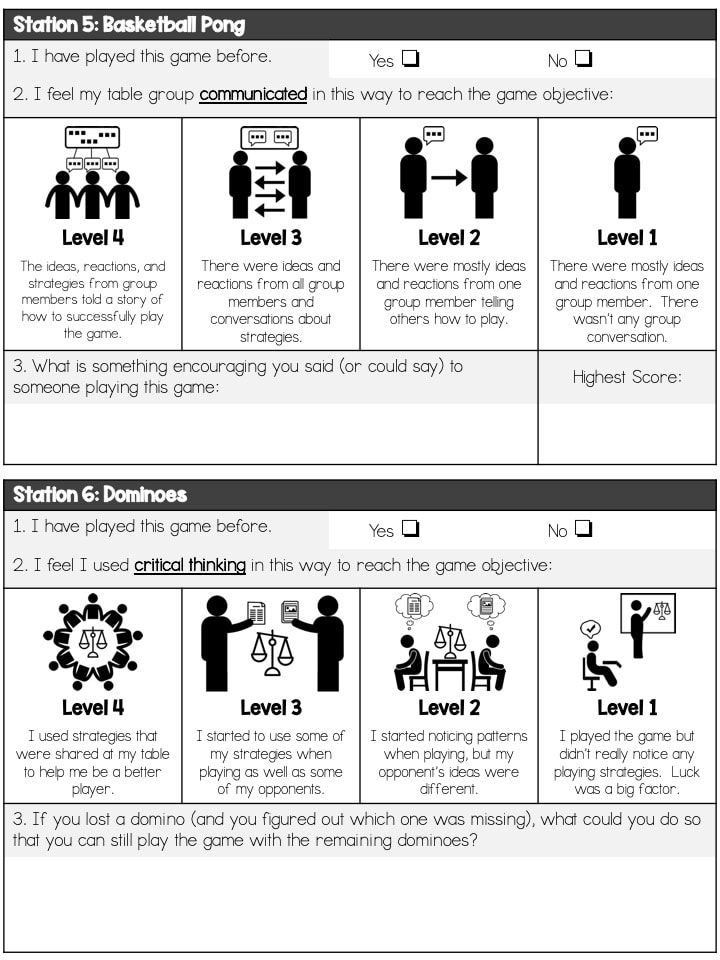
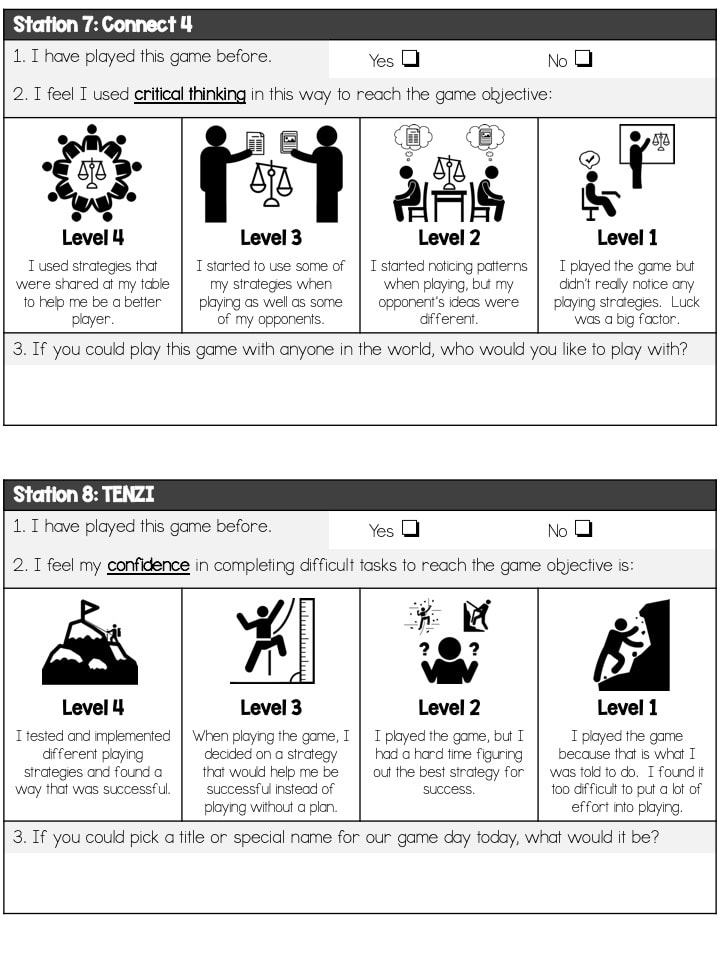
Evaluation & Reflection

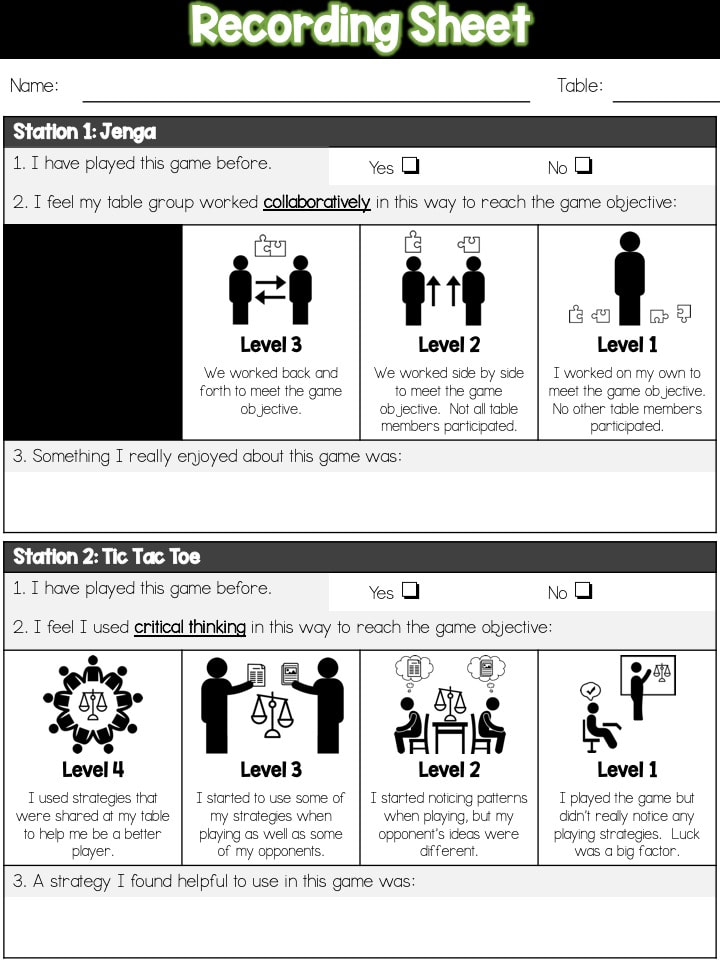
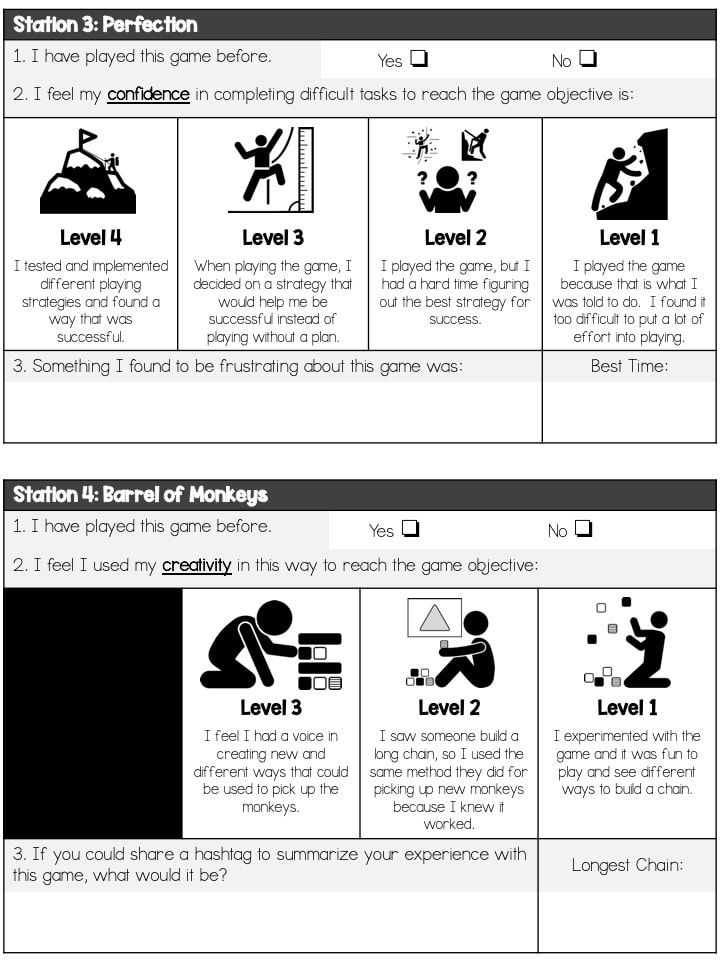
While students were rotating through the stations, they had a small packet that they had to complete after each station.  Each station had three questions with the first one always asking if they had played the game before.  The second question asks them to self-evaluate themselves on one of the "Cs" and the last being a more reflective question.  One of my district's goals this year is focusing on culturally responsive teaching.  I admittedly did not fully understand what it meant at the beginning of the year, but I have learned so much already and feel as though it has helped develop relationships with my students.  The last reflection question for each station is a culturally responsive question as it helps students have ownership and validity in their identity and learning as well as an application to their life.
Recording Sheet & Handouts
Picture
Picture
Picture
Picture

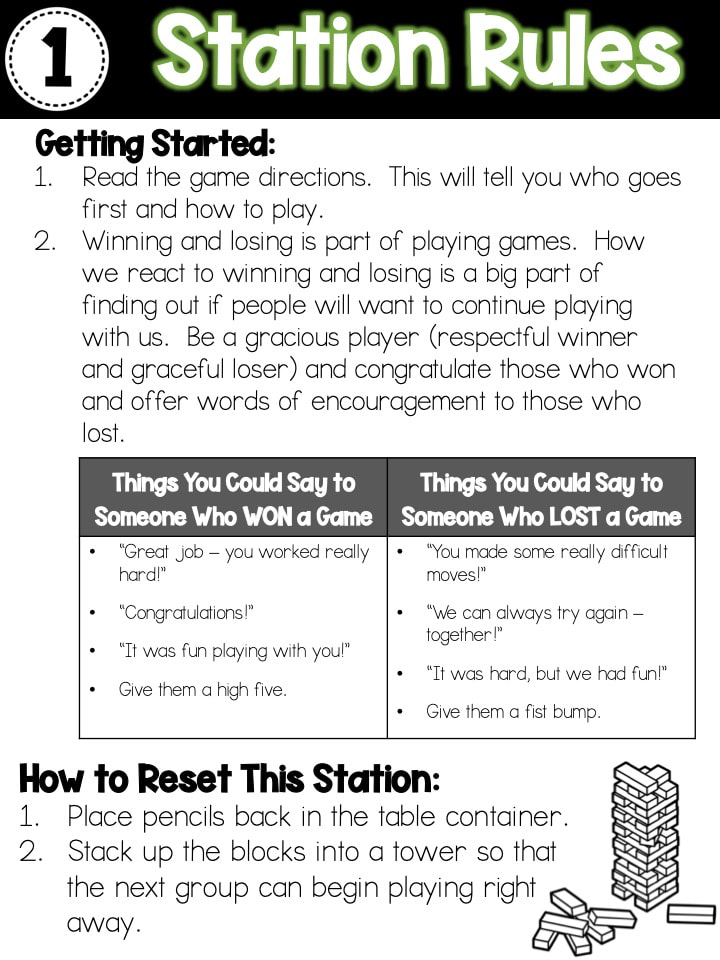
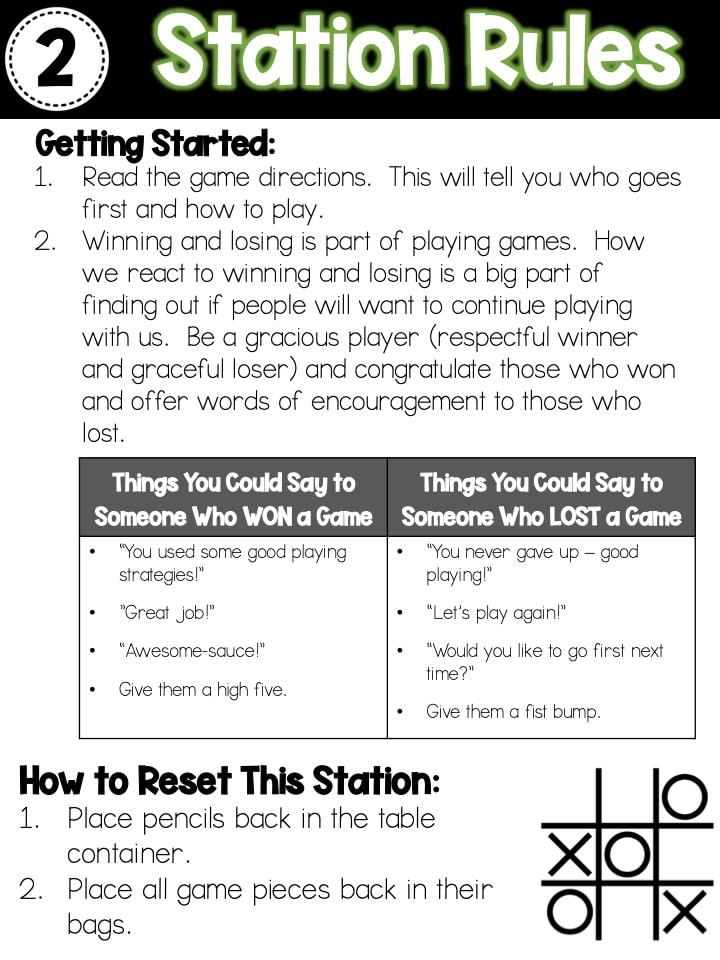
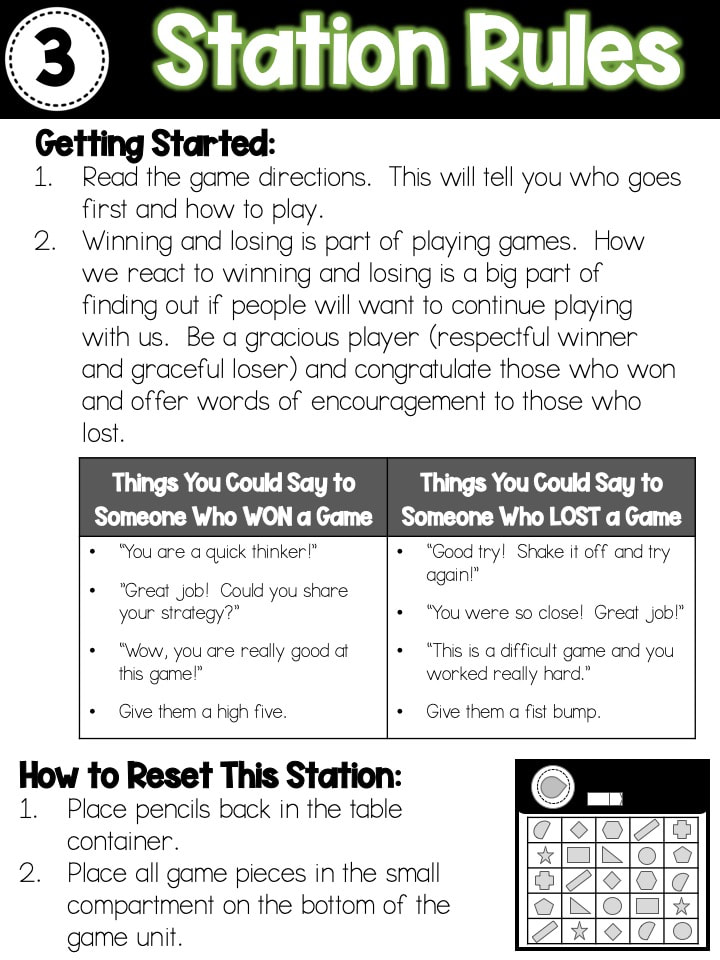
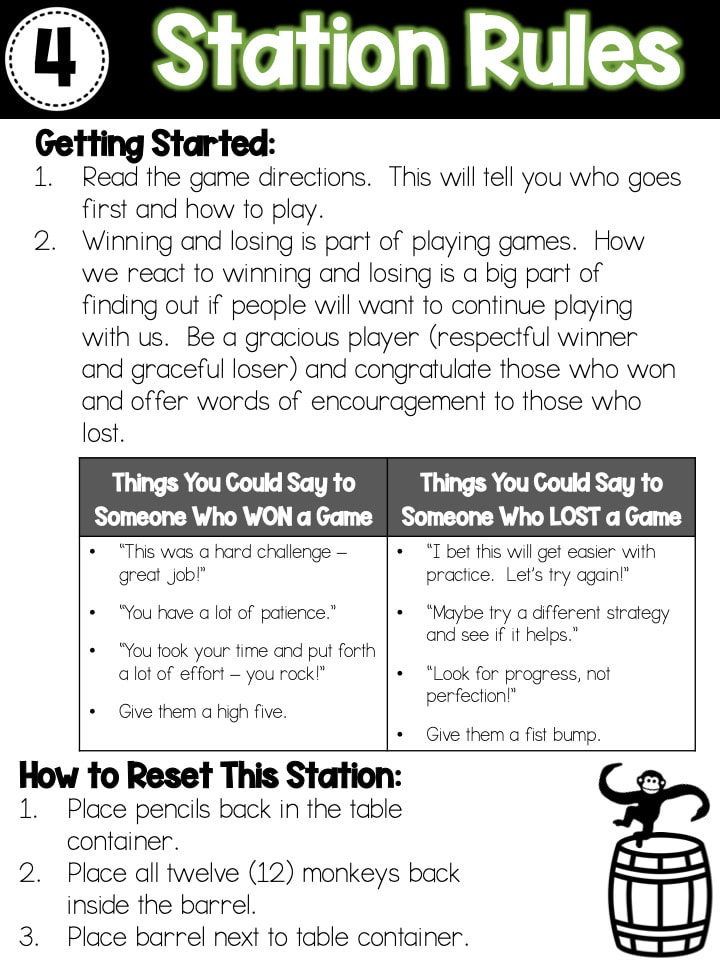
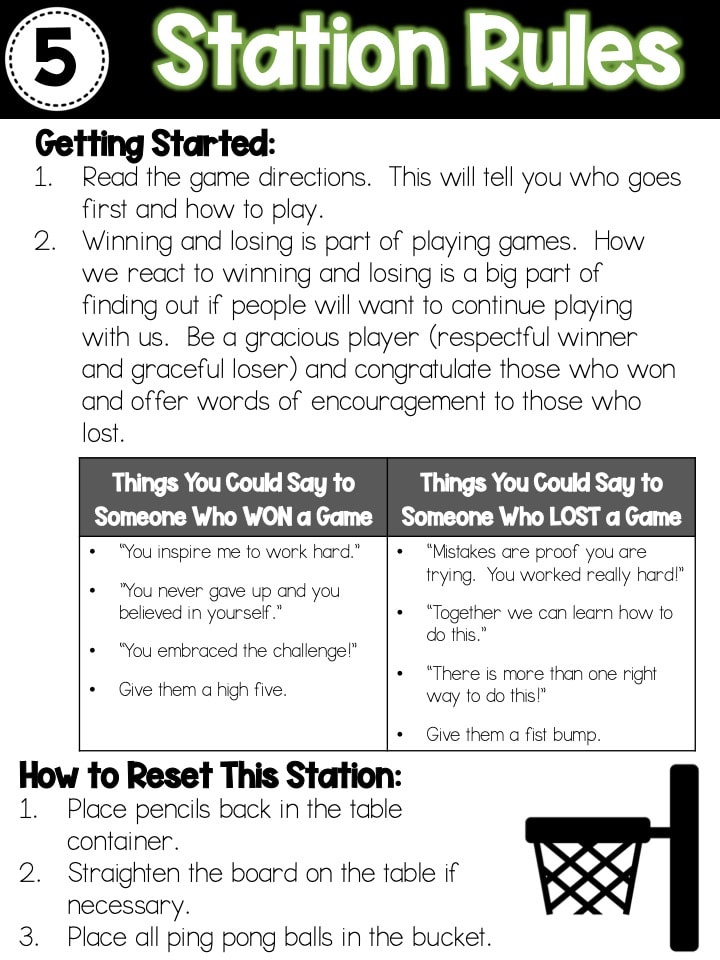
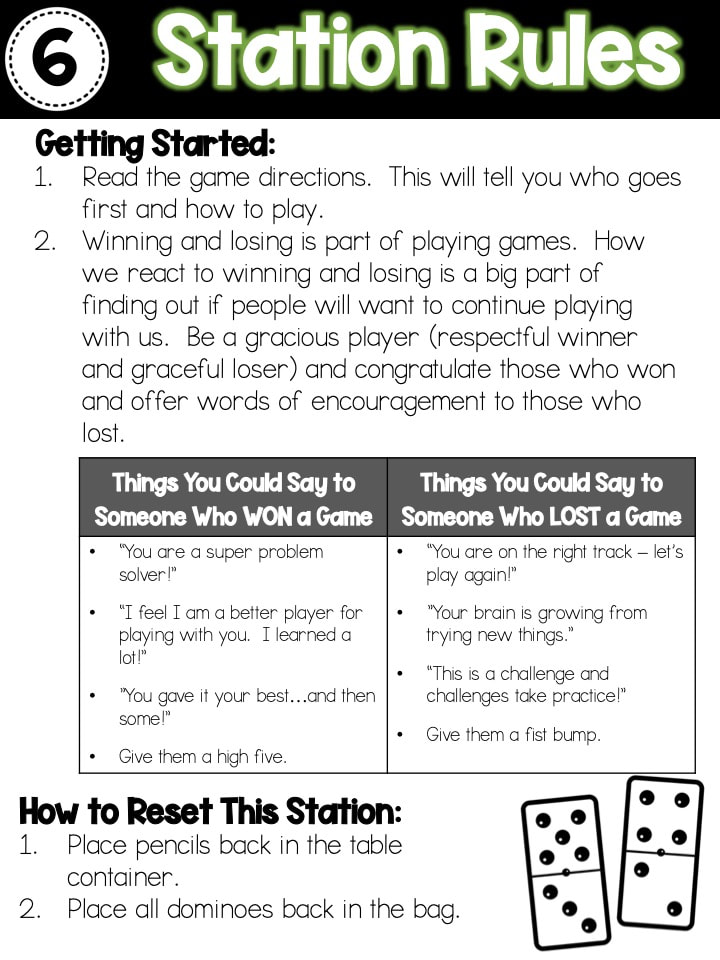
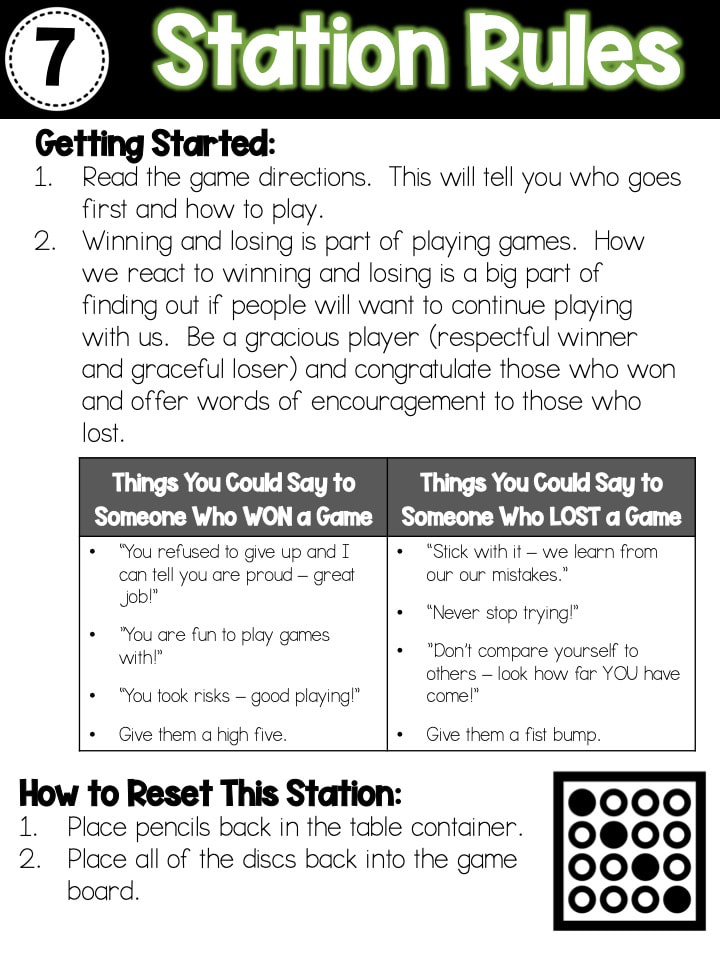
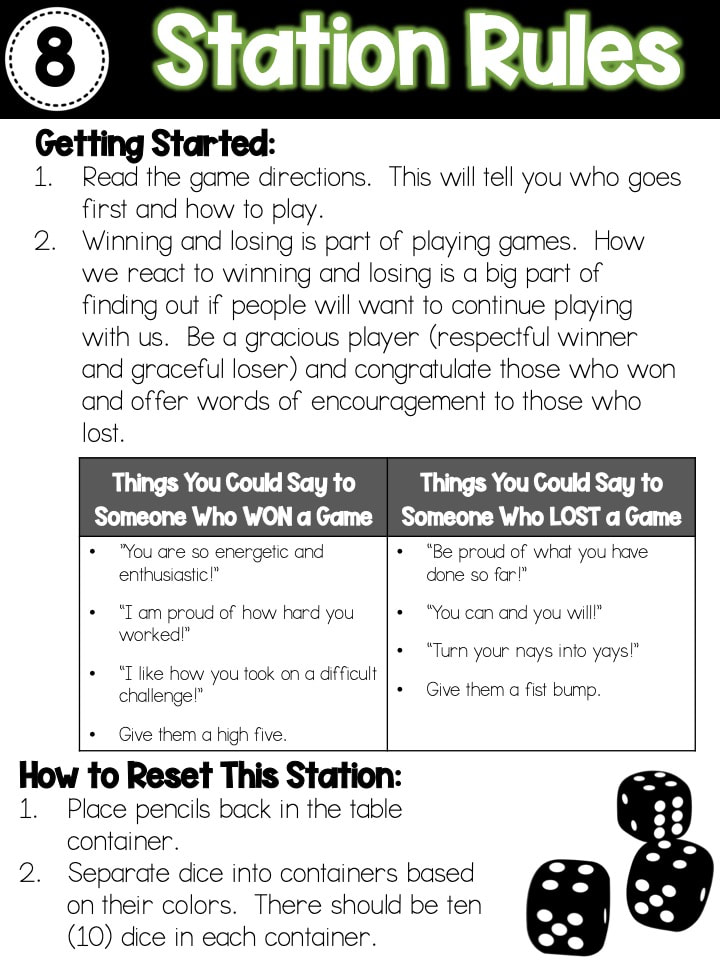
As students were playing the games, I wanted them to also reflect on the kind of player they were when they were playing with others as well as how ​​to exhibit good sportsmanship.  On the back of each station instruction sheet, I included phrases to help students congratulate winners and encourage losers.  This sheet also included the instructions for how to clean up and reset their stations for the next group.

Station #1

Picture
Station Materials & Setup:
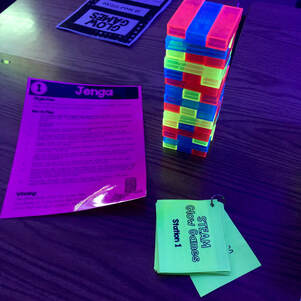
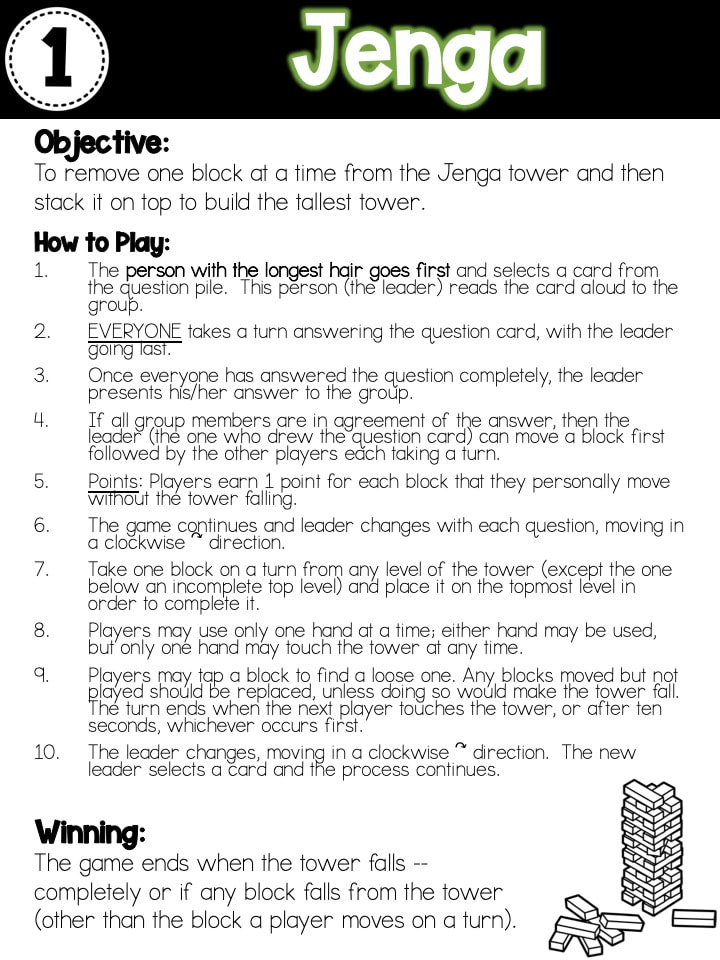
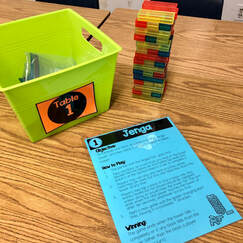
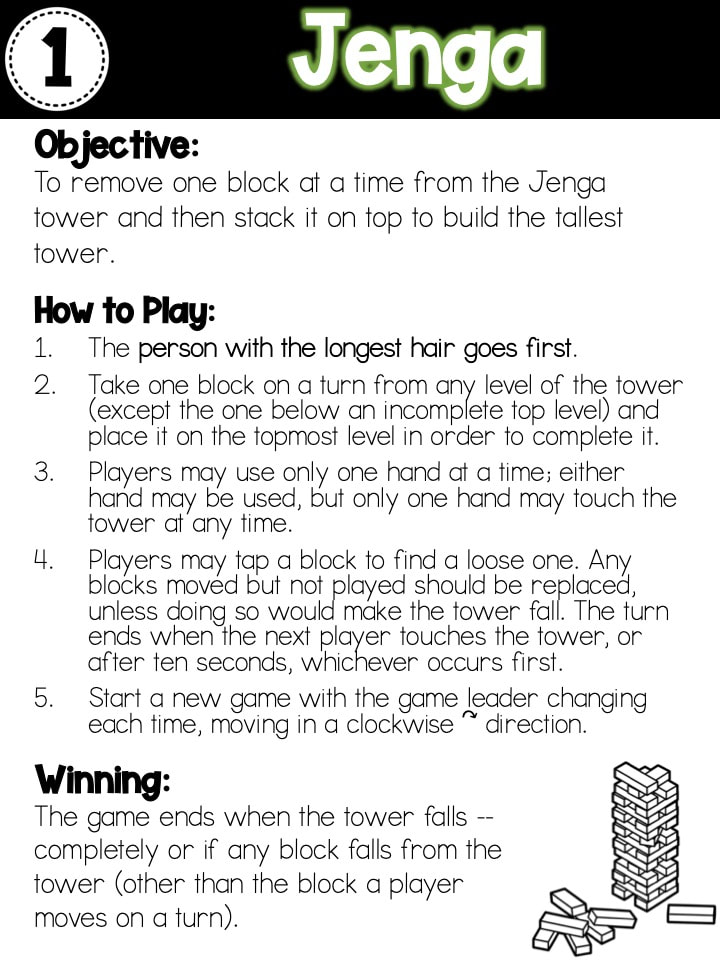
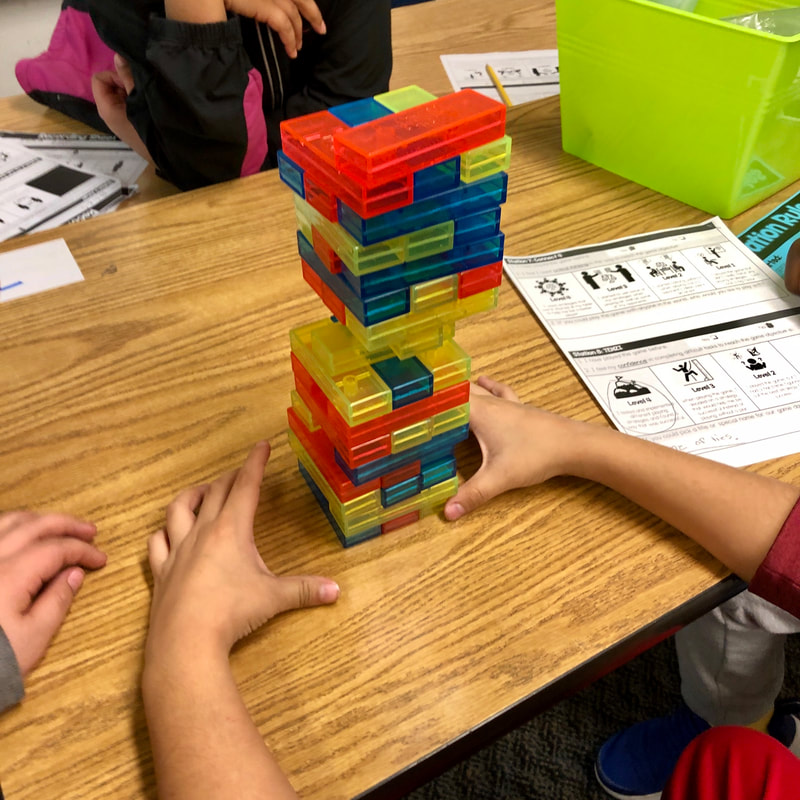
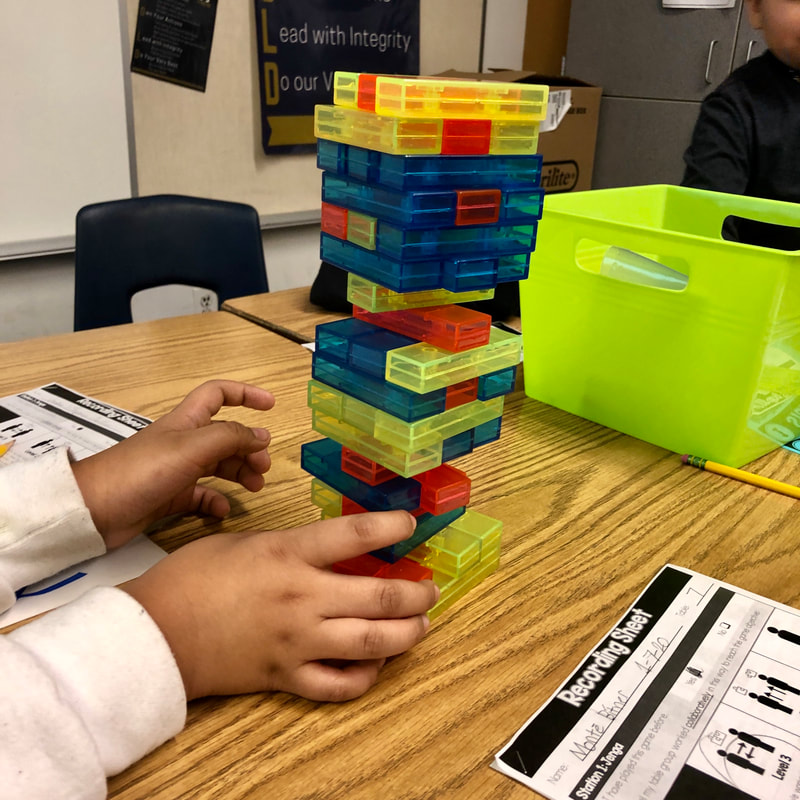
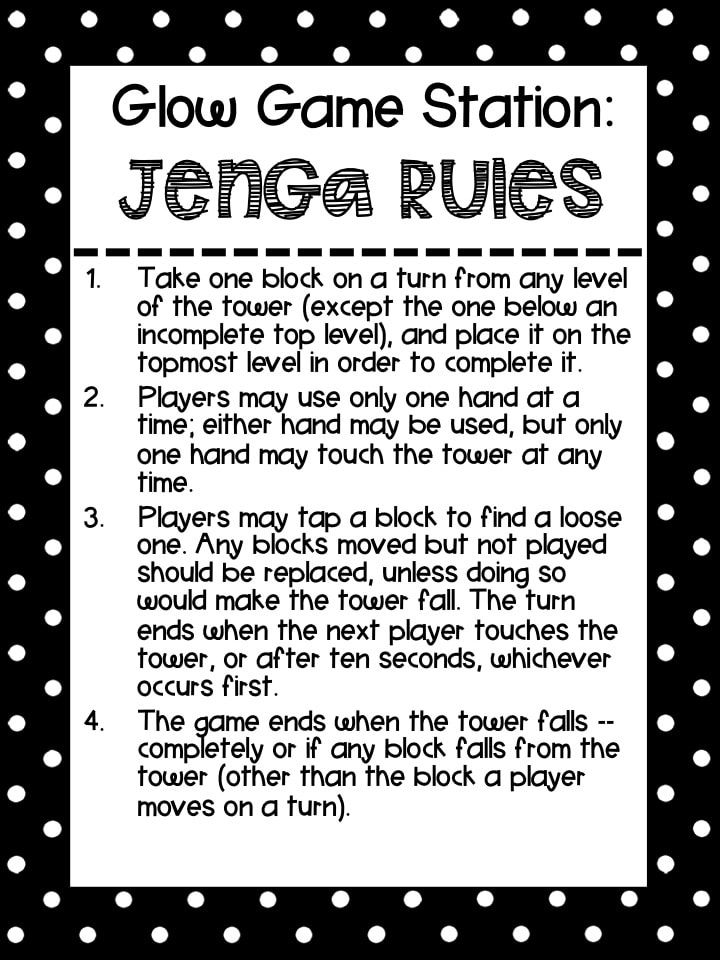
For this station, I had two games of Jenga set up for students to play.  They could choose to play in partners or as a whole group of four.  Each game had a gallon-sized zip bag to hold game pieces when not in play.  Pencils were stored in the container so students would not lose track of them as they rotated from table to table.

Jenga Game
Picture
Picture

Station #2

Picture
Station Materials & Setup:
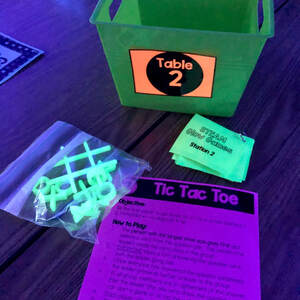
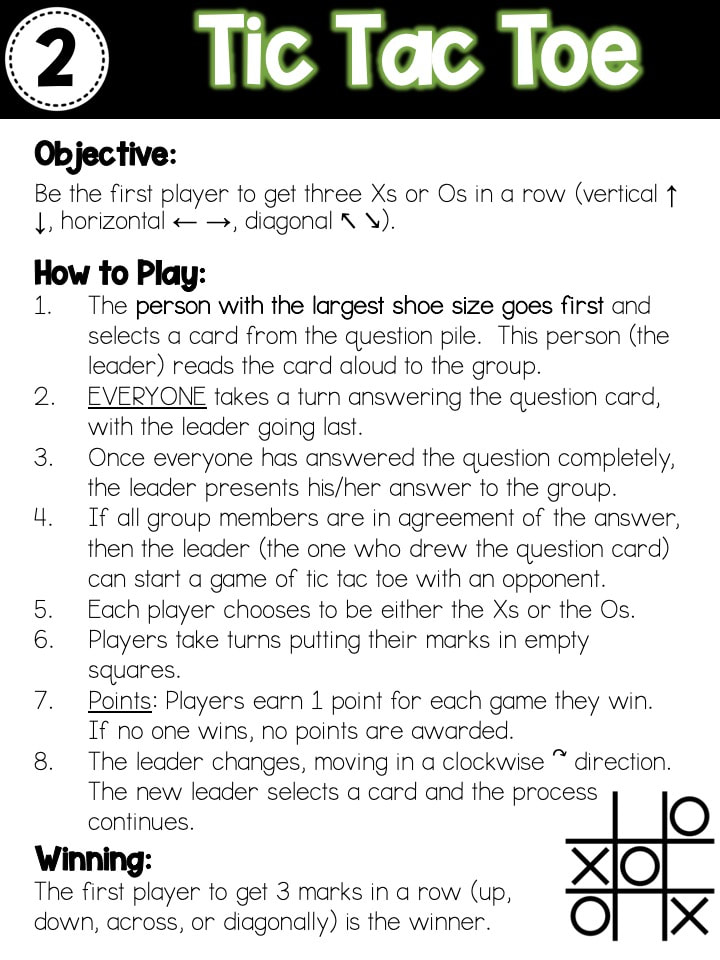
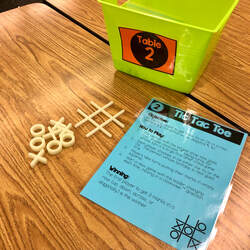
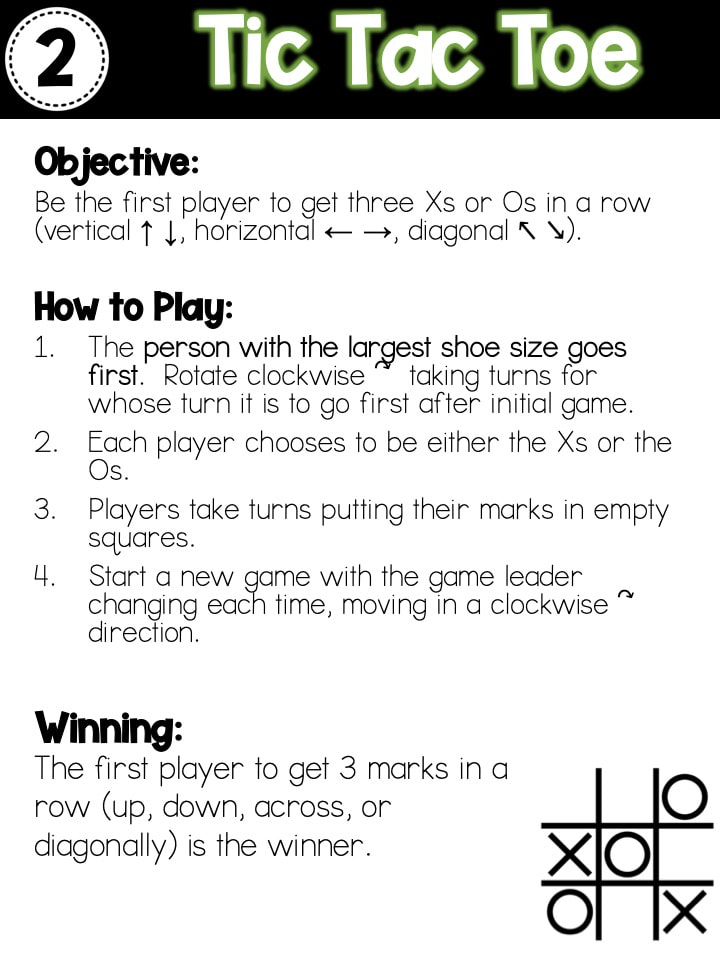
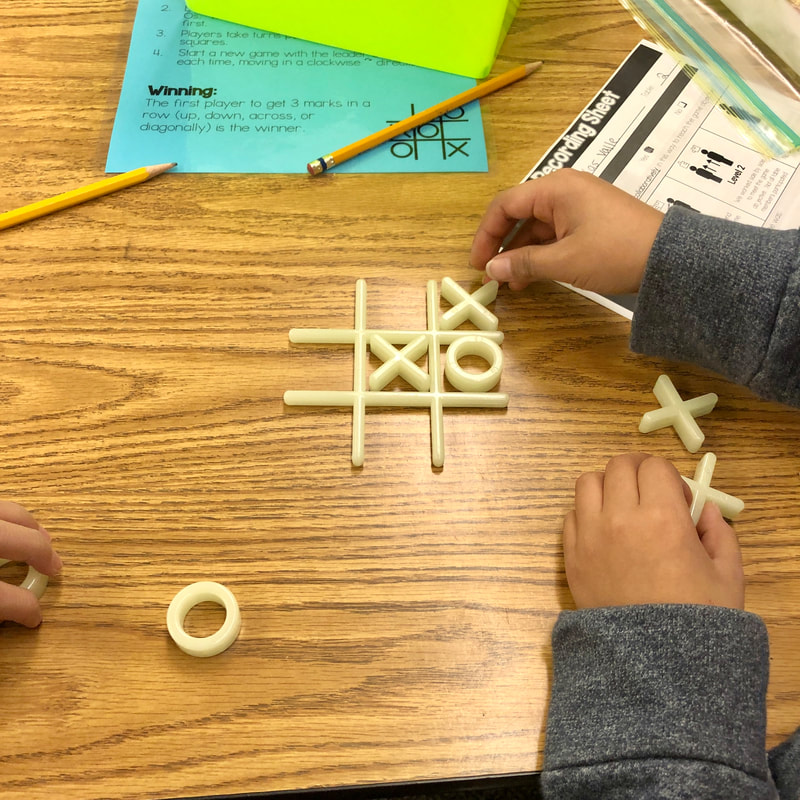
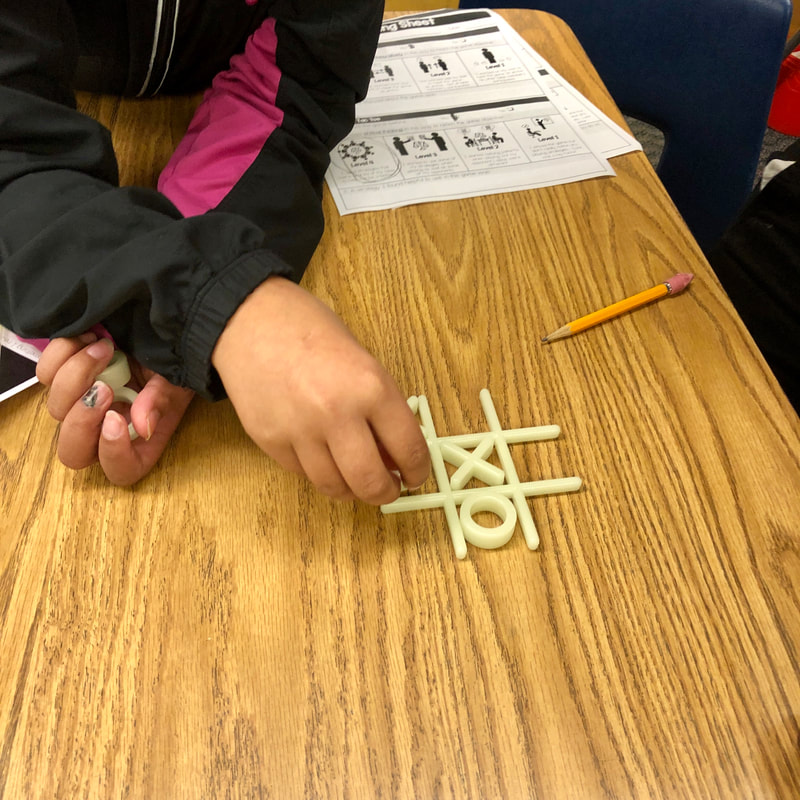
For this station, I had two games of glow in the dark tic tac toe set up for students to play.  They could choose to play in partners or as a whole group of four.  Each game had a quart-sized zip bag to hold game pieces when not in play.  Pencils were stored in the container so students would not lose track of them as they rotated from table to table.

Tic Tac Toe Game
Picture
Picture

Station #3

Picture
Station Materials & Setup:
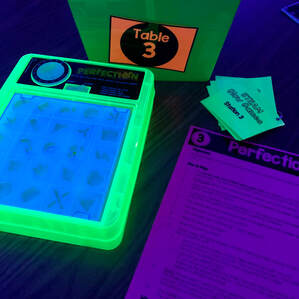
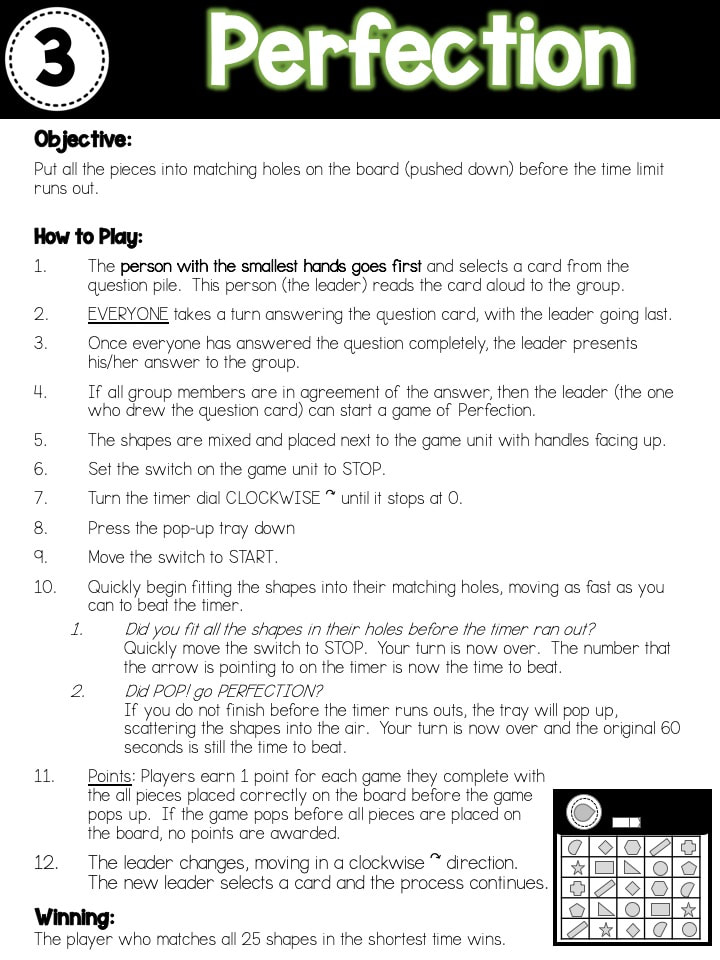
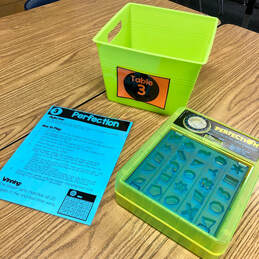
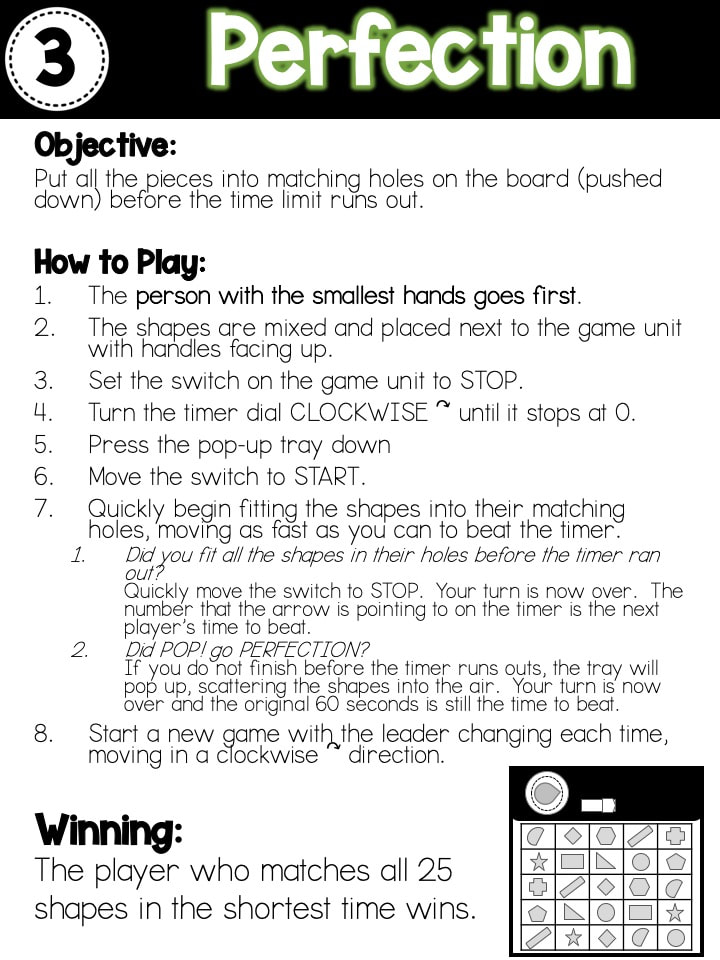
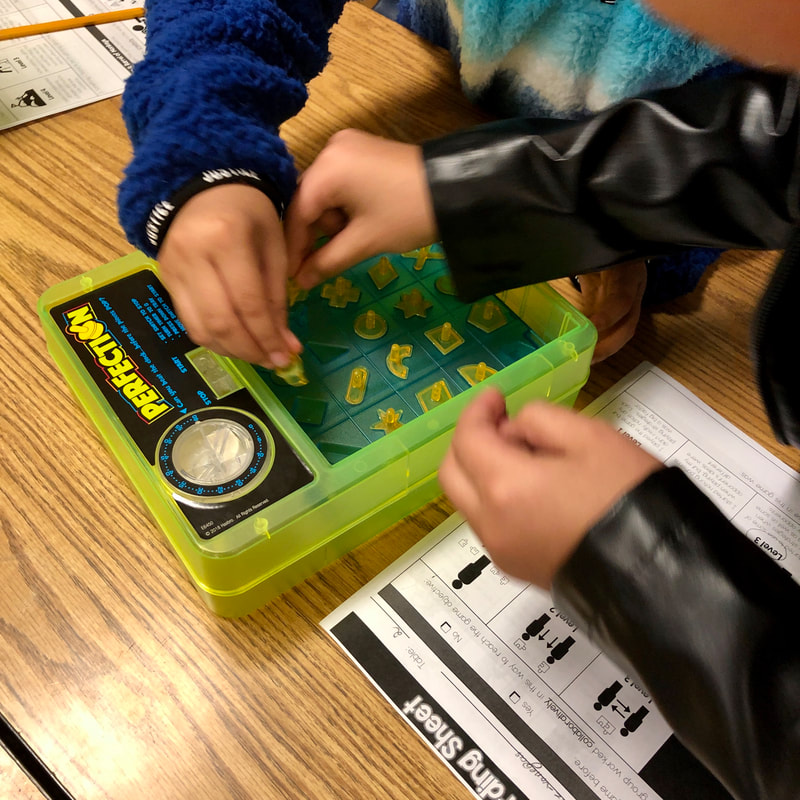
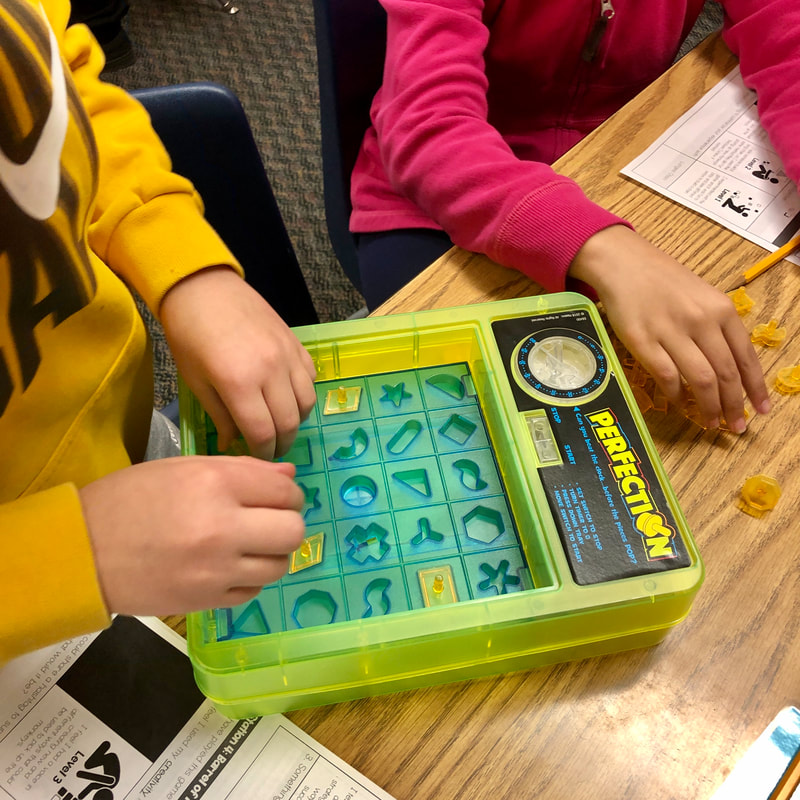
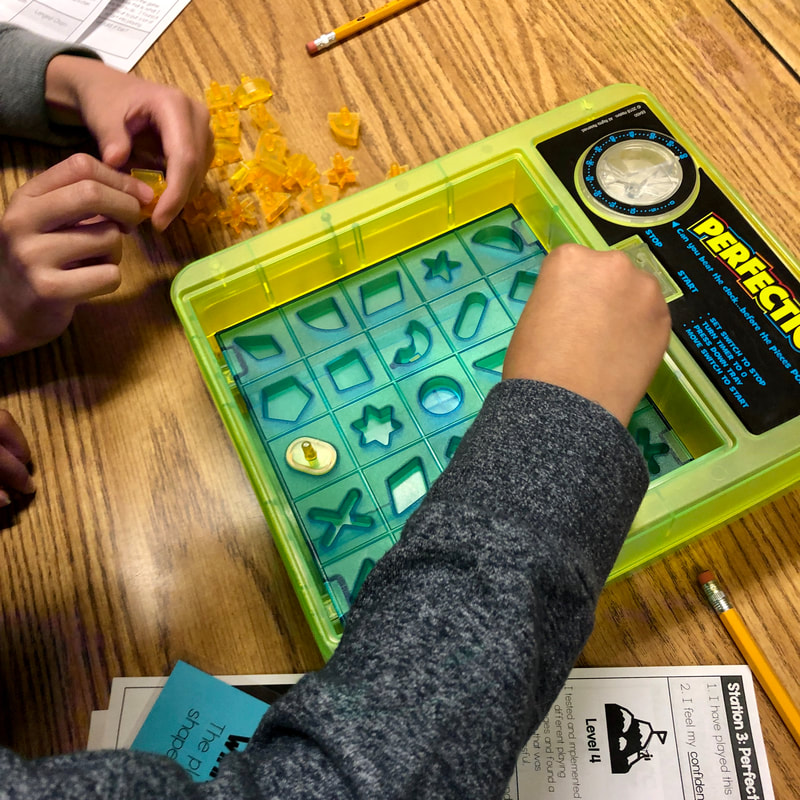
For this station, I had two games of Perfection set up for students to play.  They could choose to play in partners or take turns individually playing  Pencils were stored in the container so students would not lose track of them as they rotated from table to table.

Perfection Game
Picture
Picture

Station #4

Picture
Station Materials & Setup:
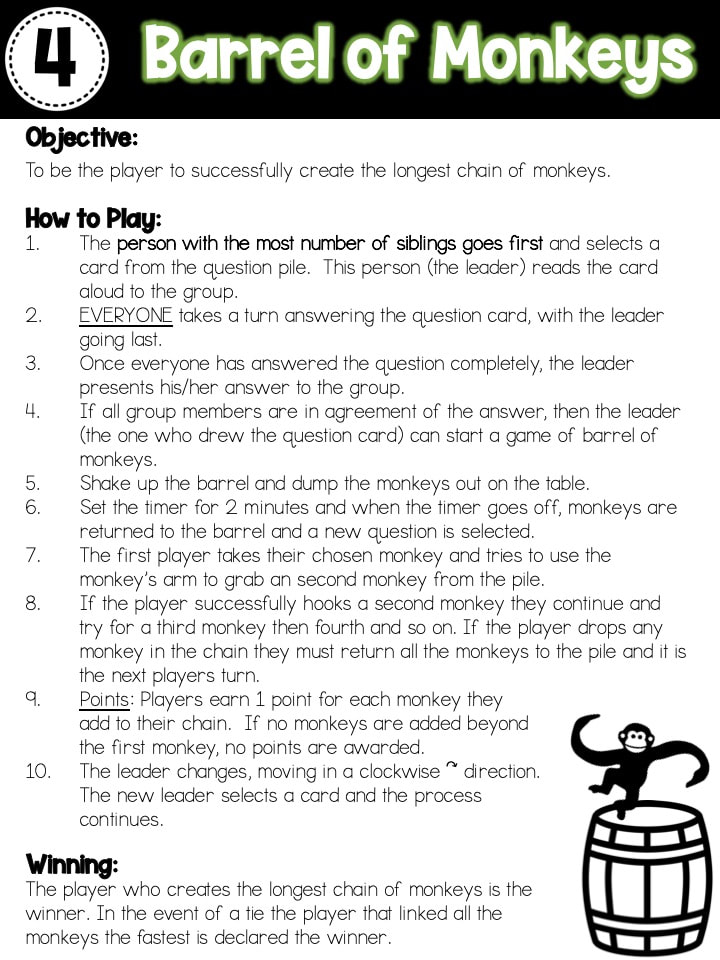
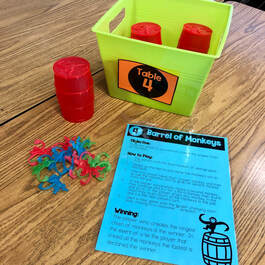
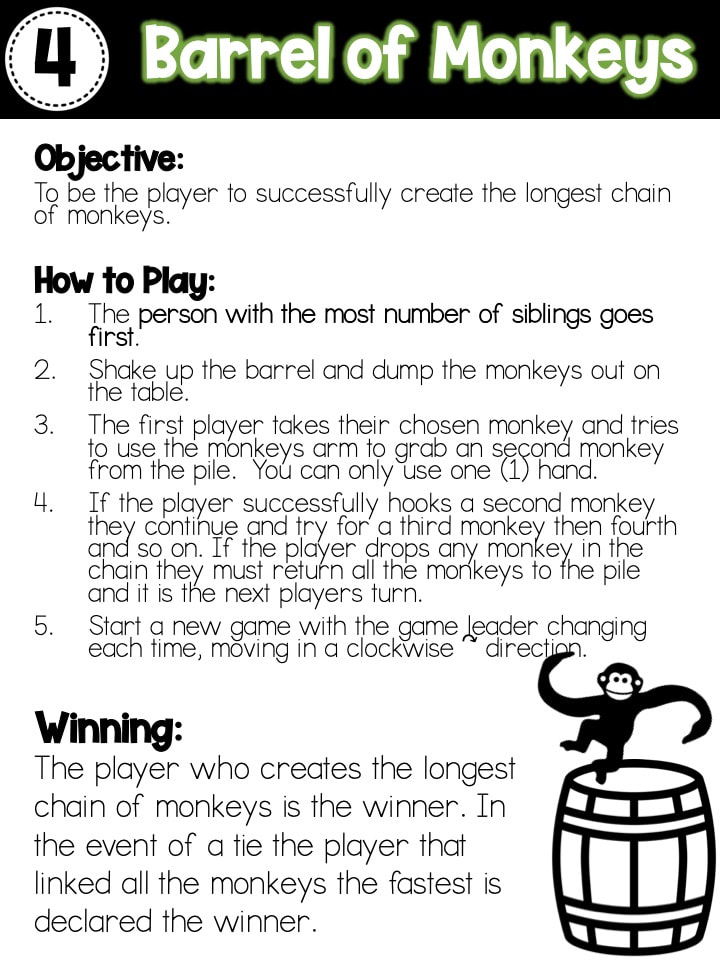
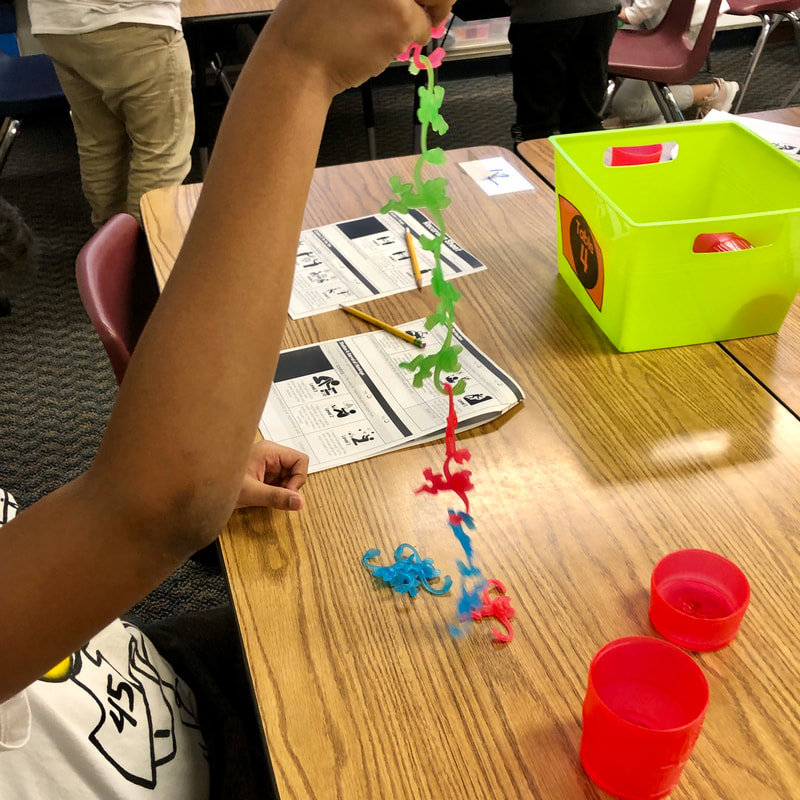
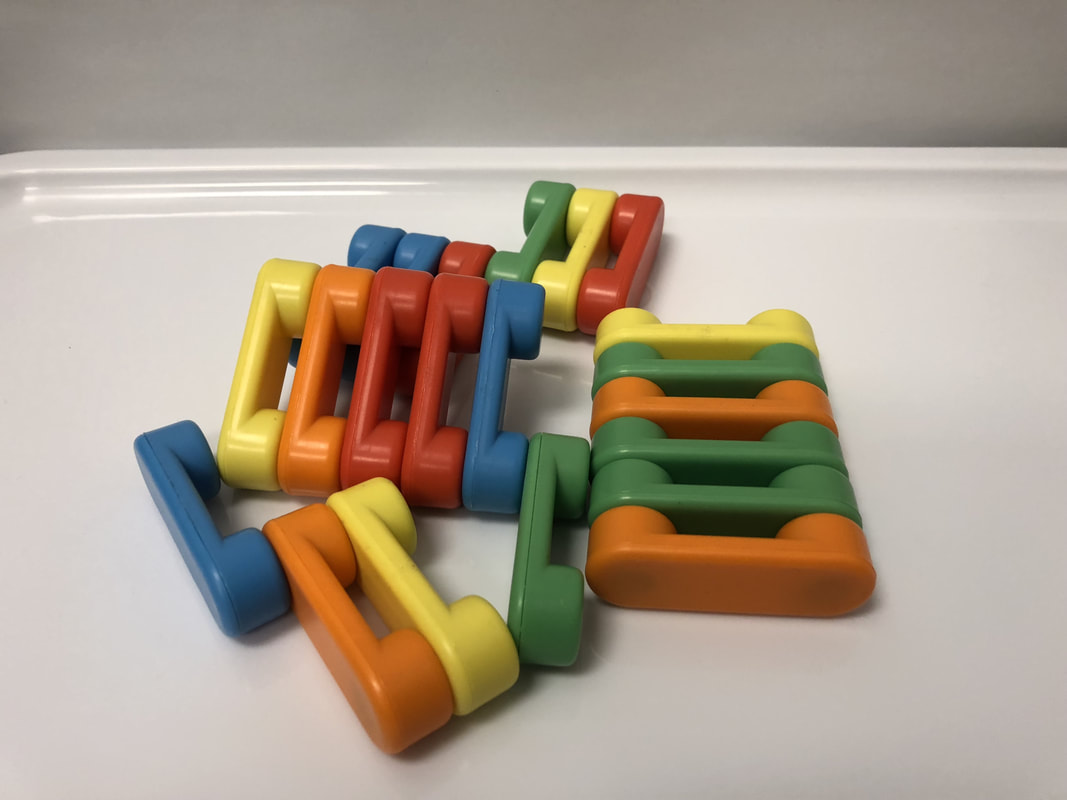
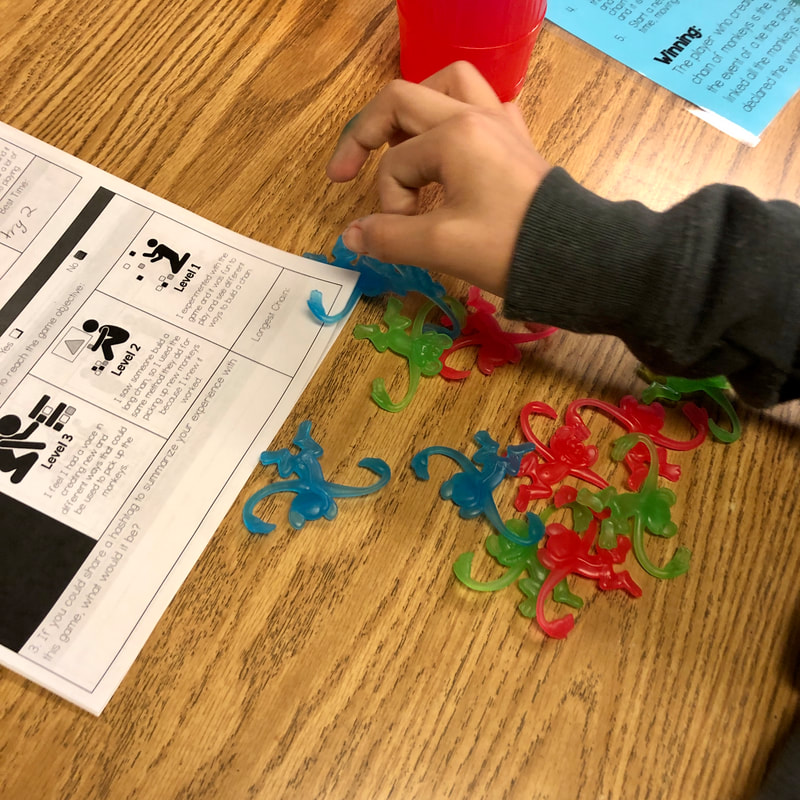
For this station, I had four games of Barrel of Monkeys set up for students to play.  They would play this game individually, so each person had a Barrel of Monkeys.  Pencils were stored in the container so students would not lose track of them as they rotated from table to table.

Barrel of Monkeys Game
Picture
Picture

Station #5

Picture
Station Materials & Setup:
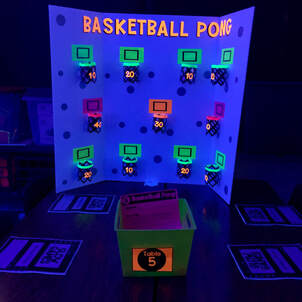
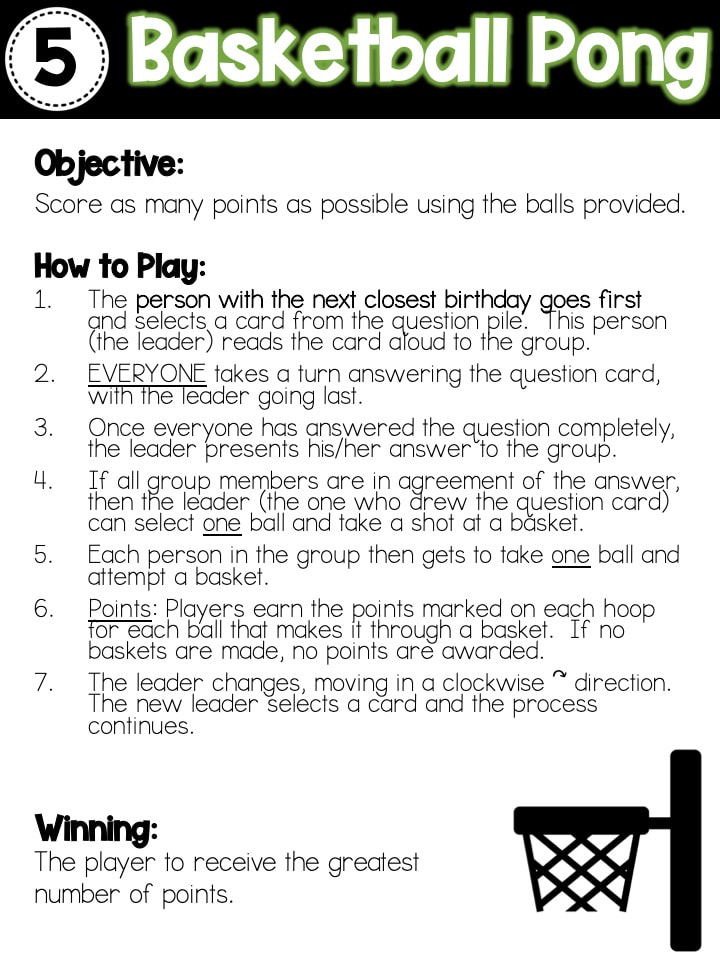
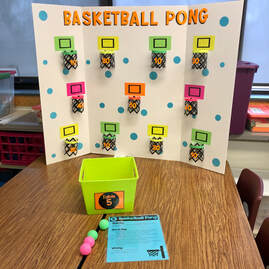
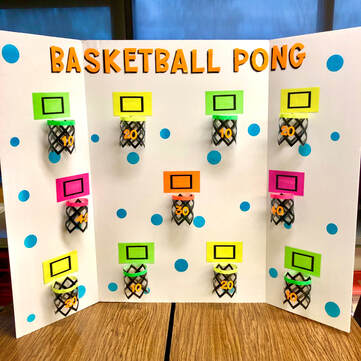
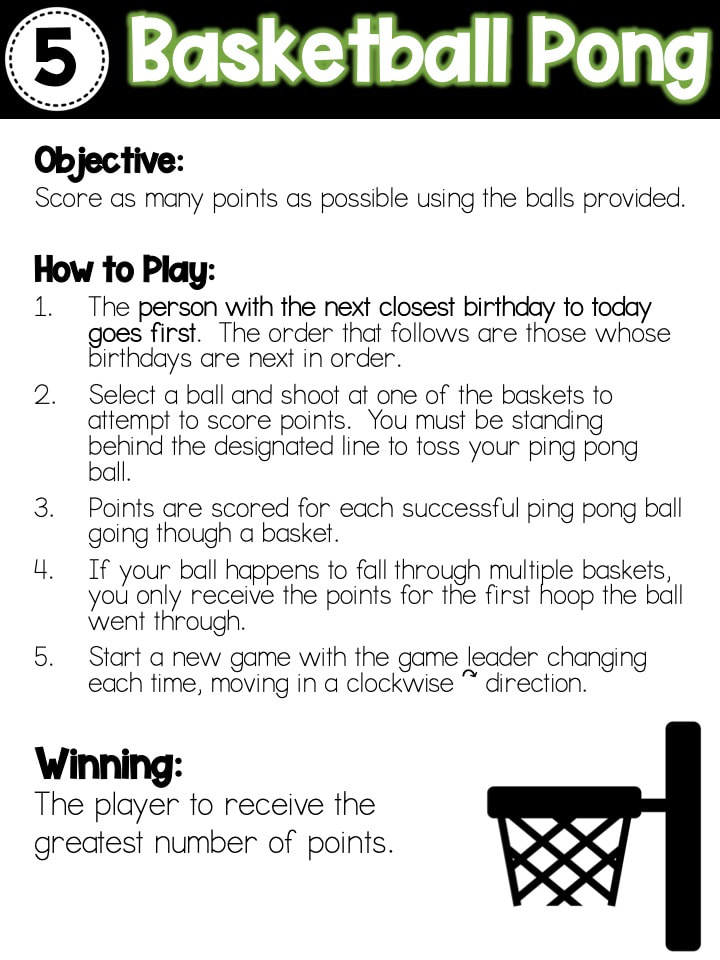
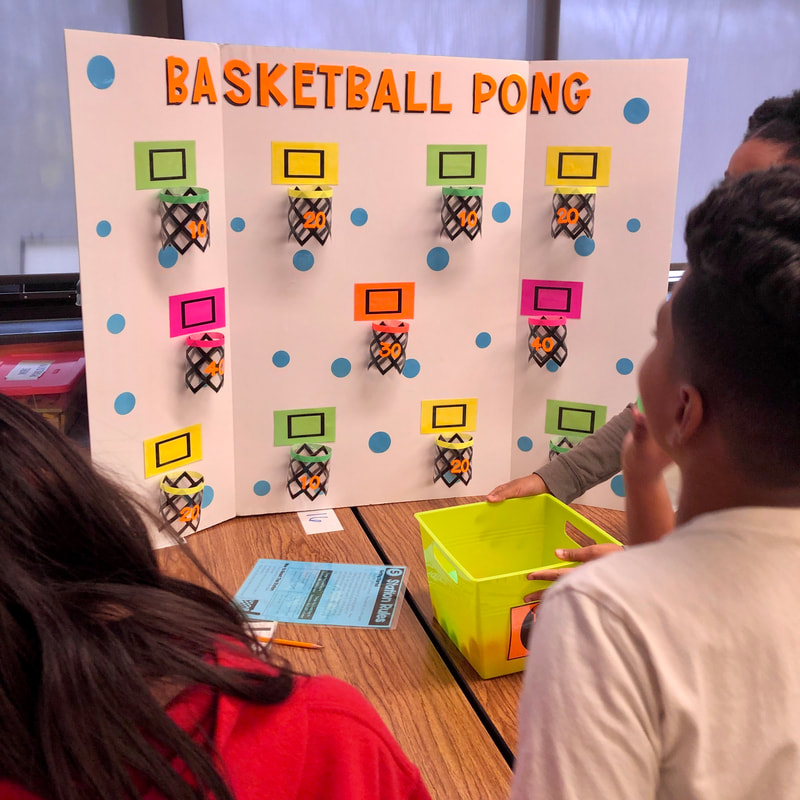
For this station, I had one game of Basketball Pong set up for students to play.  They would each play the game individually.  The container held the ping pong balls to use for the game.  Pencils were stored in the container so students would not lose track of them as they rotated from table to table.

Picture
This was the only game that I personally had to make an assemble.  I simply used a foam board trifold - 36in x 48in (so much sturdier than cardboard!) as the base.  I created the basketball hoops and then cut them out on my Cricut.  I used neon index cards as the backboard and cut out black inserts on my Cricut for the center part of the backboard as well as the point values for each basket.  Using my Cricut, I cut out the letters and dots and then secured the backboards, letters, and dots to the foam board with hot glue.  I laminated everything so that it would be durable and hold up over time.  I used velcro dots (2 dots per basket) to attach the baskets to the foam board so I could remove them and fold up the board for easy storage.

Labor of Love - Now Accepting Donations :)
​Just kidding, well, kind of! 

​I freely share the resources I use because I truly believe that as educators we are all in this together - making learning fun, meaningful, and relevant to students.  They are our future after all!  I share and don't expect anything in return, BUT if you like what you see, use it, and see the benefit, I will drop links here to my DonorsChoose page as well as my Amazon Wishlist. 
;)  All items go right into the hands of the students I work with to build enriching STEAM experiences that support the 6Cs to help them develop a love of learning and a desire to be a life-long learner.
Picture
Picture

Station #6

Picture
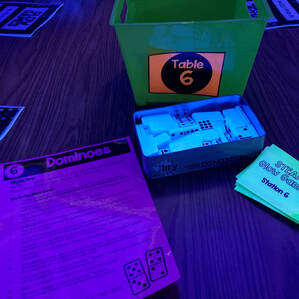
Station Materials & Setup:
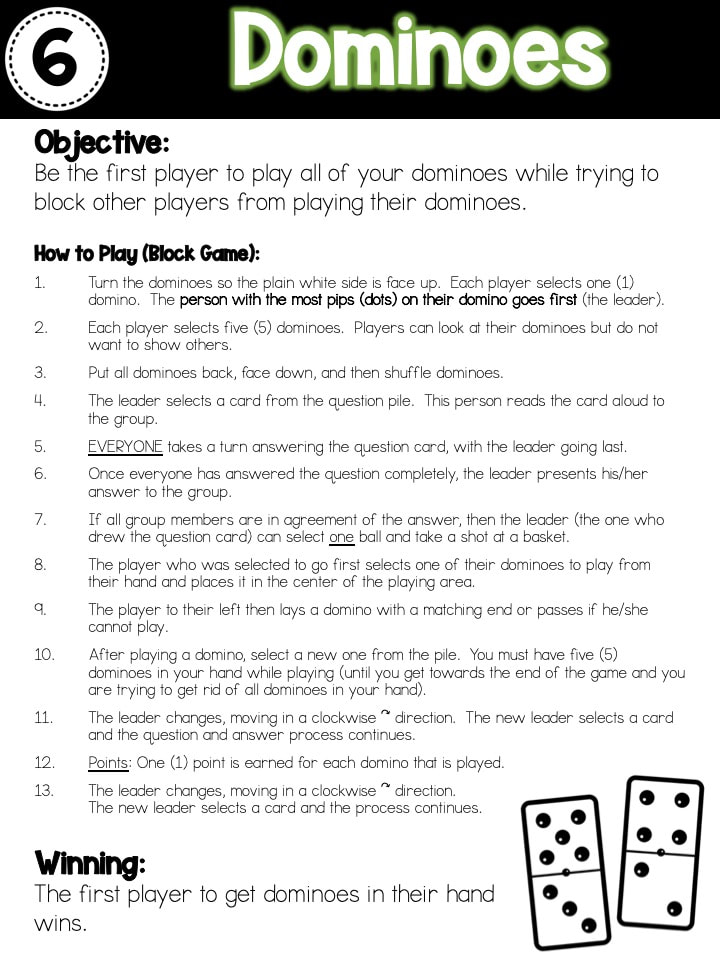
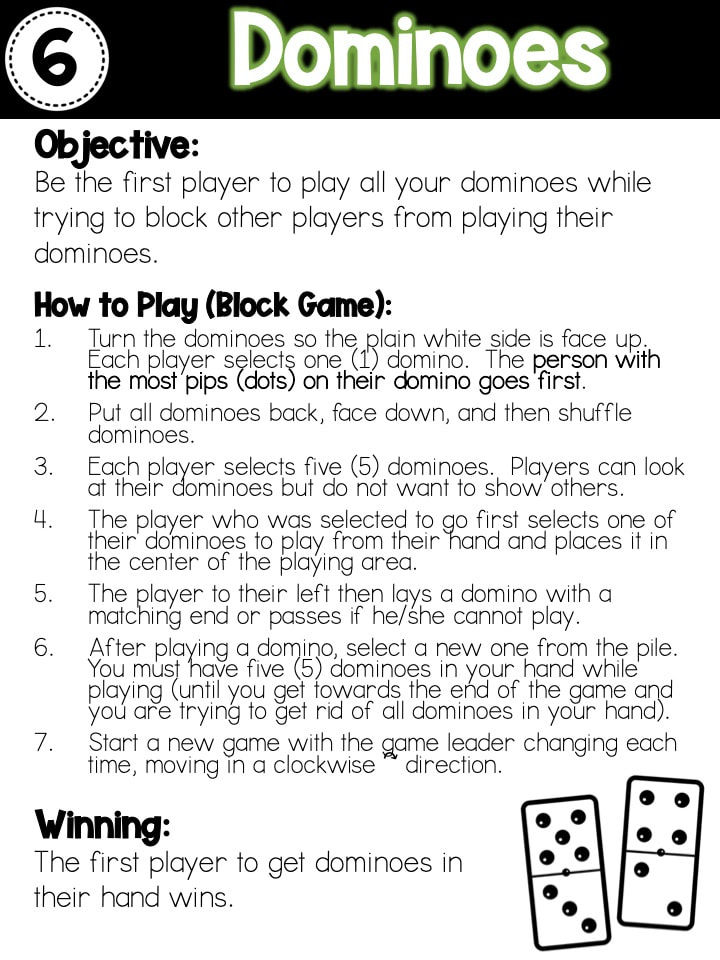
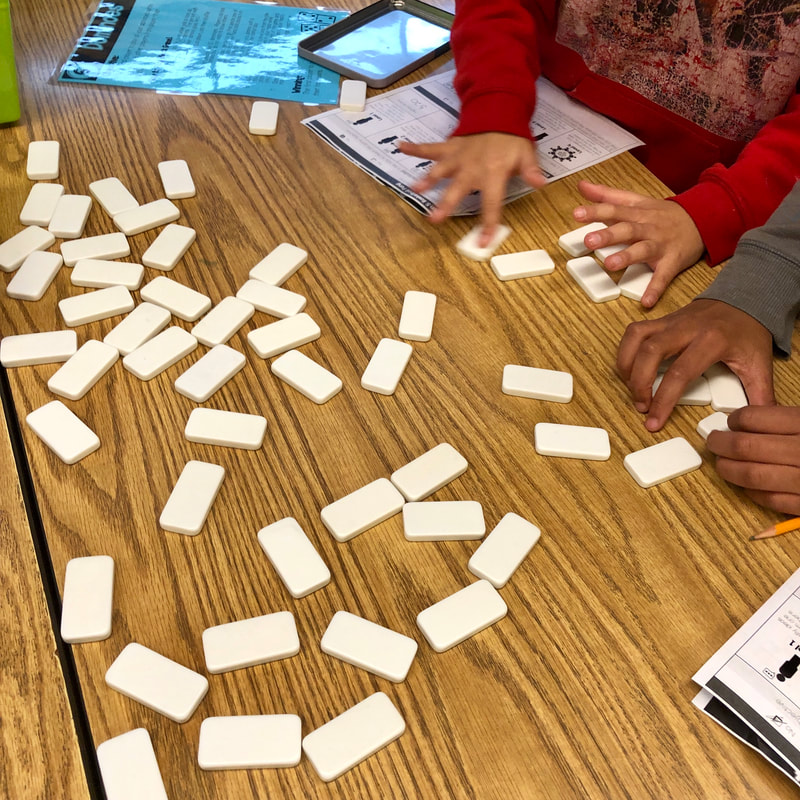
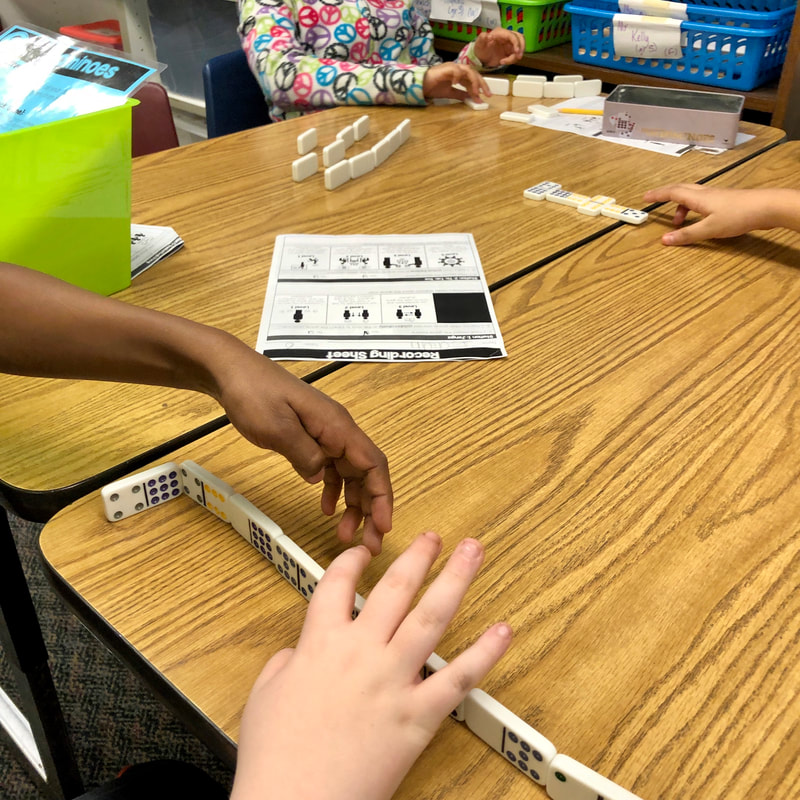
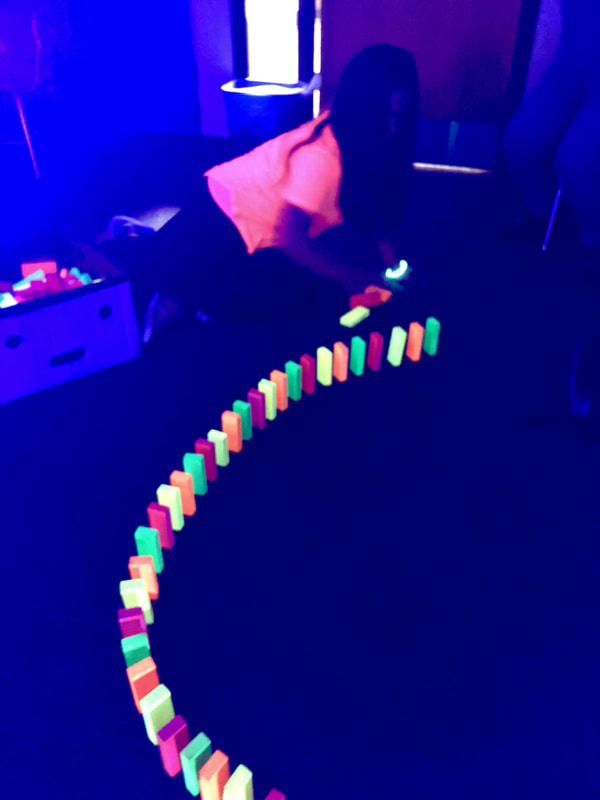
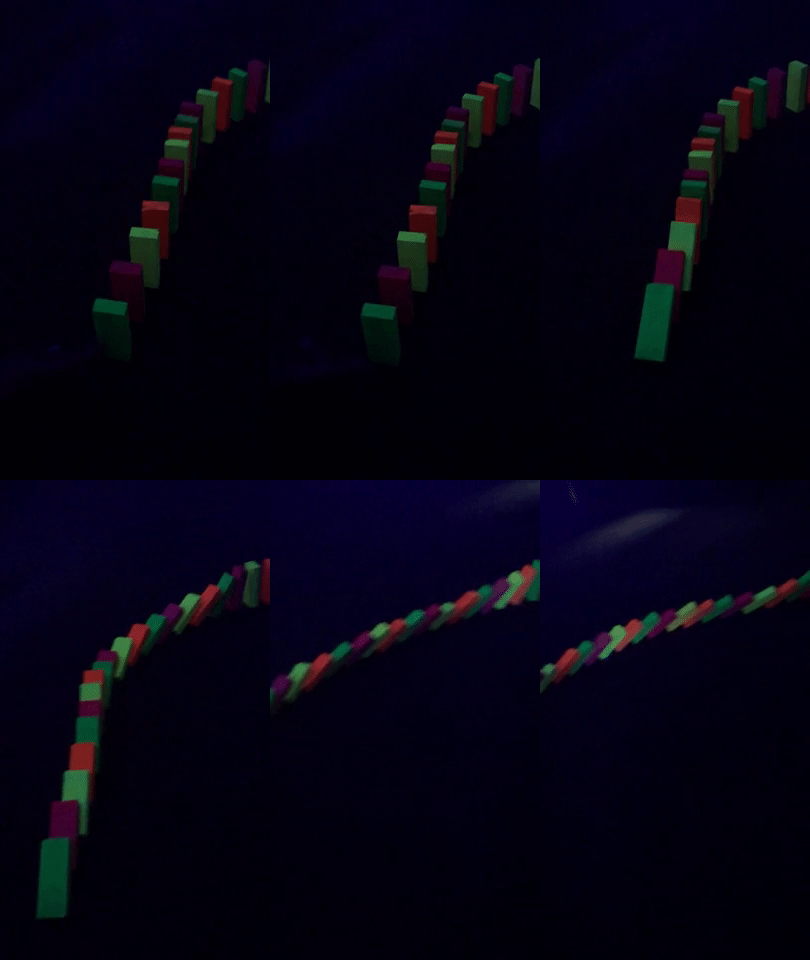
For this station, I had two games of dominoes set up for students to play.  They could choose to play in partners or as a whole group of four.  Pencils were stored in the container so students would not lose track of them as they rotated from table to table.

Dominoes Game
Picture
Picture

Station #7

Picture
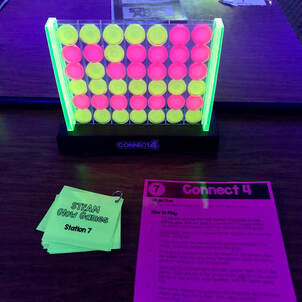
Station Materials & Setup:
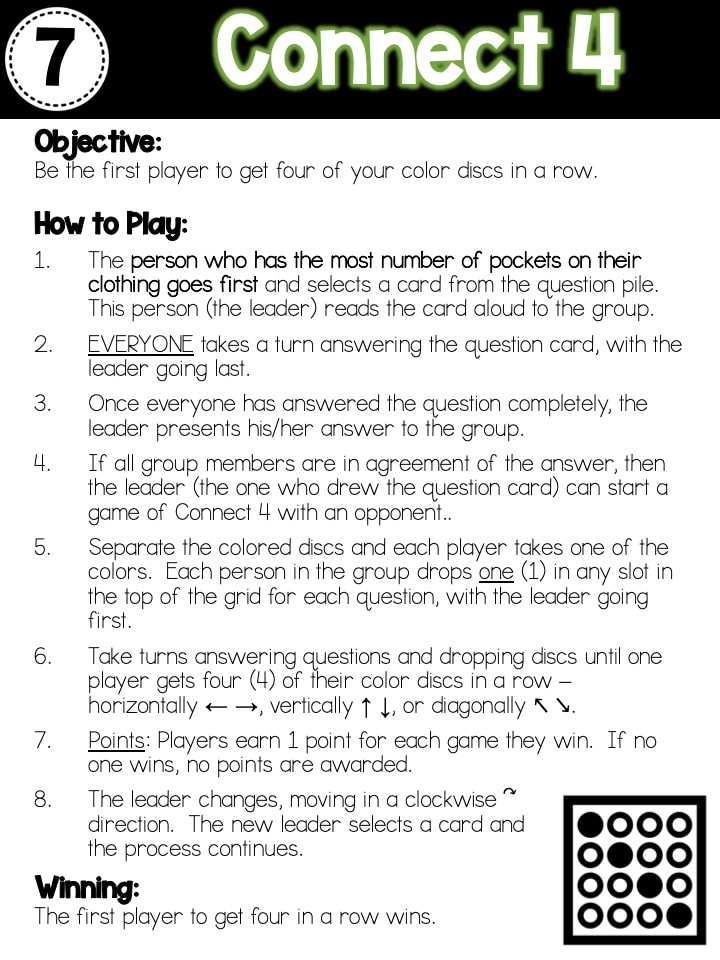
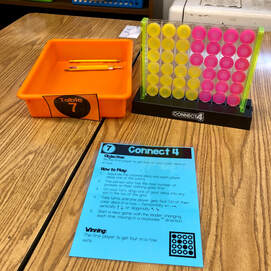
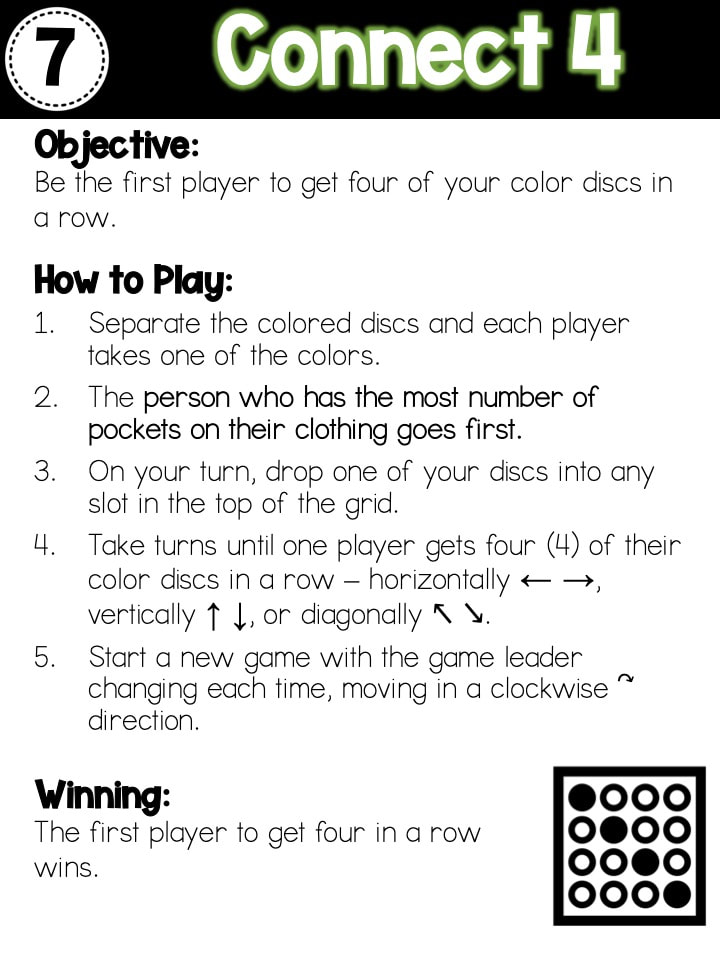
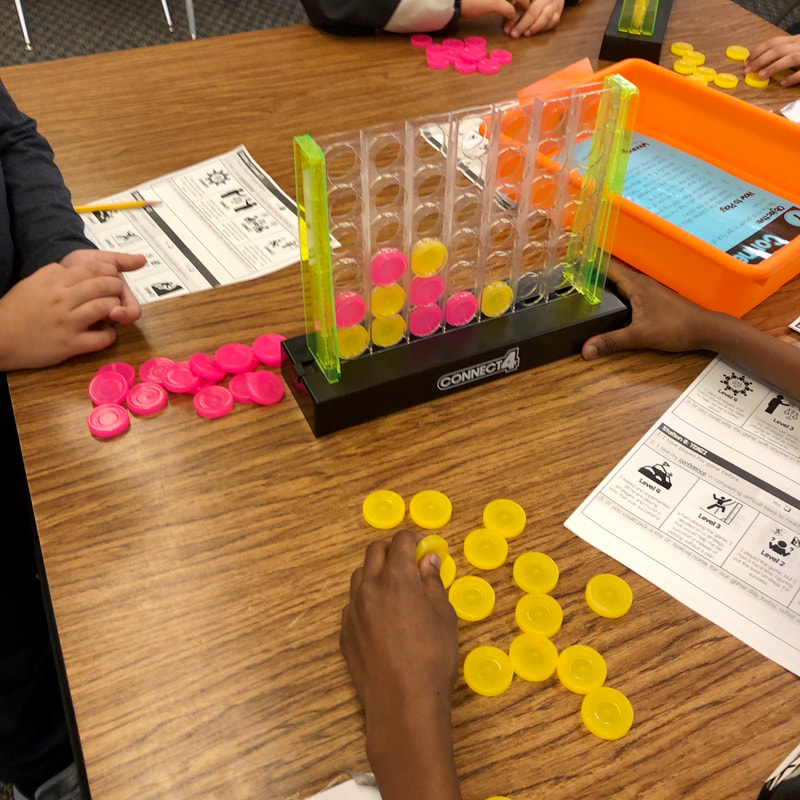
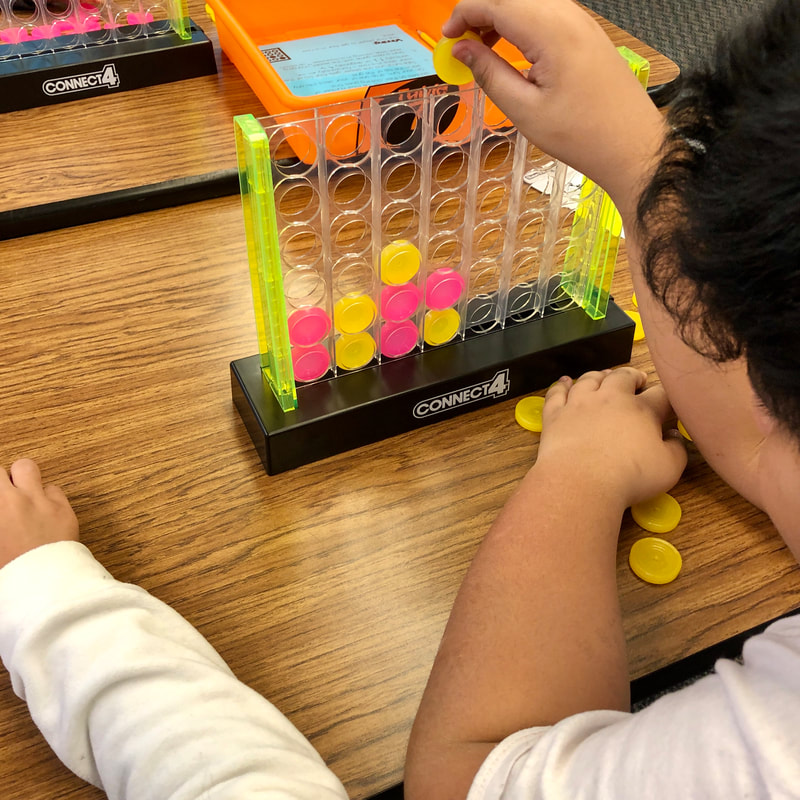
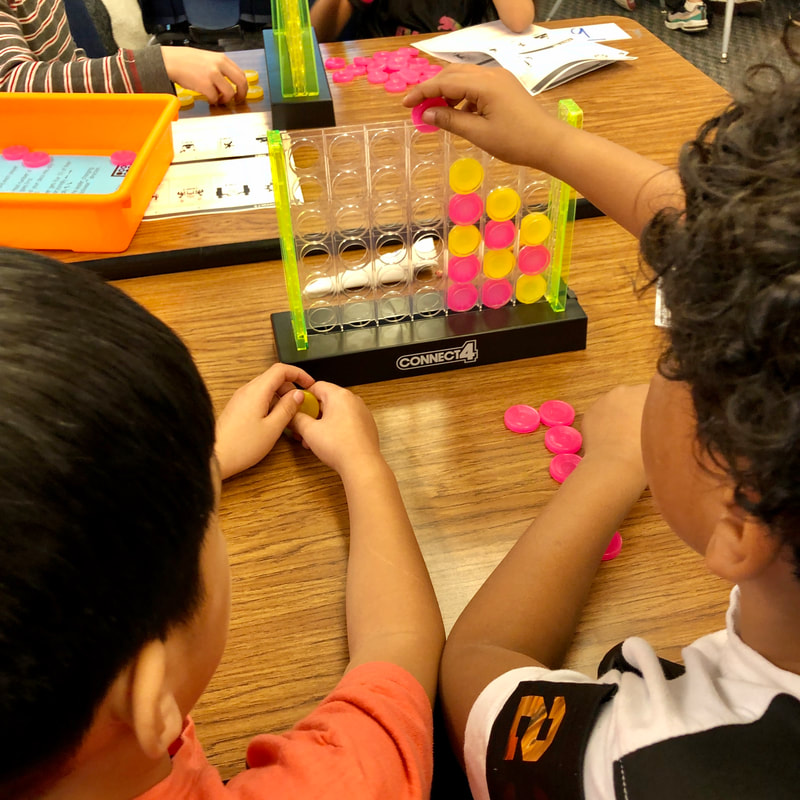
For this station, I had two games of Connect 4 set up for students to play.  Pencils were stored in the container so students would not lose track of them as they rotated from table to table.

Connect 4 Game
Picture
Picture

Station #8

Picture
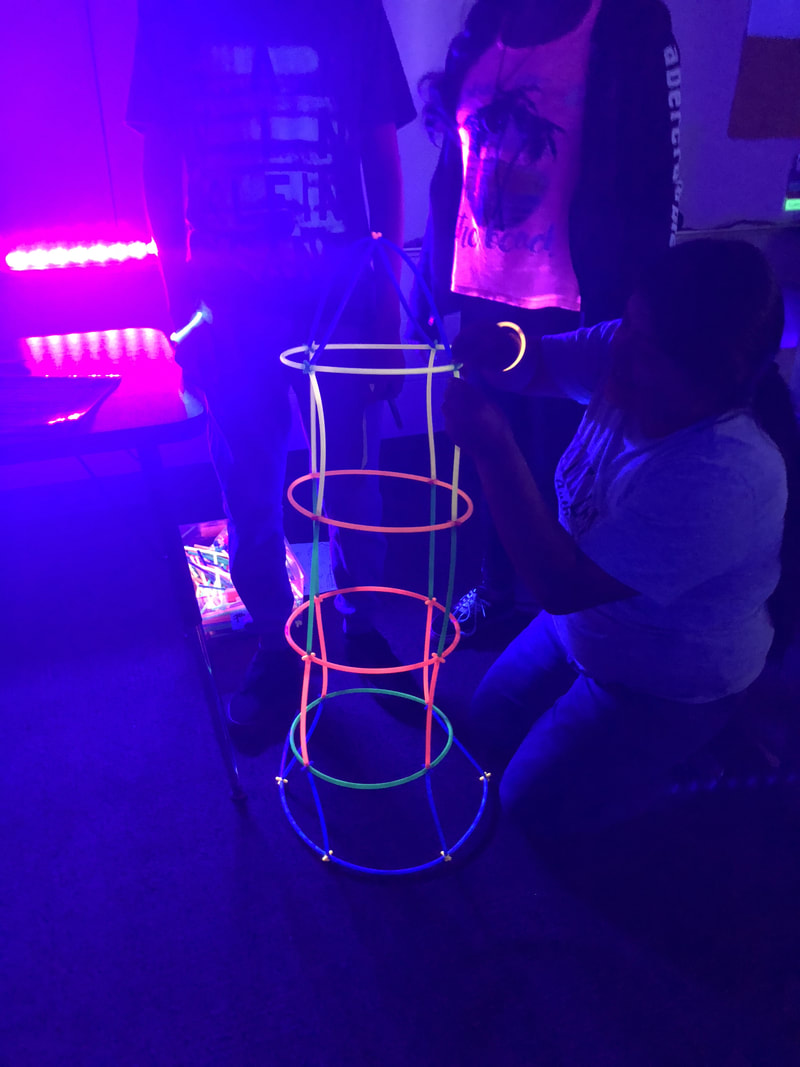
Station Materials & Setup:
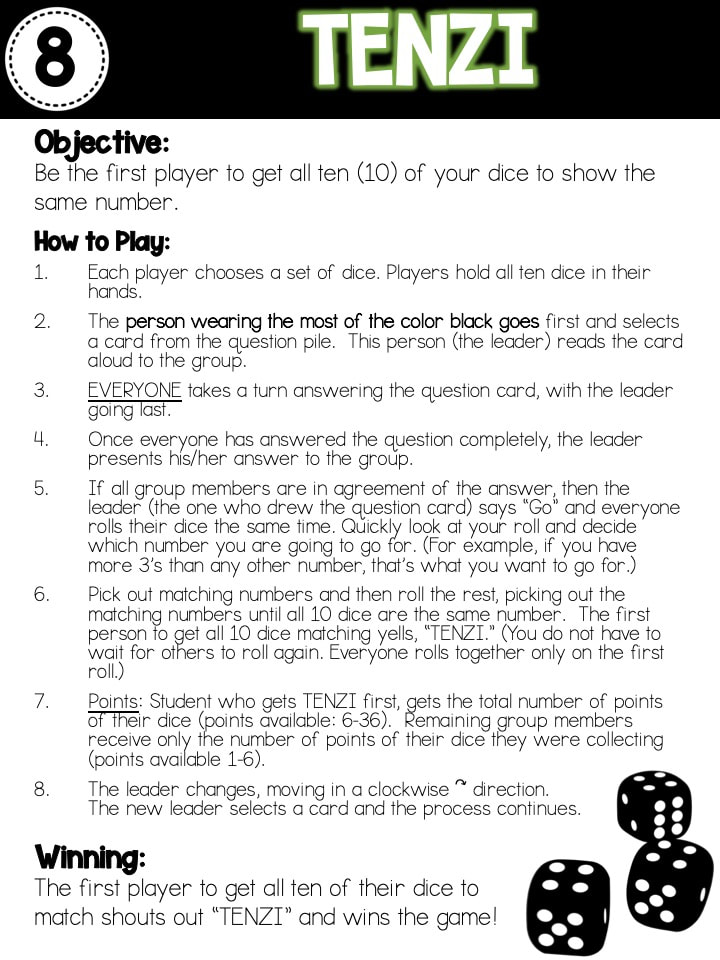
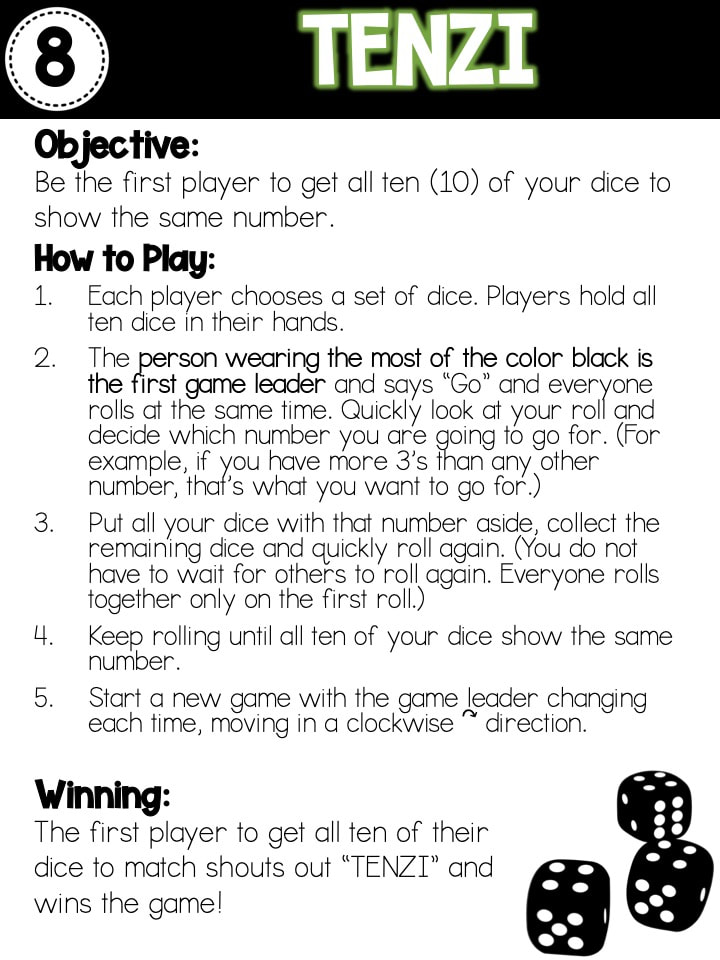
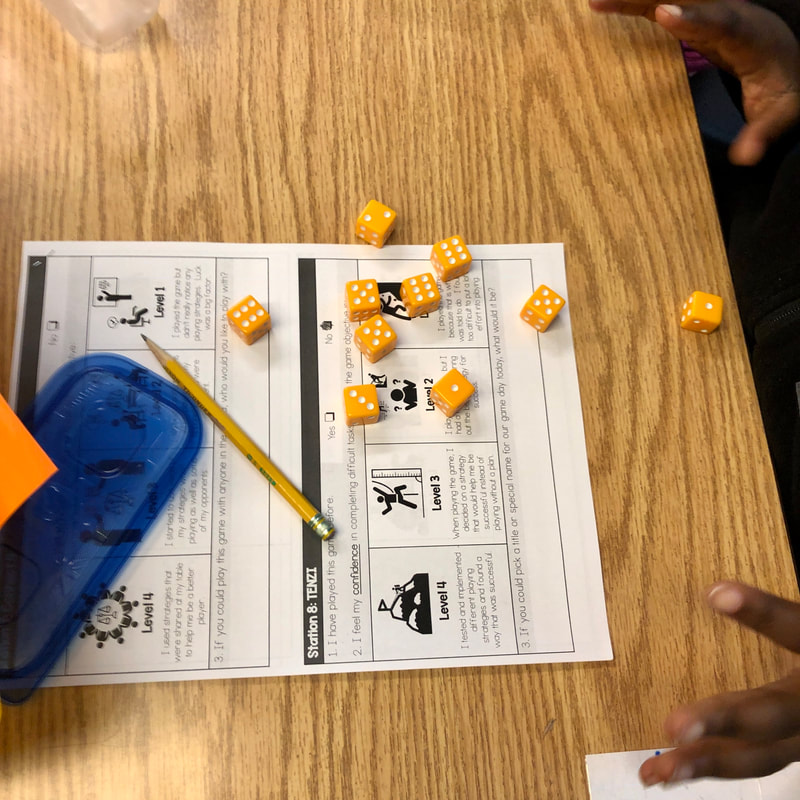
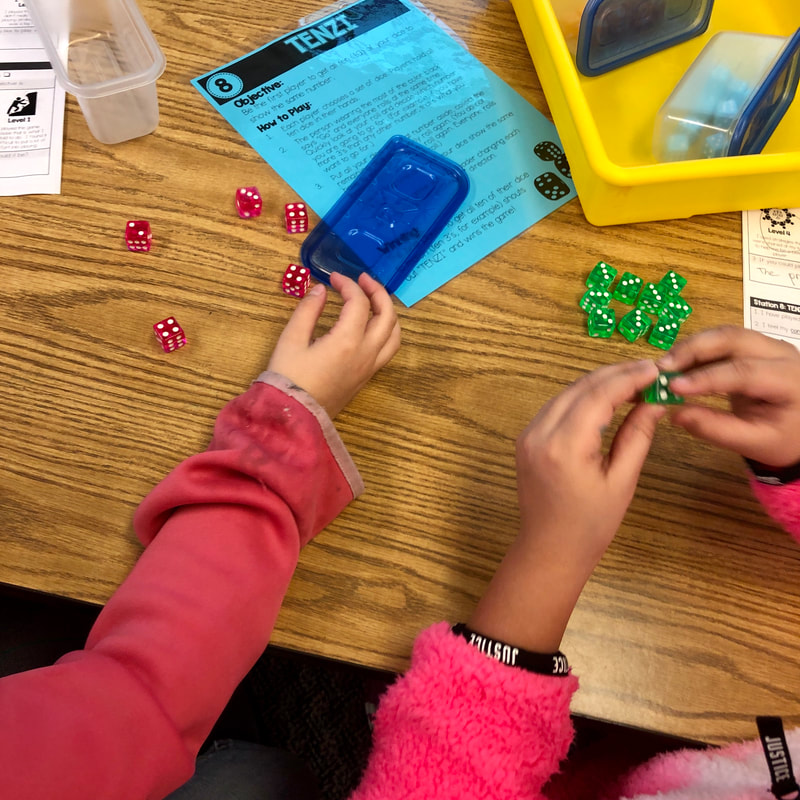
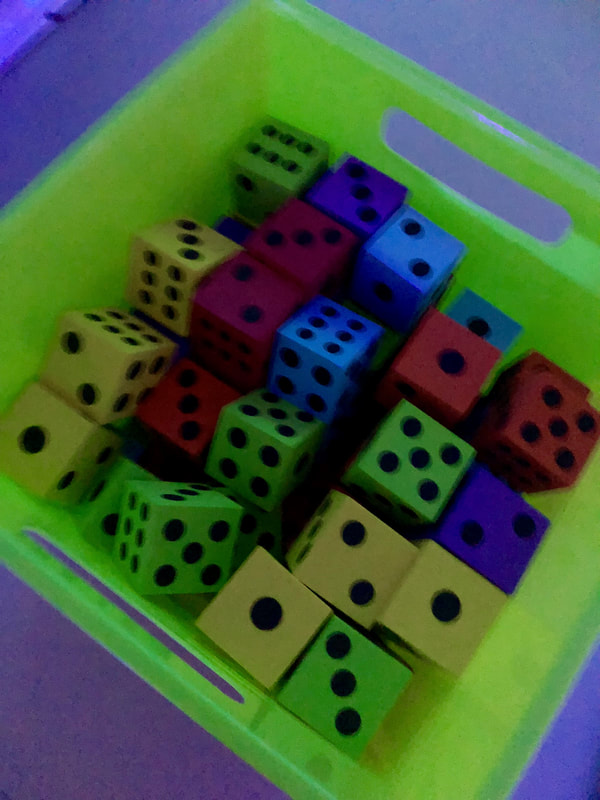
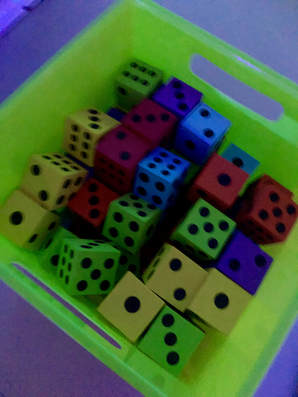
For this station, I had five containers of dice so all students could play at the same time.  Pencils were stored in the container so students would not lose track of them as they rotated from table to table.

Dice
Picture
Picture

Games In Action


What's Up Next?

After we become familiar with rules and how to play the eight games, we are going to move into the the Glow Games: All About STEAM!  This is where I am going to introduce STEAM content where students will have to answer task cards so that they can have a turn to play a round in the games.  Stay tuned!
1 Comment

Reading Month 2019

3/31/2019

0 Comments

 
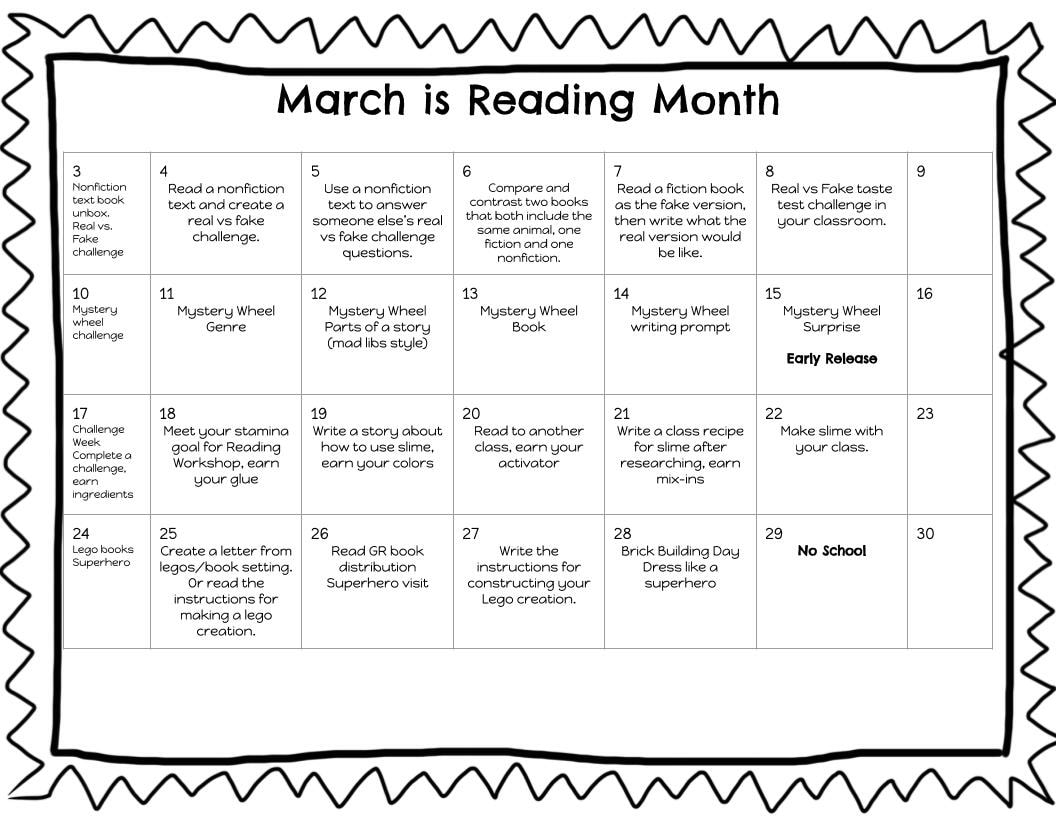
Towards the end of February, I was contacted by one of our elementary Reading Specialists asking if I would be willing to help them out with their Reading Month activities.  They had decided on a theme of YouTube (as all the kids are OBSESSED with watching all sorts of videos) and called it "Be a YouTube Reading Star!".  After meeting and brainstorming some ideas, one of our other elementary Reading Specialists from another building wanted to join in on the theme.  The more the merrier!  Together we came up with some activities, rewards, and fun things to work into the month.  I thought I would share some of the videos and activities below!

ECC (Kindergarten-2nd Grade)

ECC YouTube Page
Our two elementary schools created their own calendars of events for the month, but each tied back to the YouTube theme.  Our K-2 building took some of the popular kinds of videos that kids like to watch and put their own reading spin on it to make some new videos.  We had several students at the high school who were eager to help out and be part of the Reading Month activities, that we were able to have them help film our videos.  It was great to have them do it, as several of them had younger siblings or cousins at that building, so it was a nice surprise when the teachers showed the videos and the little kids could see big kids they knew.
Picture
The YouTube challenges that the K-2 building put their own twist on was the Real vs. Fake Challenge and the Mystery Wheel Challenge.  The students LOVED them and were so excited to see how the challenges played out.  They also had a slime challenge and brick building day as rewards.  The students were so excited to explore reading books that related back to these challenges and earning materials to use for the reward parties.

Godfrey Elementary (3rd-5th)

Godfrey YouTube Page
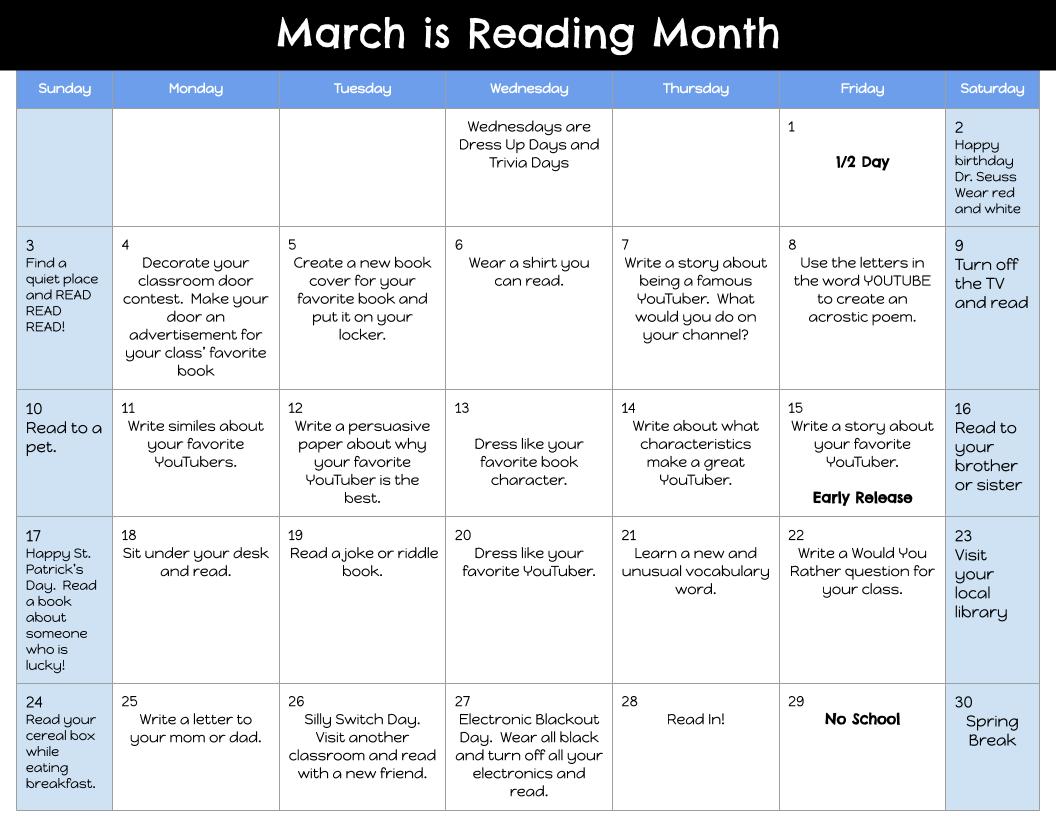
Our 3-5 building took on some different themes/challenges as they implemented their YouTube theme.  They took on Unboxing, Product (Book) Recommendations, Slime, and Glow in the Dark.  They also had a calendar of daily activities/events that students could do in their classrooms or at home that related back to the Reading Month theme or simply encouraging reading.
Picture
The first reward that was up for grabs was that of a Glow Party.  After the first full week, the class in each grade level who collectively logged the most reading minutes earned a STEAM Glow Party.  I hosted these parties for the three classes and it was so much fun watching them in a classroom transformation setting with a variety of STEAM activities for them to pick from and explore.  Students could chose activities and move at any time during the party.  Some students stayed and worked on the same activity for the whole time (the brick building station was a popular one for this!), while others hopped from one to another.
The second reward was that of a slime party.  Like the Glow Party, this was awarded to the class in each grade level that had logged the most minutes reading for the week.  This was a great way to incorporate some Math as part of STEAM for this activity.  Students were each able to make their own batch of slime in which they had to measure out the ingredients, mix them togethers, and problem solve for when it might have been too sticky or too liquidy.  They were each able to add two mix-ins to their slime and it was so fun to see their choices when they had freedom to design their slime however they wanted.
The last part of their festivities was doing an unboxing.  Each classroom put together a wish list of some books and the Reading Specialist was able to purchase some books from their lists to do a special unboxing.  We asked one teacher to do her unboxing where we recorded the whole thing so that we could show other classrooms what they look forward to with their unboxings.  We tried to get each teacher doing their unboxings, but sometimes it was hard to coordinate schedules.  Either way, the teachers and students thoroughly enjoyed their unboxings and the additions to their classroom libraries!
This was such a fun spin on Reading Month!  At the end of the month as we were finishing up recording videos, we were already starting to talk about what we could do next year for Reading Month.  We really tapped into something that was meaningful to students and tying their passions into their learning at school!
0 Comments

Glow Games: Highlight Reel

5/31/2018

1 Comment

 
Picture
Picture
I would just like to preface this post with the fact that this was not my original idea.  I have been fortunate enough to be connected with some AMAZING educators who are happy and willing to share their ideas and a glimpse into some of their classroom activities.  I recently read the book, The Wild Card by Hope and Wade King, and it was incredibly inspirational and helped me to think about things at school from a different perspective.  We all have the opportunity to "Set the Stage to Engage" and "Be the Wild Card" in whatever way we feel comfortable with and choose to do so in our classrooms.  I do not have my own classroom, but rather an amazing opportunity to work with all teachers K-12 in my district to primarily implement technology and STEAM.  I feel classroom transformations complement both those areas and provide an awesome avenue for unique learning experiences.  (Note:  If you have not heard of "classroom transformations," I highly recommend reading The Wild Card or watch Ep 1 of the Set the Stage to Engage series where Wade King describes what a room transformation is and shows an implementation.)

Below I will share a bit of the "Highlight Reel" (is it really a "Highlight Reel" if it is a long post?) from my first Glow Day as well as links to all the resources we used.  Sharing is caring, right?  :)  If you want to skip the overview and jump into the nitty gritty of things, you can click the button below to see all of my individual blog posts about the events of the day. 
​But first, I would like to give a HUGE shoutout to the amazing educators who inspired me and shared what they have done for their own Glow Games!
  • ElementaryShenanigans (Hope King) - The #ClassroomTransformation Queen and (as far as I know!) the originator of the #GlowGames.
  • AdventuresofMsSmith (Katie Smith) - The awesome teacher who shared her games she used in her own classroom Glow Games and helped bring me clarity to how I could implement this idea.
  • MissStasiak (Deedee Stasiak) - The amazing inspiration behind all things that are font-tastic and being an AMAZING and CARING educator to her firsties.
  • MooreinMiddle (Abigail Moore) - the inspiration behind my door signs - how cute was her idea?!
  • TrueTalesofaTeacher (Kori Markussen) - Another queen of classroom transformations!  She constantly inspires me, has HILARIOUS Instagram stories, and gave me some great ideas for different kinds of Glow Games.
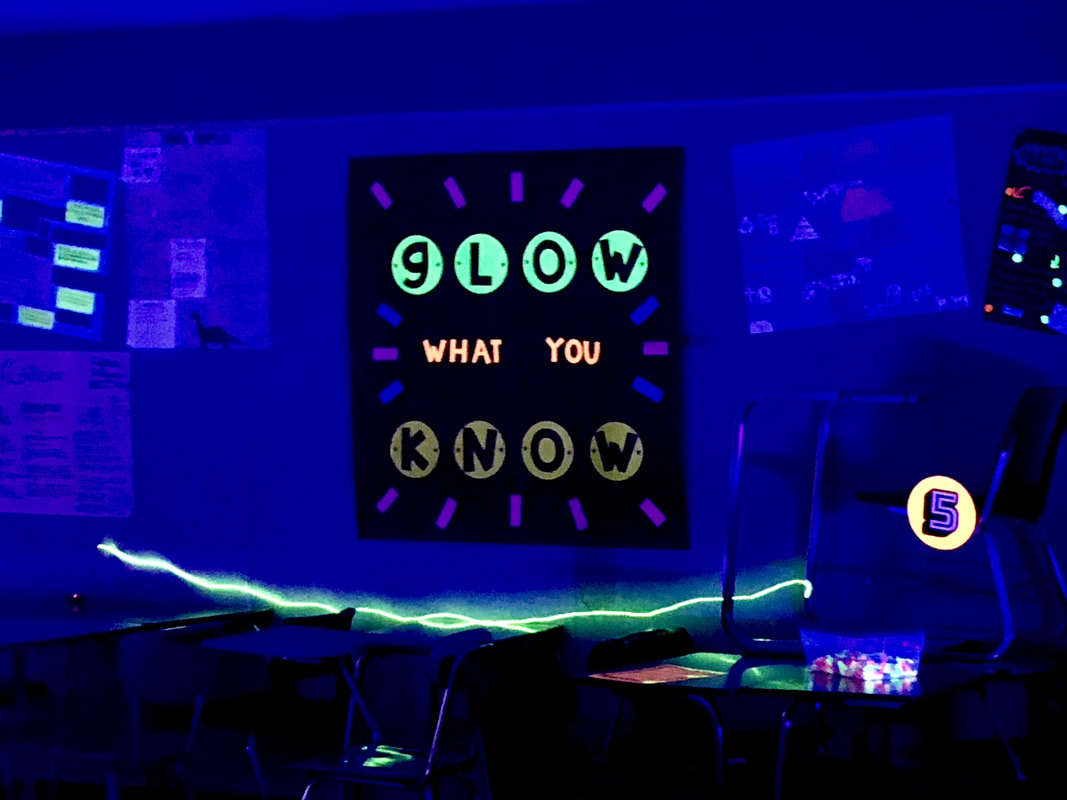
  • MrsLPaso (Deanna Liebscher) - The creator of the "Glow What You Know" sign and many other Glow Day activities.

All of My Glow Day Posts - Games & Activities

Picture
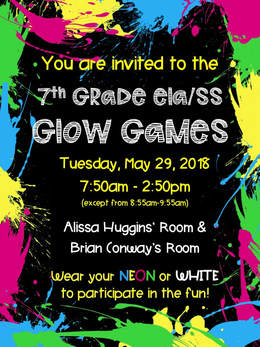
For this day, I worked with our 7th grade ELA and Social Studies teachers (rockstars!).  They initially contacted me about doing something fun at the end of the year that could possibly be done as competition.  After some thought and throwing some ideas around, I proposed the idea of a Glow Day with them.  They were excited and ready to start planning.  I had the resources, they had the content - a perfect pair! 

I have worked with these teachers before and when we do things, we don't just kind of do them, we REALLY do them!  For example, a couple of years ago we created a Breakout EDU game (well, actually two) that completed the book they were reading in ELA (The Only Thing to Fear by Caroline Tung Richmond) with what they were learning about in Social Studies (types of governments).  We designed the games so that they complemented each other and students had two days to participate in two different games for an engaging end to a thematic unit.

Anyways, I digress...so the teachers started putting together review questions from material they had covered throughout the year and I started putting together the resources.  We invited people in the building, administration, and others to drop by and see how their students were wrapping up the school year.

Above is the invite we sent out - I am including a link below to a template if you would like to use something similar in your own classroom.

Invite Templates

Picture
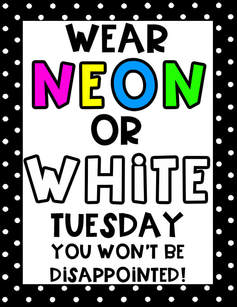
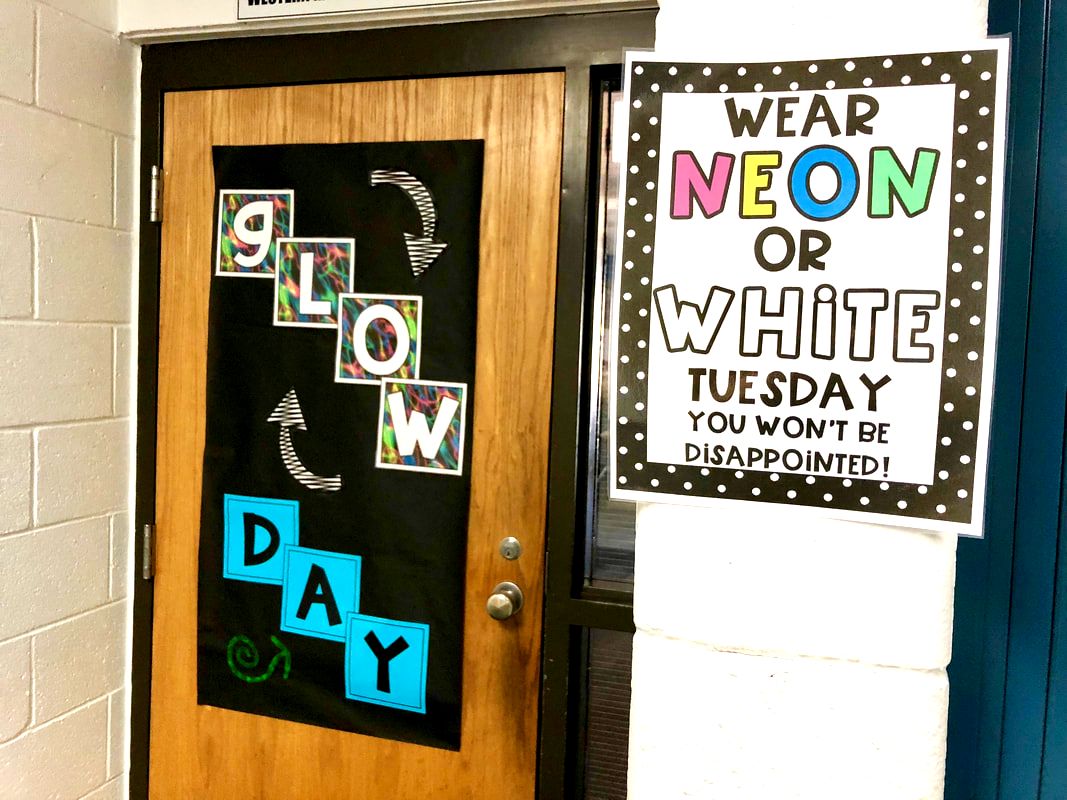
As our glow day took place the day after Memorial Day, we were unable to put signs up in the classroom the day before encouraging students to wear neon or white.  I created a sign that the teachers could put up in their rooms on Thursday and Friday before though, and hoped the students would remember over the long weekend!  I spoke with one of the teachers after she posted the sign first hour and she said the signs had created quite the buzz and the kids were wondering why they should wear neon or white, talking about what they could wear that day, and if they could color themselves with highlighter.  Mission accomplished!

I created flyers for the different days of the week and one for "tomorrow" in case anyone would like to use them in their classrooms.  Simply click on the button below!

Student Promotion Flyers
The day began for the students by being greeted at the door not only with their reminder sign for what to wear for the day, but also a fun door sign.  I was looking to build the anticipation even more before entering the room.  The students had never had a glow day before so I am sure they had no idea what to expect when they walked into their ELA and Social Studies rooms.
Picture
Picture
Door & Sign Decorations

We decided to have one classroom hold the content games and one classroom hold the STEAM activities.  So when the students had their regular ELA class period, they would play the Glow Games and when they had their regular Social Studies class period, they would play the Glow STEAM activities.  Use the links below to check out my blog posts about the Glow Games we played as well as the Glow STEAM activities. ​
Picture
ELA - Glow Games Room
Glow Games
Picture
Social Studies - STEAM Room
Glow STEAM Activities

Glow Games/Glow STEAM Gallery


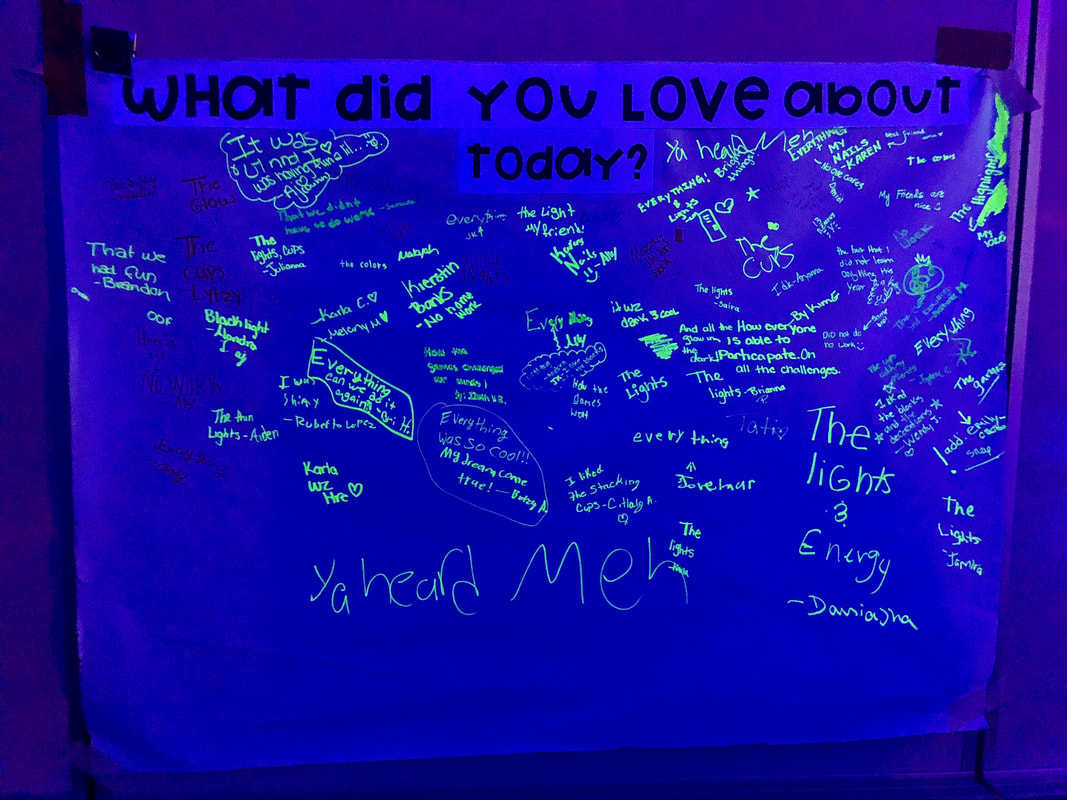
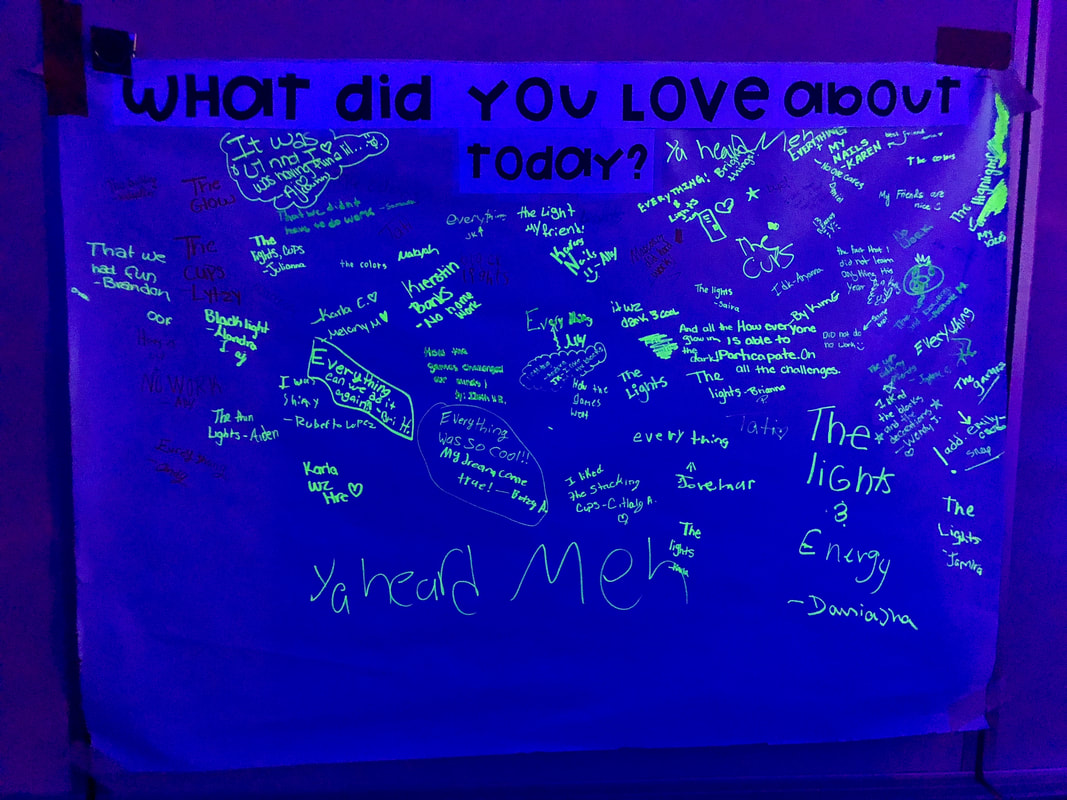
In the Glow Games room (at the end of the hour), we asked students to reflect on their Glow Games experience and how it fit in with the 6C Learner Profile that our district has adopted (from the authors of the book, Becoming Brilliant by Roberta Michnick Golinkoff PhD and Kathy Hirsh-Pasek PhD).  In the Glow STEAM room (at the end of the hour after cleanup), we asked the students to "highlight" what they loved about the day.  Although we ran out of our neon sticky notes before the end of the day in the Glow Games room, but it was interesting to see how students rated their experience as well as what they loved about the day.  The bright colors made it really stand out and the kids loved seeing their part as part of the bigger picture.
Picture
Glow Games Reflection
Picture
Glow STEAM Reflection

Picture
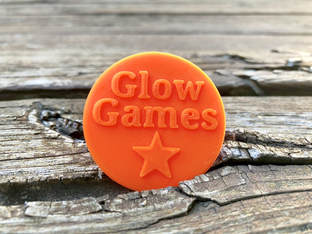
Last, but not least, I took my first adventure in actually designing my first "thing" to be 3D printed - a Glow Games coin!  I printed 5 of the coins for the top five finishers of the day.  I thought it might be a nice to have something to walk away with at the end of the day and would be cool to share at home.  I created a Google Sheet that we shared among the ELA teacher, Social Studies teacher, and myself so that we could track the students throughout the day and in different classrooms.  The Google Sheet had a worksheet for ELA, one for Social Studies, and then one for the Totals for both.  We had the students use a handout to track their progress during the hour and then they turned it in to the teacher at the end of the hour.  We wanted the focus to be on the games and activities and not having them worry about inputting their scores.

If you have access to a 3D printer and would like to 3D print your own Glow Games coins, I added the print file to Thingiverse - click the button below to head over there!

Thingiverse Coin Files
Top 5 Glow Games List
Teacher Tracking Sheet Template
Student Tracking Handouts
1 Comment

Glow Games: Games

5/30/2018

19 Comments

 
Picture
These Glow Games were games that I was inspired by through many different educators.  What I love about the Glow Games is that there is so much flexibility in how it is structured and implemented.  The Glow Games were designed and adapted  to give students a chance to push their collaboration, communication, critical thinking, creative innovation, and confidence skills while building upon the content.  We set the room up in stations and students spent about 8.5 minutes at a station before rotating to the next (we have 50 minute class periods).  Students had to start with a content question, come to a consensus on the answer, and then play the game.  This was intentional as we wanted the students working together to not only review the content, but give everyone a chance to play the game.

*Note* The resources listed below are for the 7th grade ELA/Social Studies Glow Games and the content cards were designed as an end of the year review.

All Printable Game Signs

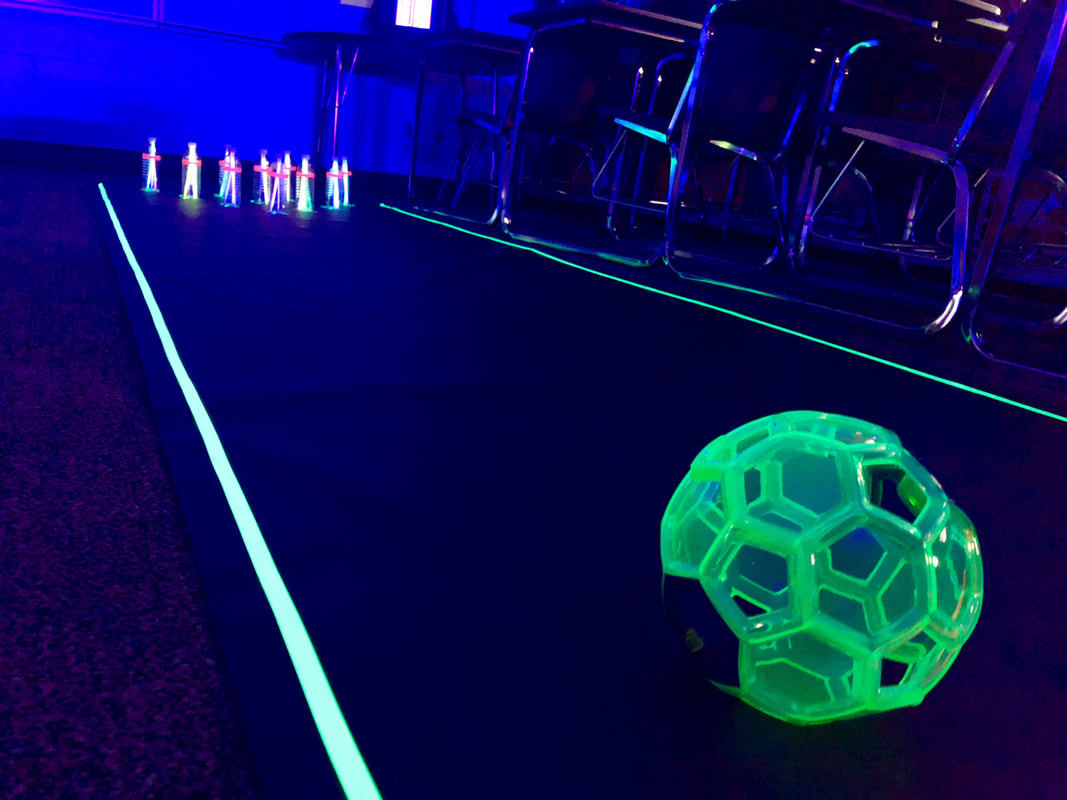
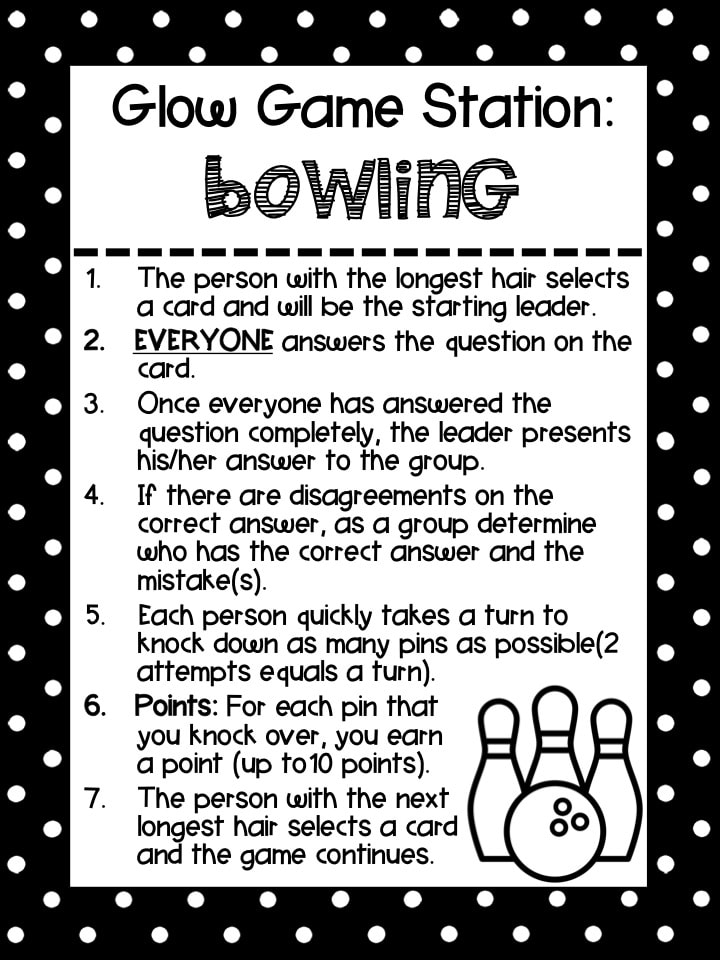
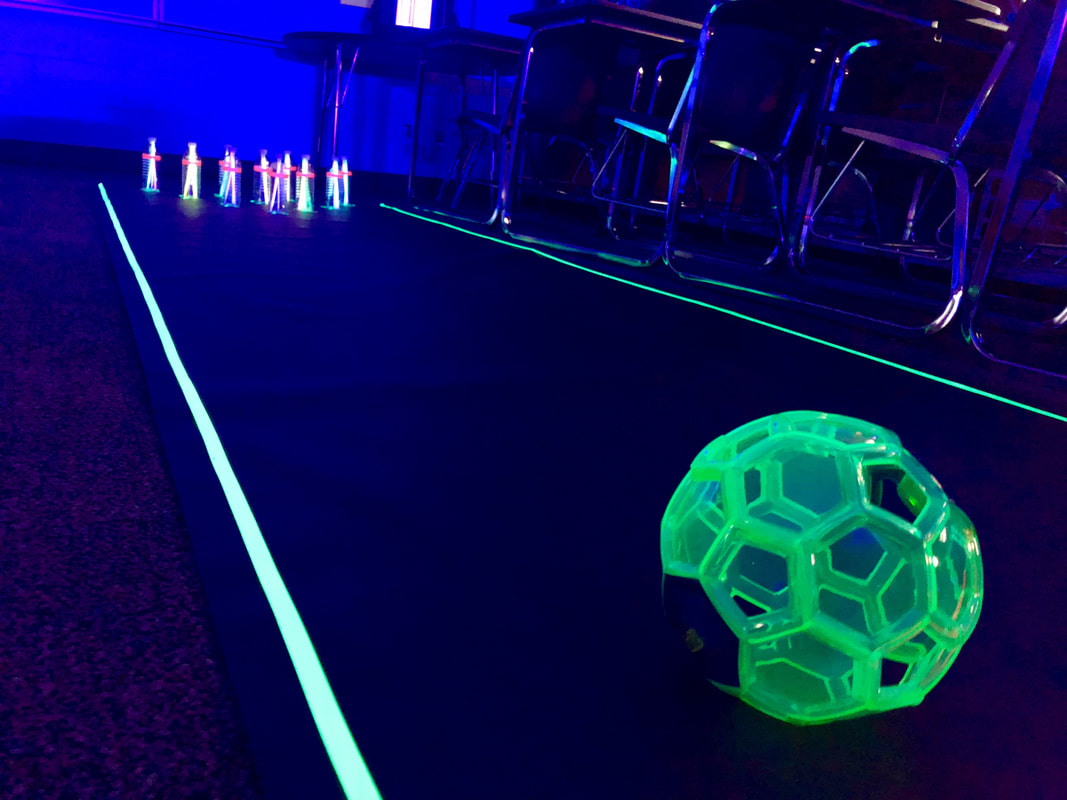
Bowling

Picture
Picture
Resources Needed:
  • Station Sign
  • Glow Soccer Ball
  • Empty plastic water bottles
  • Neon Gaffer Tape
  • Black Paper
Bowling Sheet
​
Bowling Cards

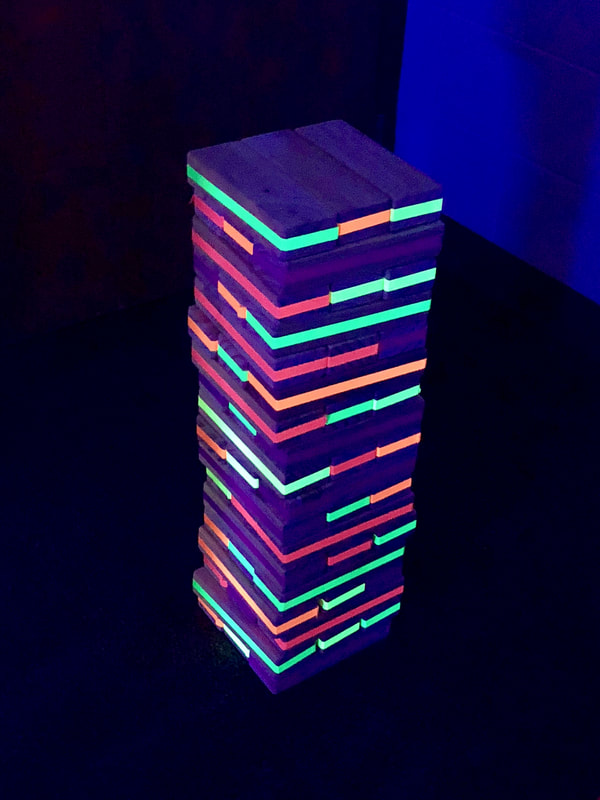
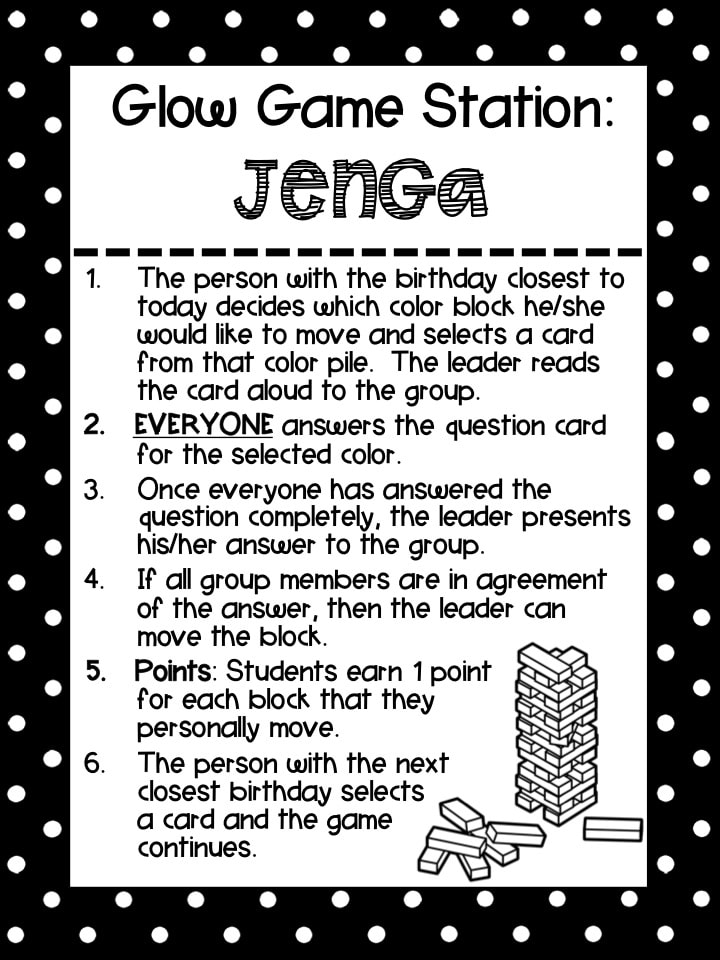
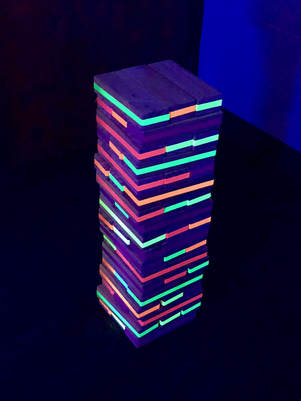
Jenga

Picture
Picture
Picture
Resources Needed:
  • Station Sign
  • Giant Yard Jenga
  • Neon Gaffer Tape

Jenga Sheet
Jenga Rules
Jenga Cards

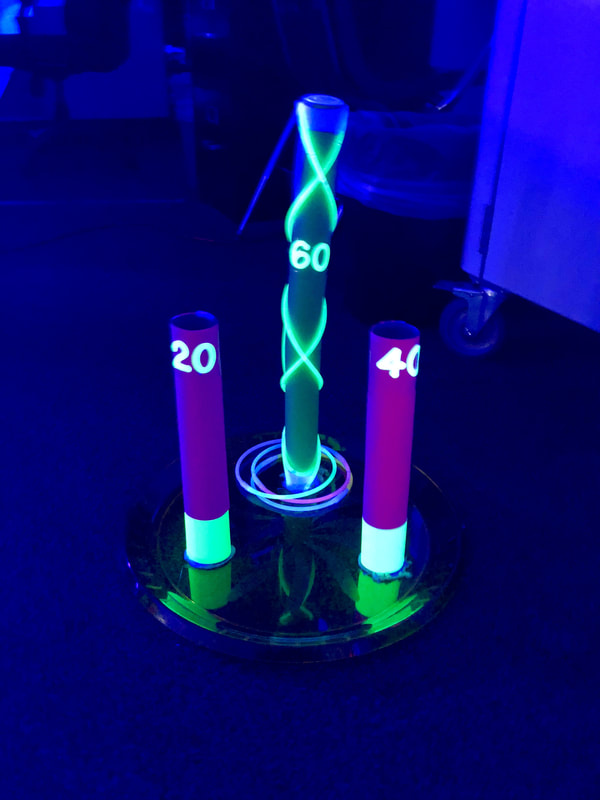
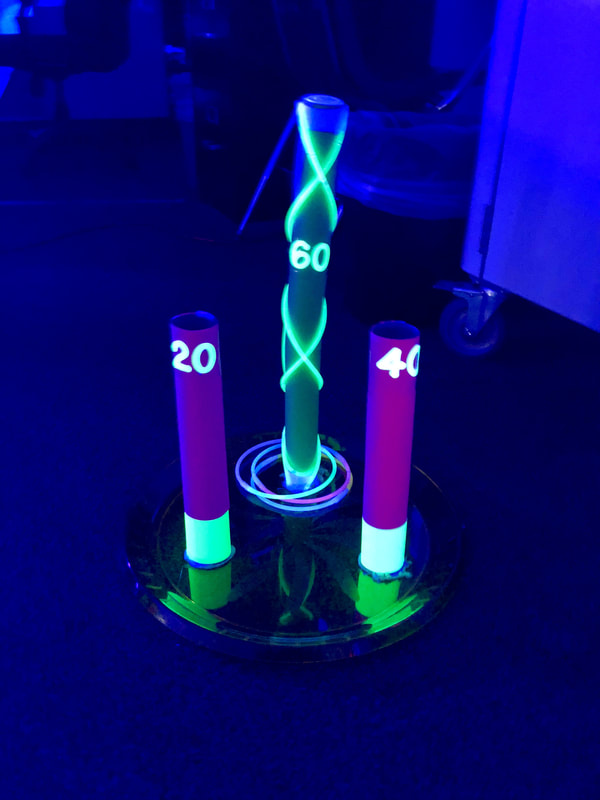
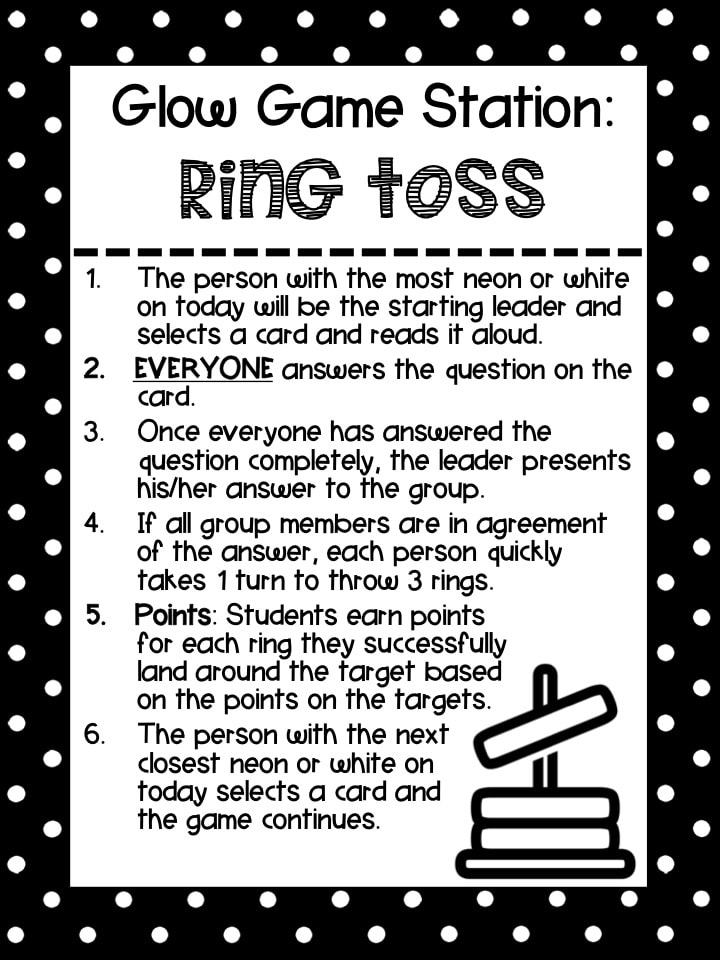
Ring Toss

Picture
Picture
Resources Needed:
  • Station Sign
  • Plastic Platter
  • Glow Stick Bracelets
  • Paper Towel Rolls
  • Astrobright Paper
  • Glow Wand
Ring Toss Sheet
Ring Toss Cards

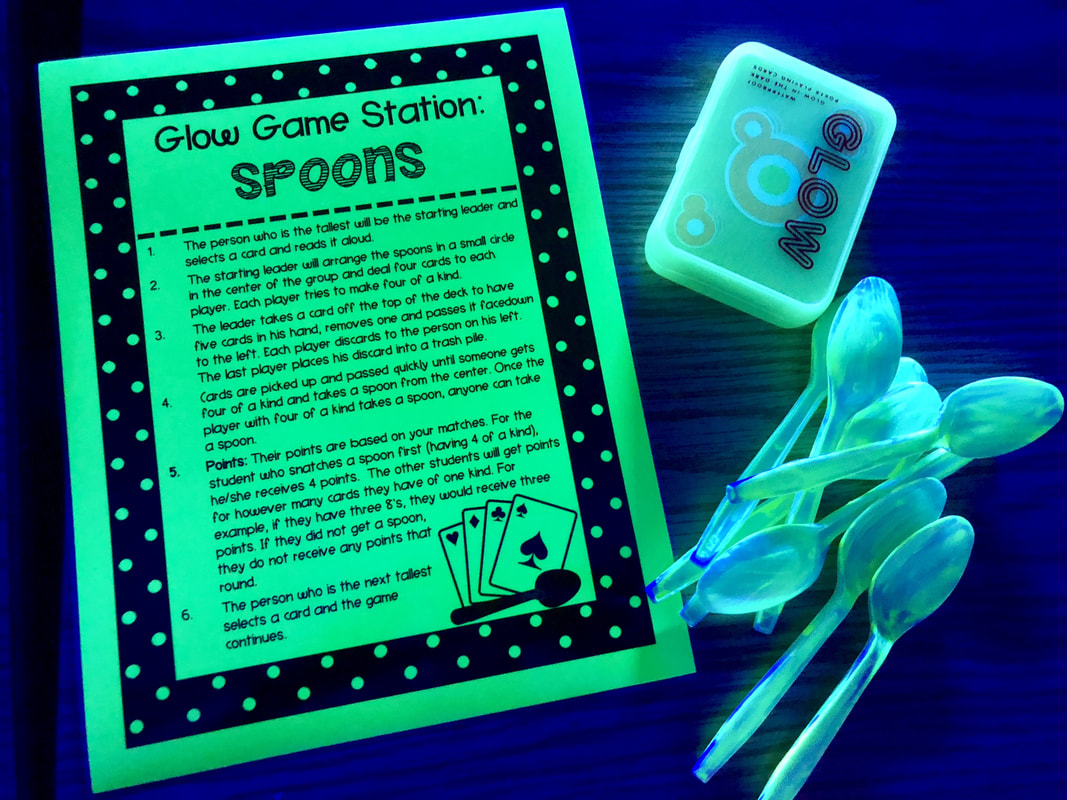
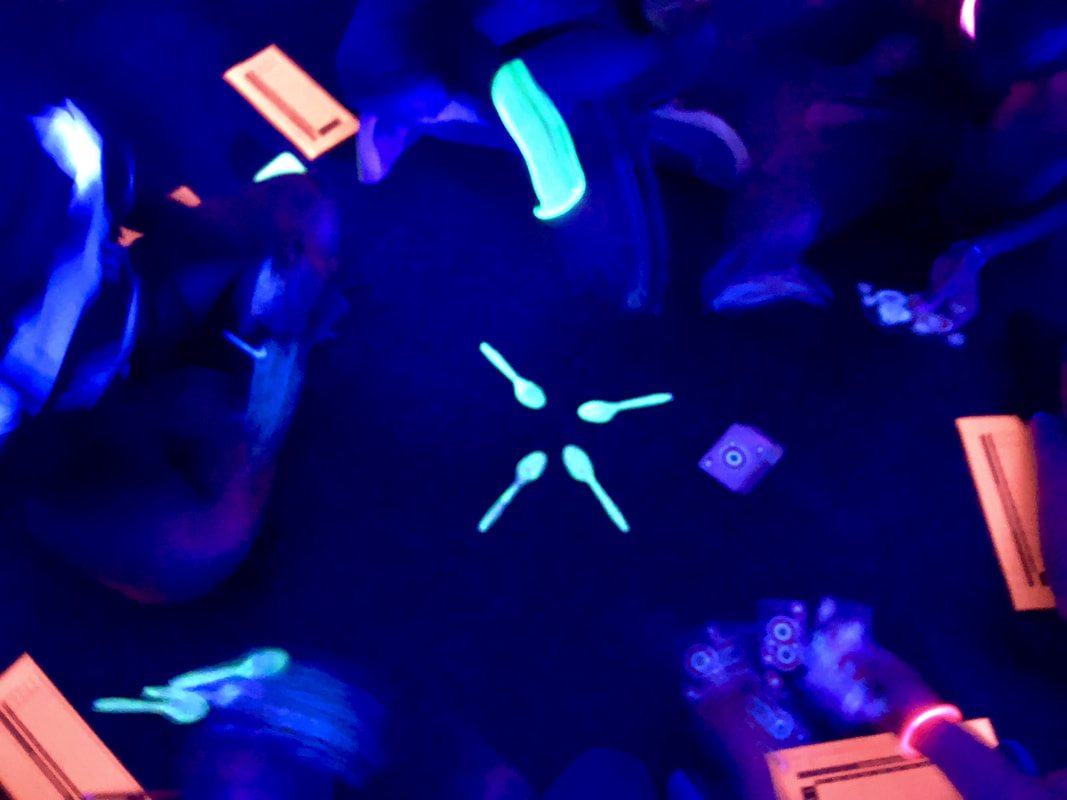
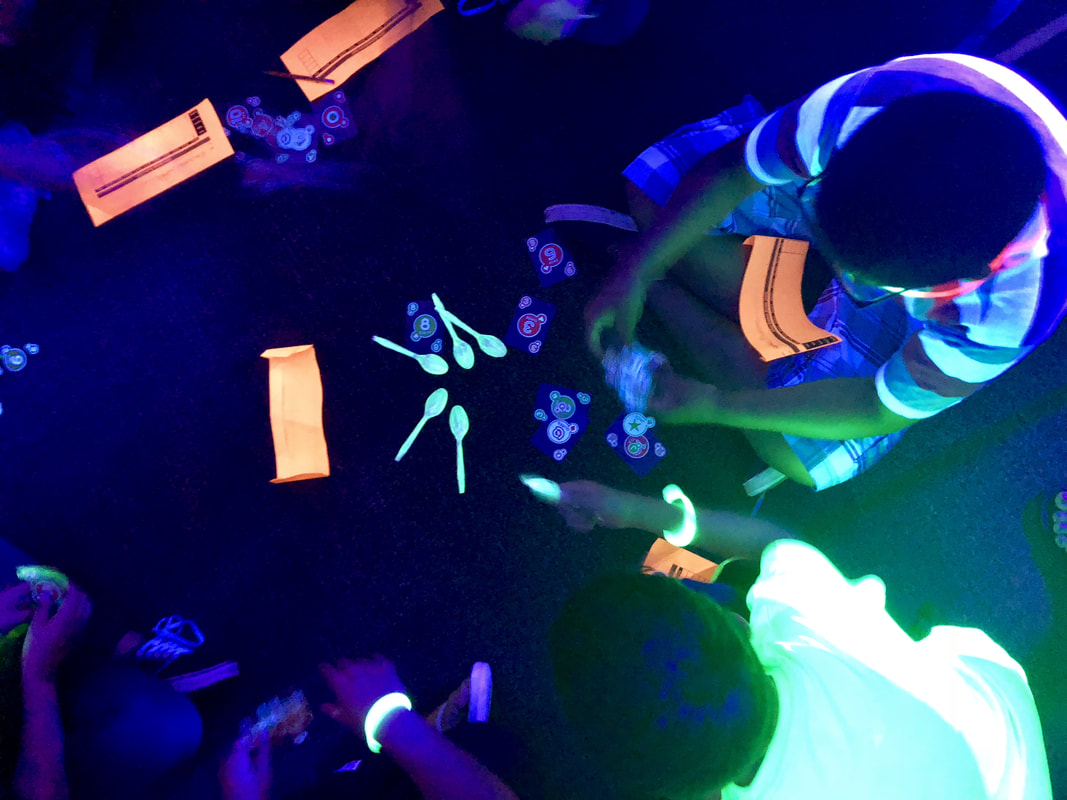
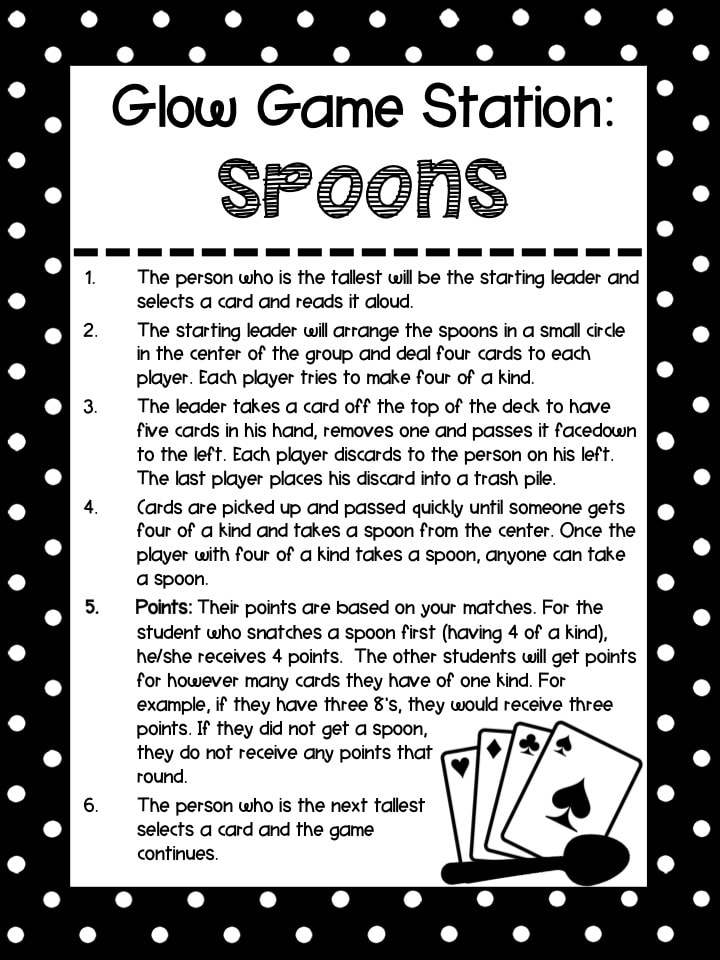
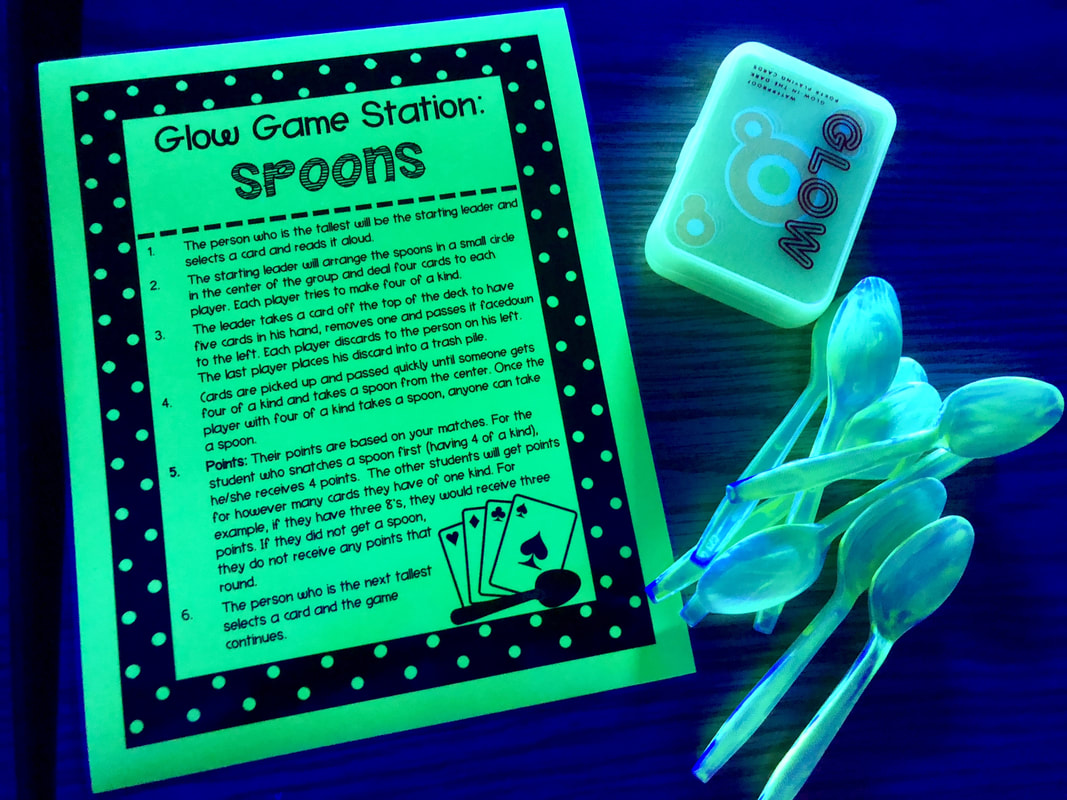
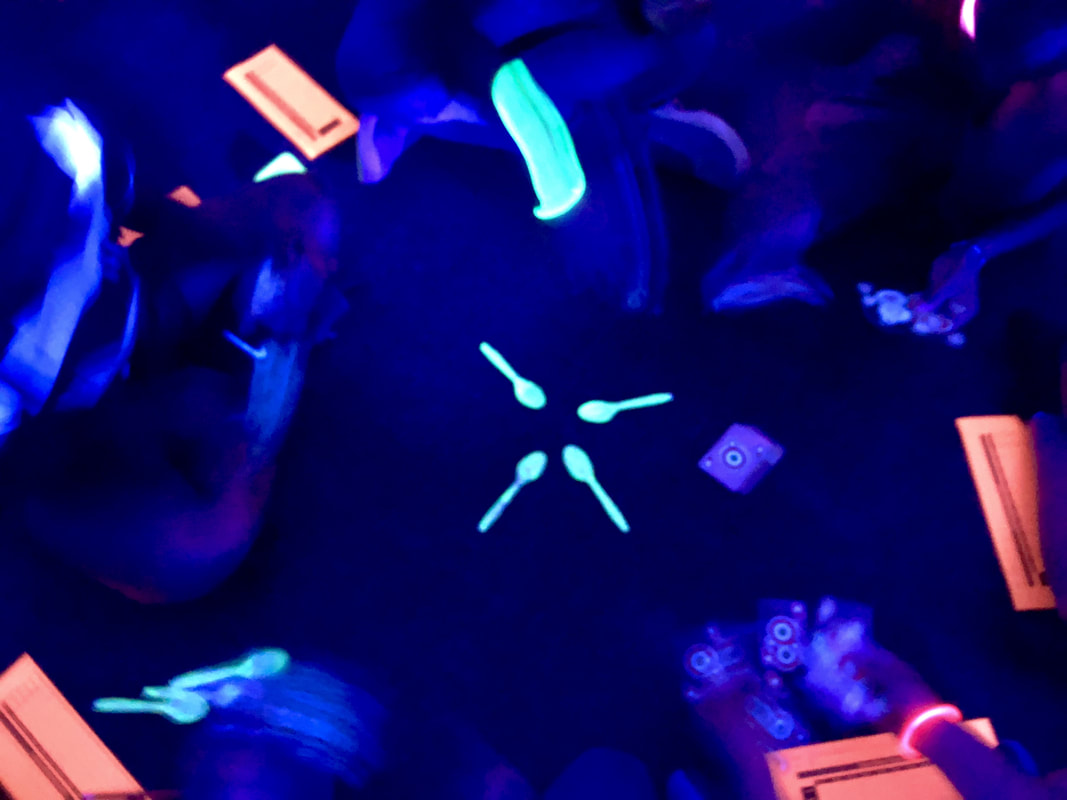
Spoons

Picture
Picture
Resources Needed:
  • Station Sign
  • Glow in the Dark Cards
  • Plastic Spoons (I painted with glow in the dark paint)
Spoons Sheet
Spoons Cards

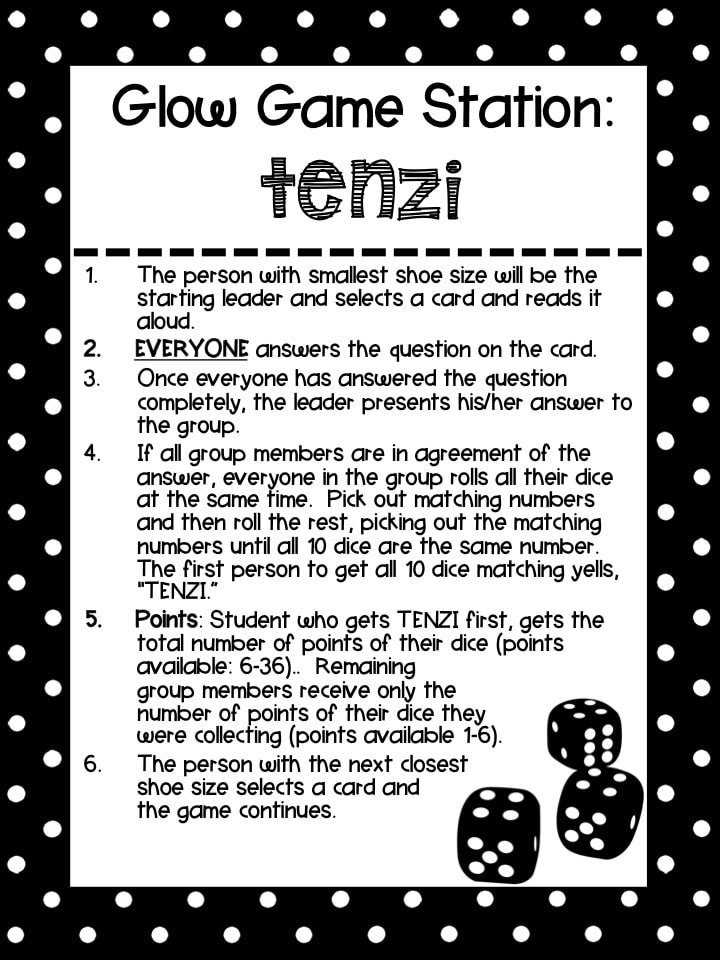
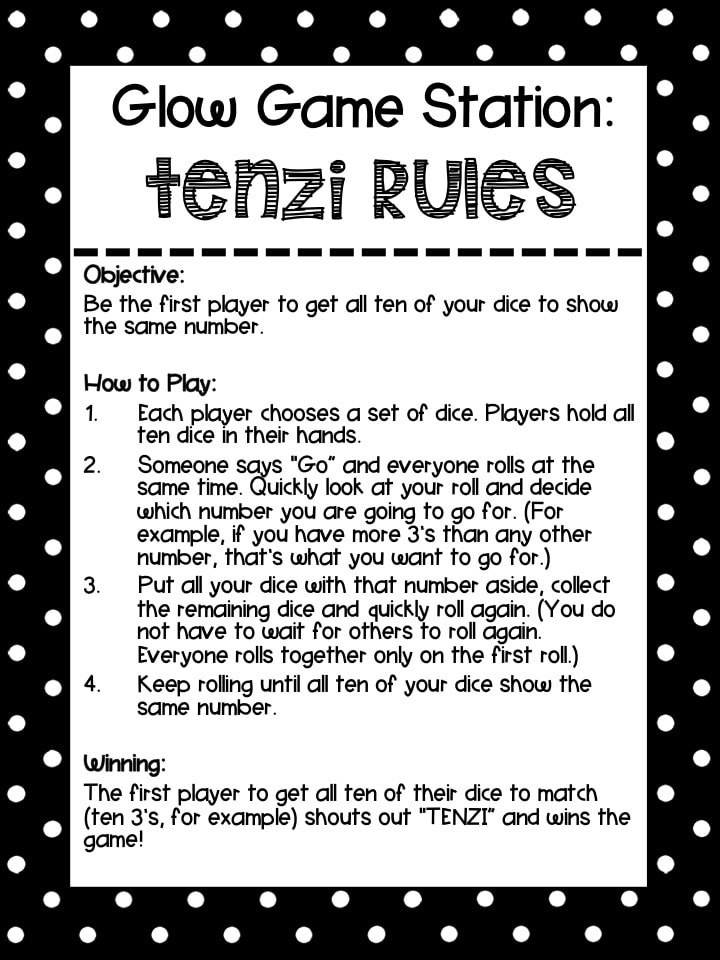
TENZI

Picture
Picture
Picture
Resources Needed:
  • Station Sign
  • Dice

TENZI Sheet
TENZI Rules
TENZI Cards

Glow Games in Action

These are some of the images I was able to capture from the Glow Games.  With the darkness and quick movements, none of my ring toss or bowling images came out. :(  I guess that goes to show how much fun they had with those games - they weren't messing around and were out to win it!
At the end of each hour, we asked students to reflect on their Glow Games experience and how it fit in with the 6C Learner Profile that our district has adopted (from the authors of the book, Becoming Brilliant by Roberta Michnick Golinkoff PhD and Kathy Hirsh-Pasek PhD).  We ran out of our neon sticky notes before the end of the day, but it was interesting to see how students rated their experience and areas that they felt we could use some improvement in to push them to higher levels.
Picture
Picture
Picture
6C Visual Representation Chart
Large 6C Printable
19 Comments

Glow Games: STEAM Activities

5/30/2018

2 Comments

 
Picture
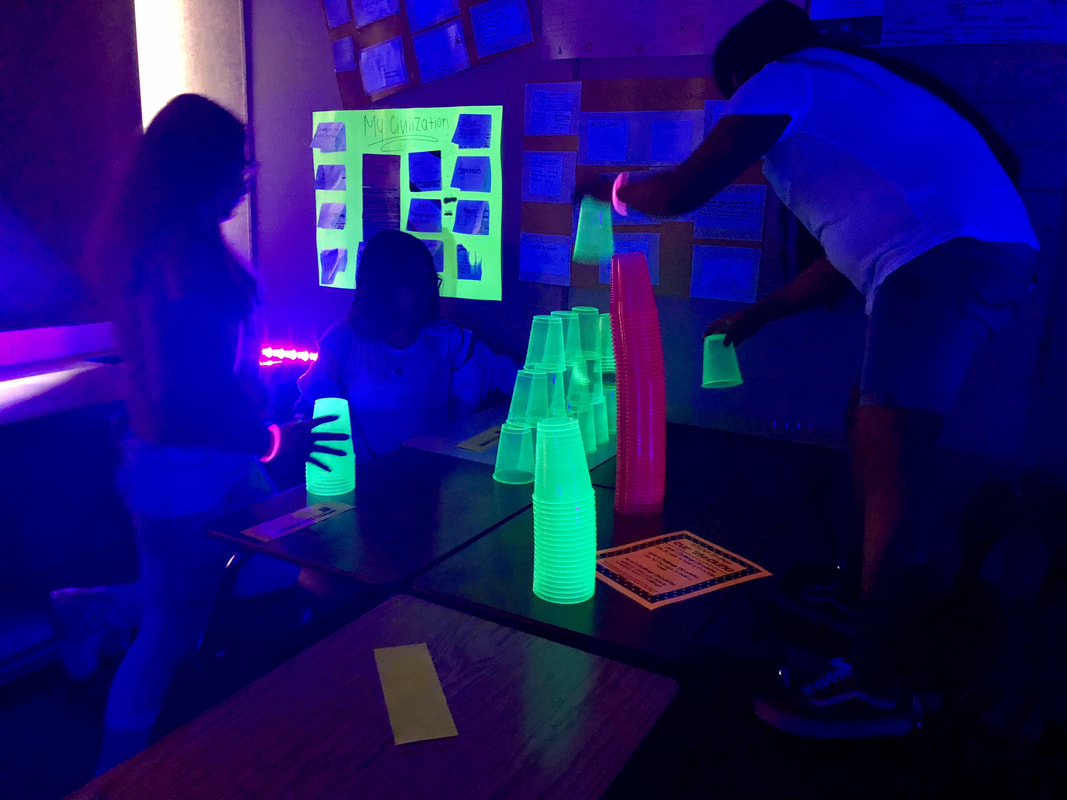
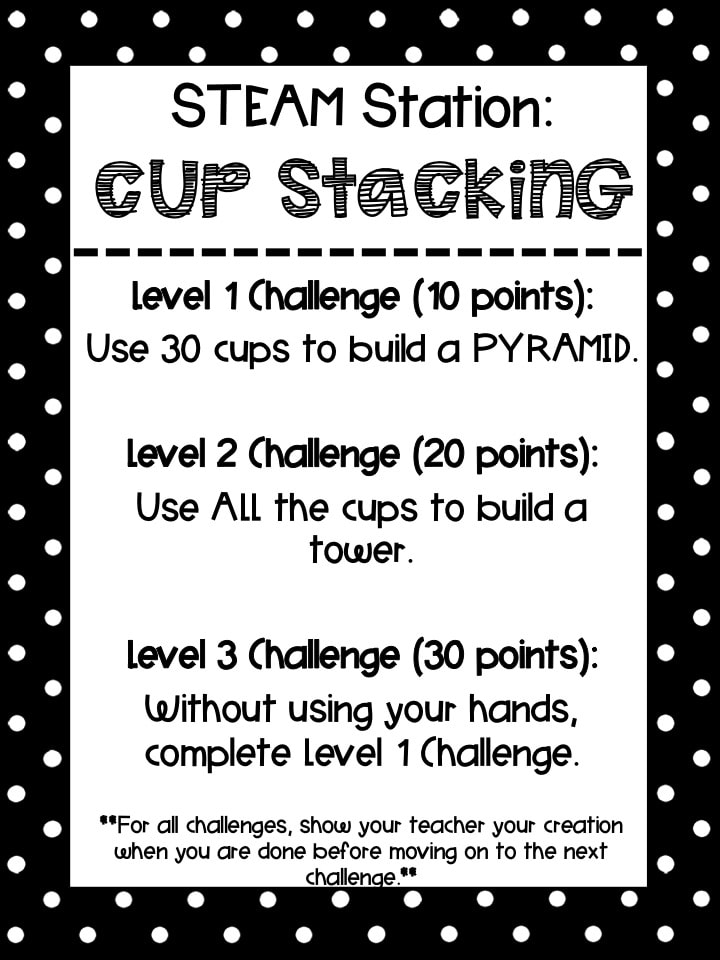
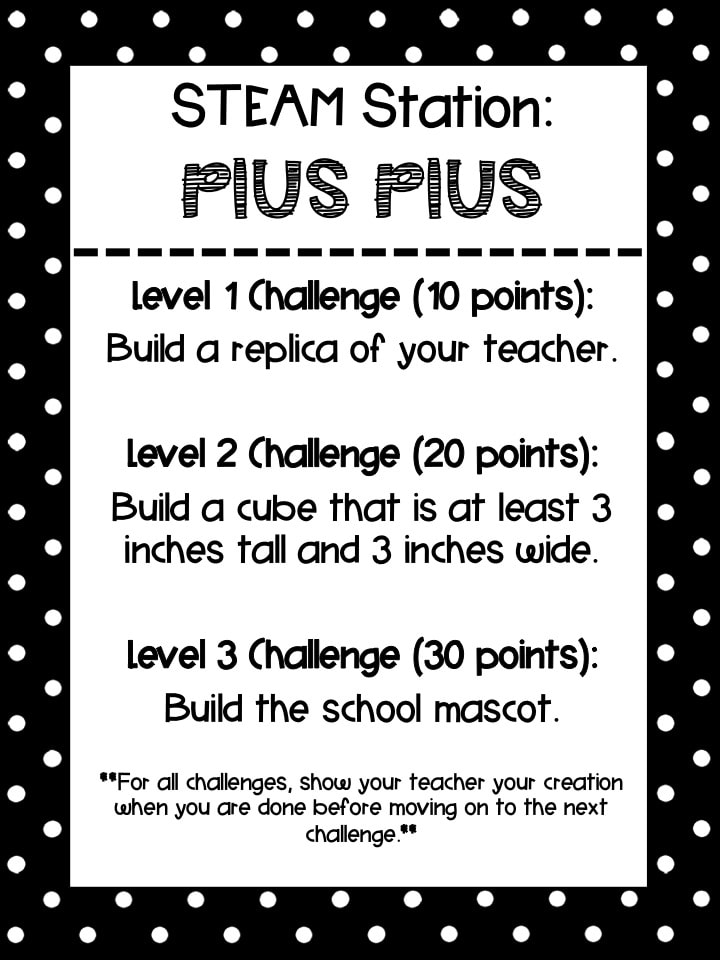
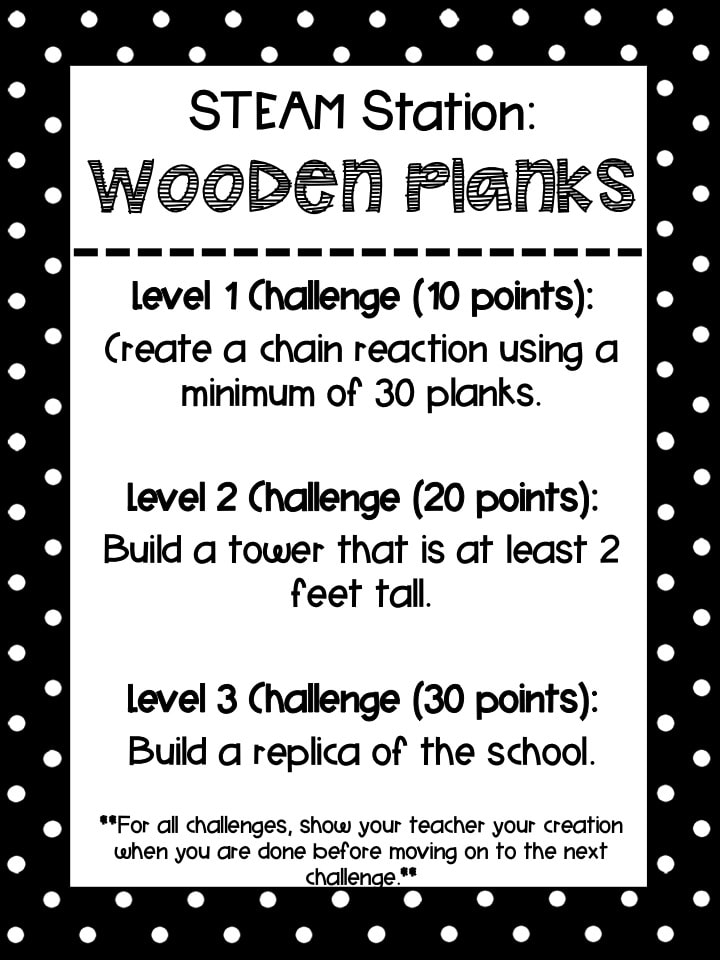
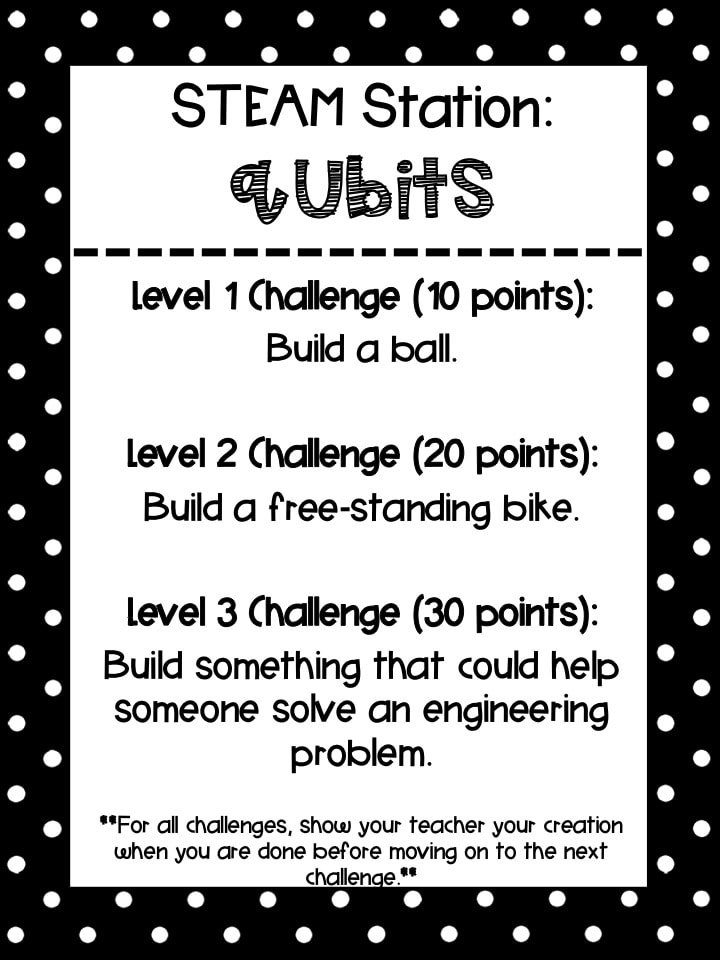
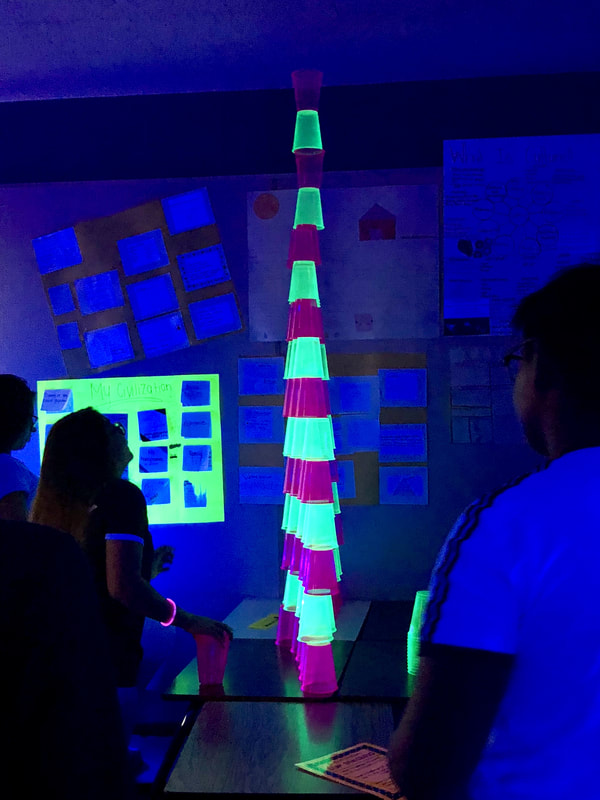
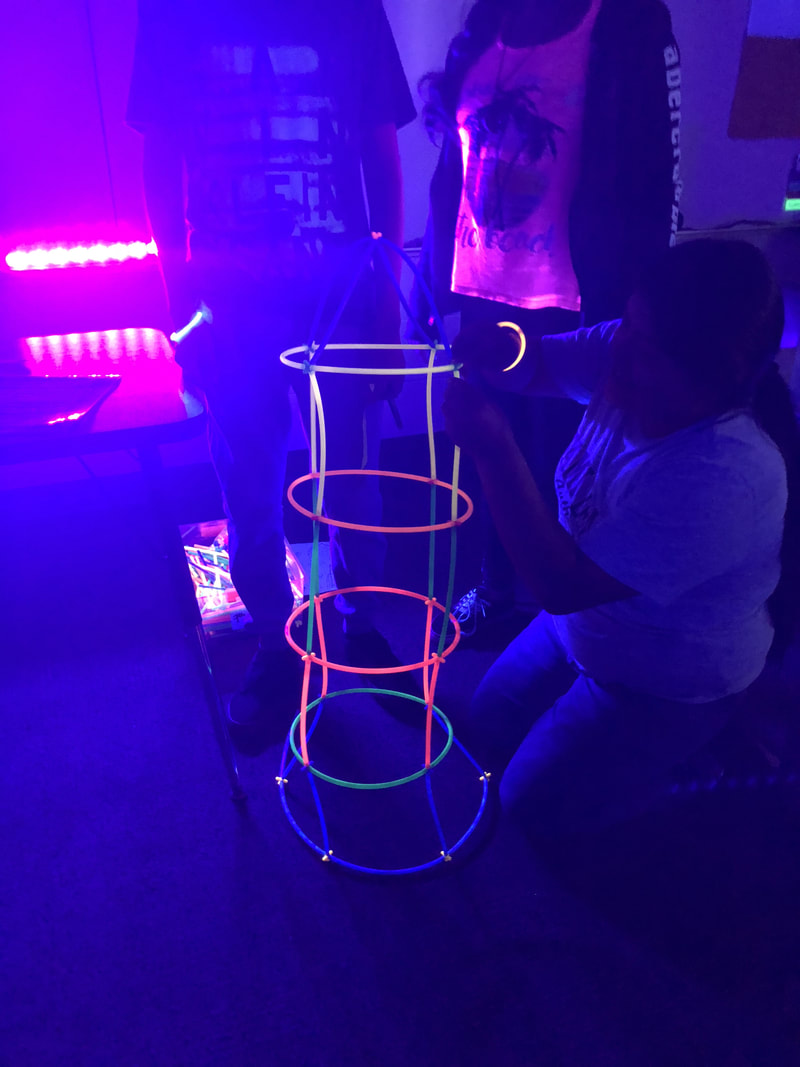
These STEAM activities were meant to complement our content Glow Games, but give the students a chance to push their collaboration, communication, critical thinking, and creativity skills while building confidence.  We set the room up in stations and students spent about 7 minutes at a station before rotating to the next (we have 50 minute class periods).  Students had to start at the Level 1 Challenge, complete it, show their teacher, and then could move on to the Level 2.  This was intentional as we wanted the students working together to build 1 creation, not individual creations.
All STEAM Activities
Picture

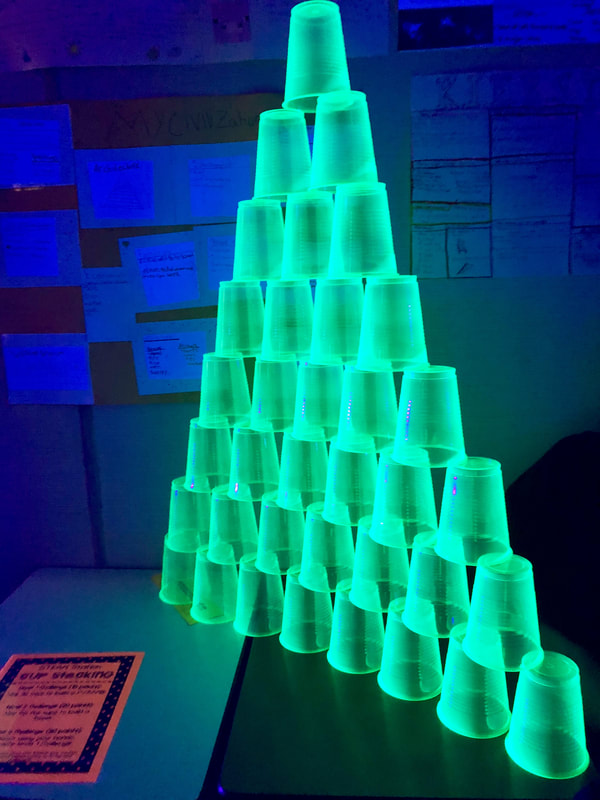
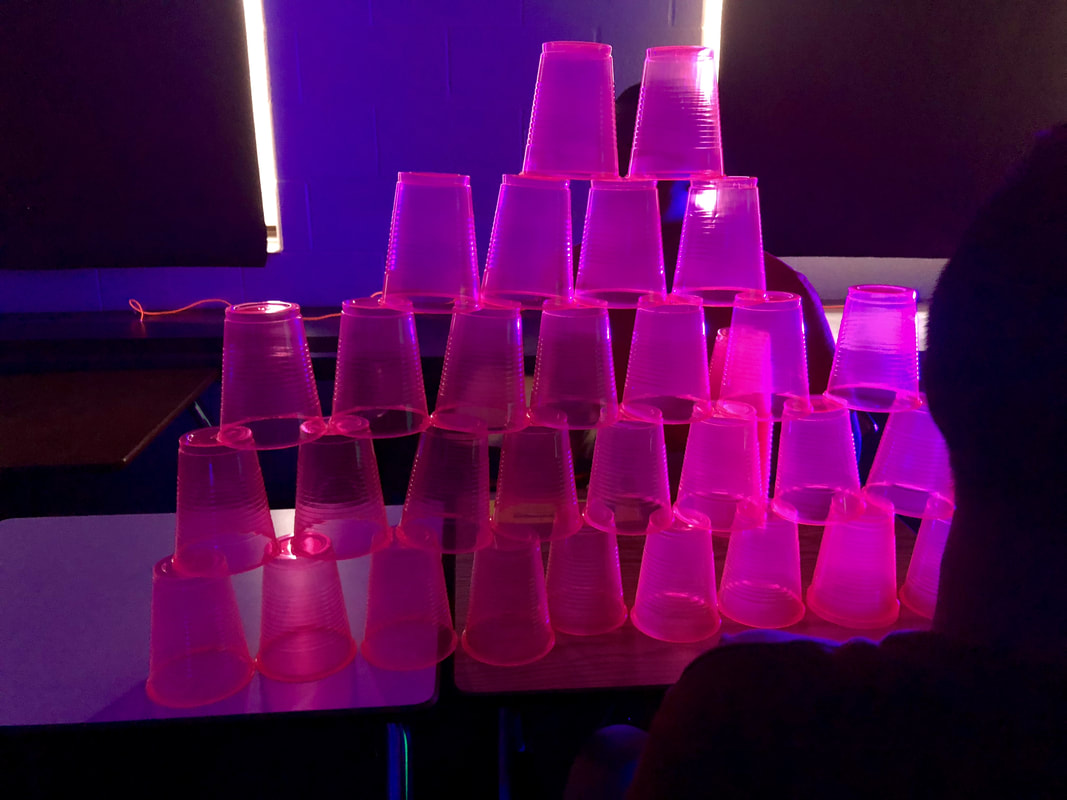
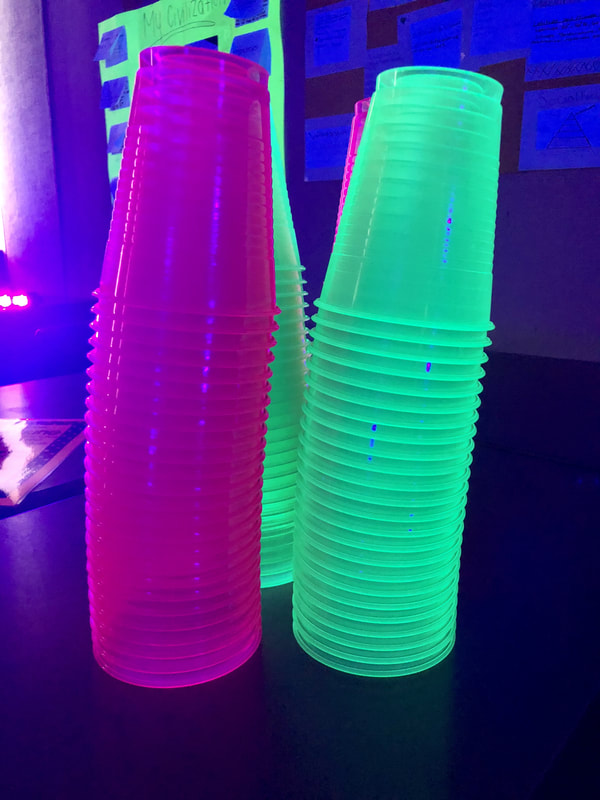
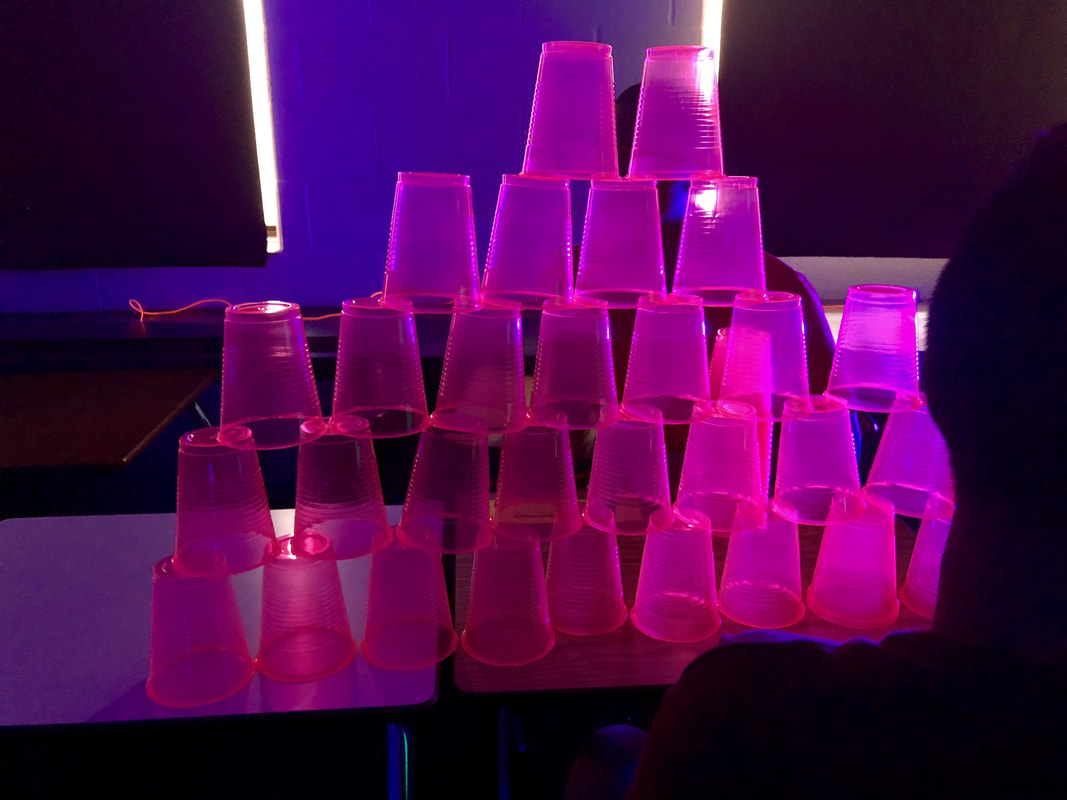
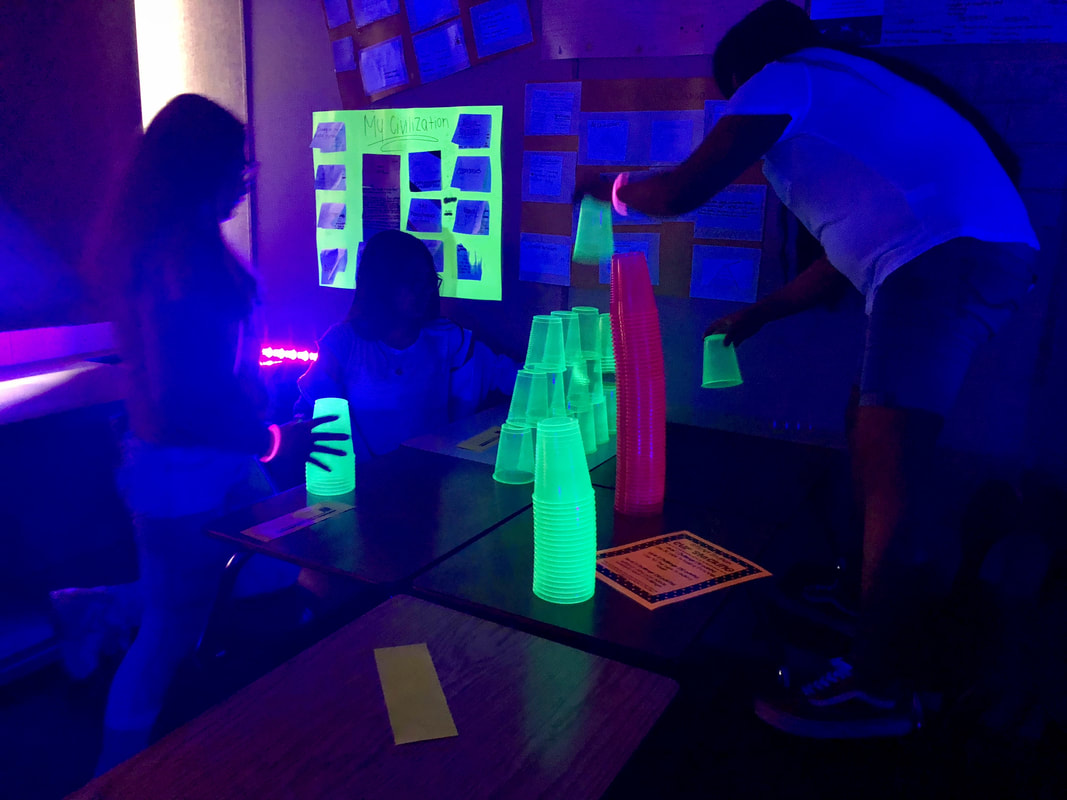
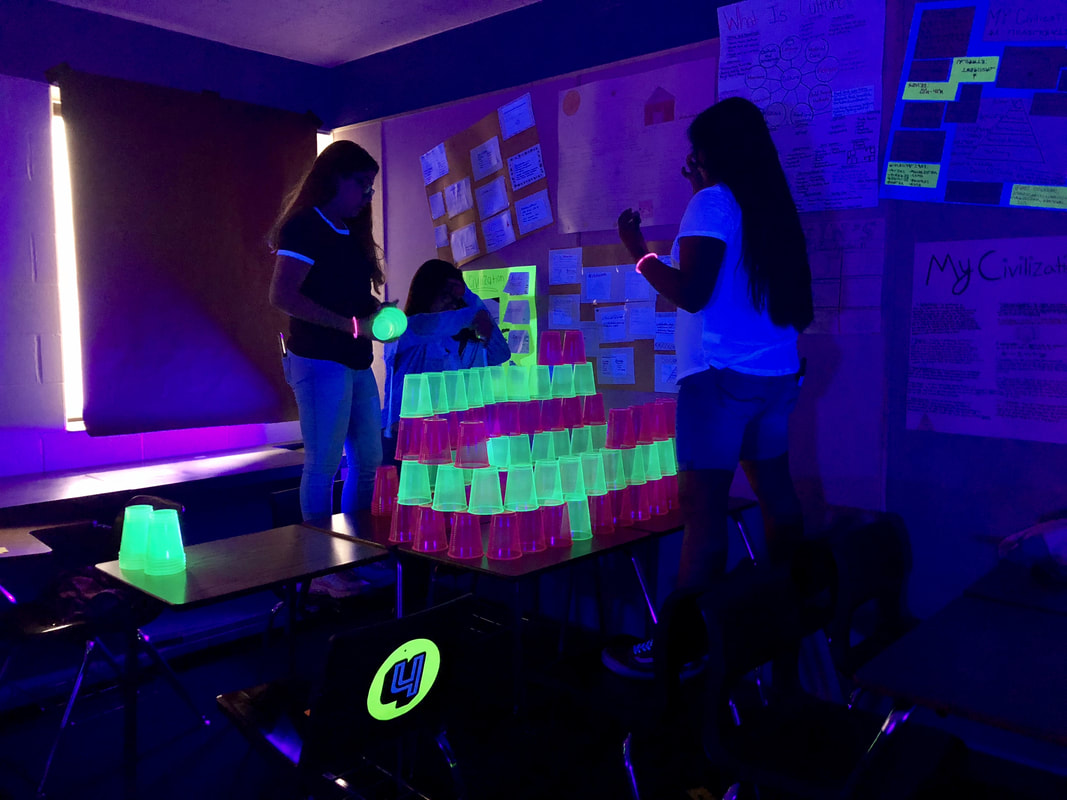
Cup Stacking

Picture
Picture
Resources Needed:
  • Station Sign
  • Neon plastic party cups (I chose 2 different colors just for fun).
Cup Stacking Sheet

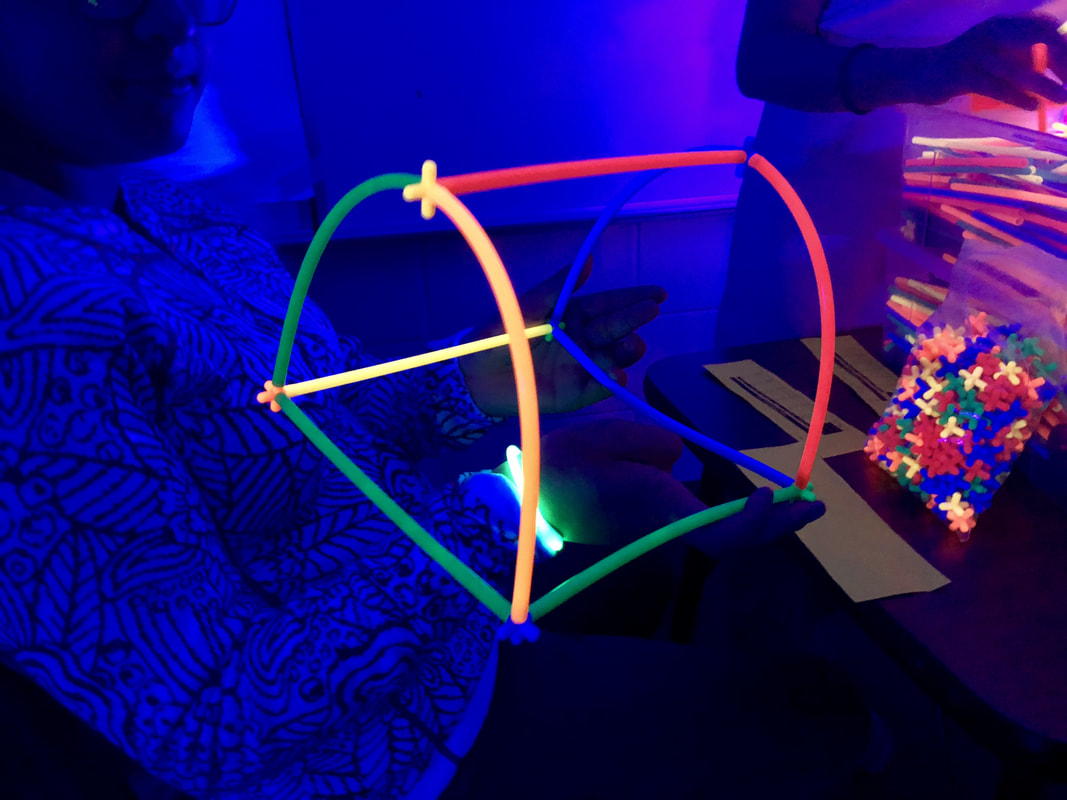
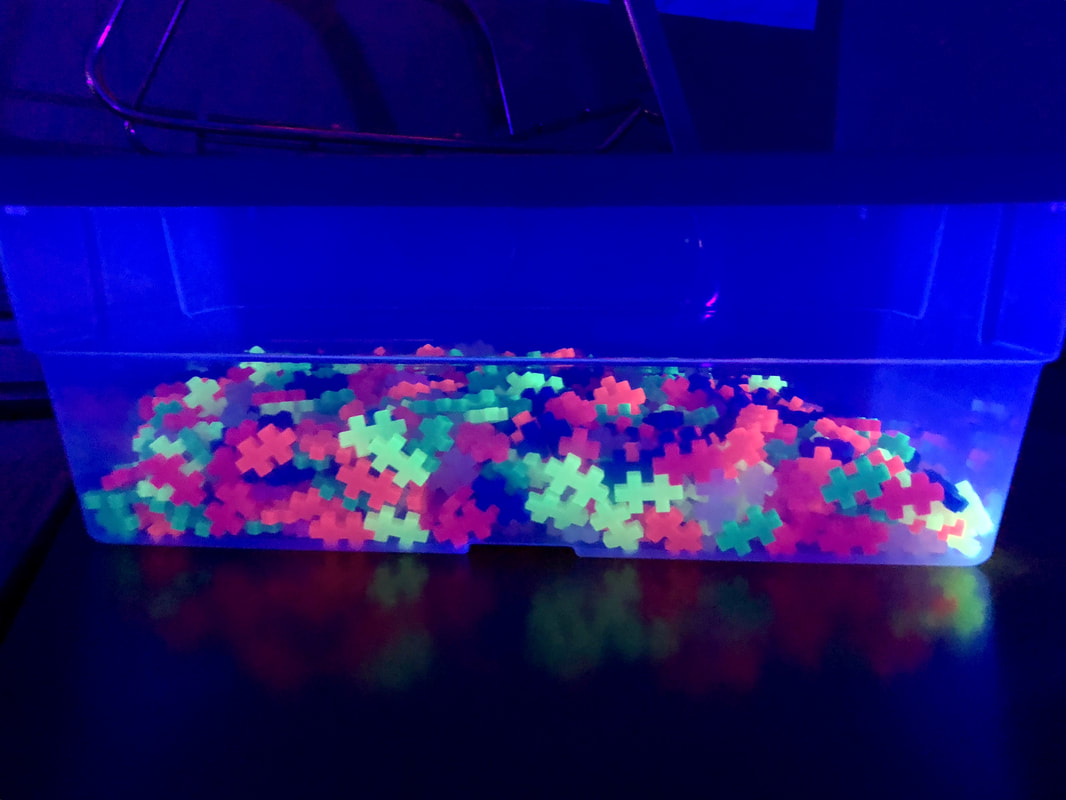
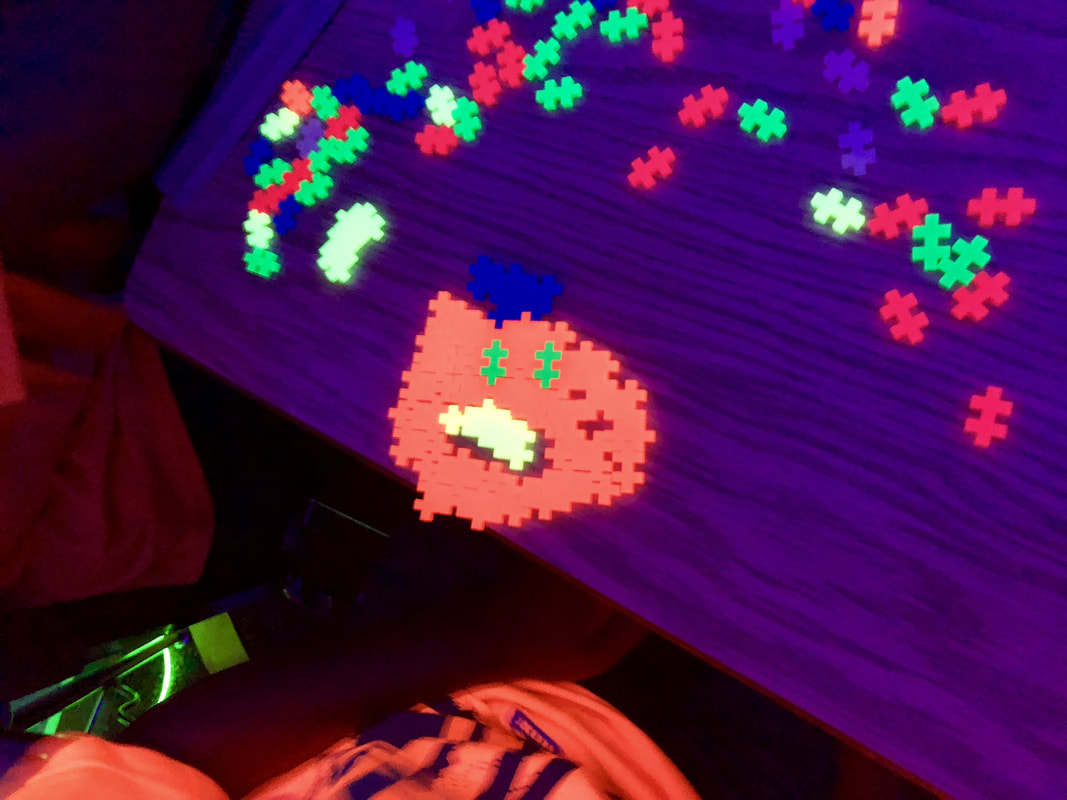
Plus Plus

Picture
Picture
Resources Needed:
  • Station Sign
  • Ruler
  • Neon Plus Plus
Plus Plus Sheet

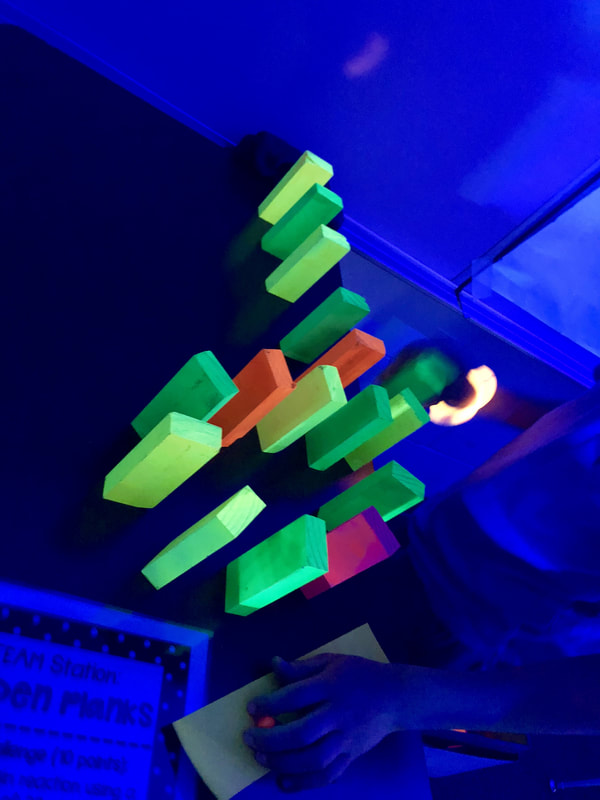
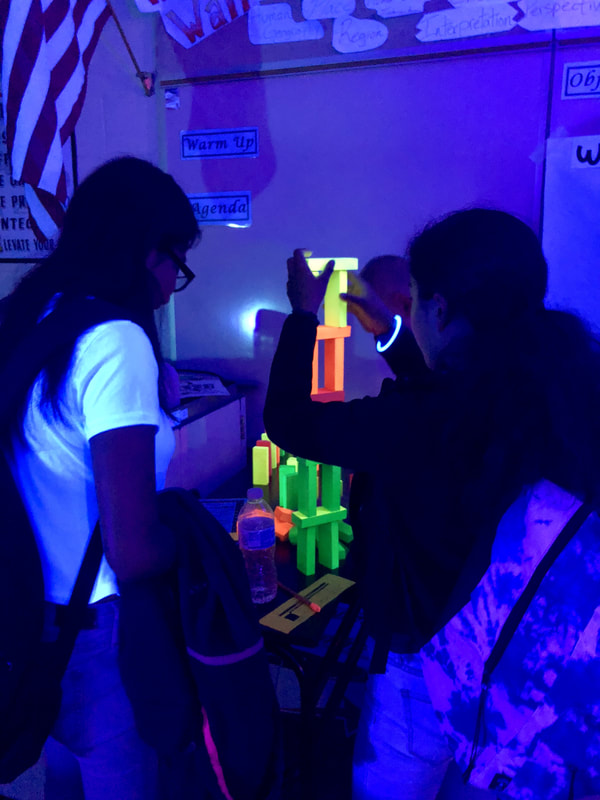
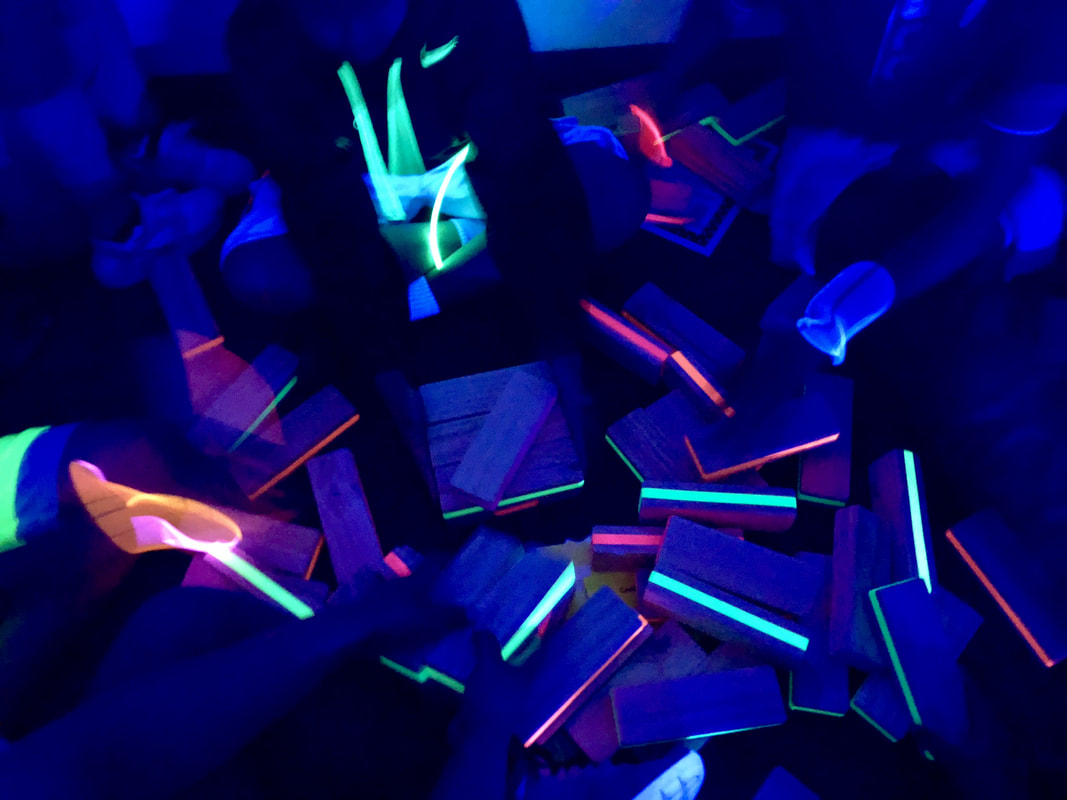
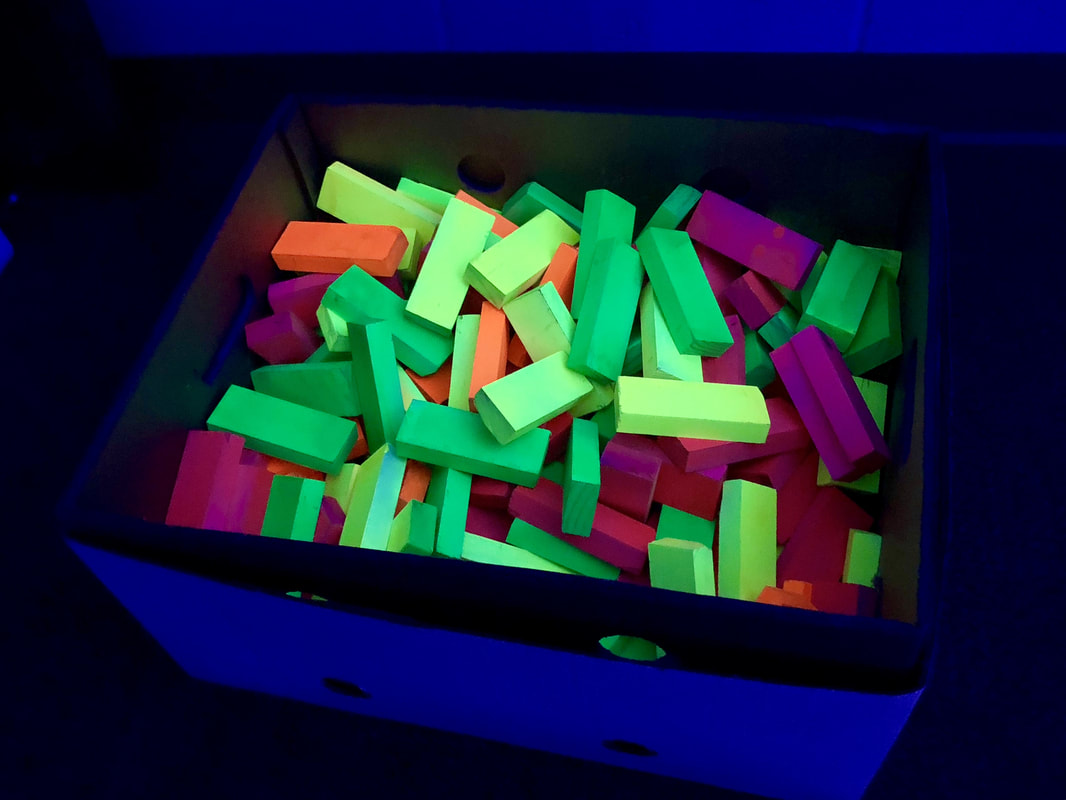
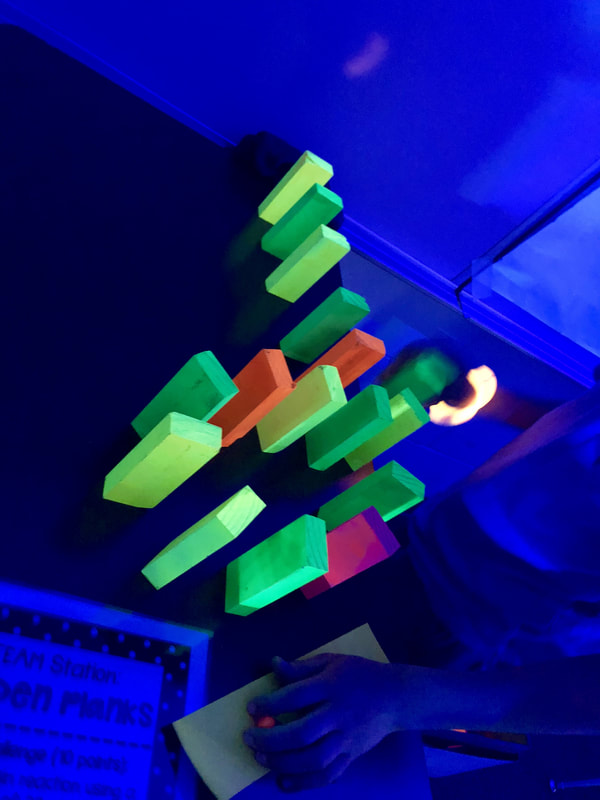
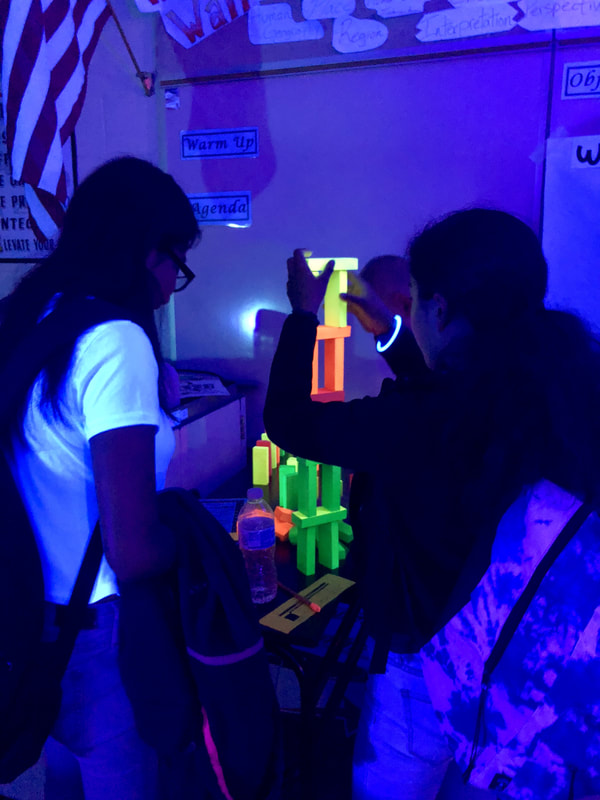
Wooden Planks​

Picture
Picture
Resources Needed:
  • Station Sign
  • Yard Stick
  • Wooden Planks (I created my own from 1x2-8ft primed finger joint board.  I purchased 8 - 8ft boards and cut them into 4 inch pieces.  They are a bit bigger than KEVA planks, but were primed and easy to spray paint with neon spray paint.  For about $50 I was able to create my own set of almost 200 neon building planks!)
Wooden Planks Sheet

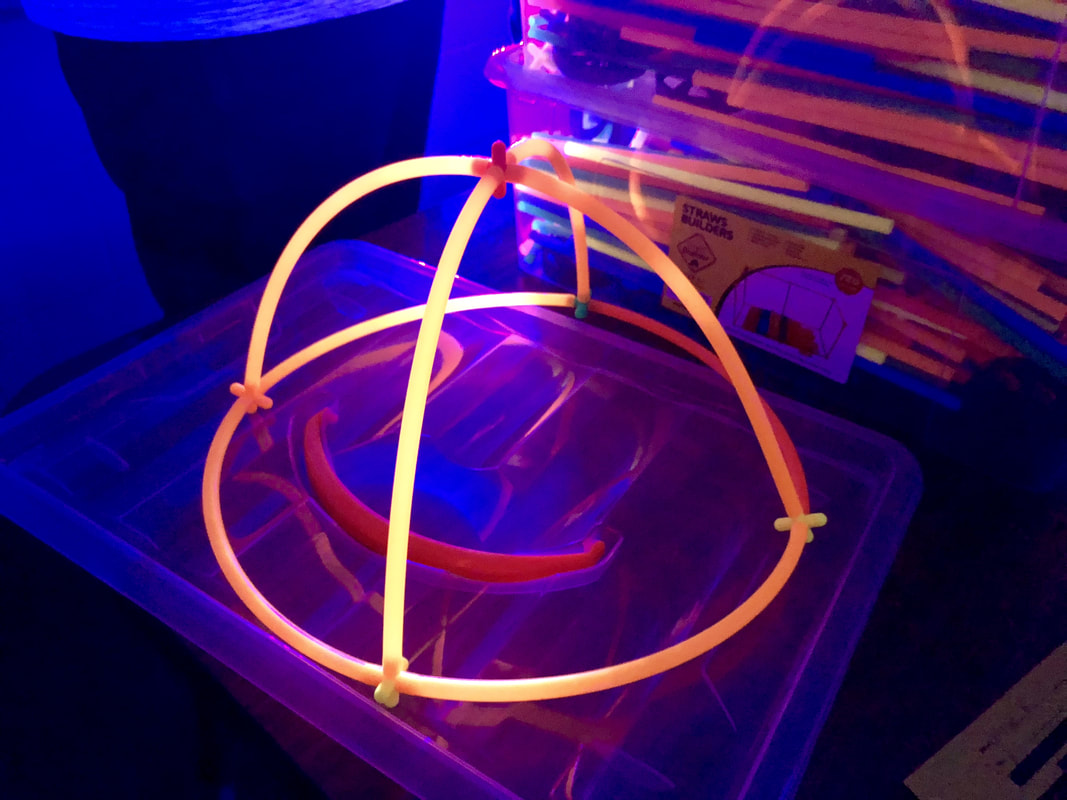
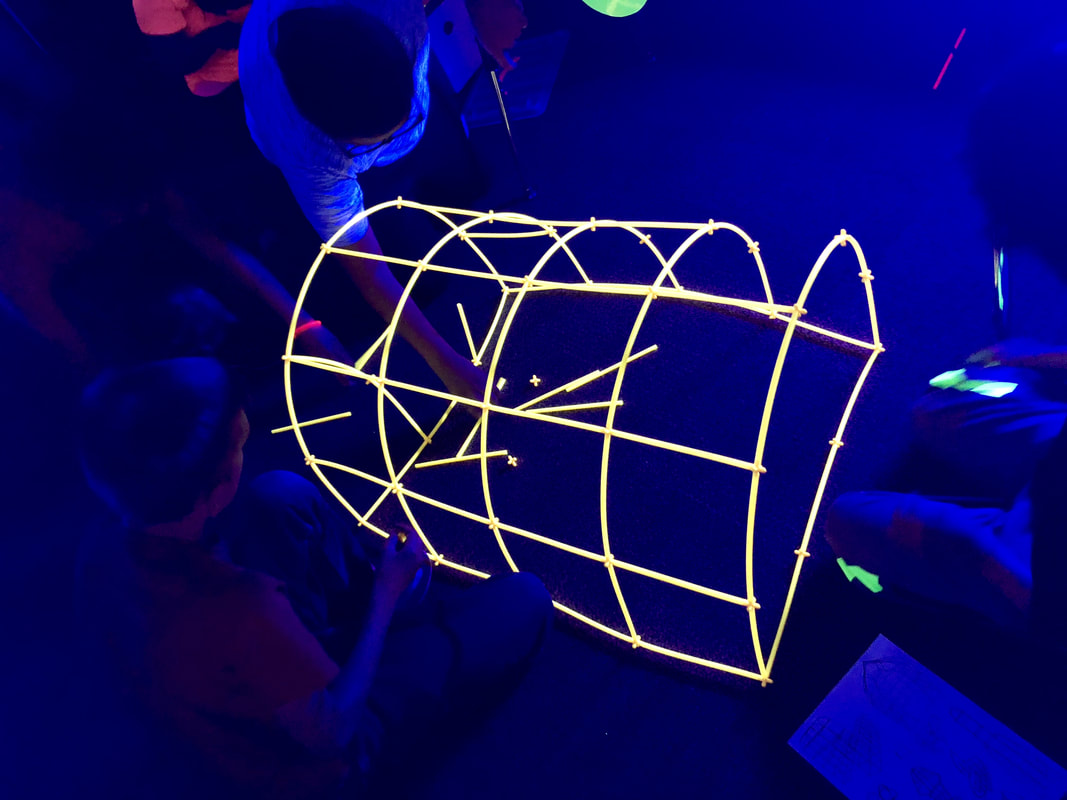
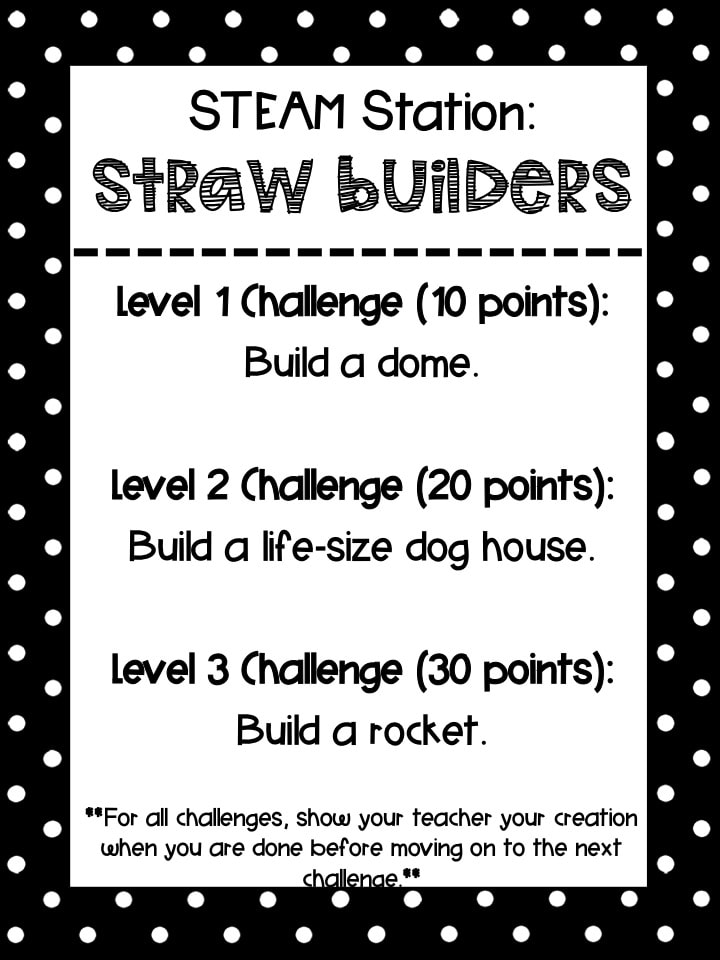
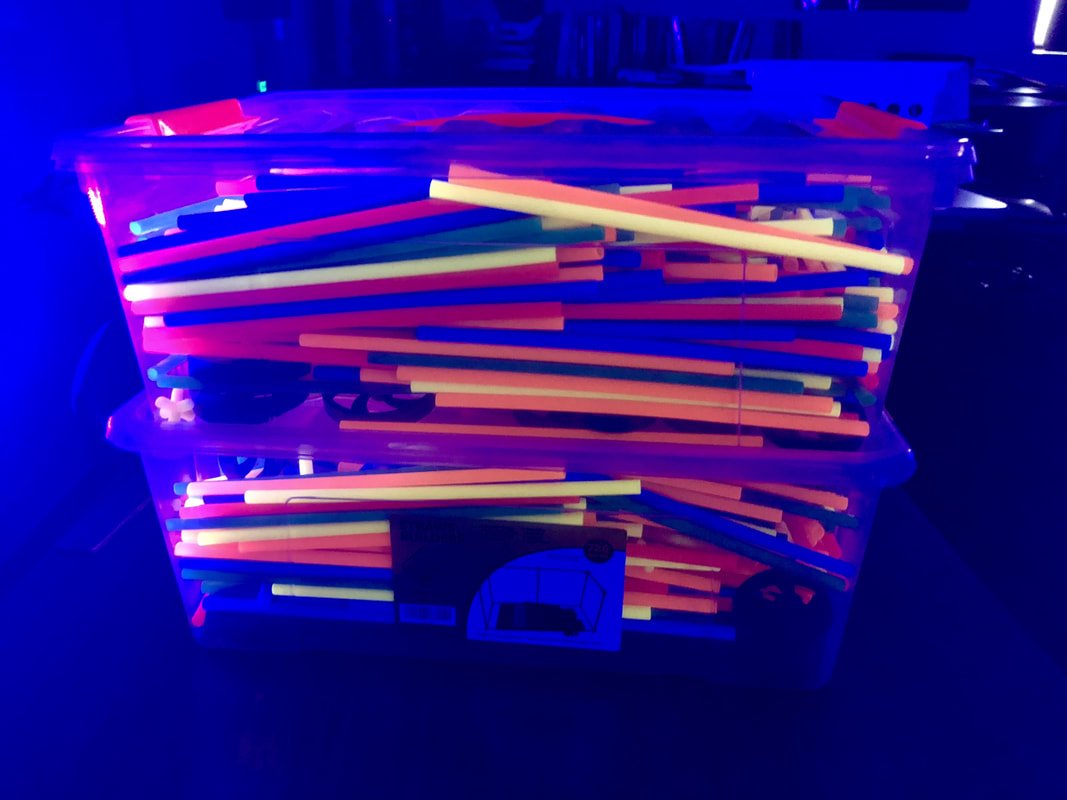
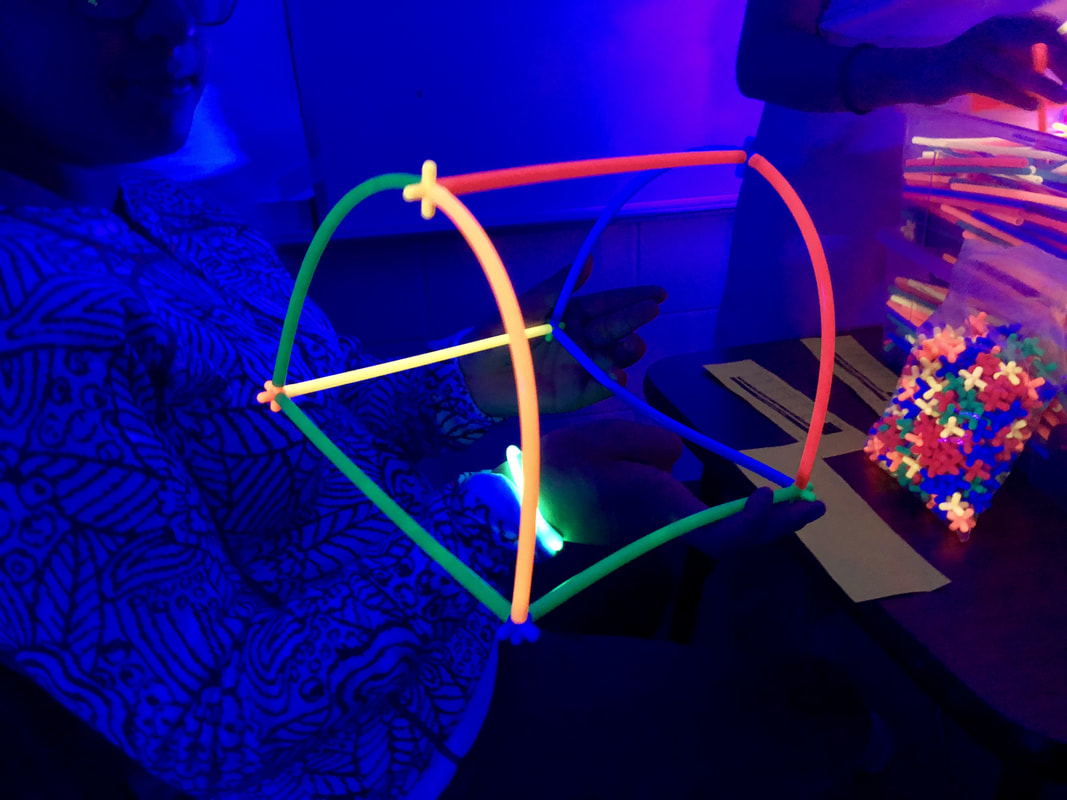
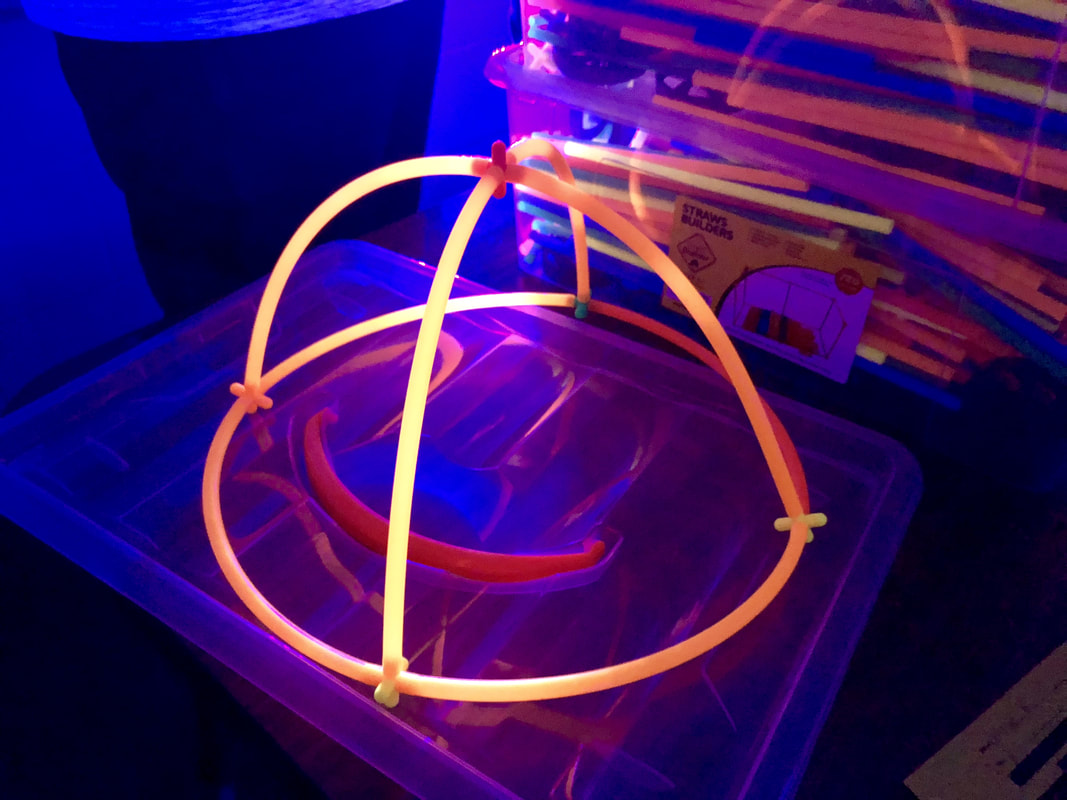
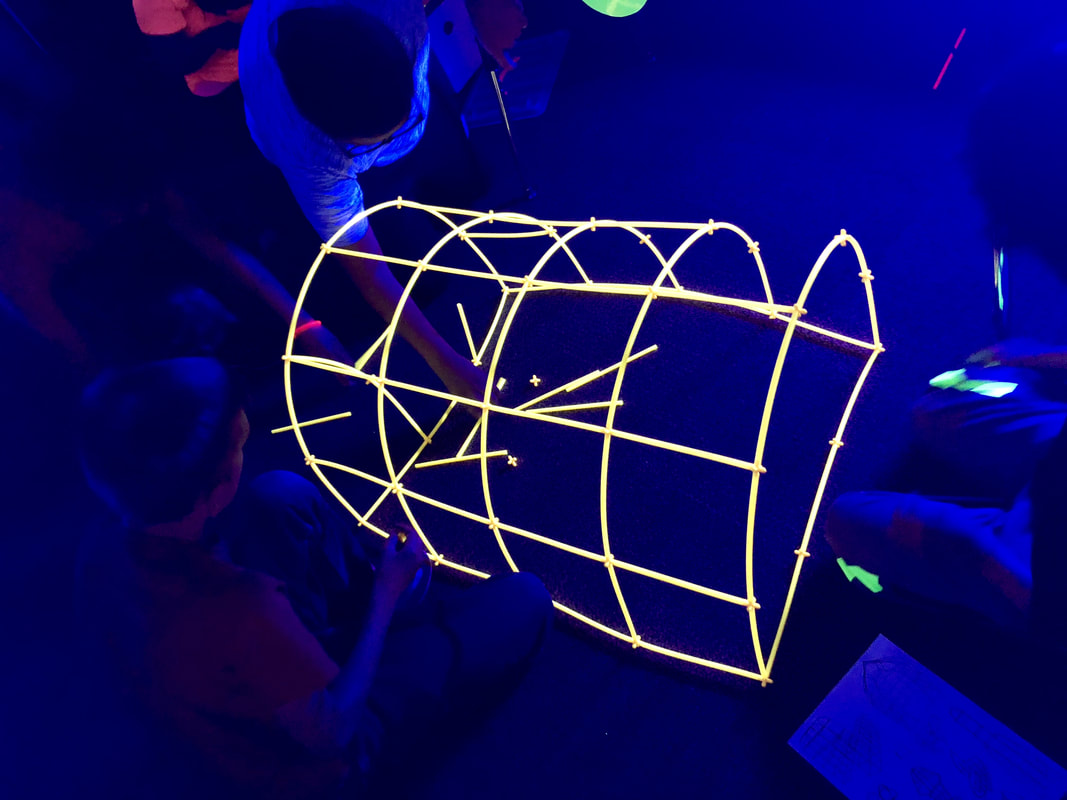
Straw Builders

Picture
Picture
Resources Needed:
  • Station Sign
  • Straw Builders
Straw Builders Sheet

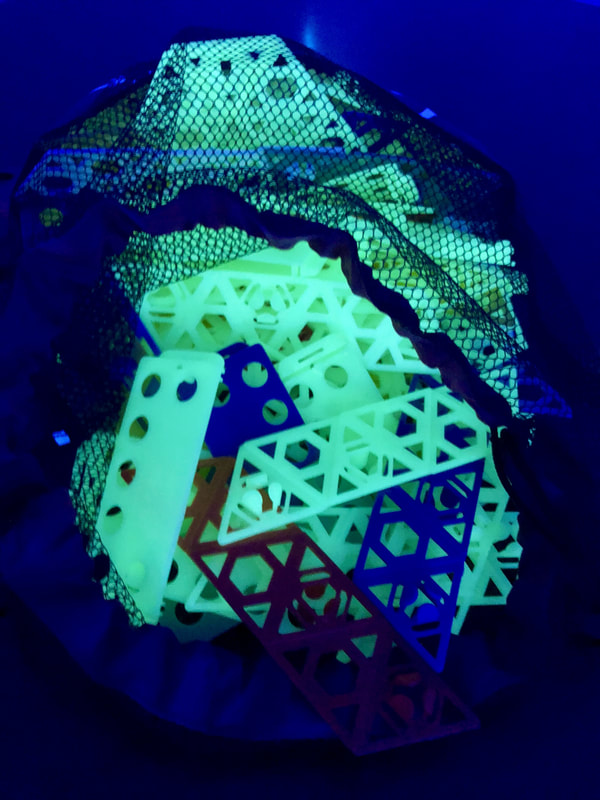
Qubits

Picture
Picture
Resources Needed:
  • Station Sign
  • Qubits (I used the glow in the dark Qubits, but they are not actively for sale - I contacted the company after seeing them on Instagram and they sold me some they had from a little Kickstarter they had done.  I just want to give the disclosure that these are not readily available for purchase.)
Qubits Sheet

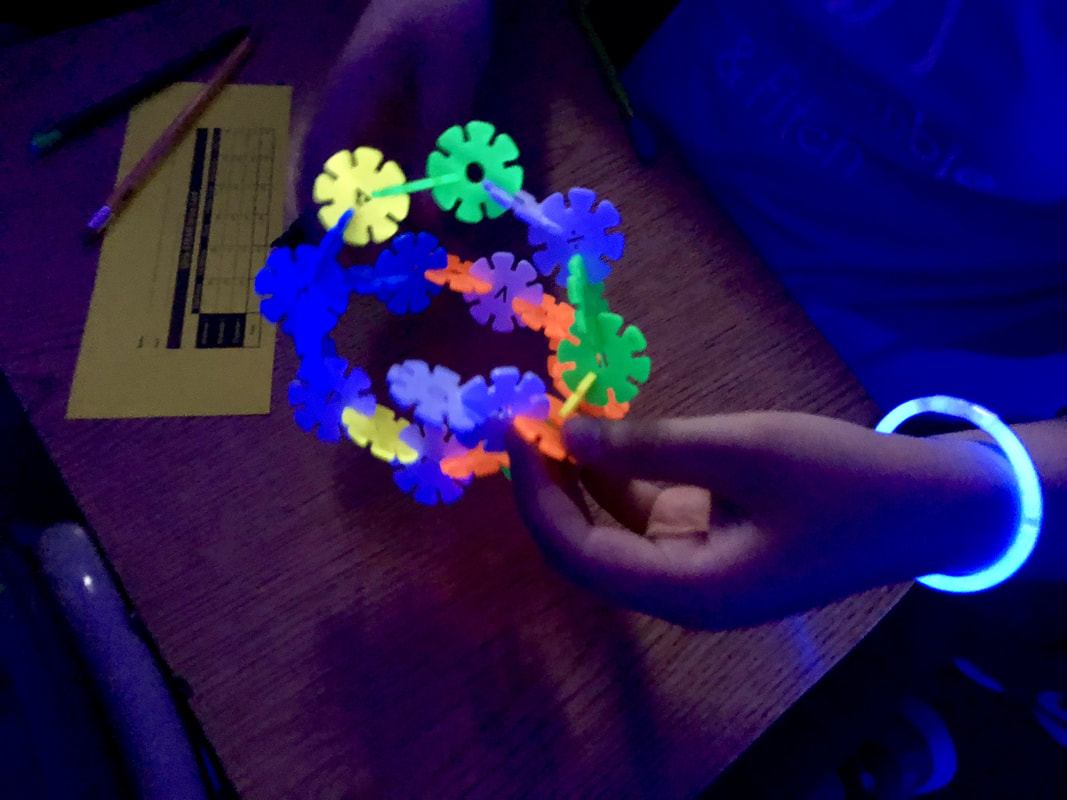
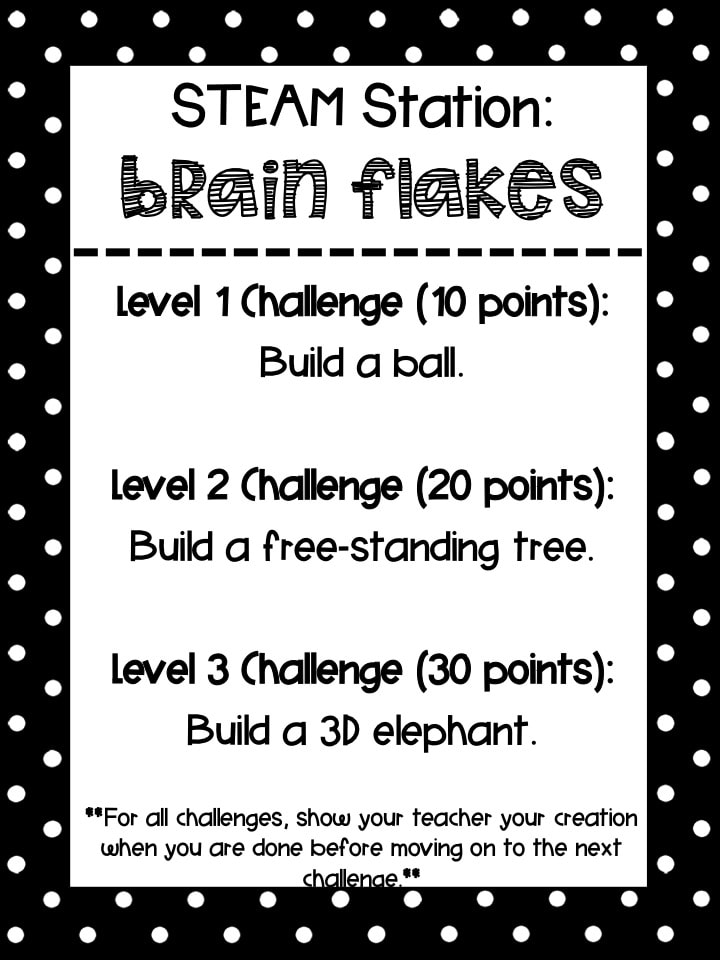
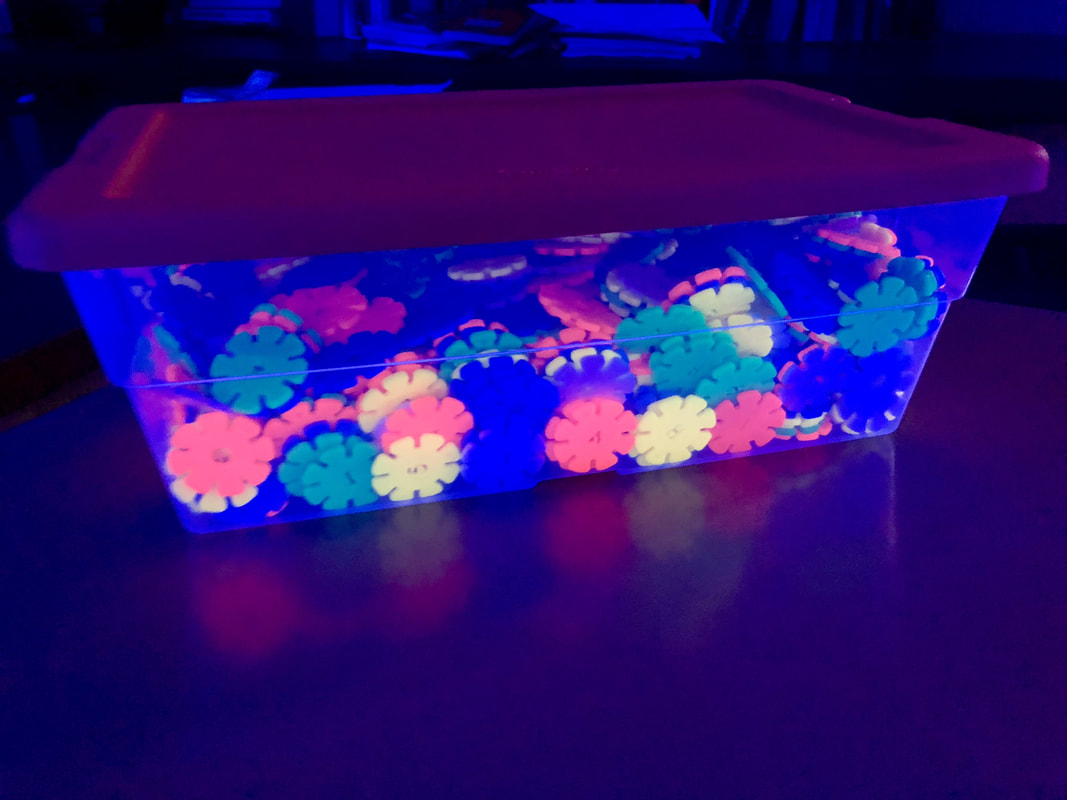
Brain Flakes

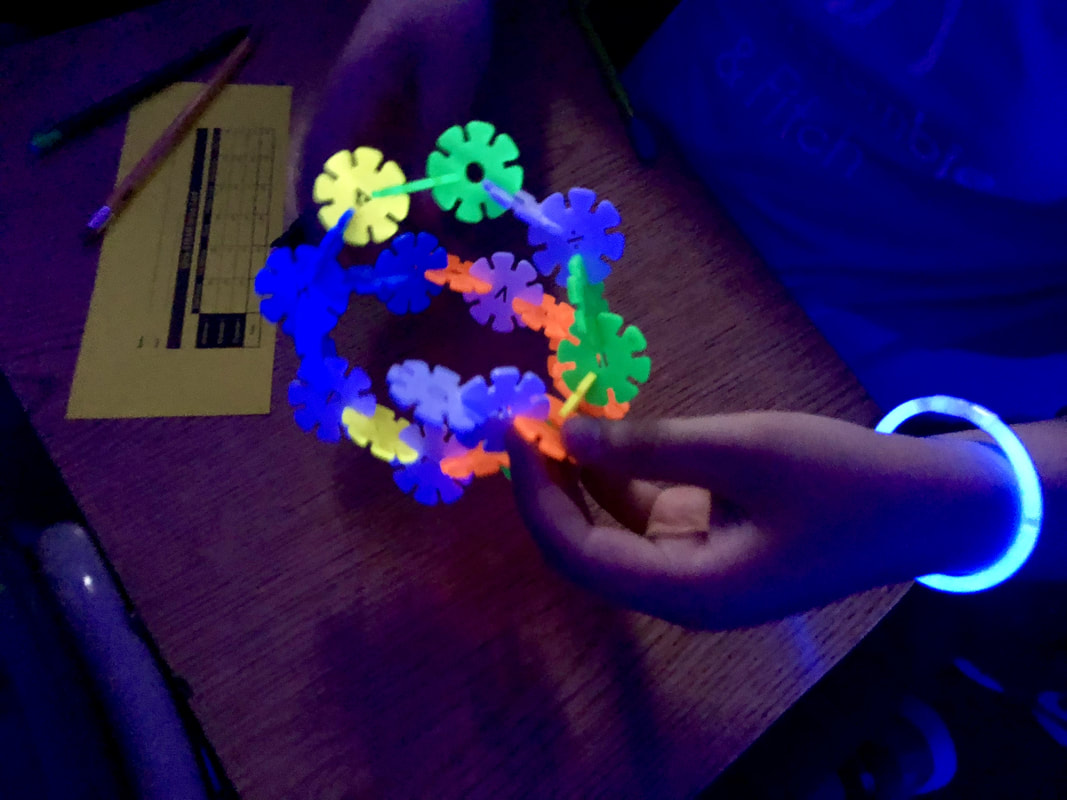
Picture
Picture
Resources Needed:
  • Station Sign
  • Brain Flakes (I tested and only some of the colors reacted better under black light than others - I only used orange, bright green, white, yellow, and light blue.)
Brain Flakes Sheet

Glow STEAM in Action

At the end of the hour, we asked students to clean up their stations and reset the classroom for the next class.  Some classes were able to do this quickly and we invited them to use a highlighter to write what they loved about the day.  You can tell some students were completely worn out from the fun (and heat!), but they had some great things to share.
Picture
2 Comments

Glow Day: Anchor Texts

5/28/2018

3 Comments

 
Picture
As I was preparing for my first Glow Day, I was looking to all sorts of things and came Sturdy for Common Things post on "Glowing Books for the Black Light Booth."  I had been previously thinking about a specific grade level I was going to do a Glow Day with first (7th grade), but got me thinking about some of the other grades I will potentially be doing a Glow Day with and thought the books might be a good fit, so I ordered a couple of books from Amazon.

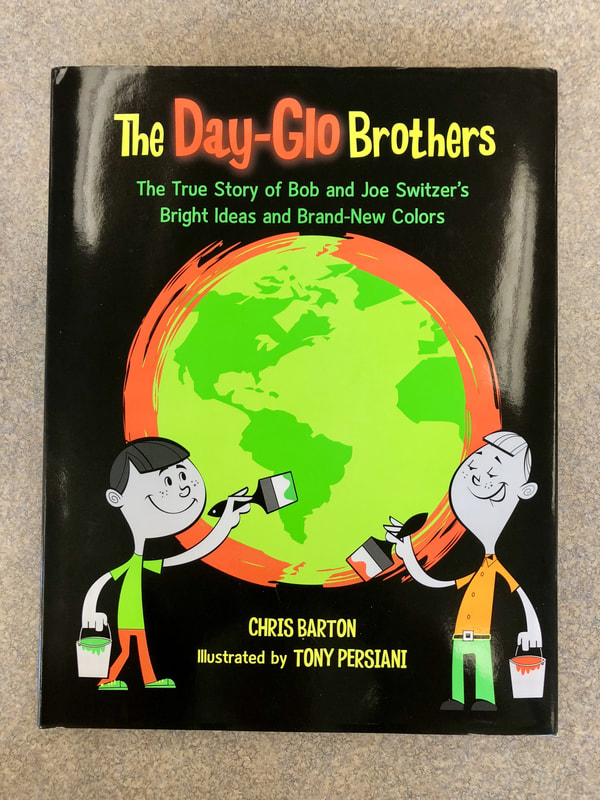
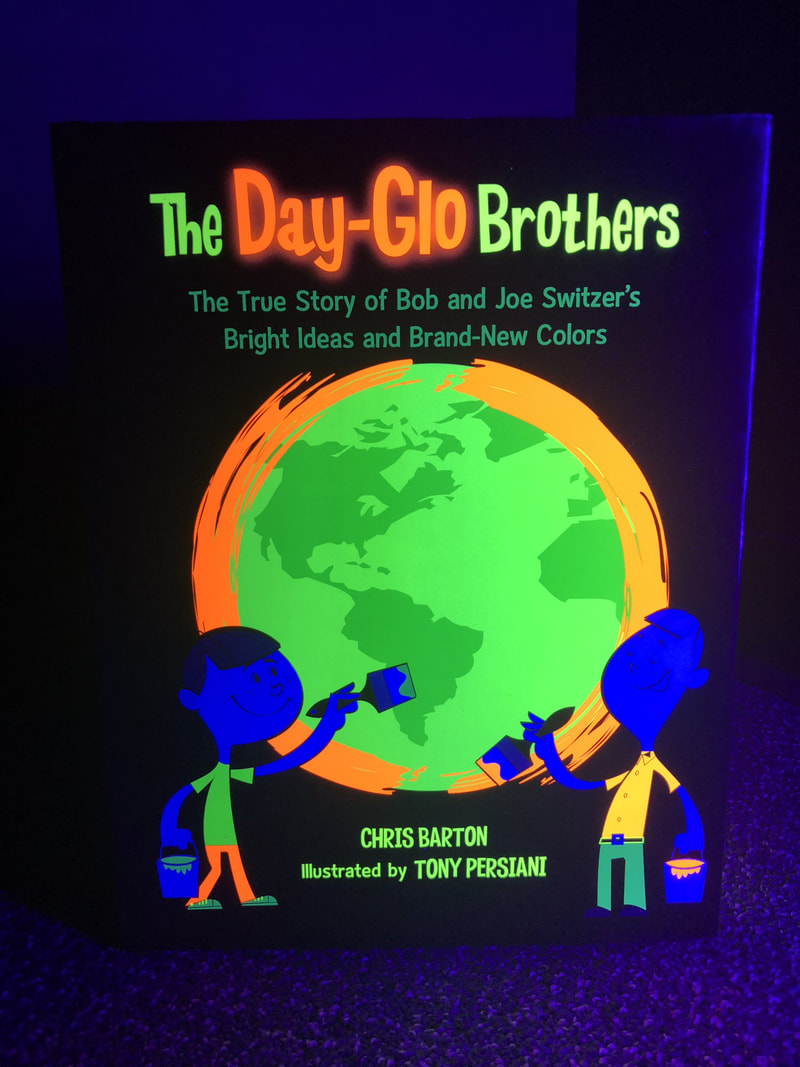
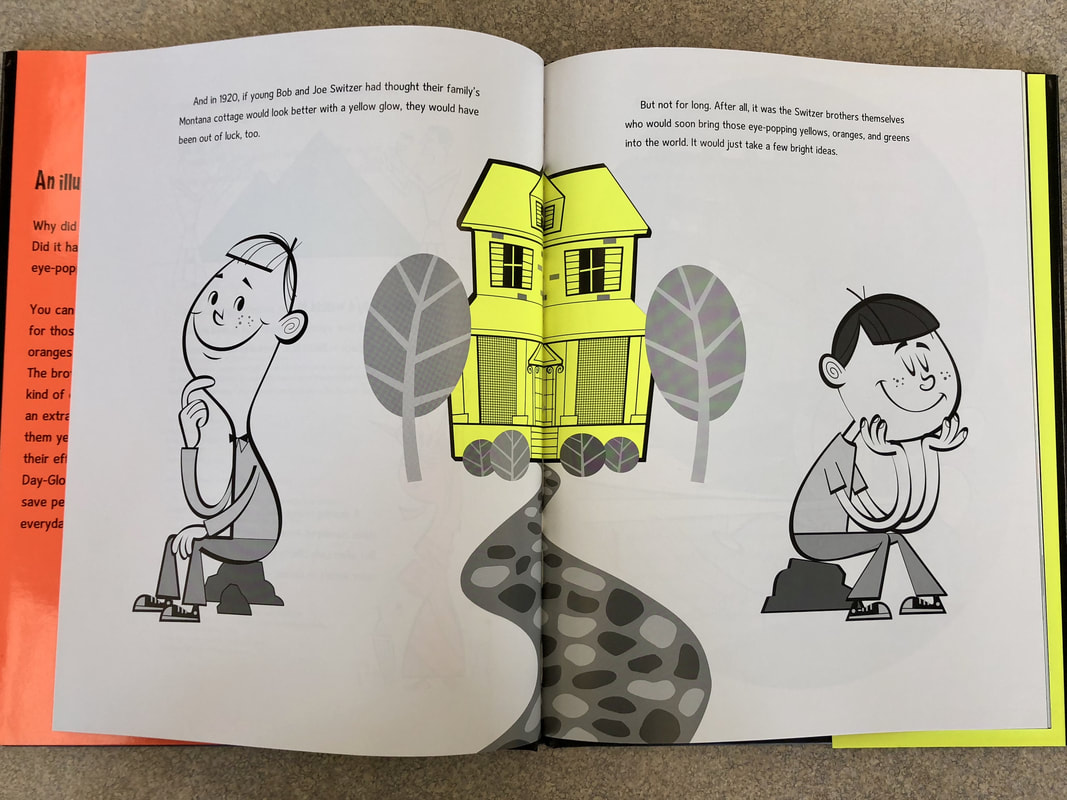
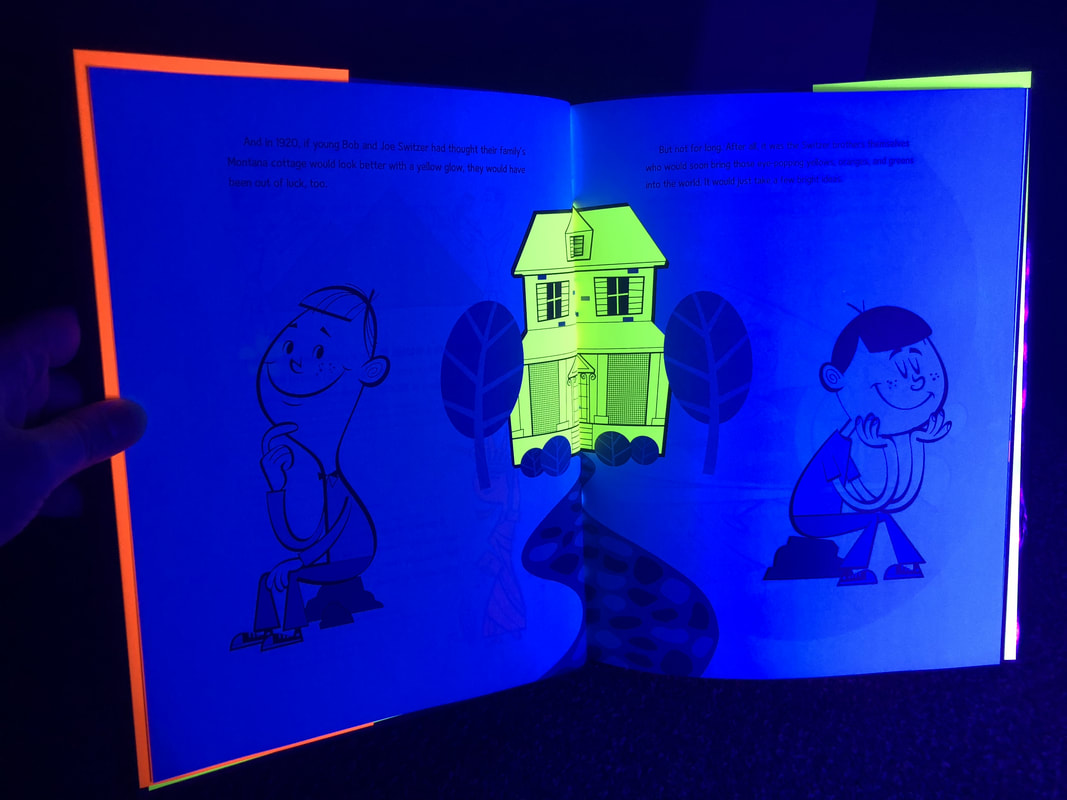
The Day-Glo Brothers

Picture
Picture
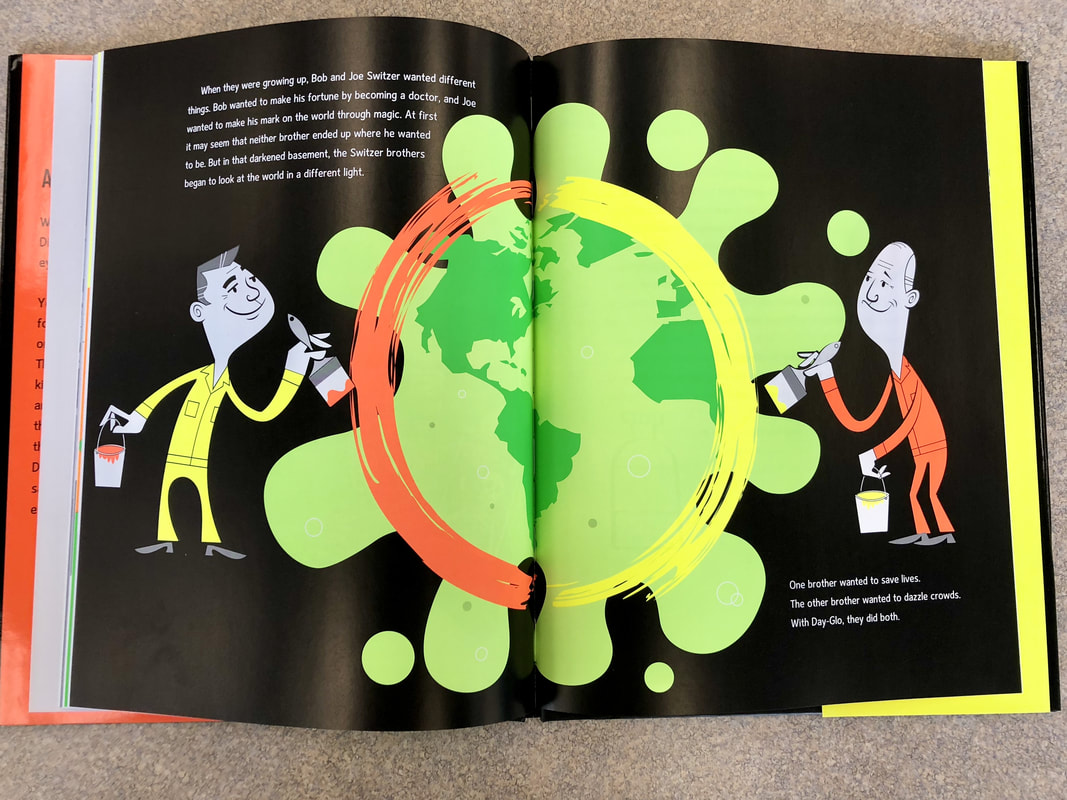
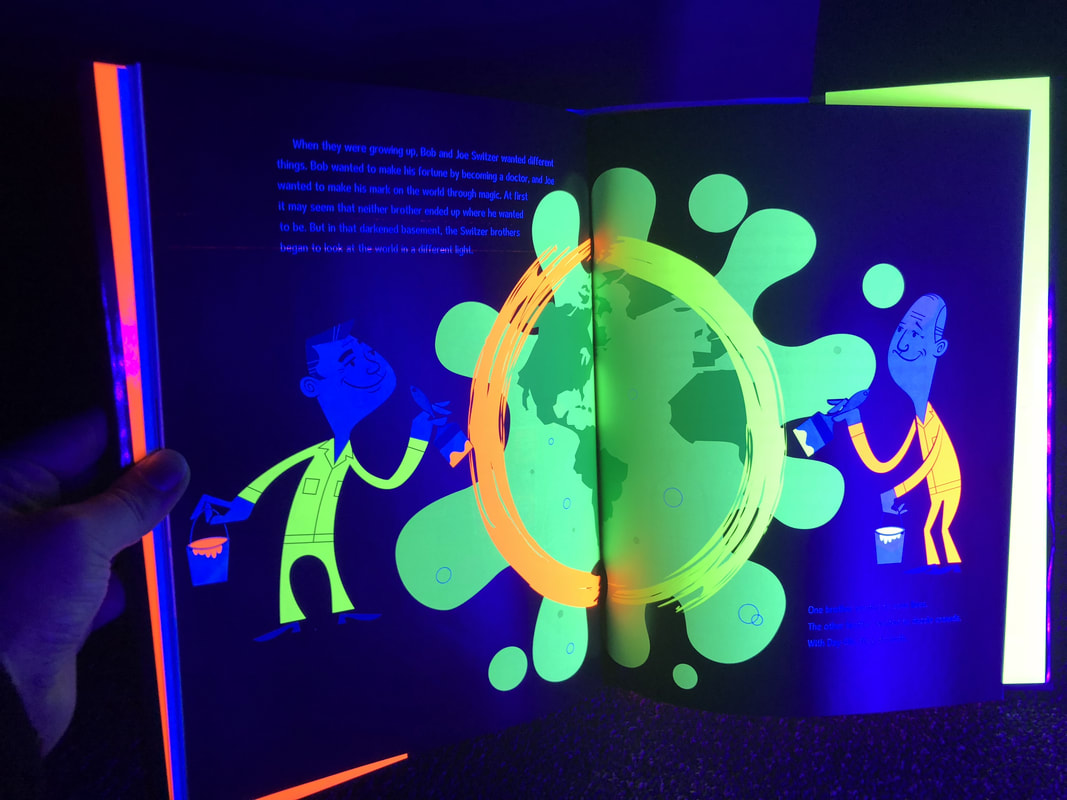
The Day-Glo Brothers: The True Story of Bob and Joe Switzer's Bright Ideas and Brand-New Colors by Chris Barton is an amazing story of how two very different brothers came together after a personal tragedy to create something amazing and help people around the world in different ways.  This would be a great text to read for elementary students to kick off a Glow Day, a way to connect World War II, science concoctions, and so many other topics!
Picture
Picture
Picture
Picture

Nocturne

Picture
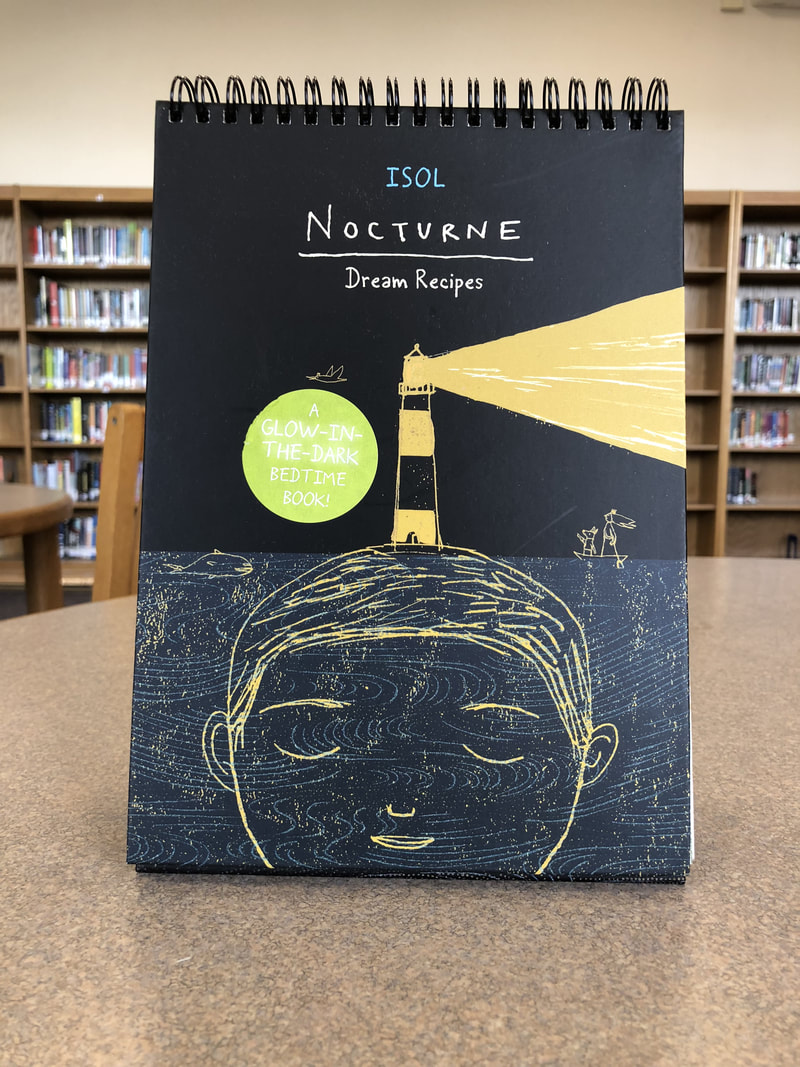
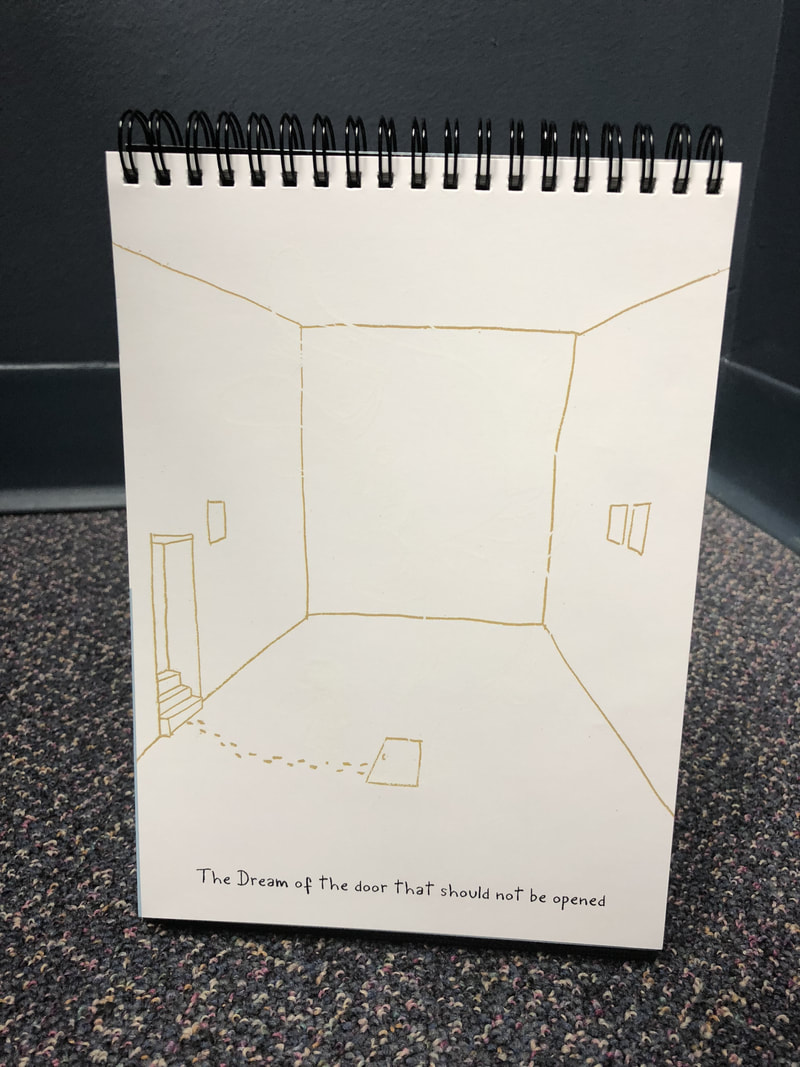
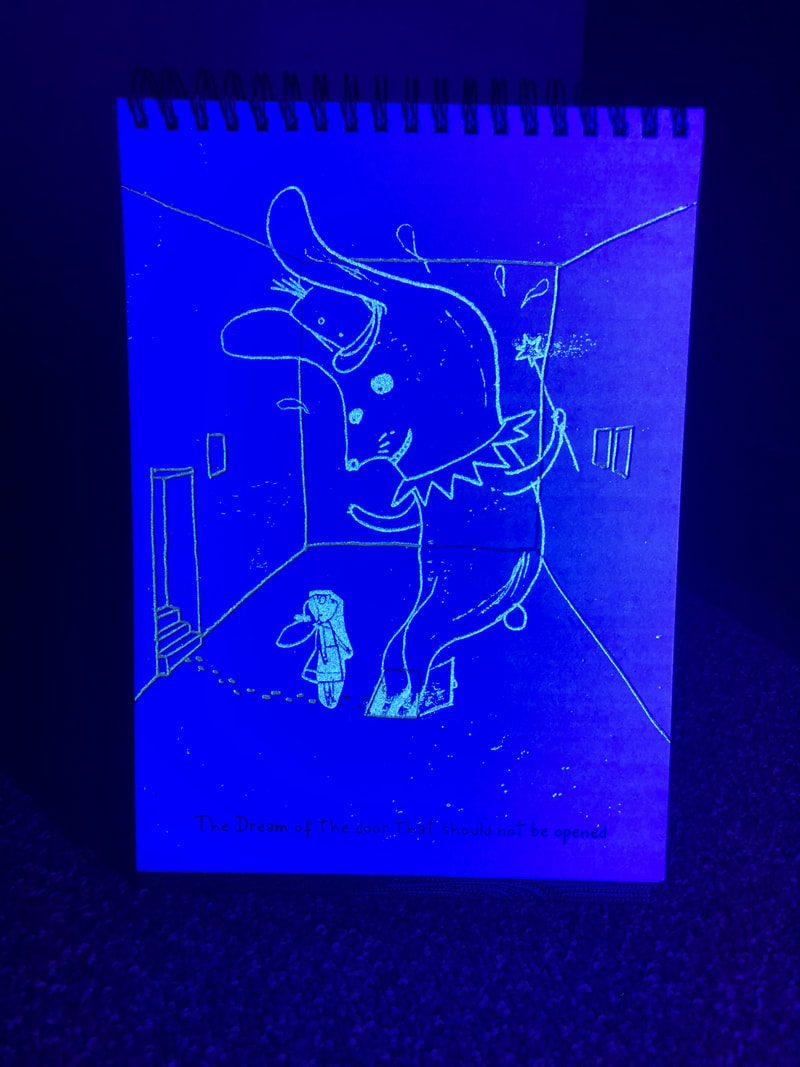
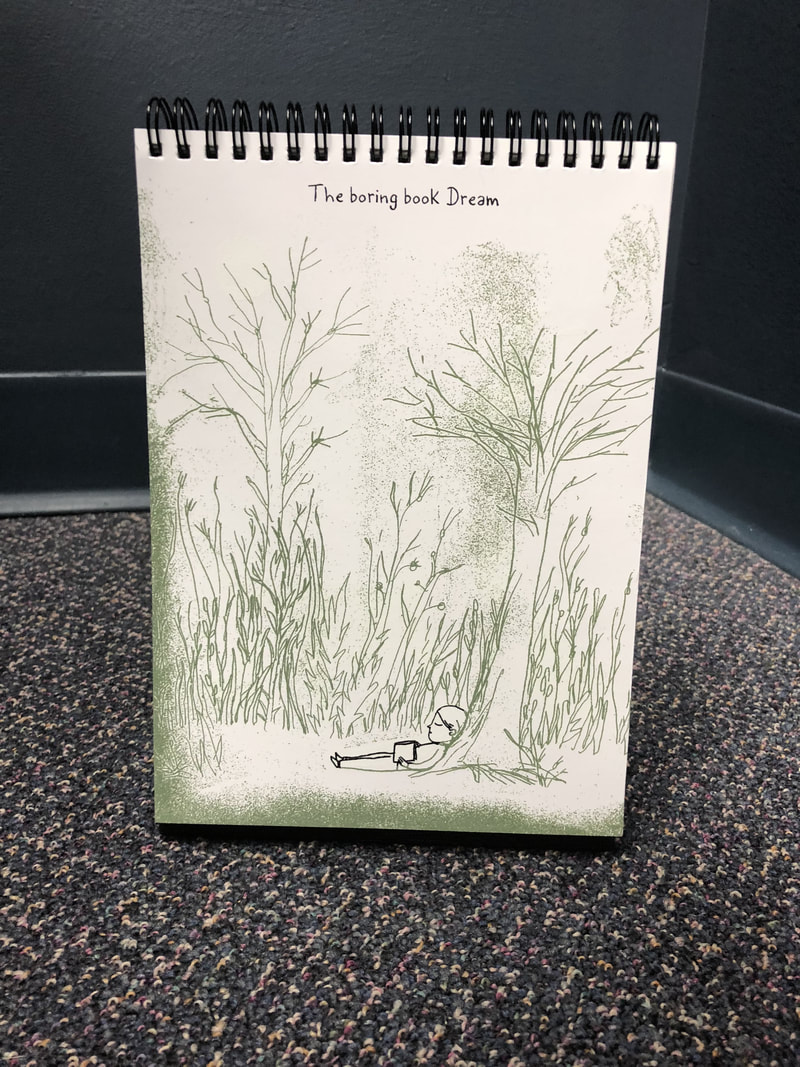
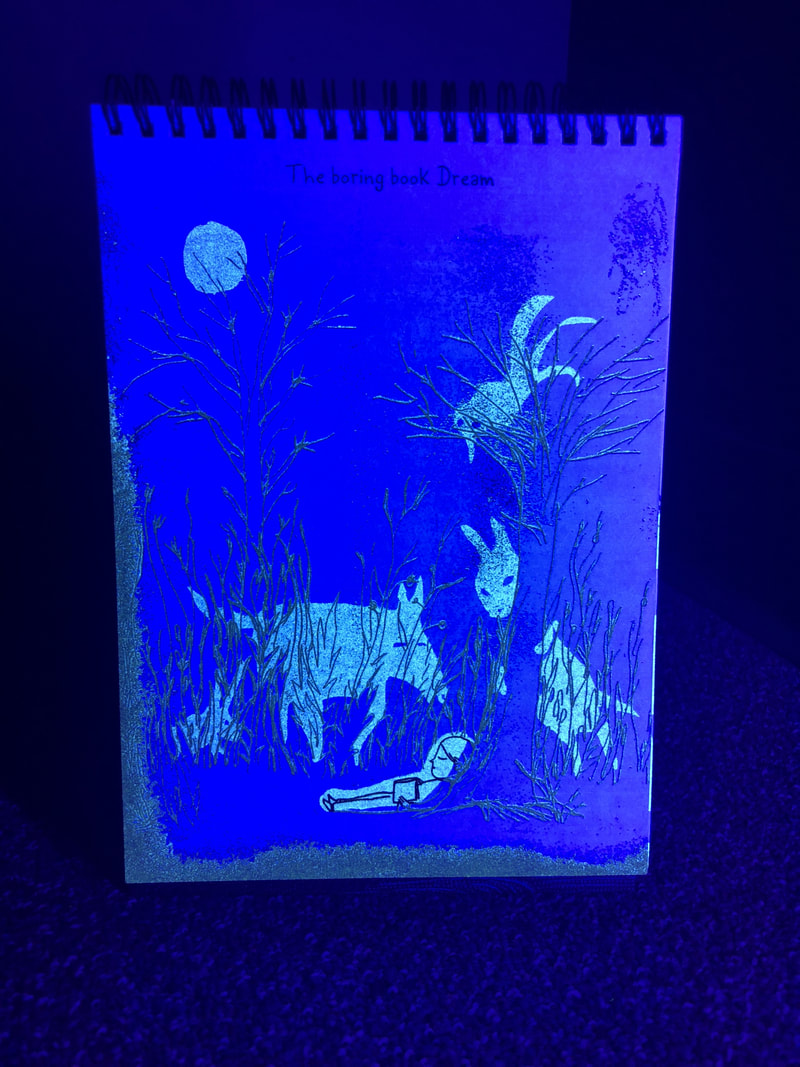
Nocture, by Isol, is a "dream recipes" book, but has so many possibilities for use in the classroom (initially intended to be a book to read with children before bed).  When simply looking at the pages, you are given a title to the image, but when viewed under blacklight, the glow in the dark print shows up to add to the original image.  This would be great for creative writing, a writing station on a glow day, warm-ups, exit slips, or simply just reading (especially on a glow day!  I loved looking through this book and seeing how the pages transformed with the glow in the dark images - such a fun way of bring reading and picture books to life!
Picture
Picture
Picture
Picture

Unplugged

Picture
Picture
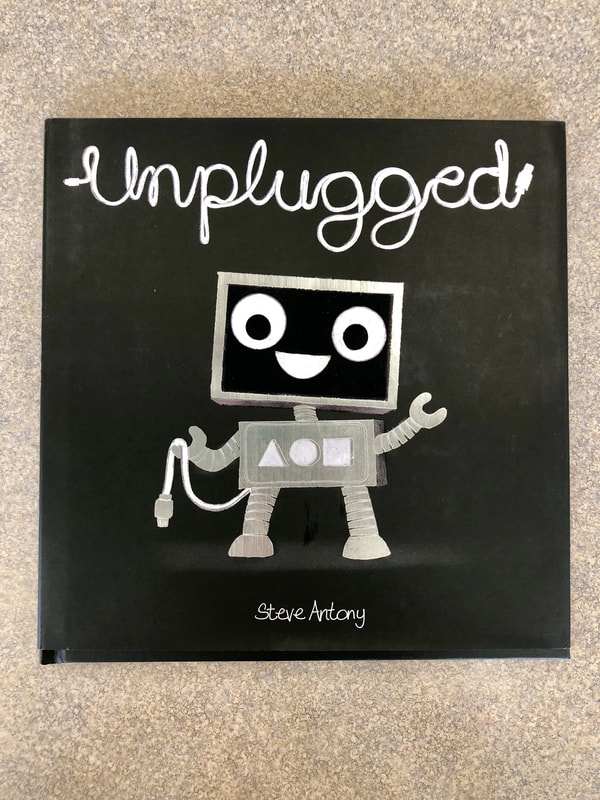
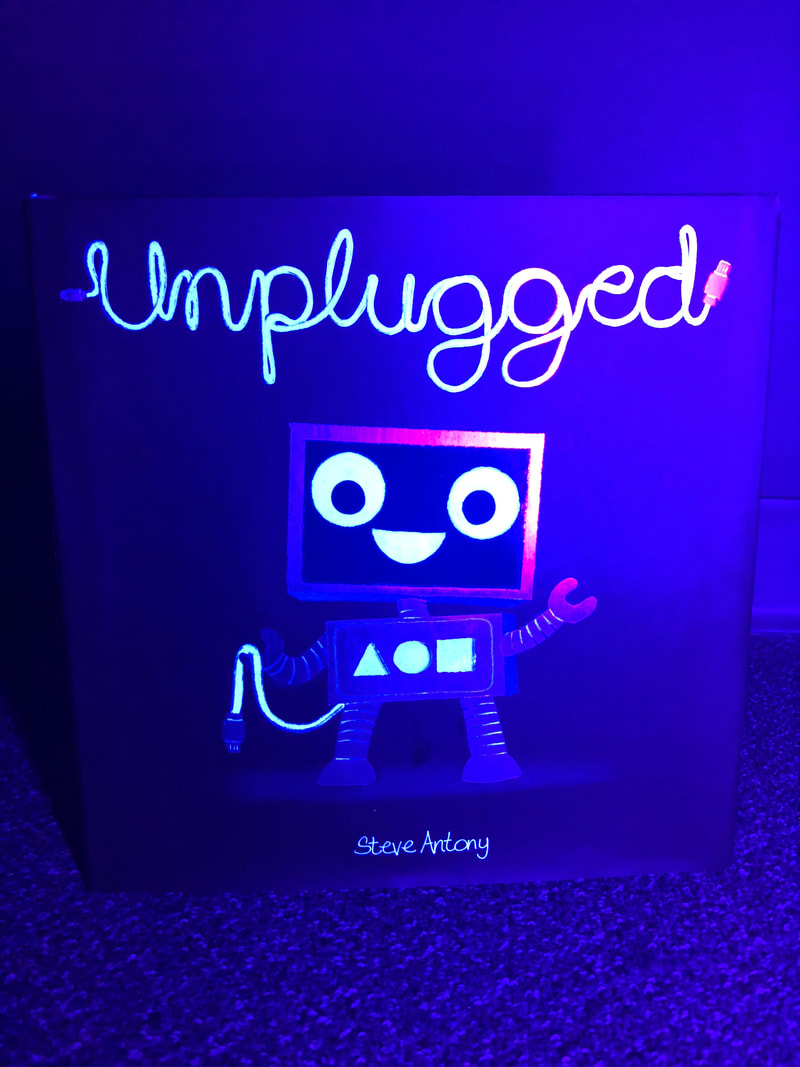
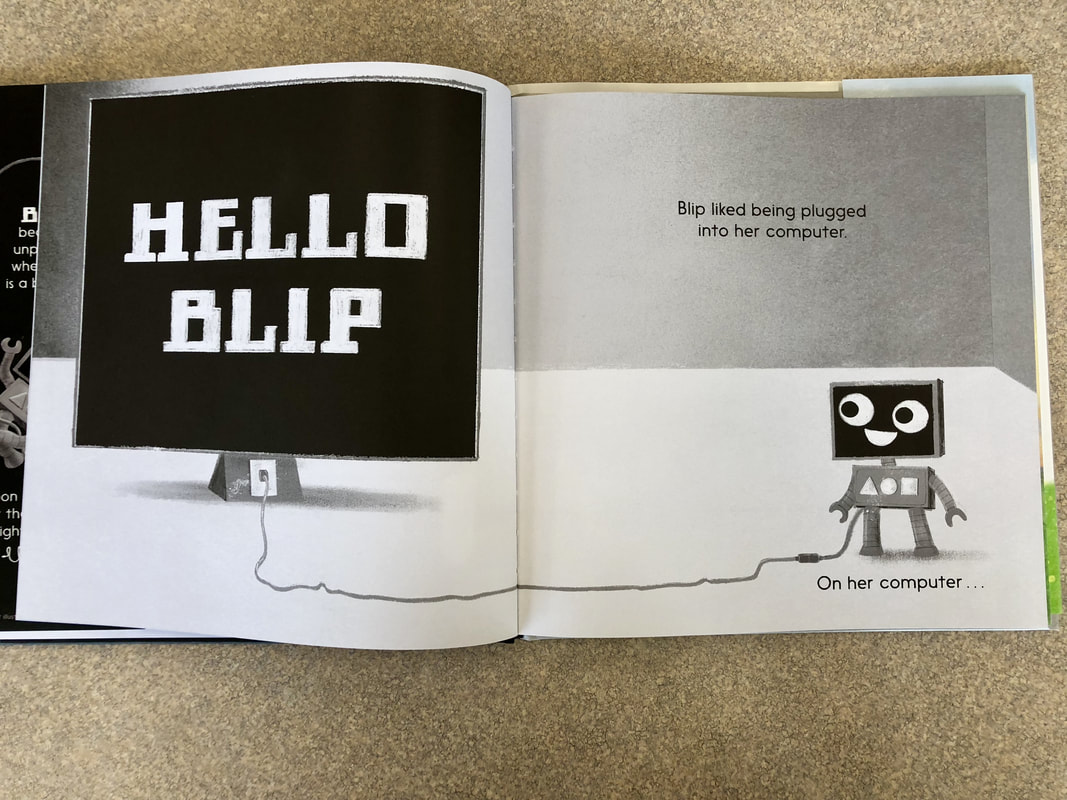
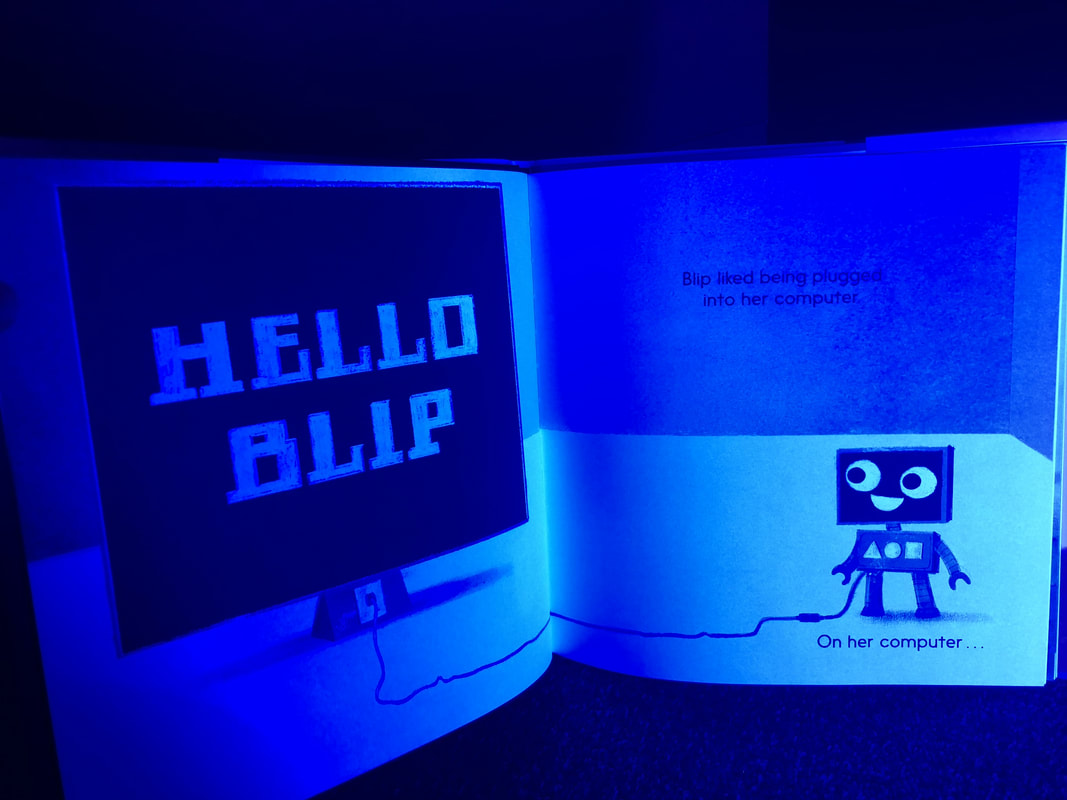
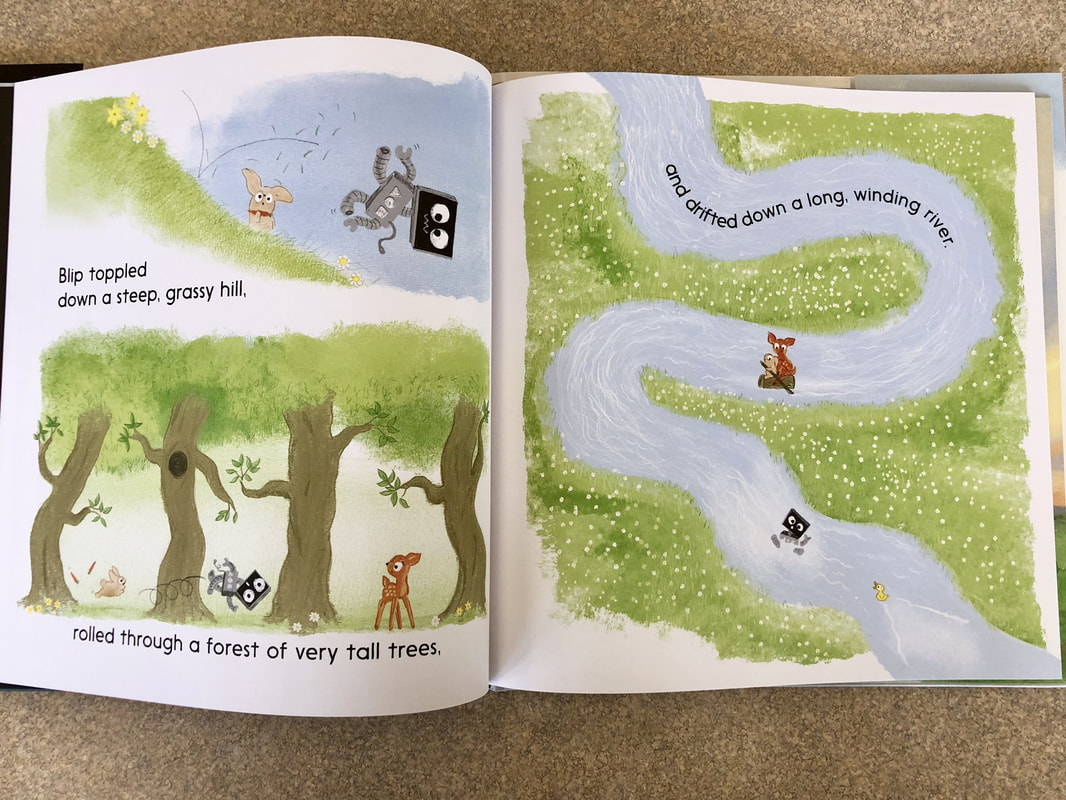
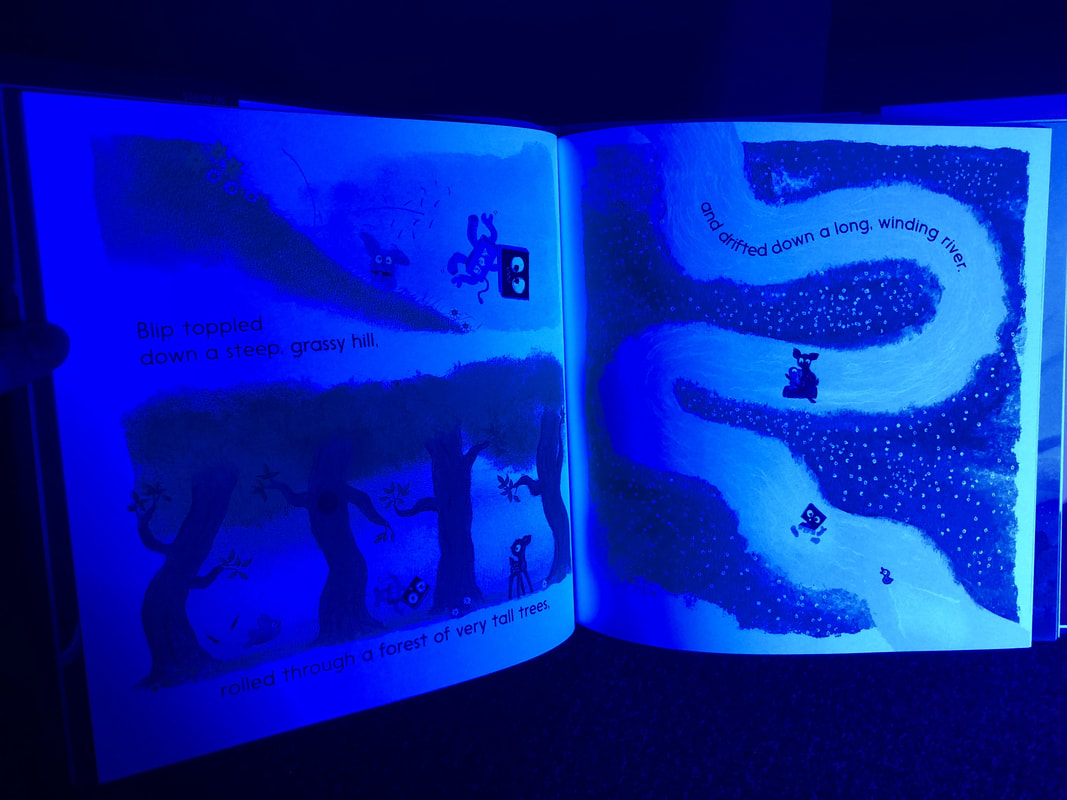
Out of the three books I tested, Unplugged by Steve Anthony did not have the wow factor under the blacklight, but the story was beautiful!  I think it would be an absolute favorite for kicking off a glow day with elementary students and sharing about how you can discover and see things right in front of you that you might not have otherwise if you were stuck behind a screen.  Sometimes we all need a little bit of time to unplug and take in the world around us and simply be in the moment.  And Blip is such a cute little bot!
Picture
Picture
Picture
Picture
3 Comments

Glow Day: STEAM Resources

5/24/2018

0 Comments

 
Picture
As I am preparing things for my first Glow Day, I started looking around my office and began to wonder which STEAM materials would also work under blacklight.  I was able to borrow a black light from the awesome Kelly McGee (before I received my materials), as he is also the Director for theater productions at our high school.  I set up a fancy little photo area in the corner of my office, hoping that no one would come in and send me flying to the ground.  A locked door worked well for preventing this!  :)
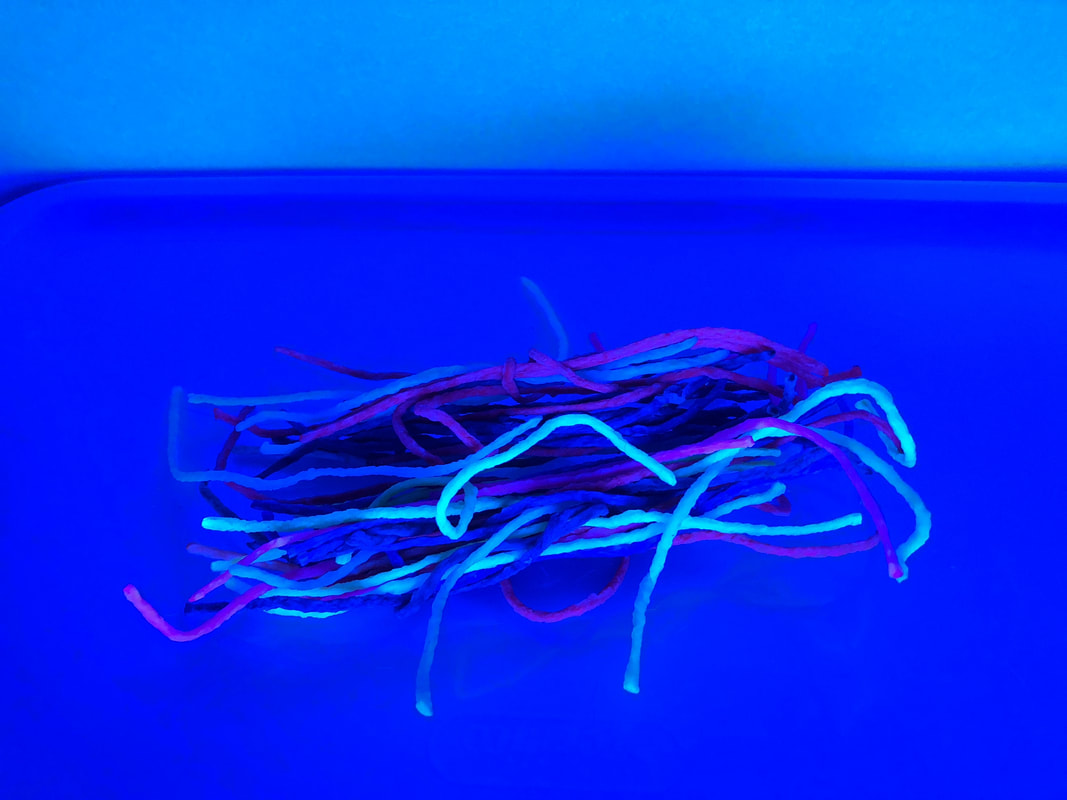
As I was testing materials, I decided to take pictures to share with the teachers I am working with on this project so we can have a list at the ready of what works well and what doesn't (and what we already have available to use in the district).  Please note, these findings are not a reflection of the actual product, just how they react under a black light.  I use these materials all the time for STEAM activities!

I created a Google Sheet with all the information that is found below as well as links to the items.  If you would like to view the Google Sheet version, click here.  Otherwise, feel free to check out my pictures, findings, and reflections below!
Picture
Picture
I gave my resources a glow rating with a green, yellow, or red star.  
Picture
Good to Glow!  
​All resources are good to use as is in a room lighted with blacklights.
Picture
A Glow-Between
These are resources may only work with specific colors or colors slightly glow, but do not necessarily pop out.
Picture
It's a No-Glow!
These are resources may only work with specific colors or colors slightly glow, but do not necessarily pop out.

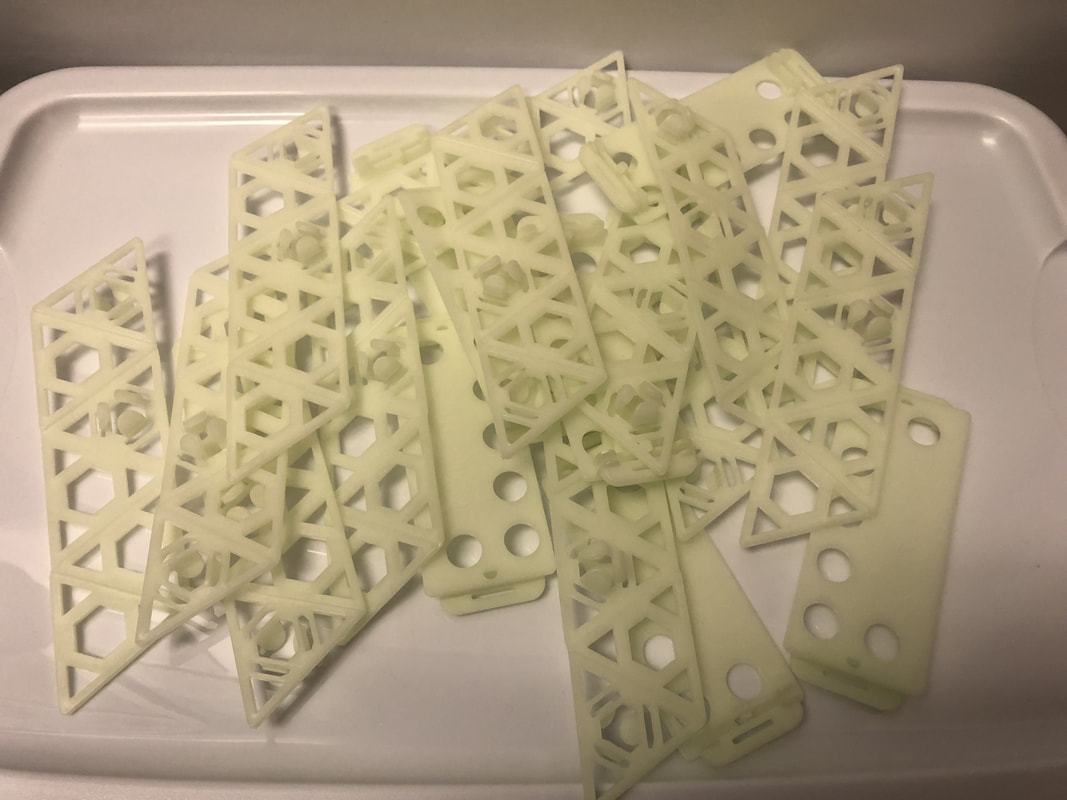
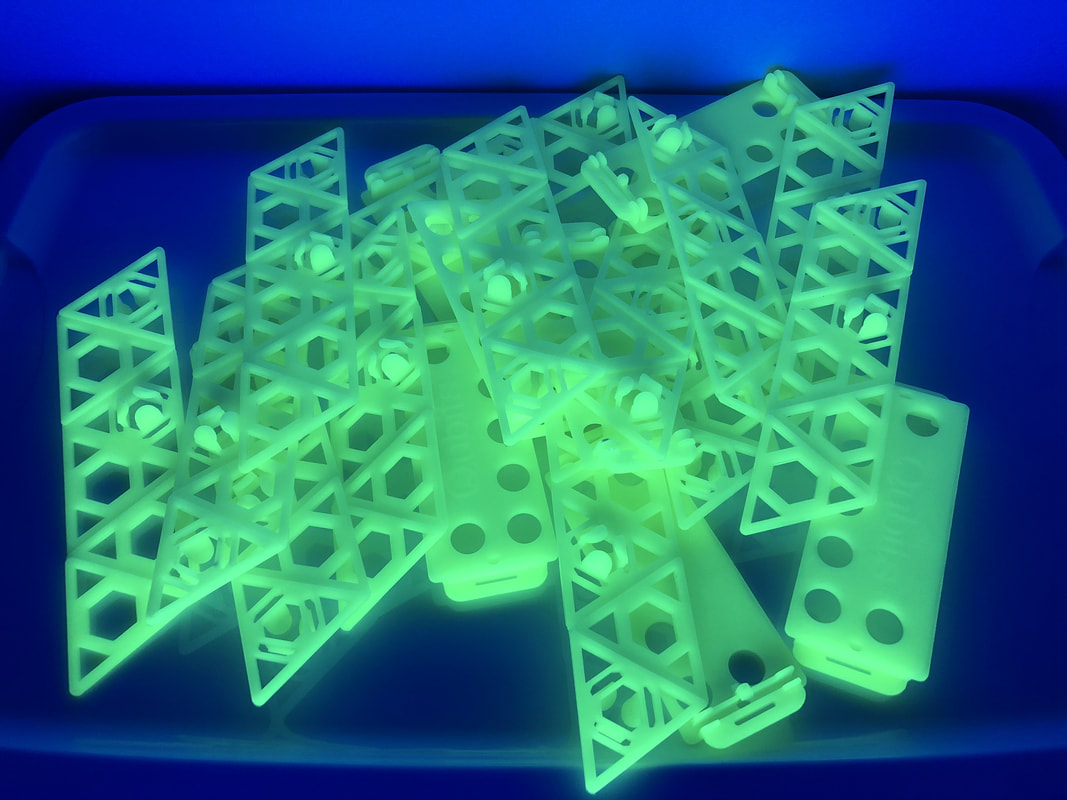
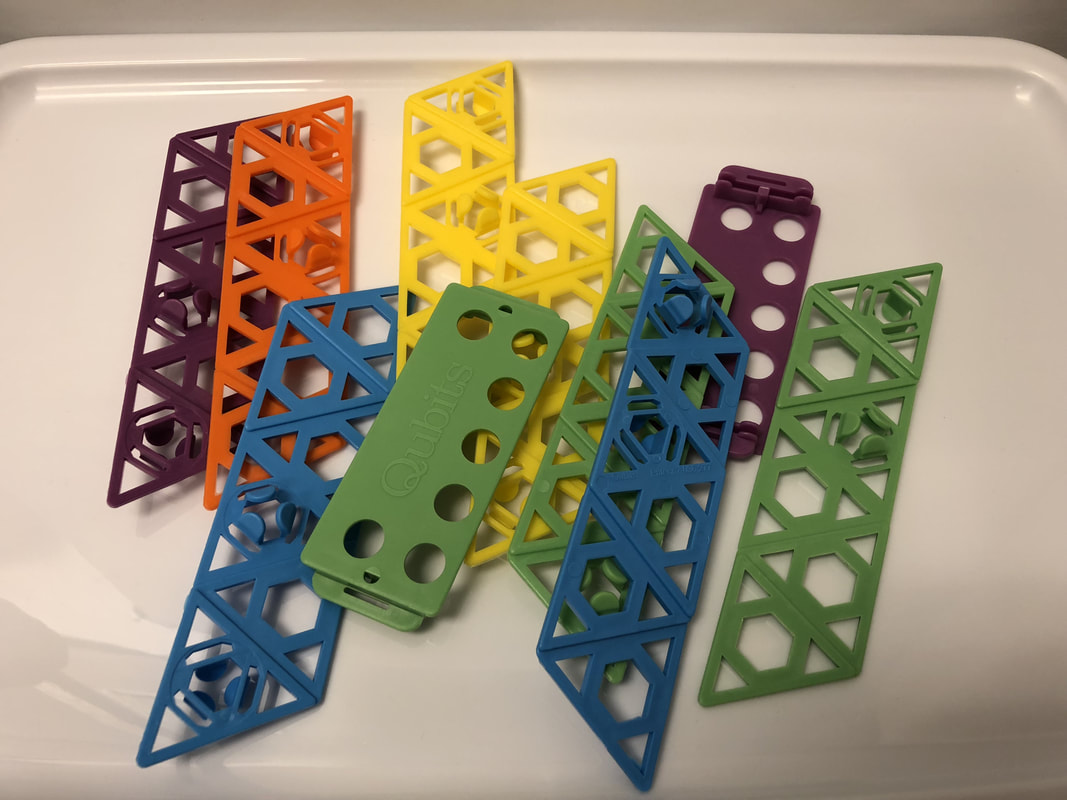
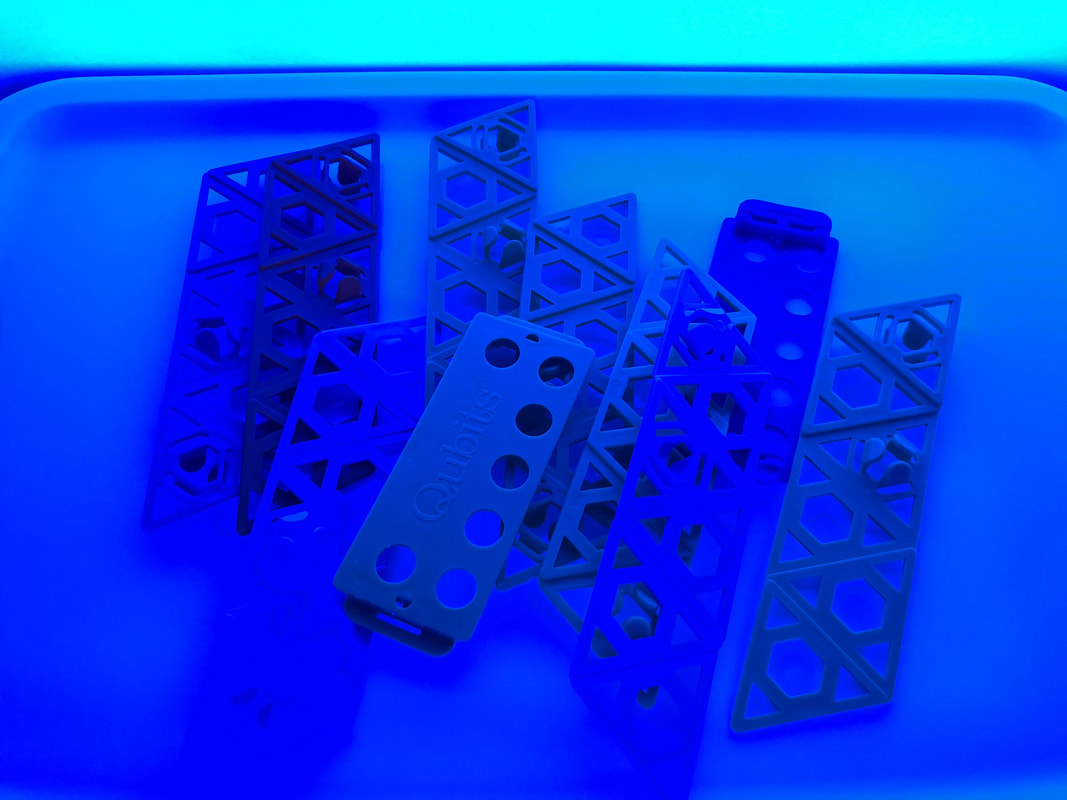
Qubits​

Picture
I recently learned about these and I was not disappointed!  They are an awesome building resource and the glow in the dark Qubits are AWESOME under the black light.  The bright colored ones are awesome on their own, but do glow under the black light.

Picture
Picture
Picture
Picture

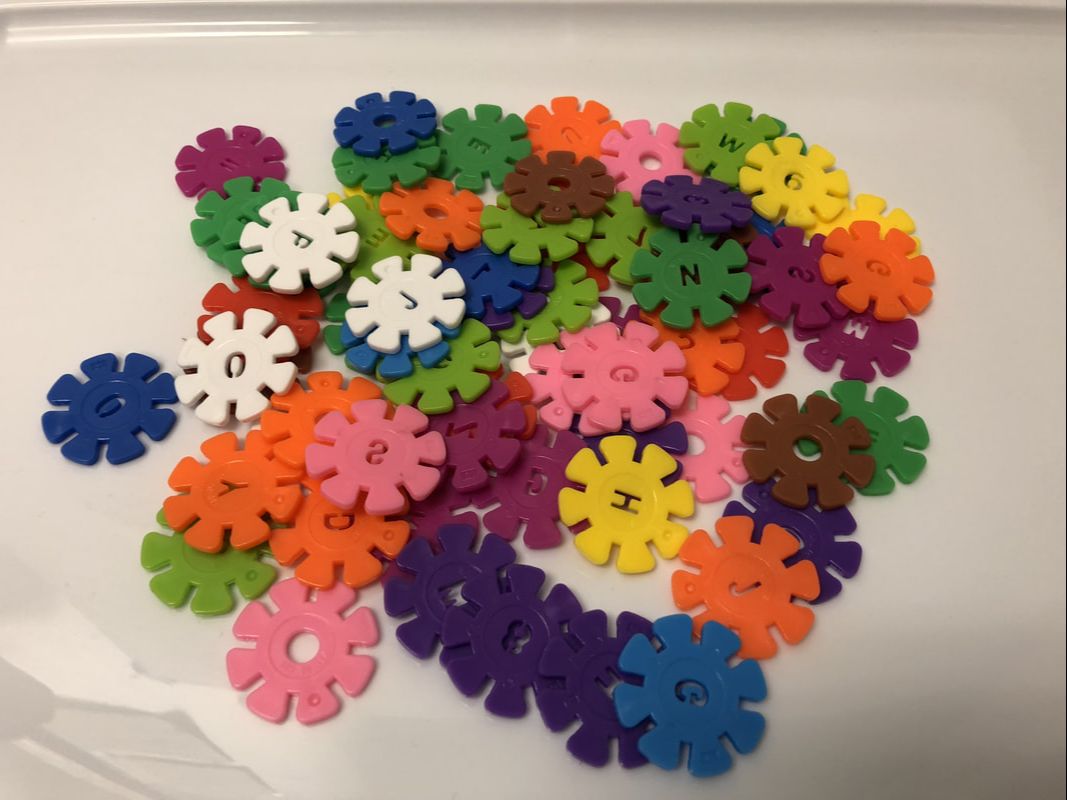
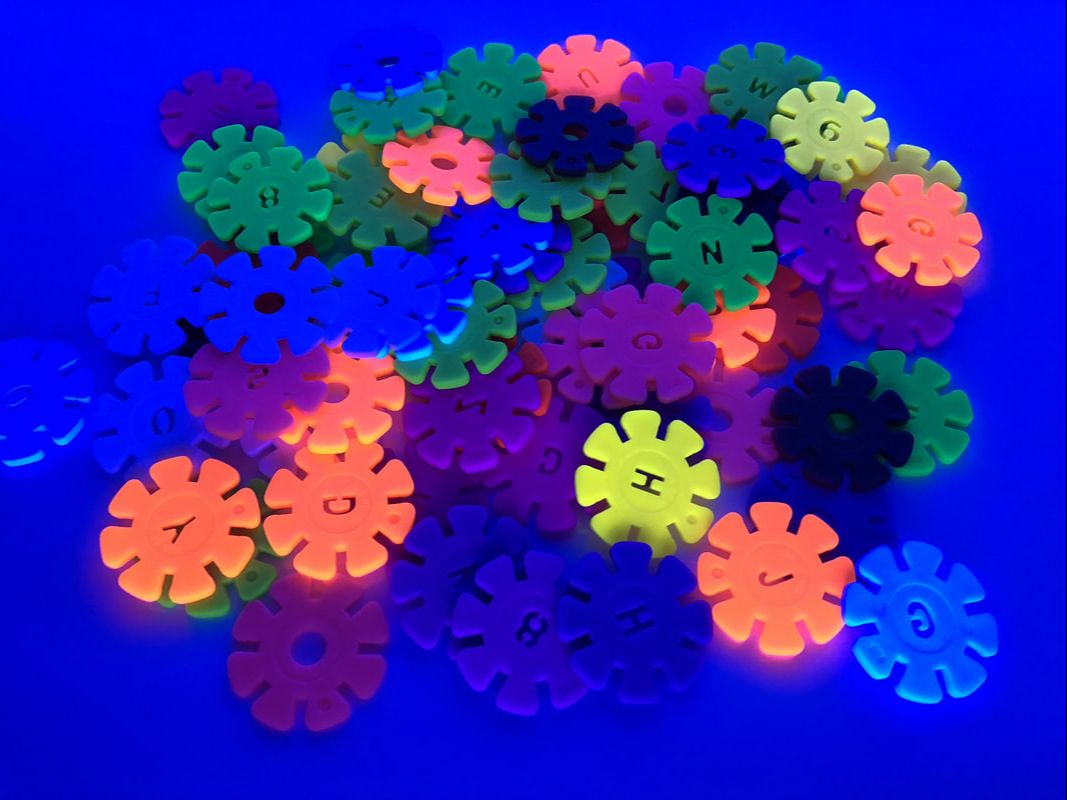
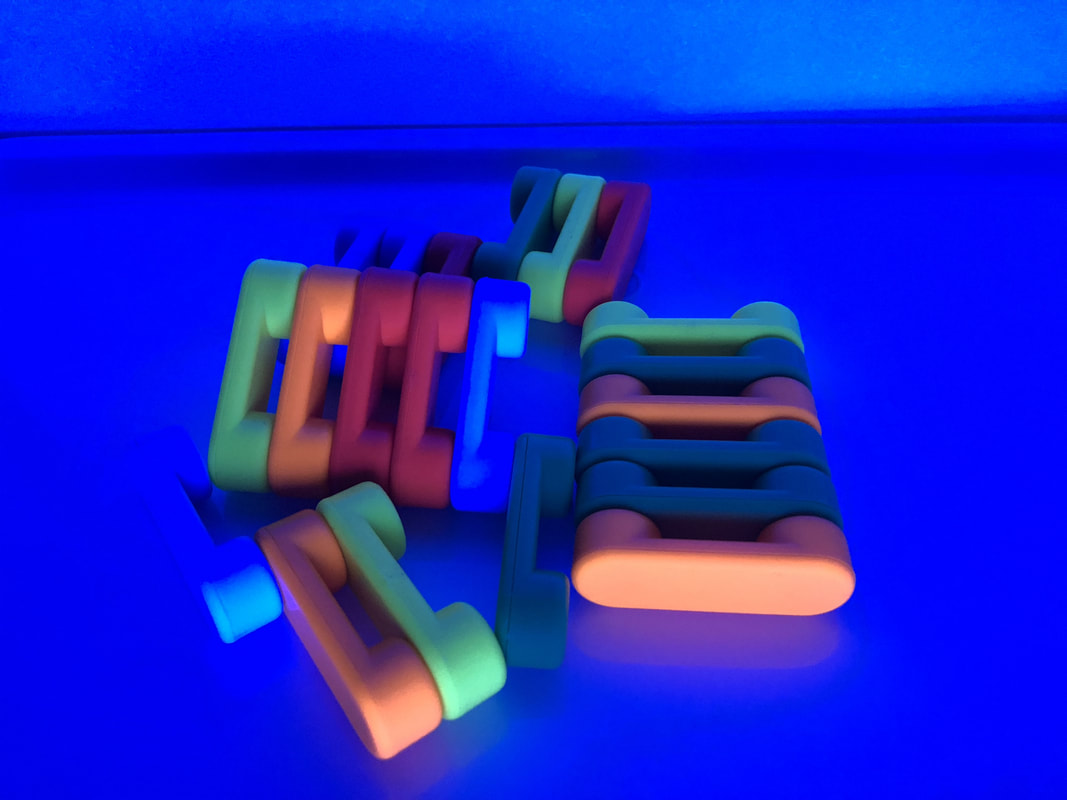
Brain Flakes

Picture
The Brain Flakes did okay under the blacklight, with the yellows, oranges, and greens doing the best.  I was a little disappointed the white didn't really glow, but could be used if four colors are needed.

Picture
Picture

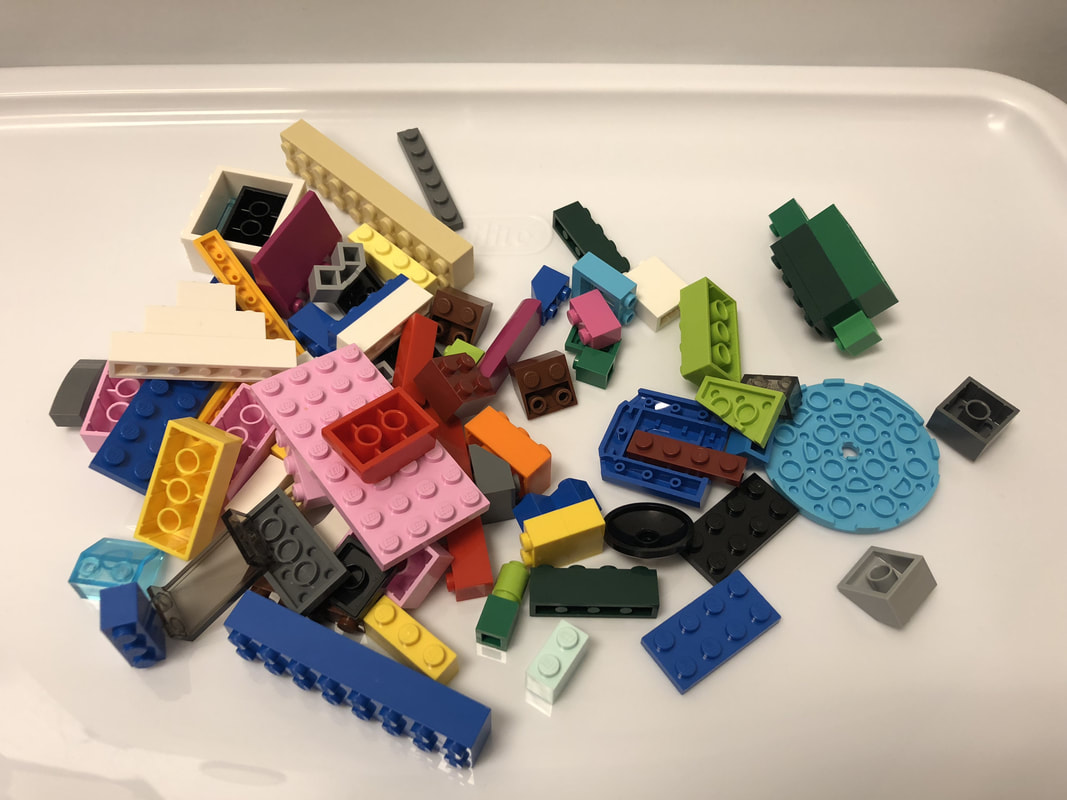
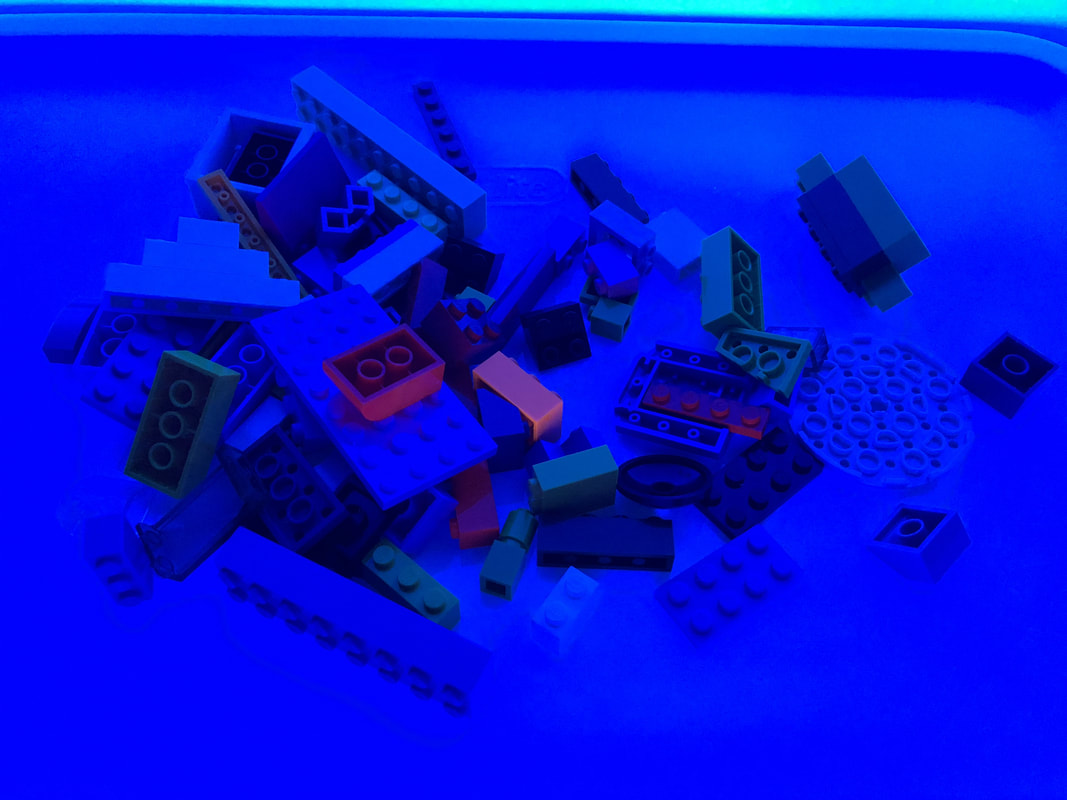
LEGOs (Classic Colors)
Picture
I really didn't anticipate the LEGOs glowing much, and what I saw was about what I pictured.  Out of all the colors, the oranges did the best.

Picture
Picture

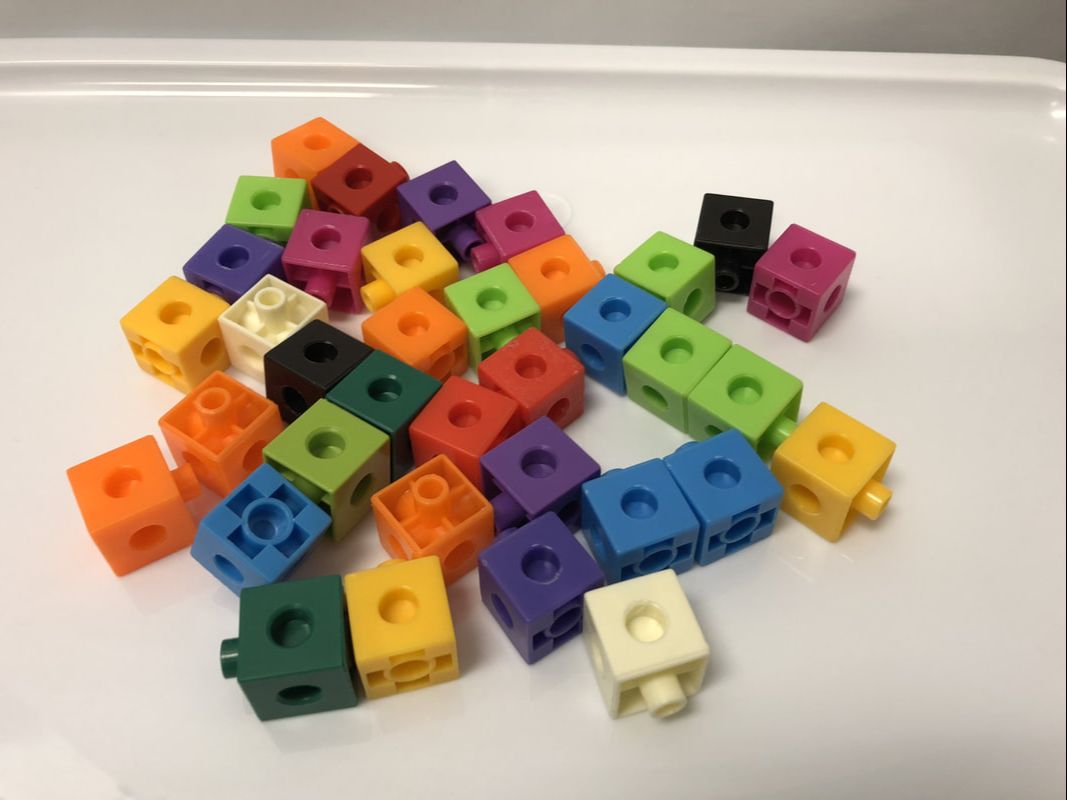
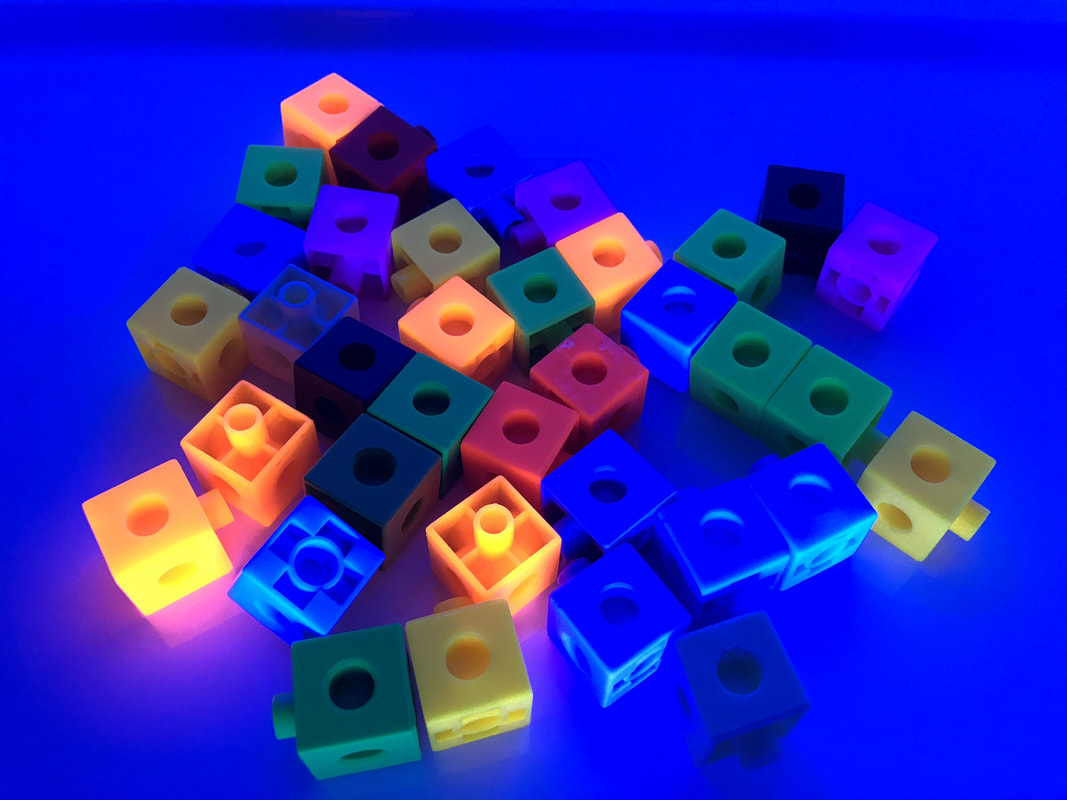
Creation Cubes

Picture
Much like the Brain Flakes, I thought the Creation Cubes would perform a little better.  Out of all the colors, the oranges glowed the best.

Picture
Picture

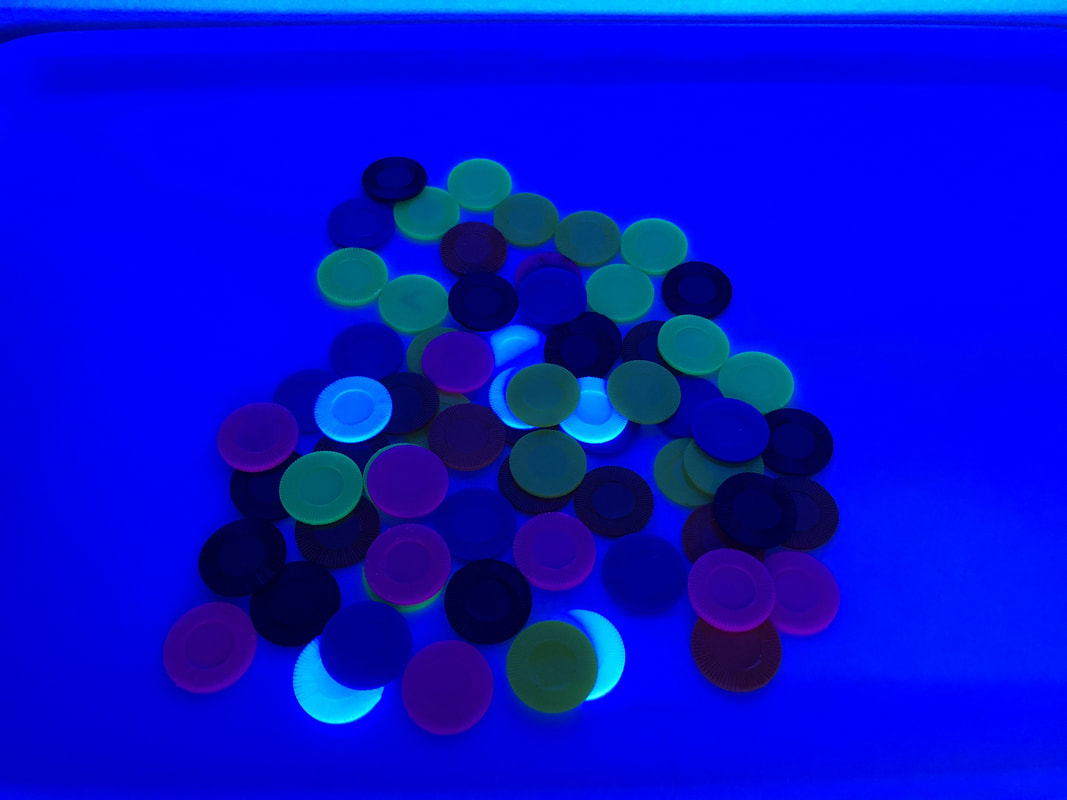
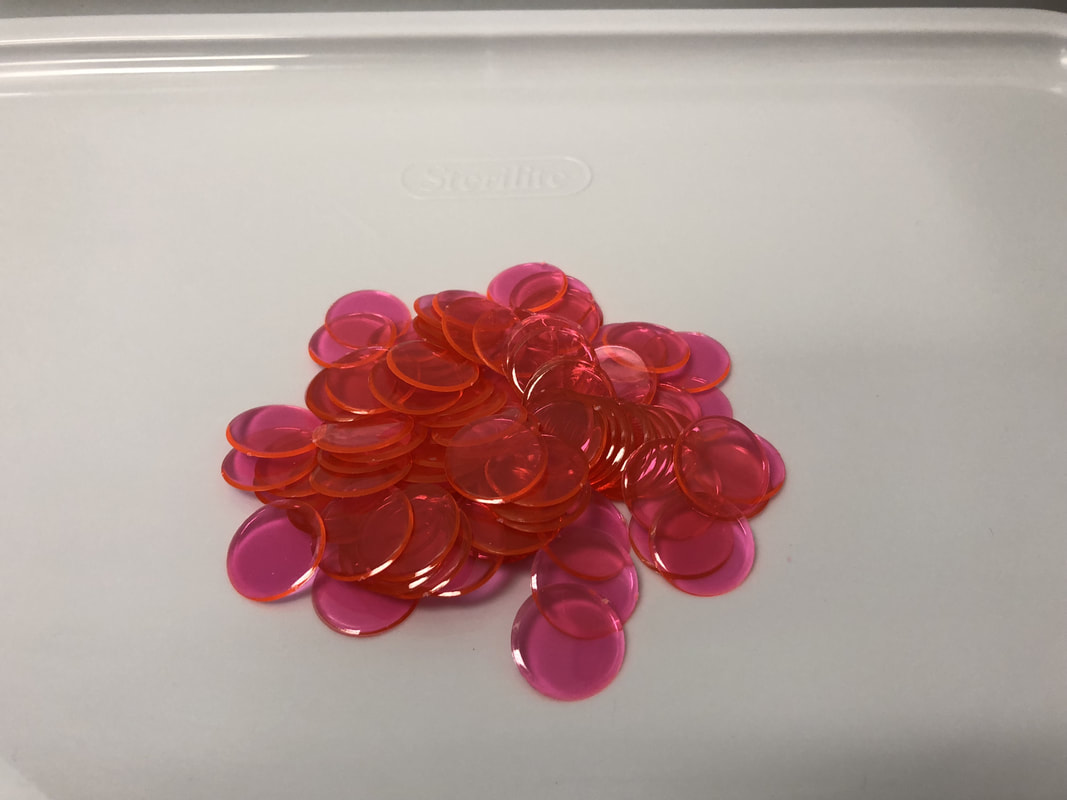
Bingo Chips/Counters

Picture
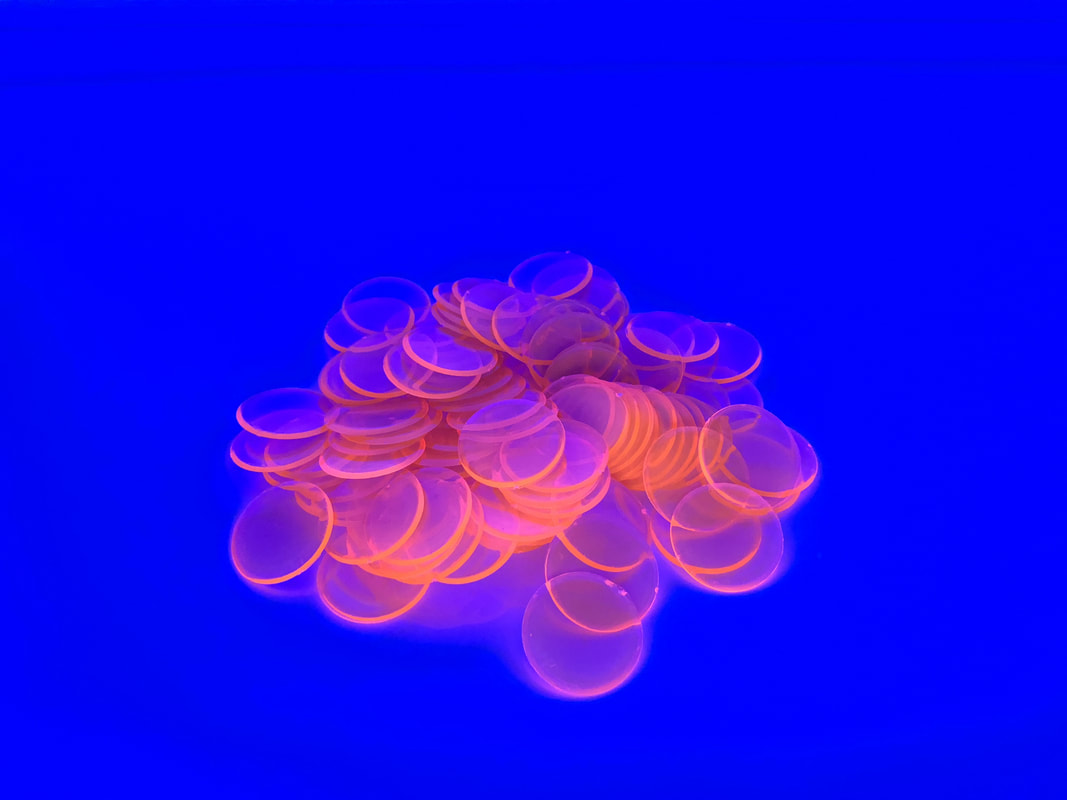
I had two different kinds of bingo chips/counters to try out - one was solid plastic and the other was transparent.  Of the colors I had for the solid plastic, the white was the winner and the purple (showed up pink) and yellow a close second.  The neon pink transparent ones were great though!

Picture
Picture
Picture
Picture

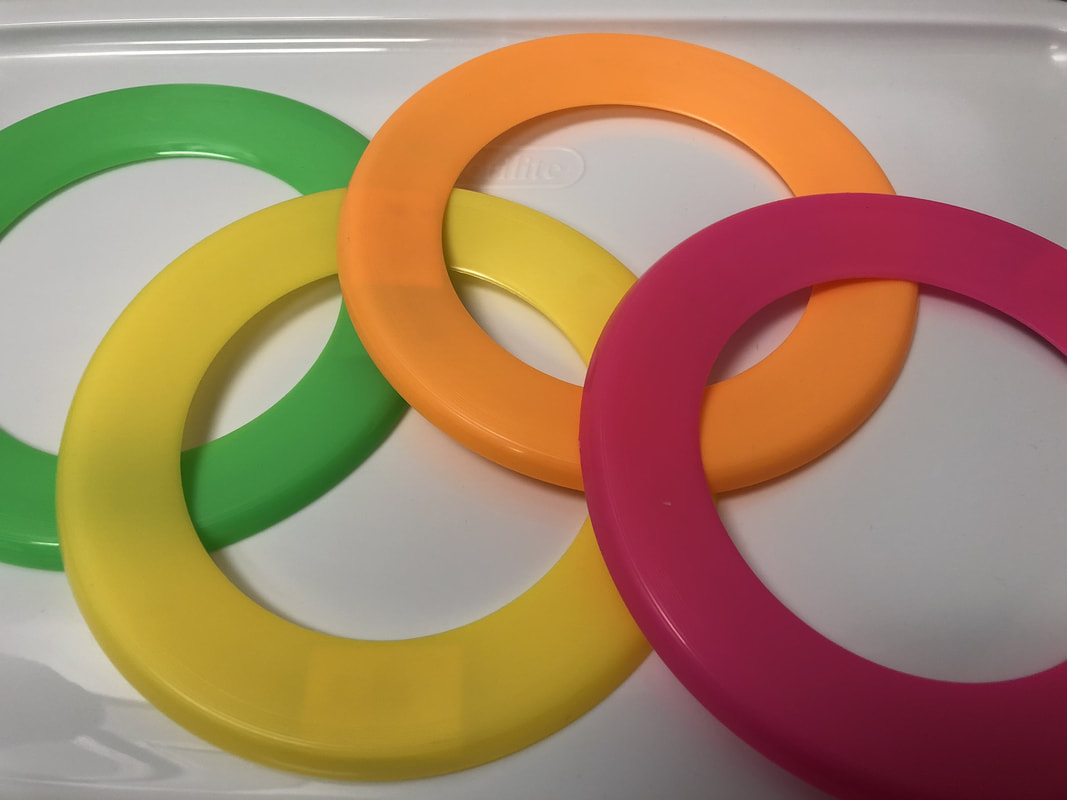
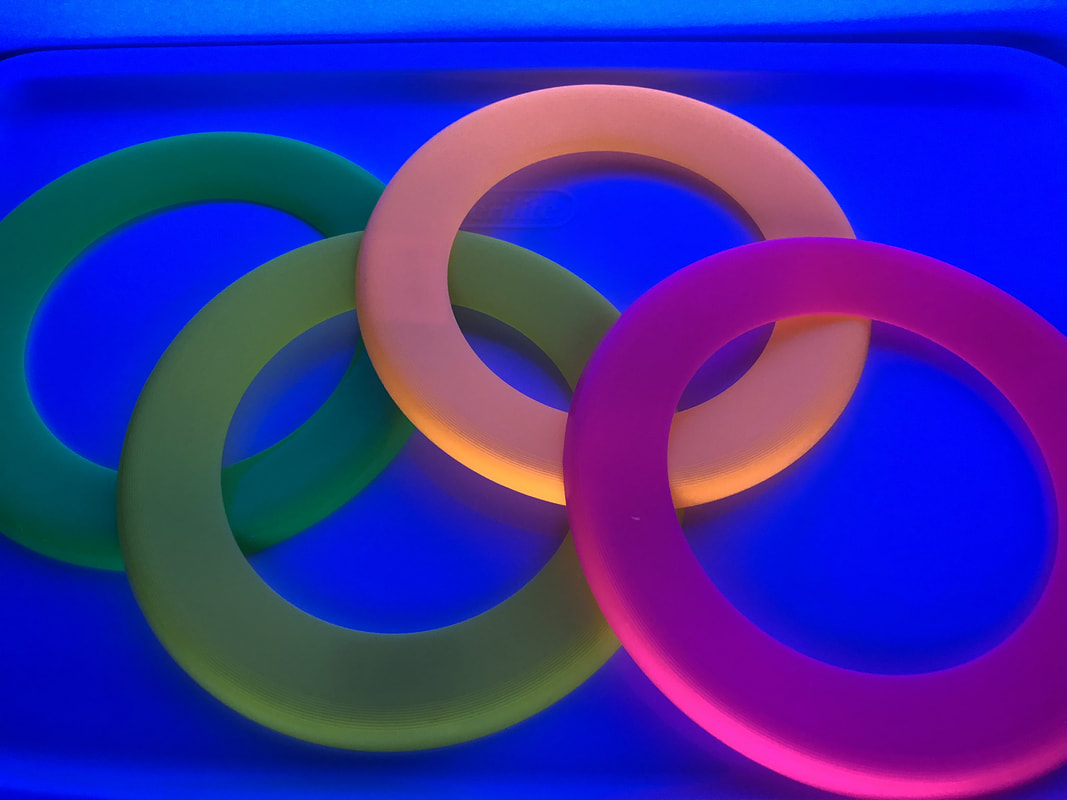
Saucer/Disk

Picture
I found these at my local novelty store, but they can also be ordered online.  They had a light glow when viewed while they were laying down, but had a great glow when the light was directly facing them.  I think if I were to purchase more of these, I would buy just the glow in the dark kind.

Picture
Picture

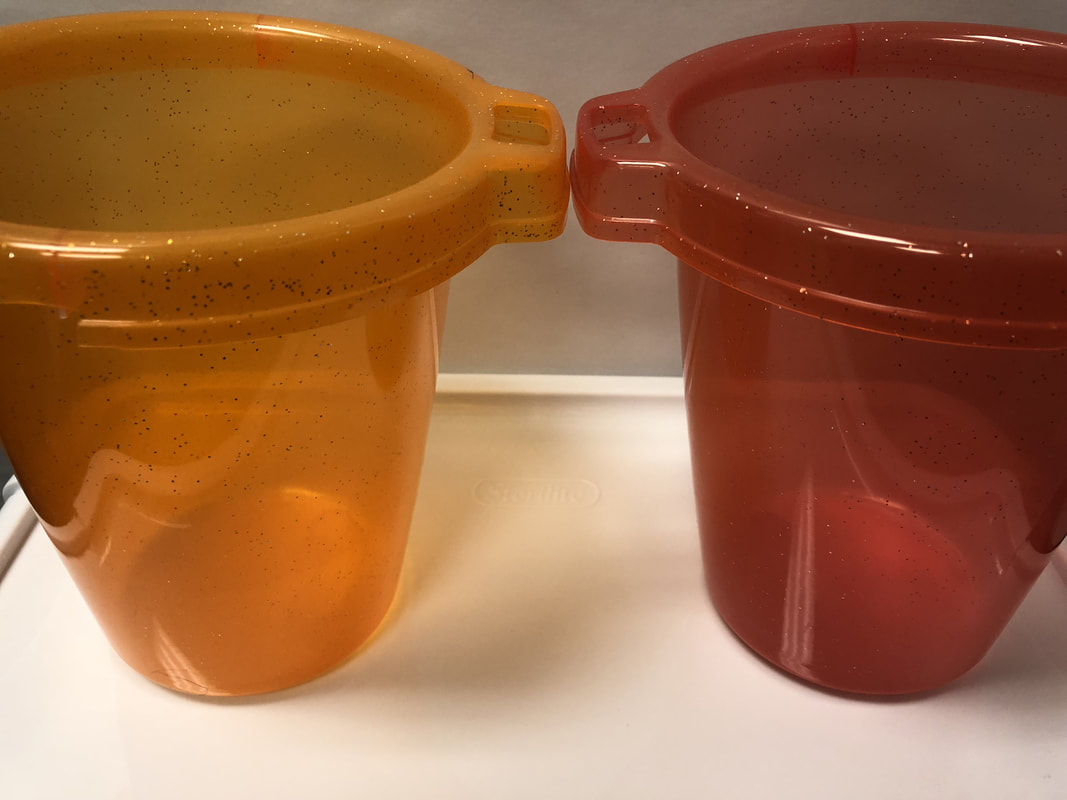
Buckets

Picture
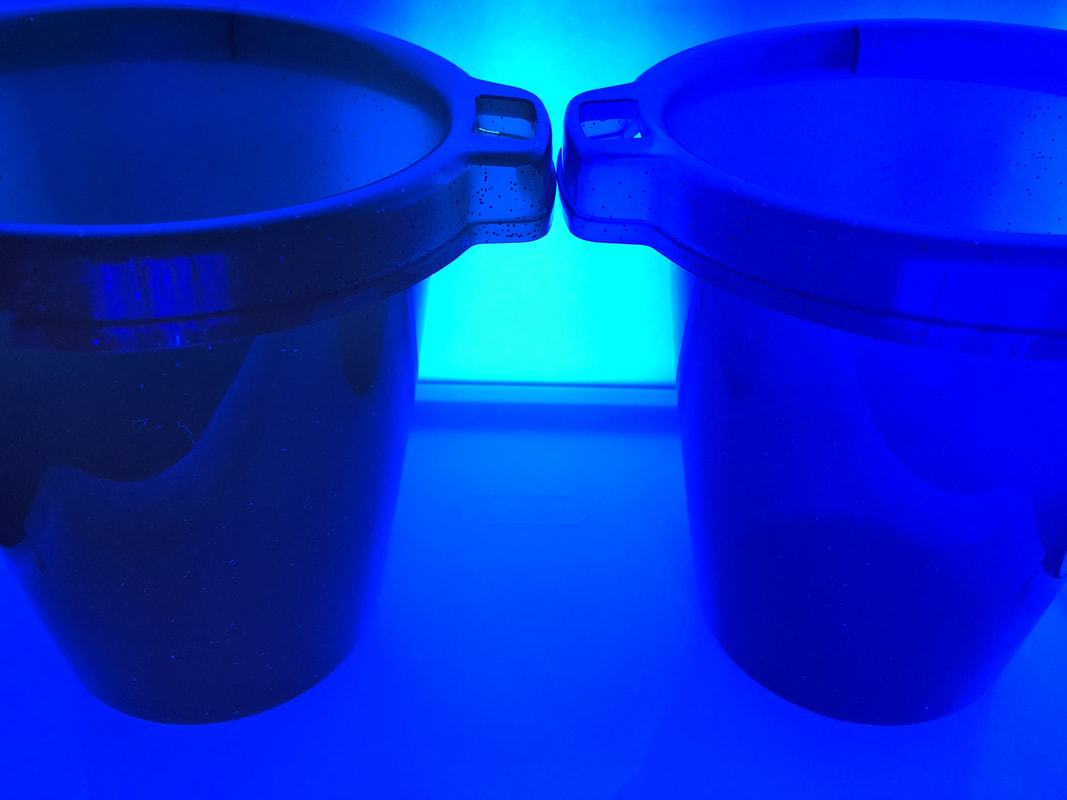
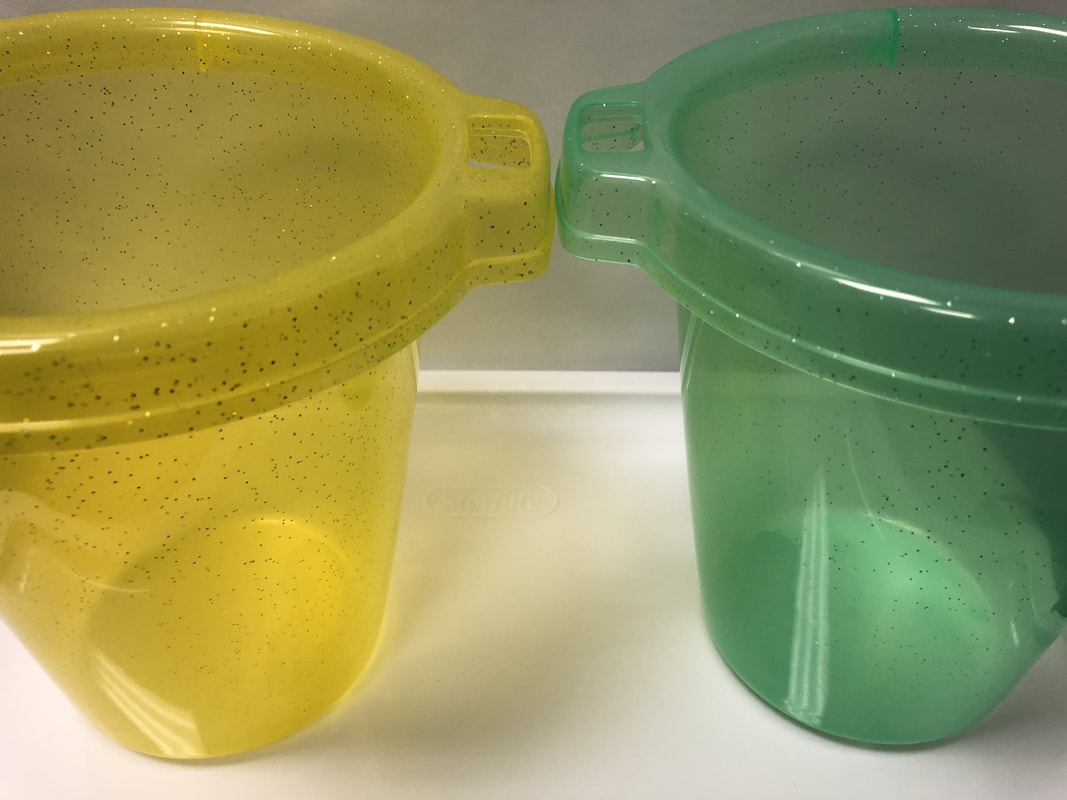
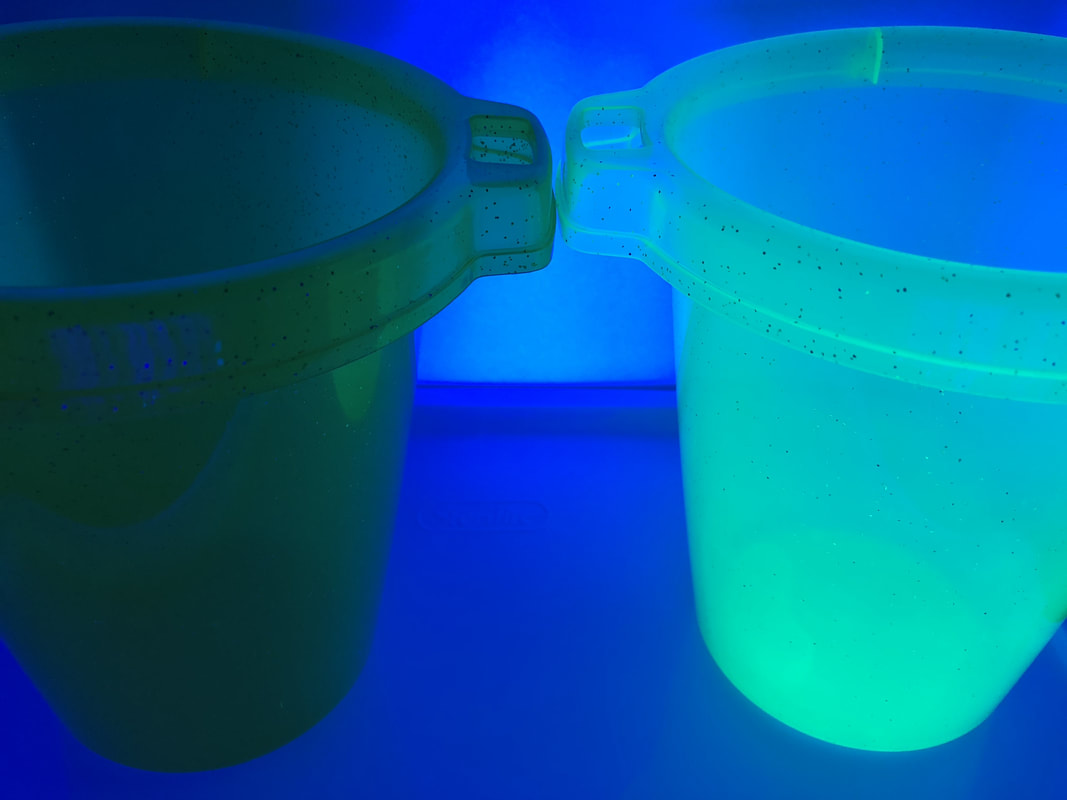
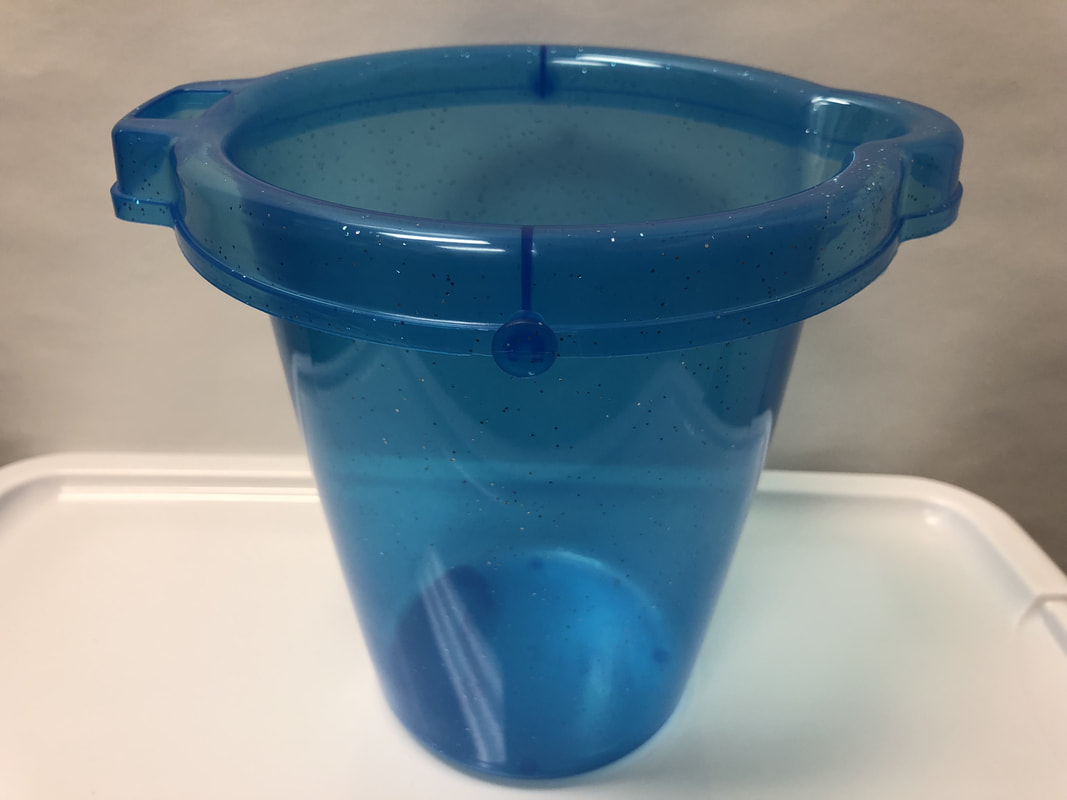
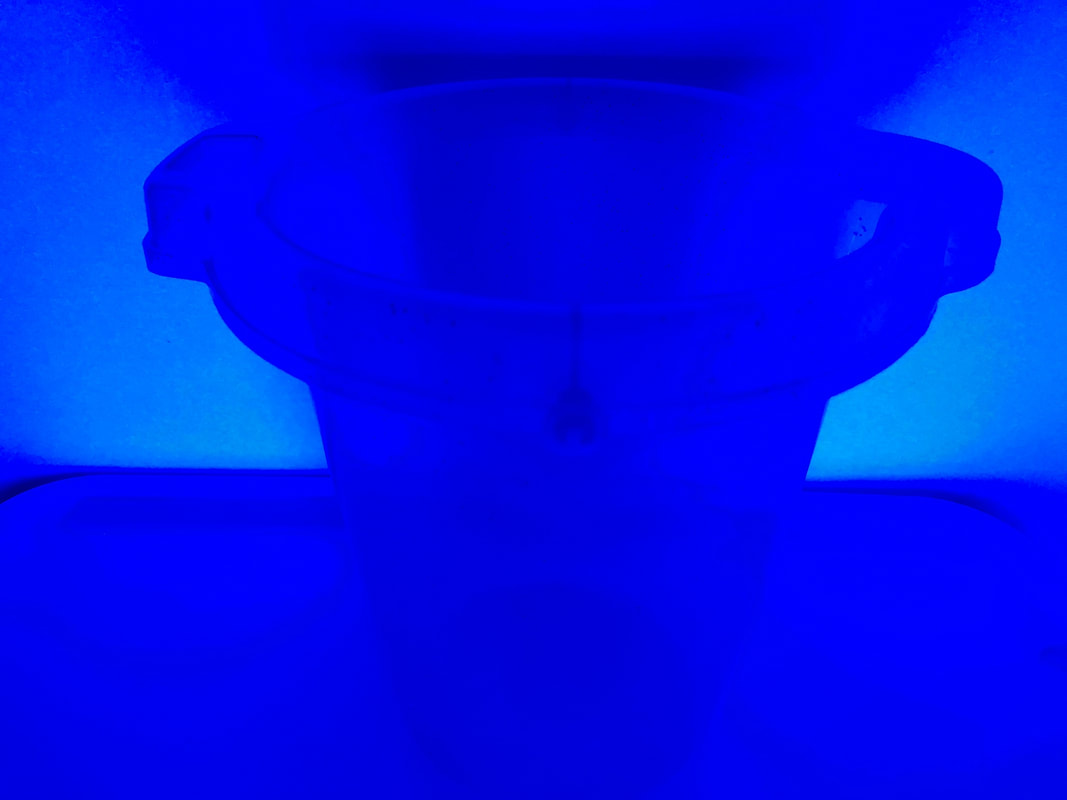
I found these buckets at my local Dollar Tree store.  They were fun and glitterly and thought they had potential for some glow in the dark fun.  I was a bit disappointed in most of them, but the green glowed fantastically!

Picture
Picture
Picture
Picture
Picture
Picture

Wooden Planks

Picture
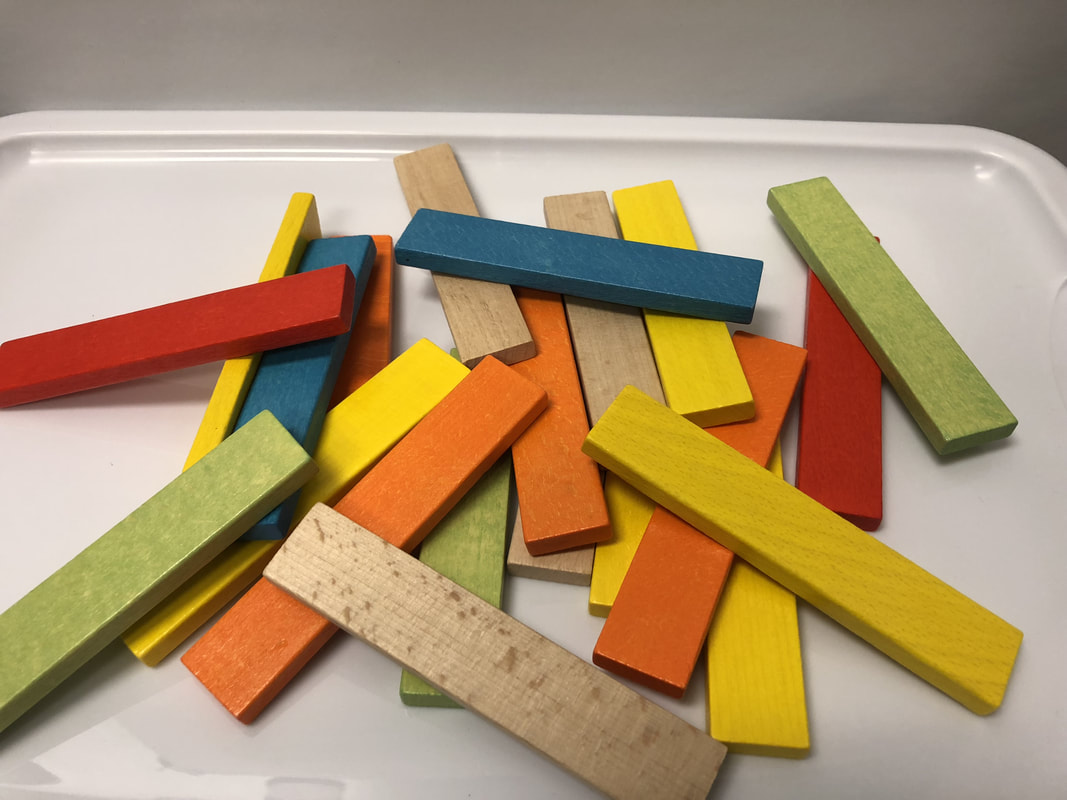
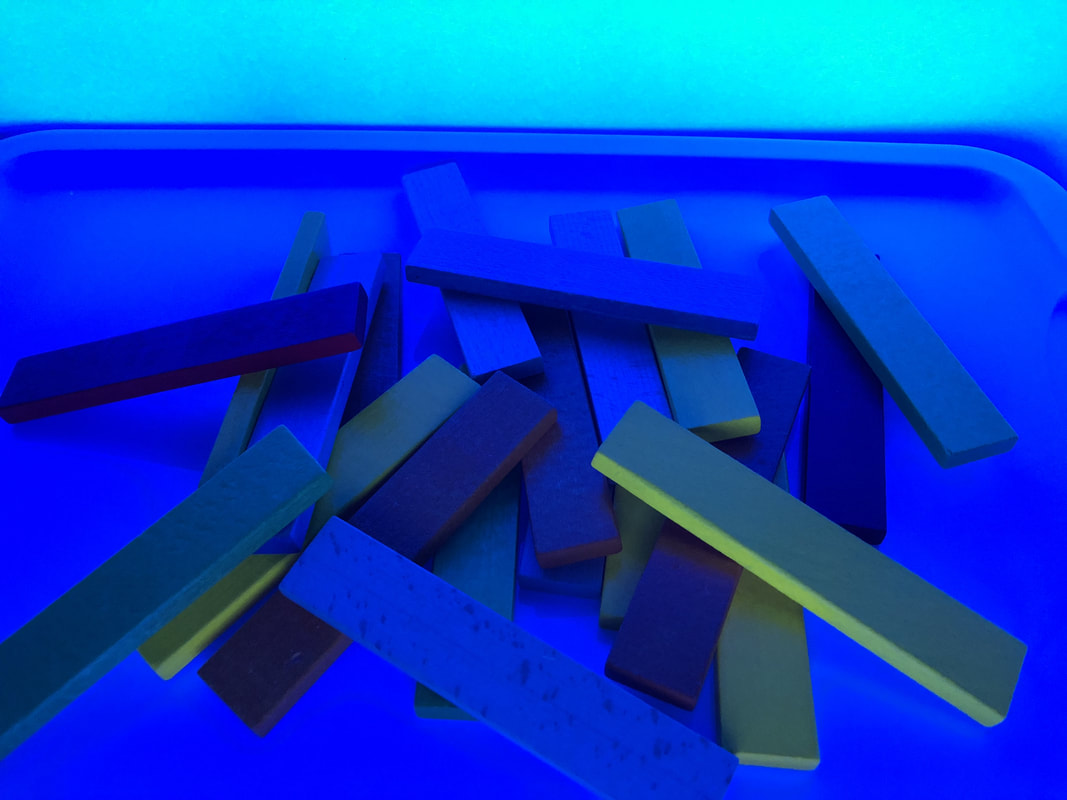
These are similar to KEVA planks, but a different brand.  The plain wood ones are unfinished and the colored ones have a bit of a smooth finish.  They were not as fun as I had hoped as the green and yellow are actually pretty bright.

Picture
Picture

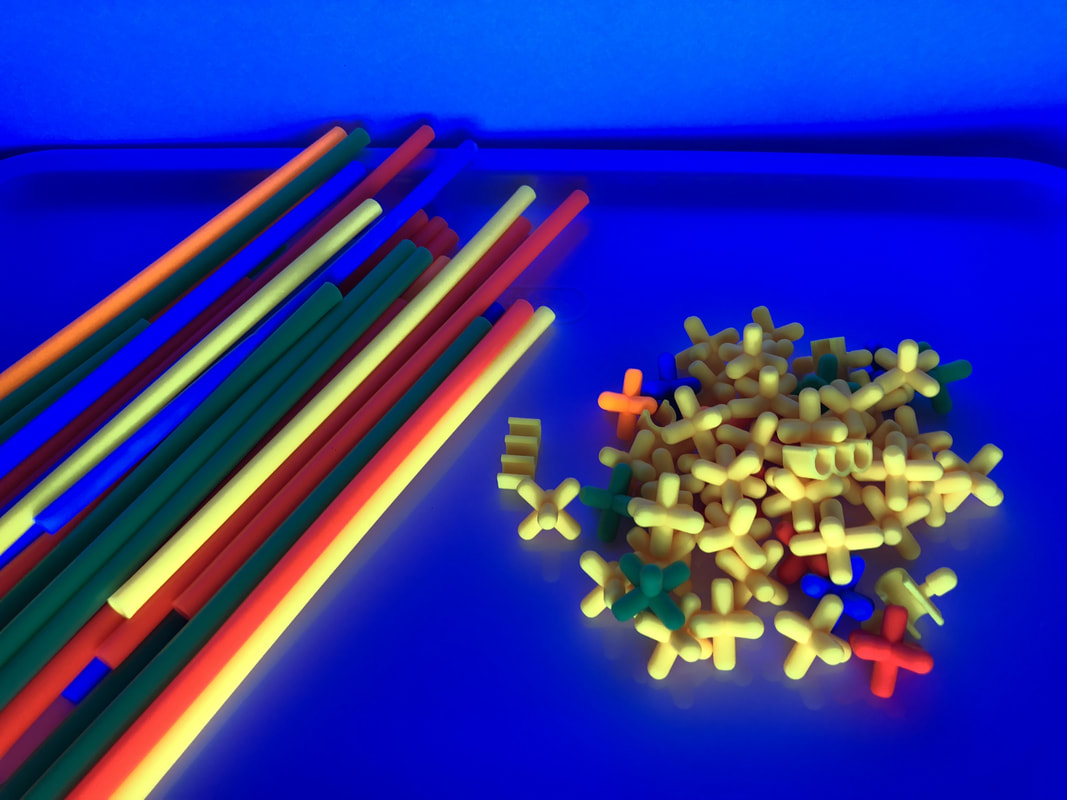
Straw Builders

Picture
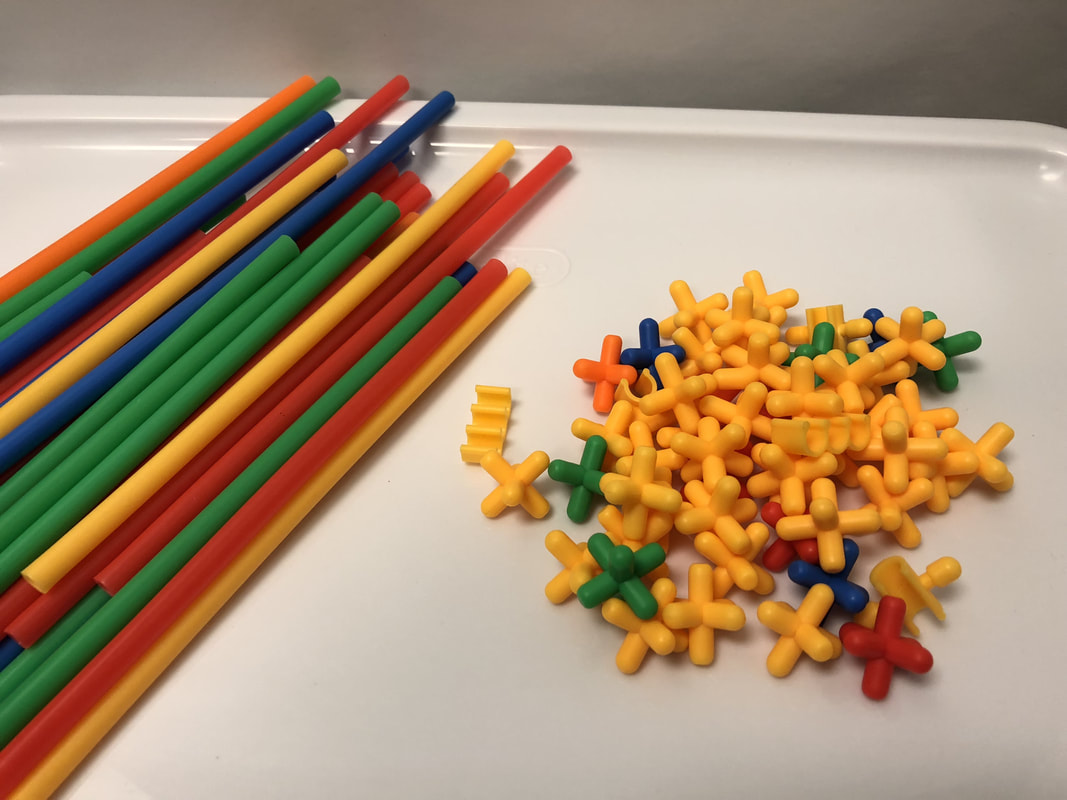
I did not anticipate the colors to be as bright as these were!  I was so happy as Straw Builders are guaranteed engagement with students.  They will be a great addition to a Glow Day!

Picture
Picture

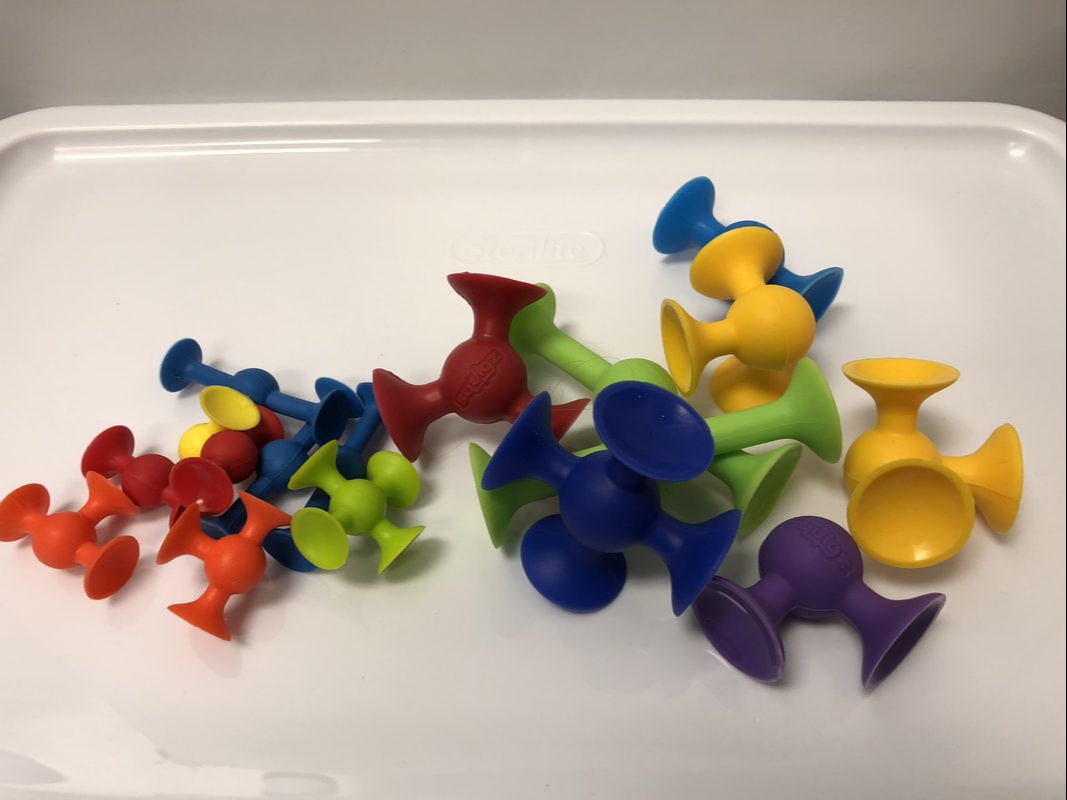
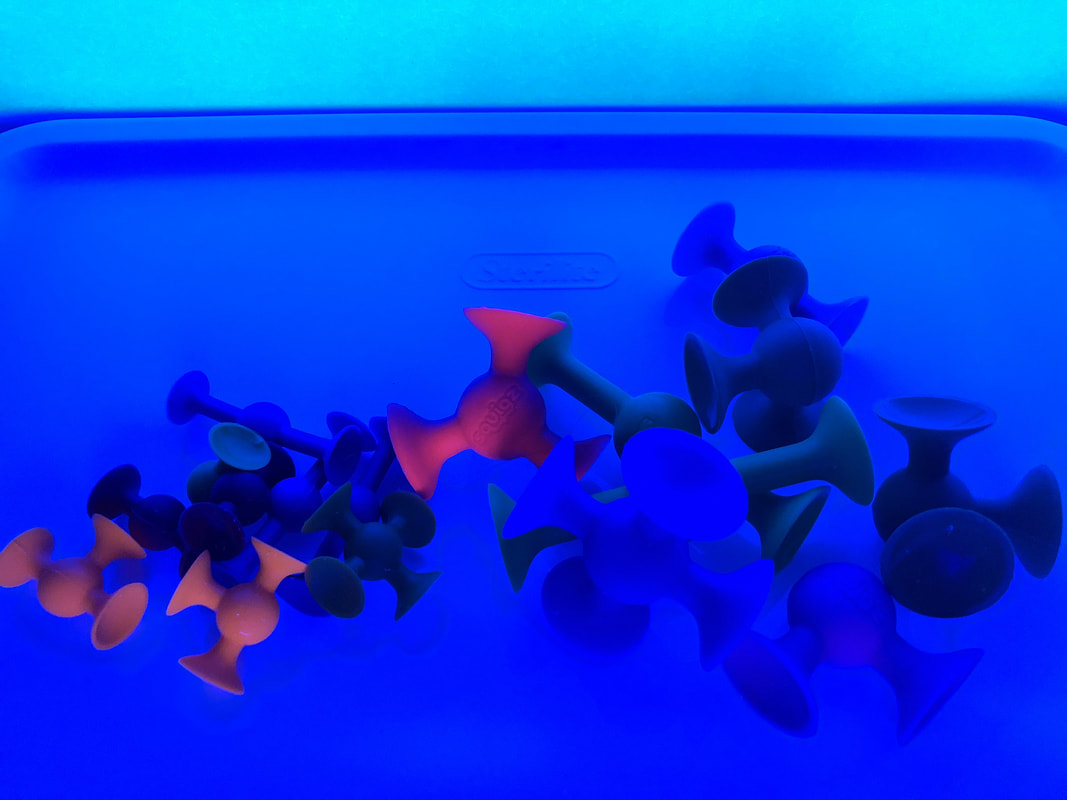
Squigz

Picture
I love Squigz and I have some of the mini and regular sized ones.  The orange and red ones stood out the most out of all of the colors.  If I were to use these, I would definitely go for the glow in the dark ones.

Picture
Picture

Magz-Bricks

Picture
These are in primary colors, but did not expect them to react as they did.  The orange, yellow, and red ones definitely popped out!

Picture
Picture

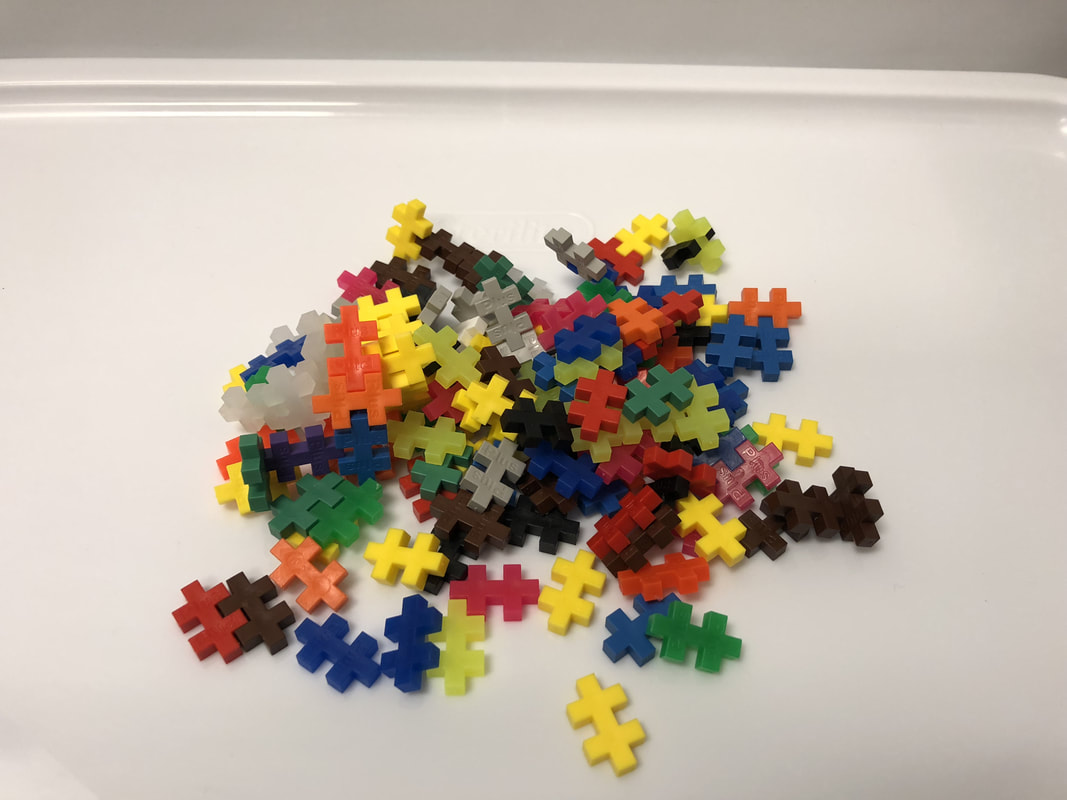
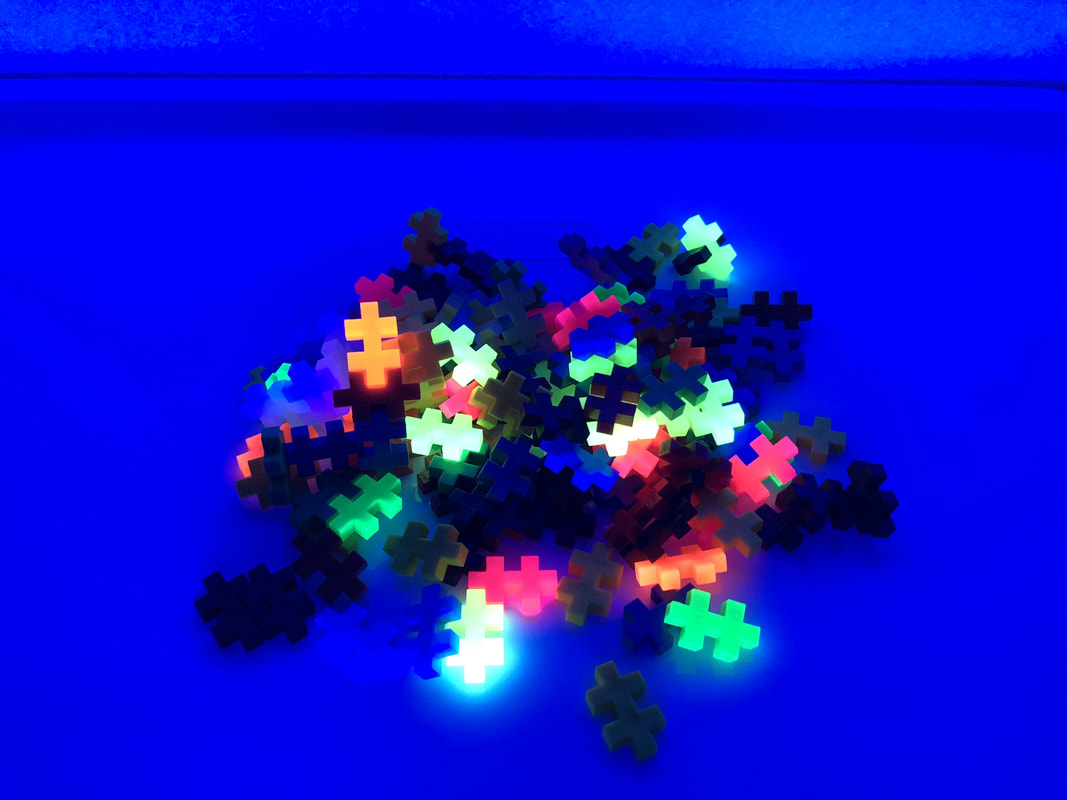
Plus Plus

Picture
In my container of Plus Plus pieces, I have a mix of primary colors and neon colors.  Without a doubt, all the neon colors stood out and could definitely be used for a Glow Day!

Picture
Picture

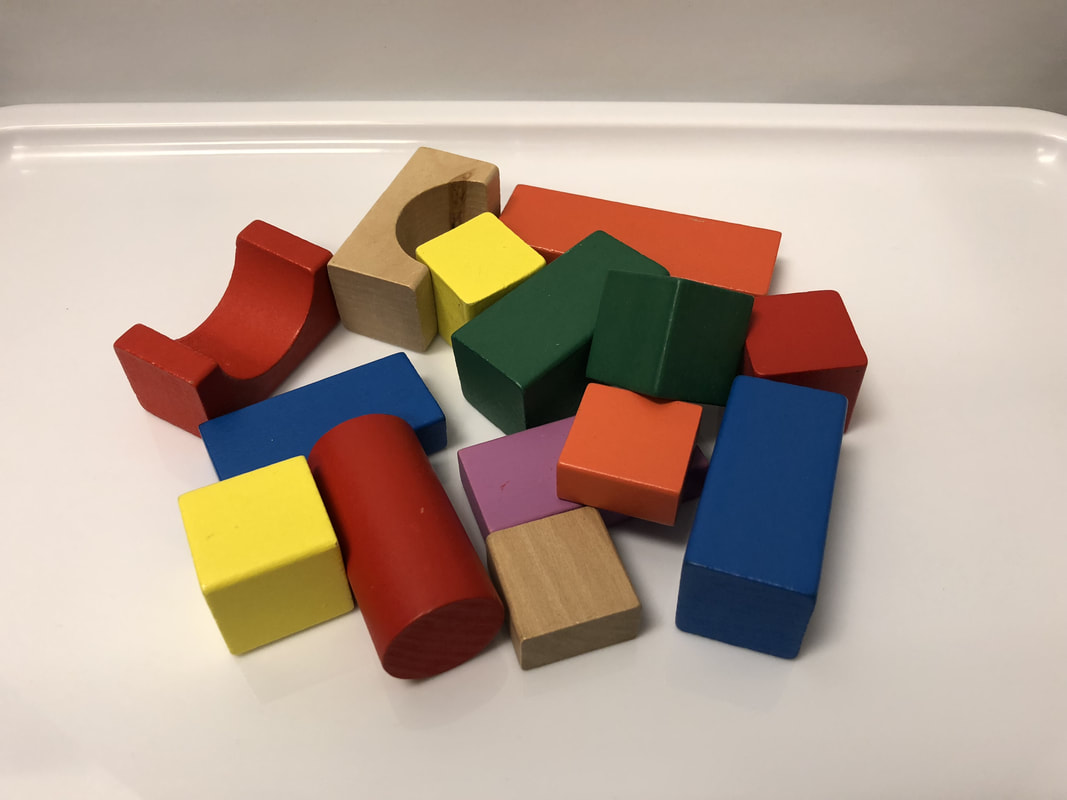
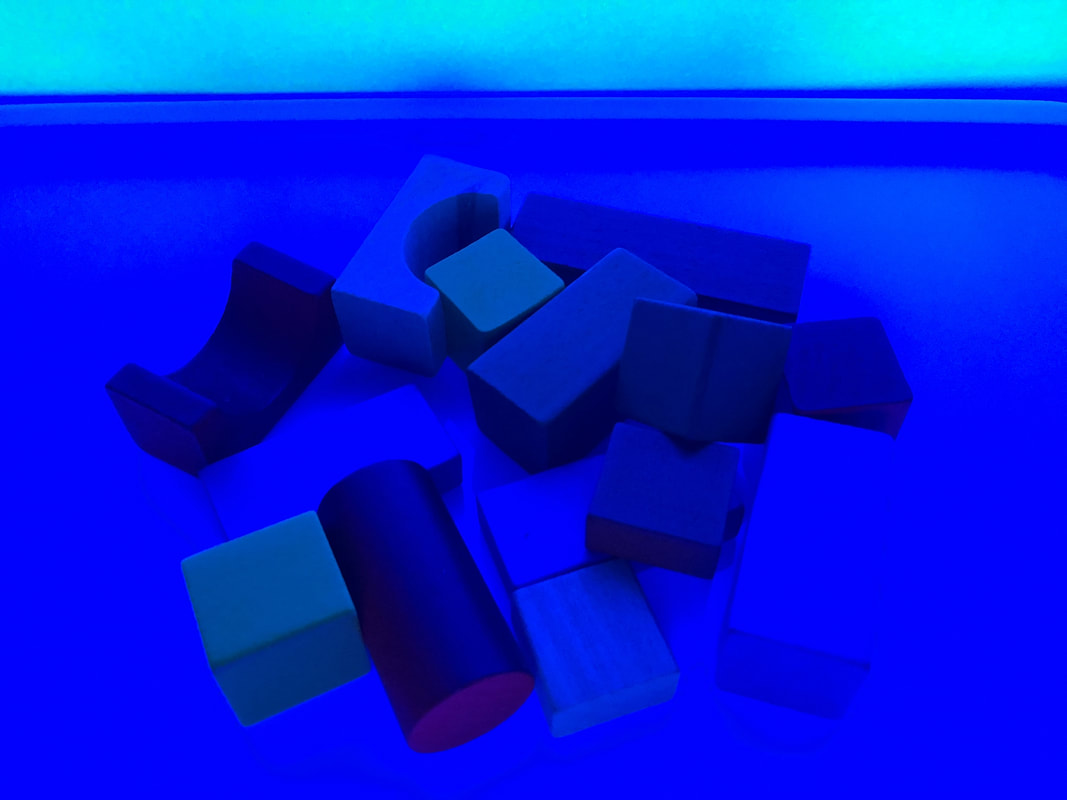
Wooden Shape Blocks

Picture
As with my wooden planks, I didn't expect much from these.  Fun building resources but not so fun on the glow factor.

Picture
Picture

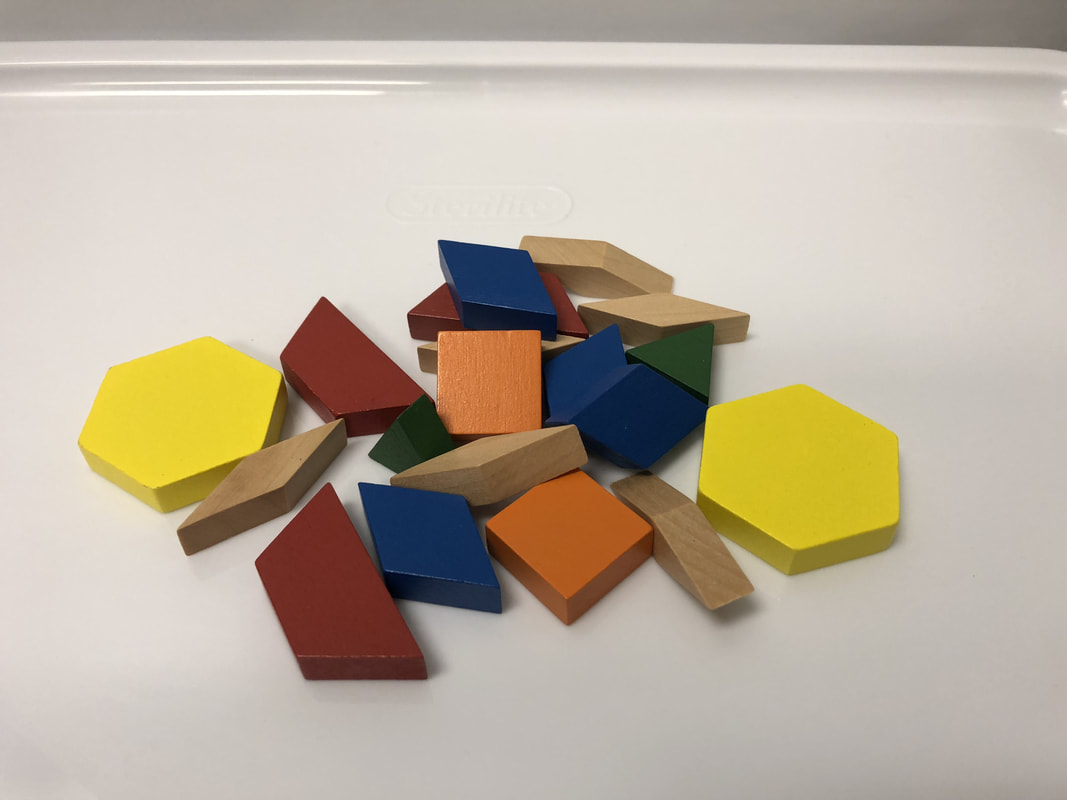
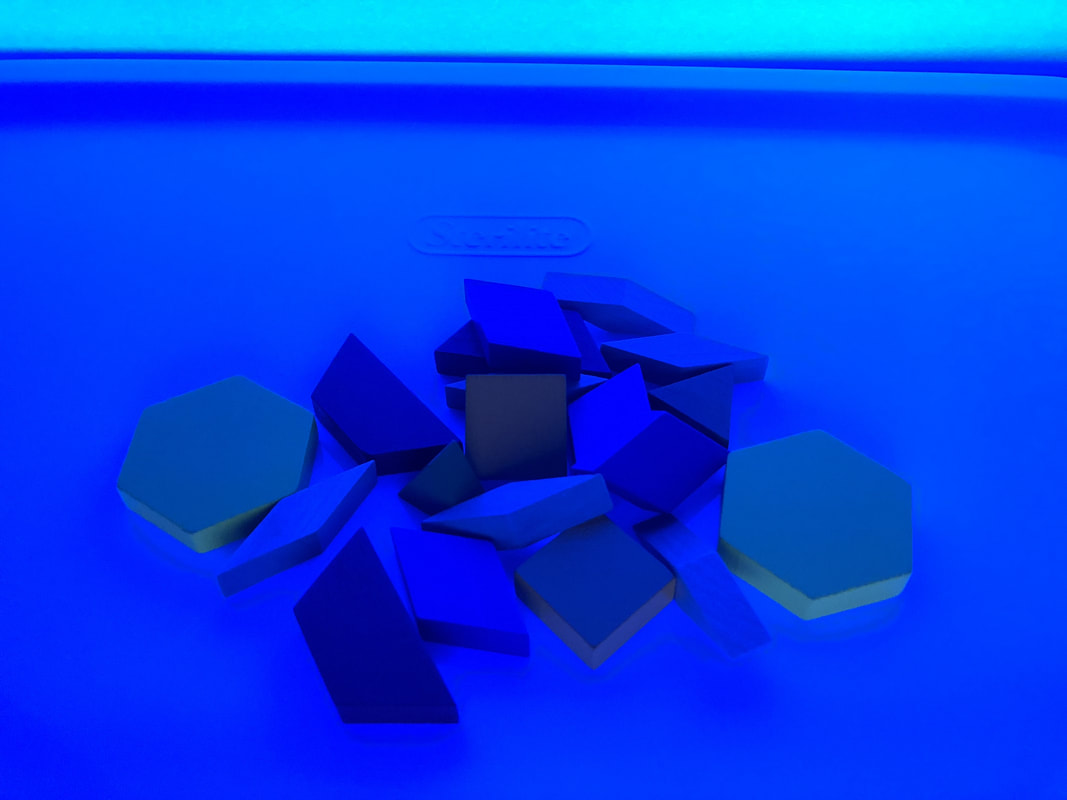
Wooden Pattern Blocks

Picture
Much like the wooden planks and wooden shapes, these wooden pattern blocks also did not provide much of a glow factor.

Picture
Picture

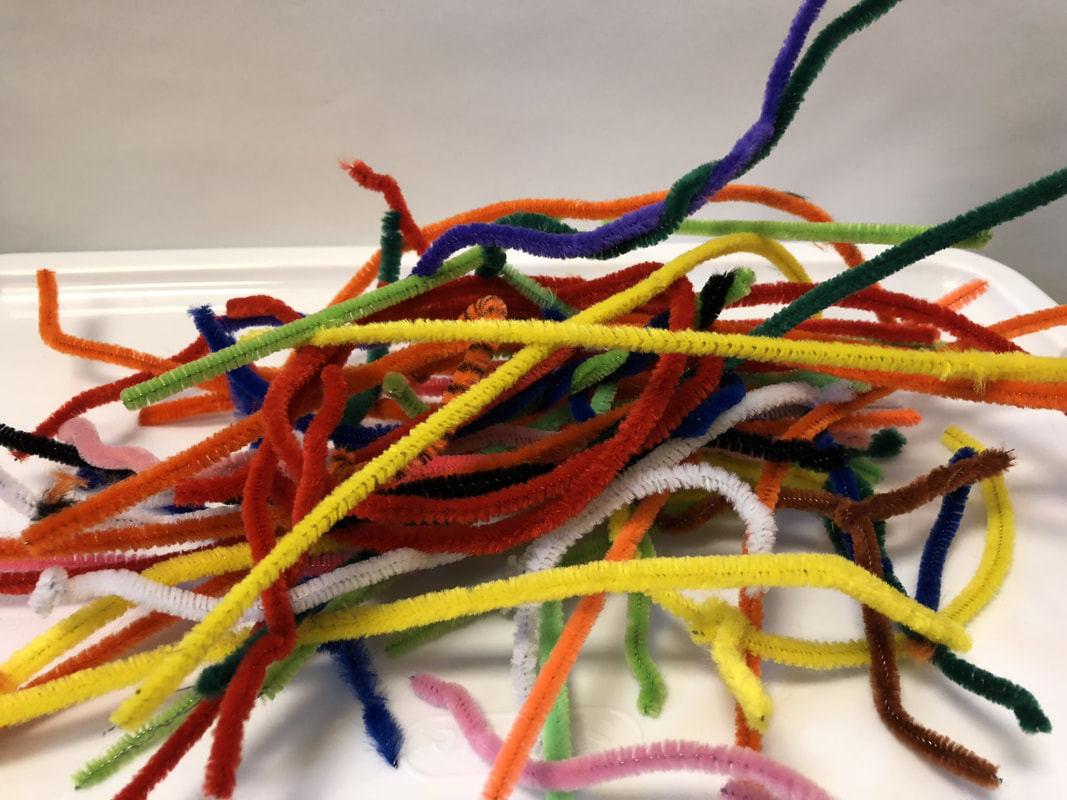
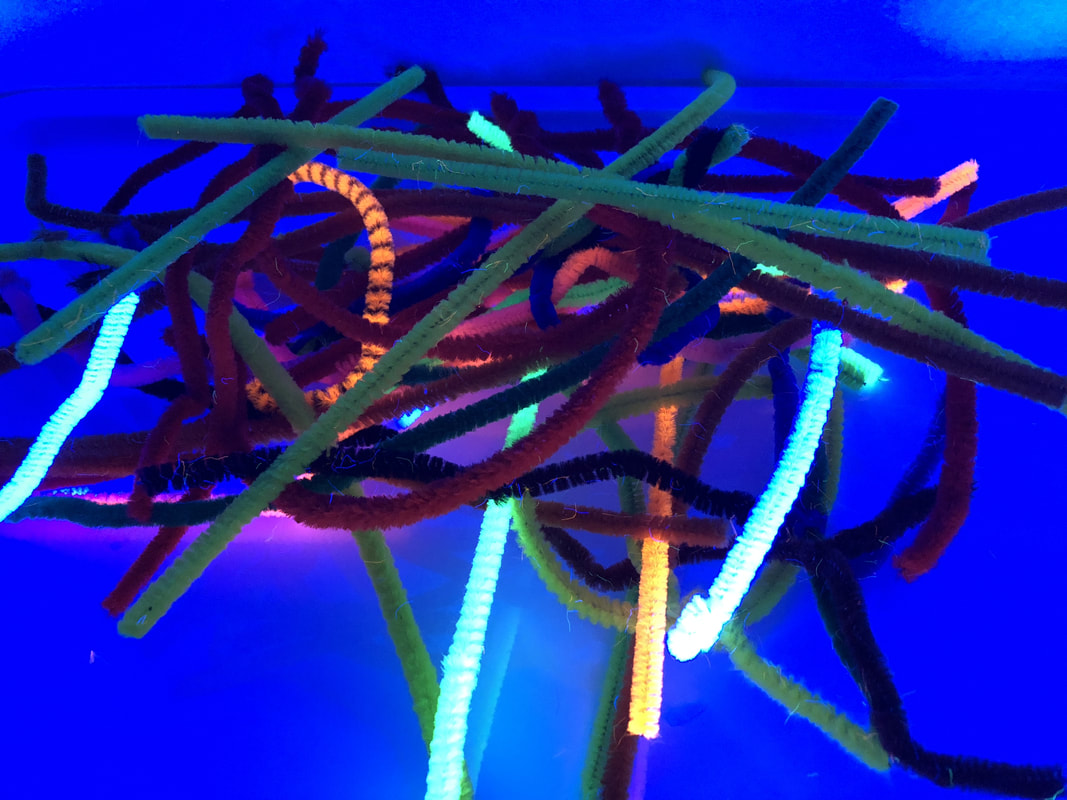
Pipe Cleaners

Picture
These are from my random collection of pipe cleaners.  The yellow, white, and orange ones definitely stood out.  I was surprised to see that the green did not really glow.

Picture
Picture

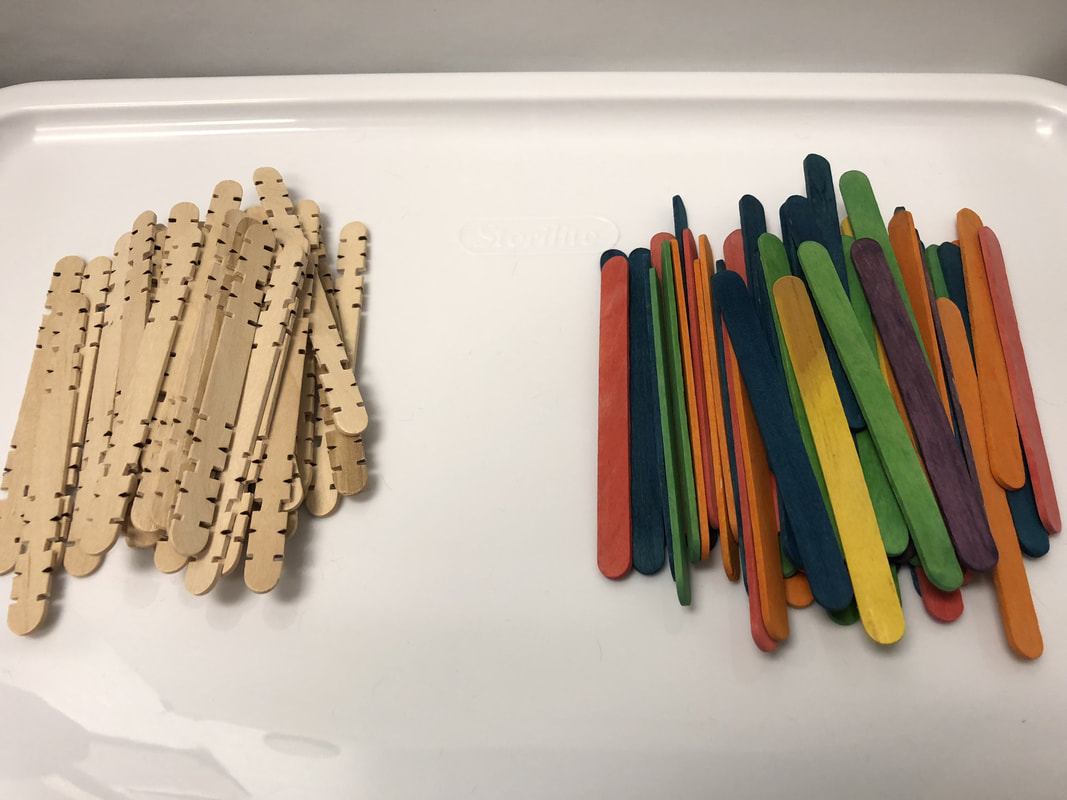
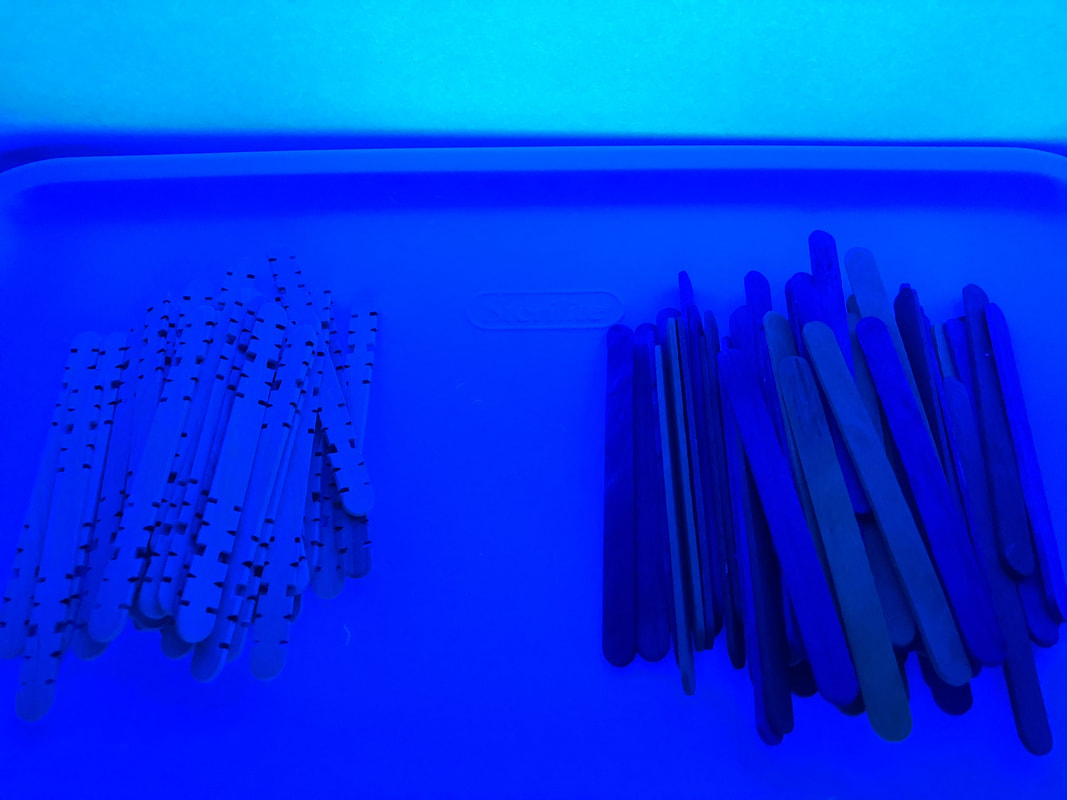
Popsicle Sticks

Picture
Another no-glow in the wooden resource department.  I think if I were to use any wooden resources as part of a glow day, I would spray paint them with glow or neon paint or use neon tape on them.

Picture
Picture

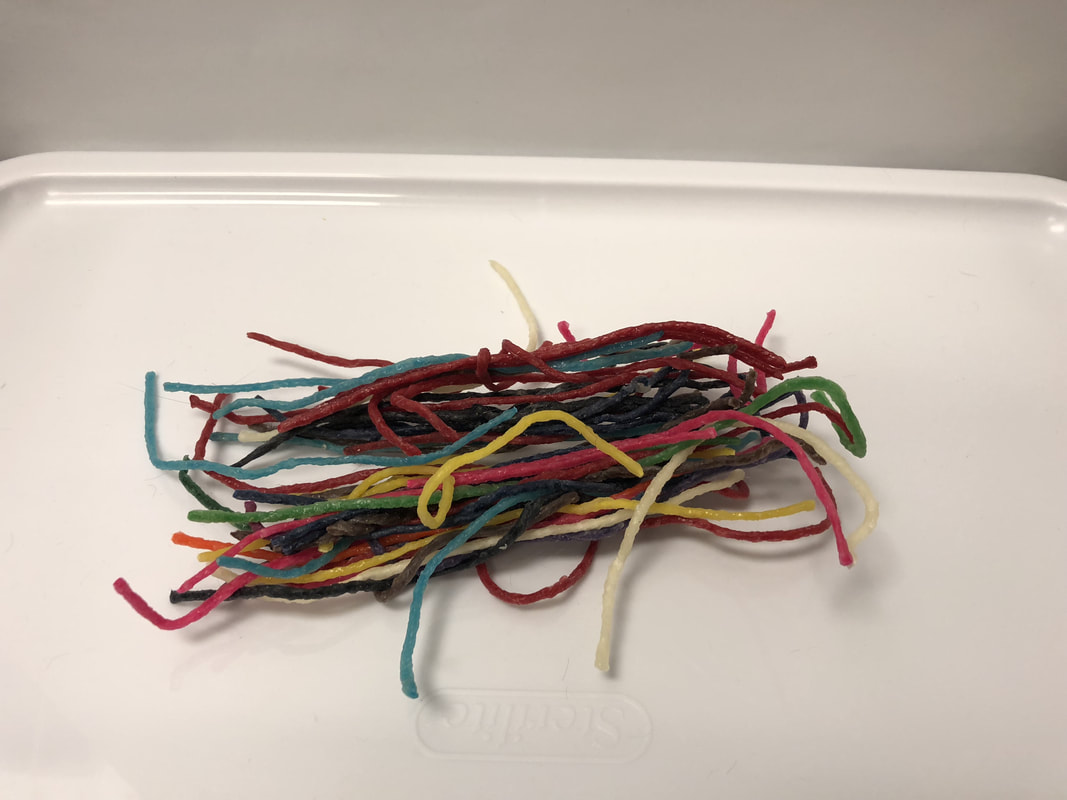
Wikki Stix

Picture
Much like the pipe cleaners, there were certain colors that stood out more than others.  The white, yellow, and pink were the winning glow colors.

Picture
Picture

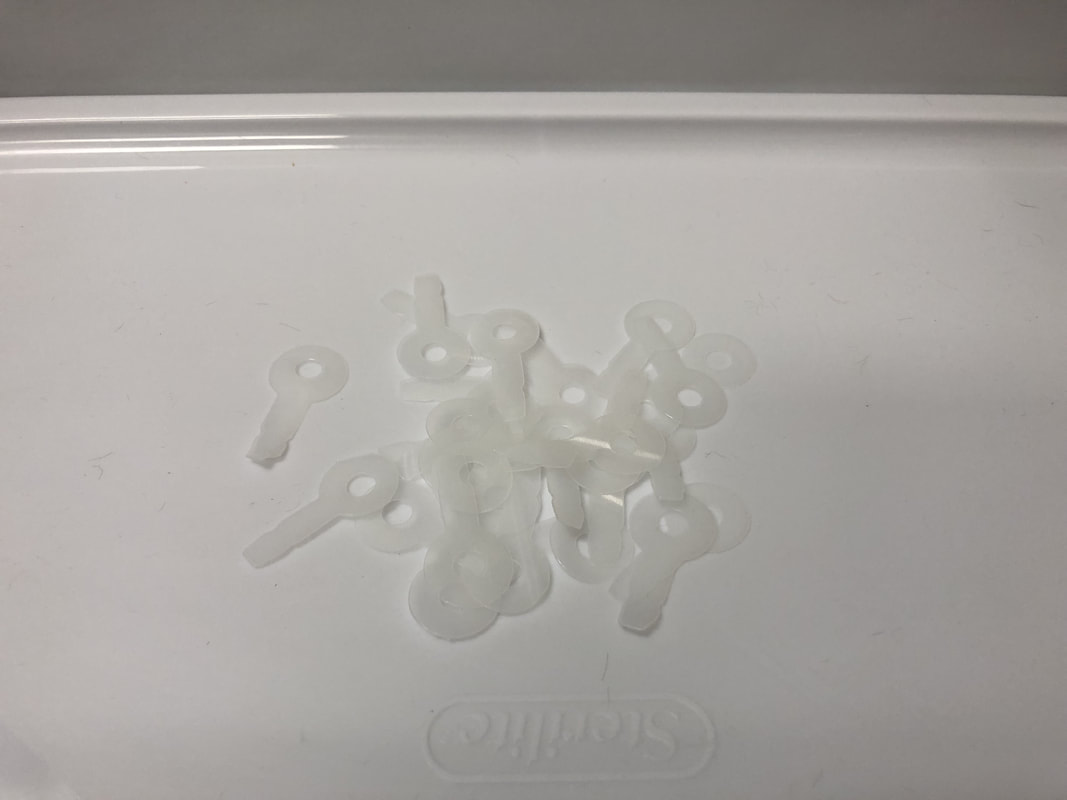
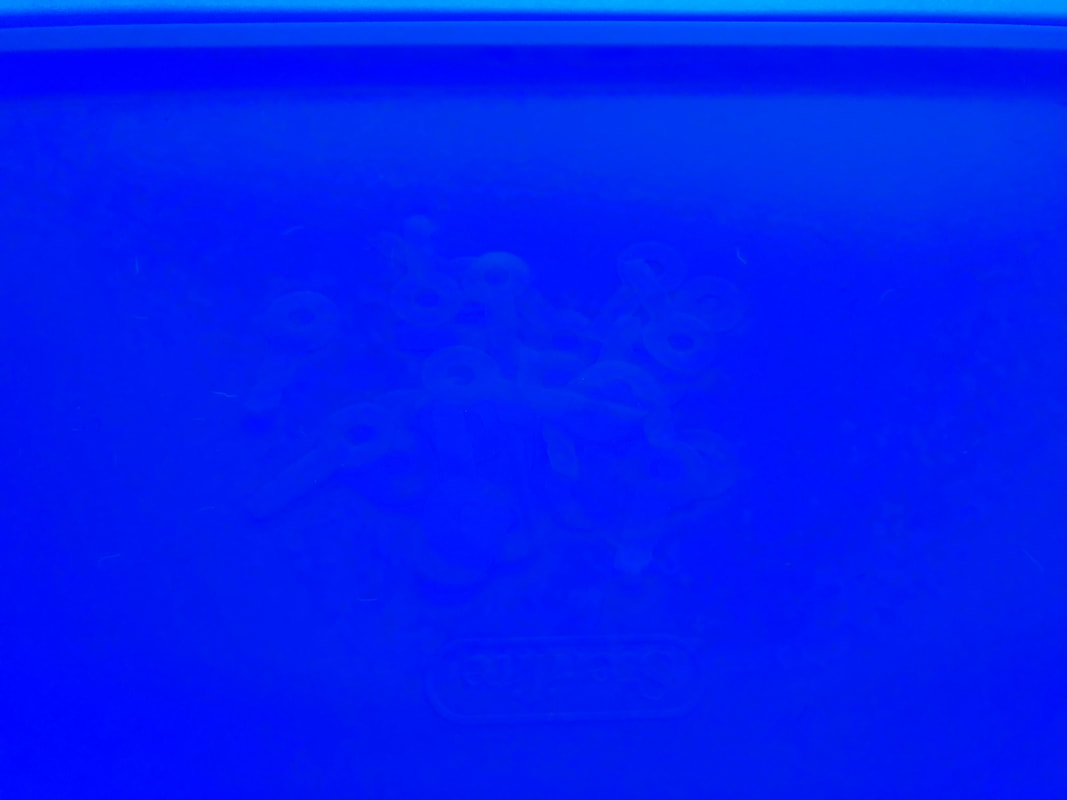
Recycled Milk Gallons (Transparent)

Picture
These Strawbee connector pieces were punched from recycled milk gallons.  I believe this is a case of, "where did they go?".  Yes, they are there.  No, they did not glow.  At all.

Picture
Picture

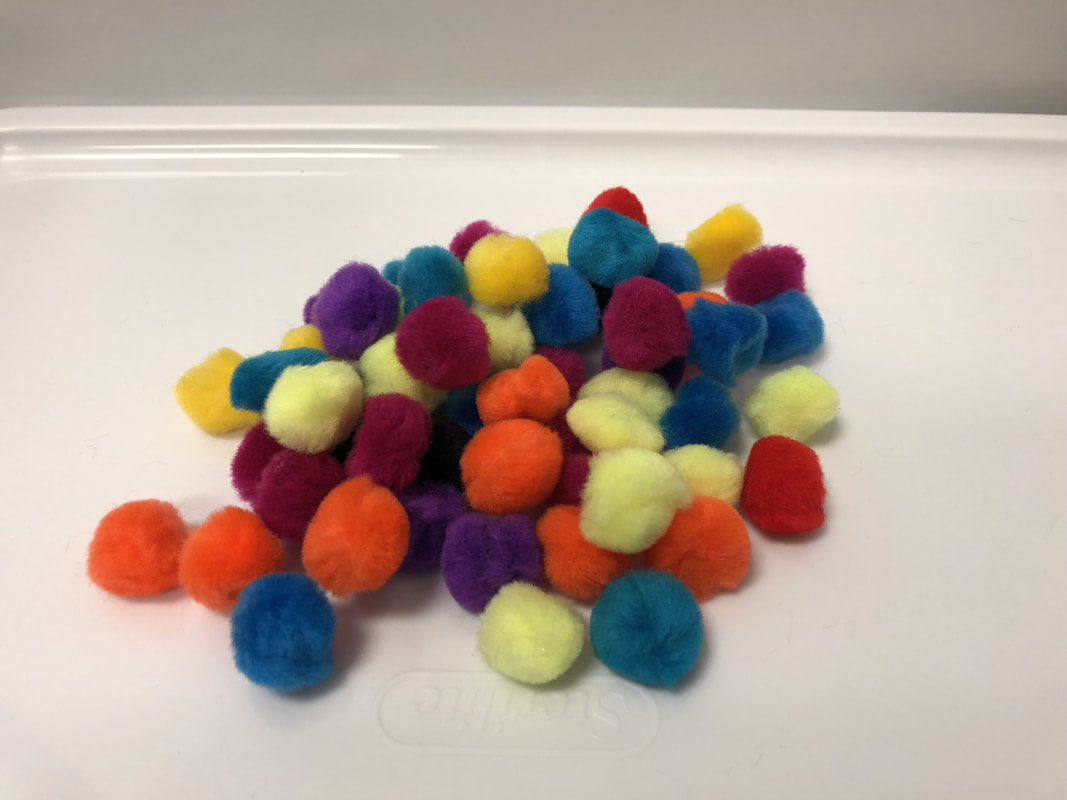
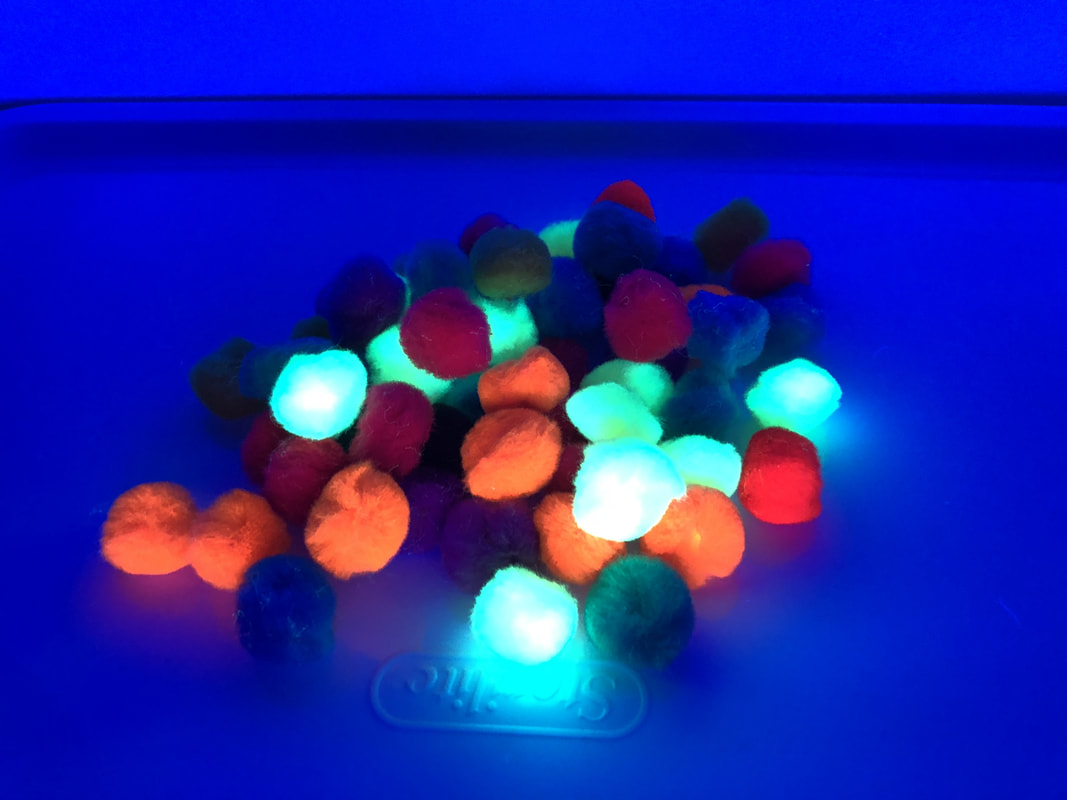
Pom Pom

Picture
I also picked these neon pom poms up from my local Dollar Tree store.  The yellows and oranges provided some great glow, but the others were not as spectacular.

Picture
Picture

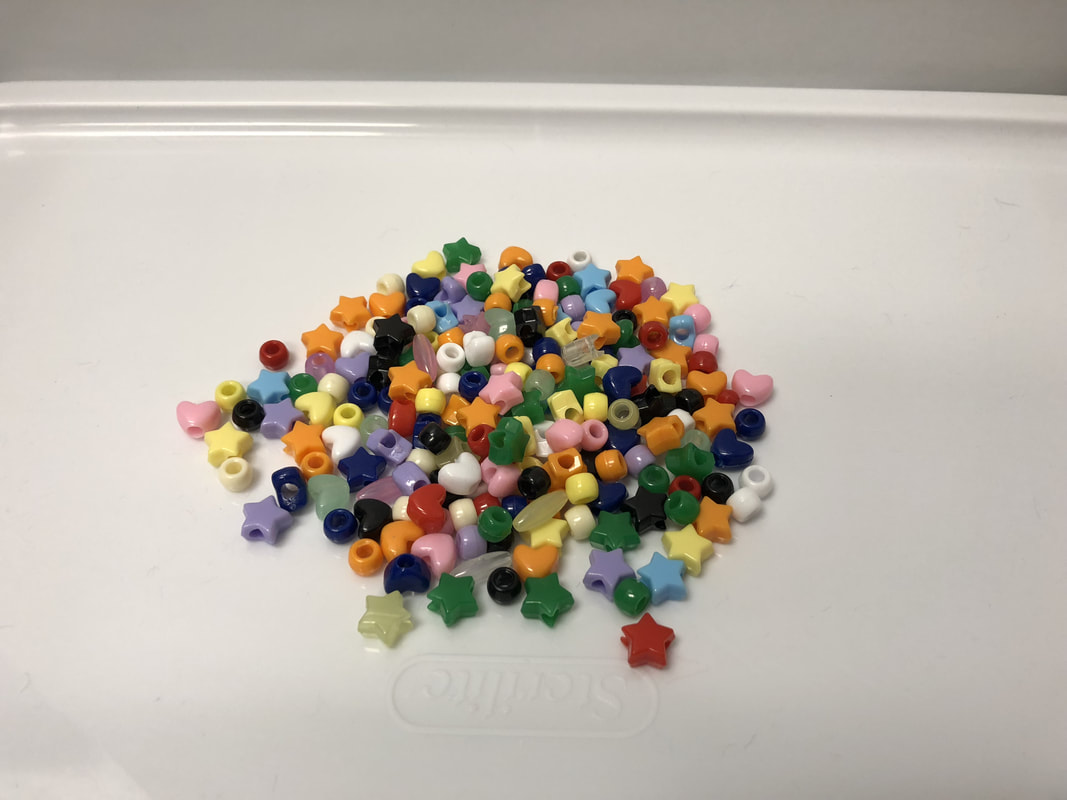
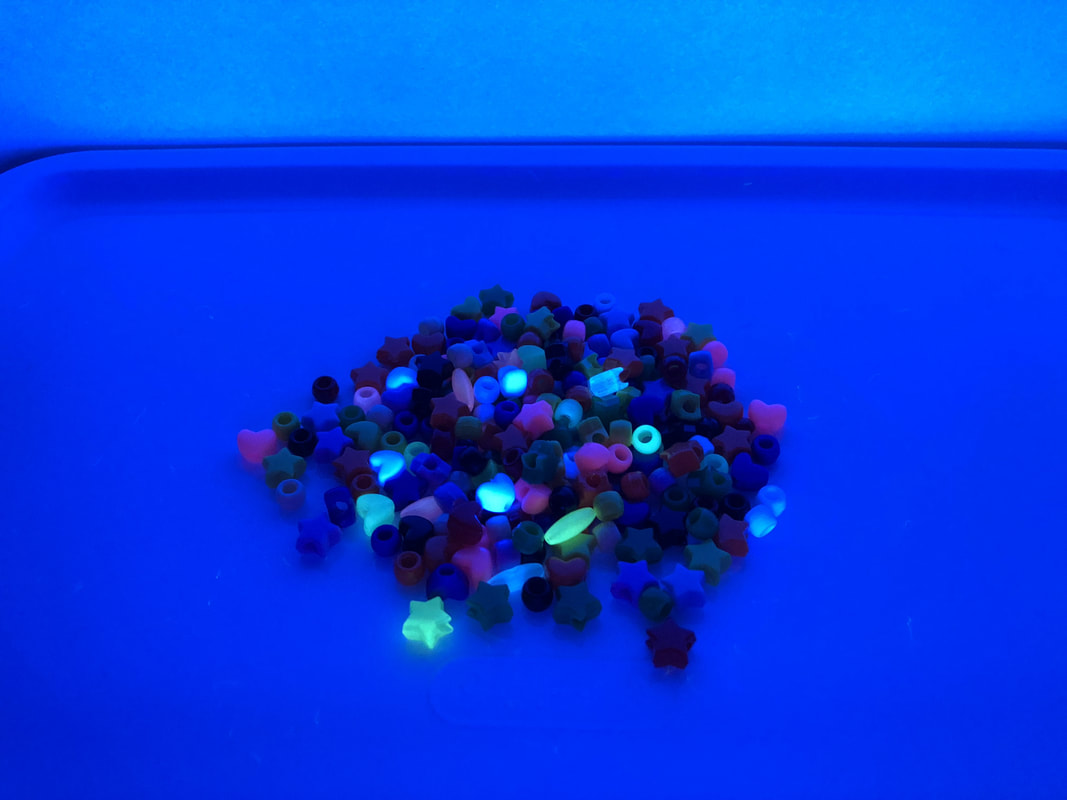
Pony Beads

Picture
This handful of beads was from my bag of mixed pony beads.  I had some regular colors as well as glow in the dark ones.  Clearly the glow in the dark pony beads were the winners here.

Picture
Picture

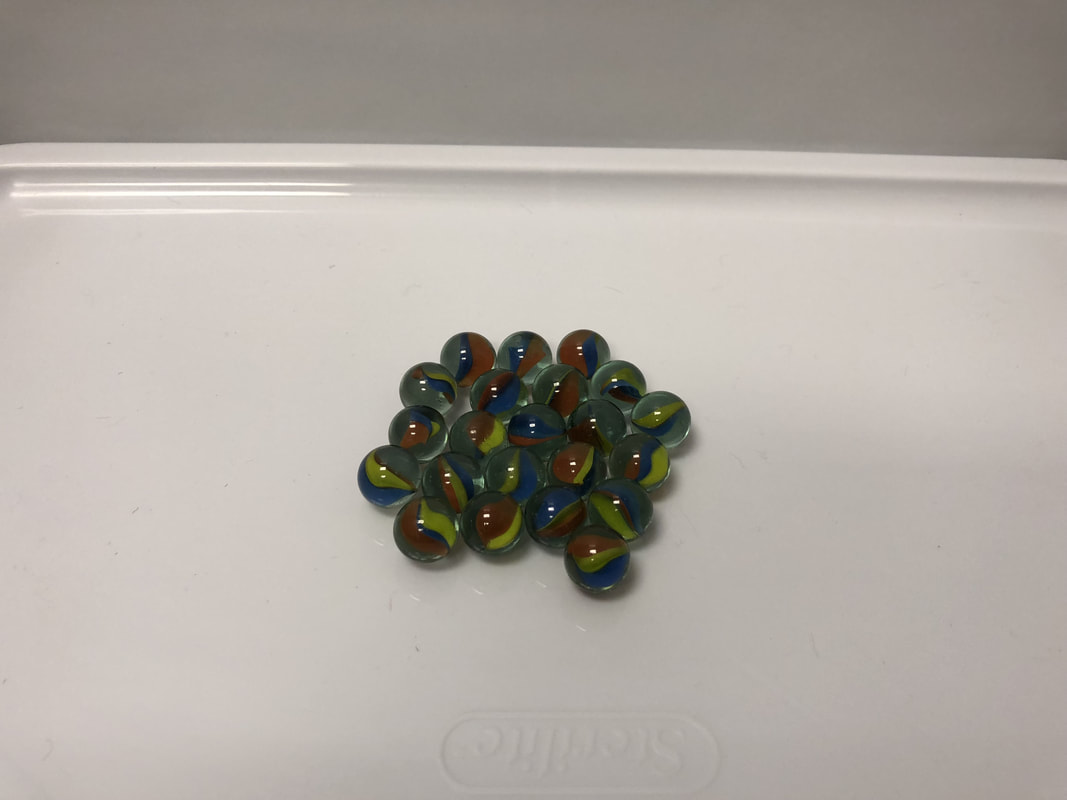
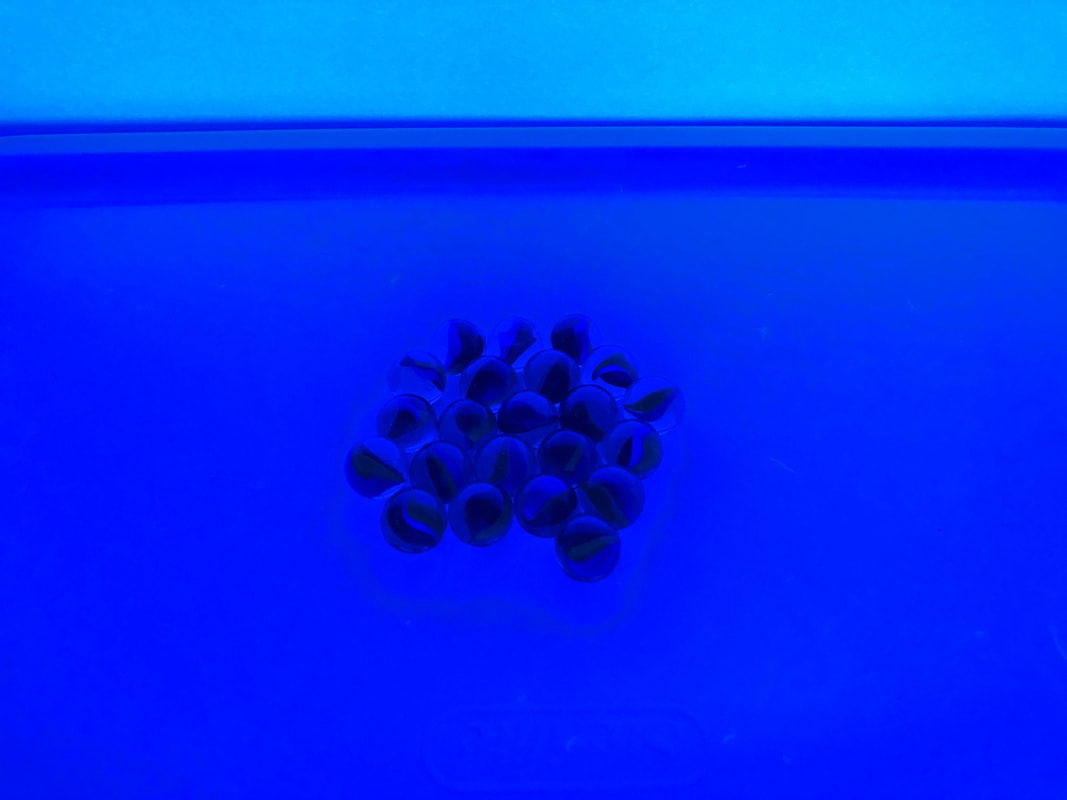
Marbles

Picture

Picture
Picture

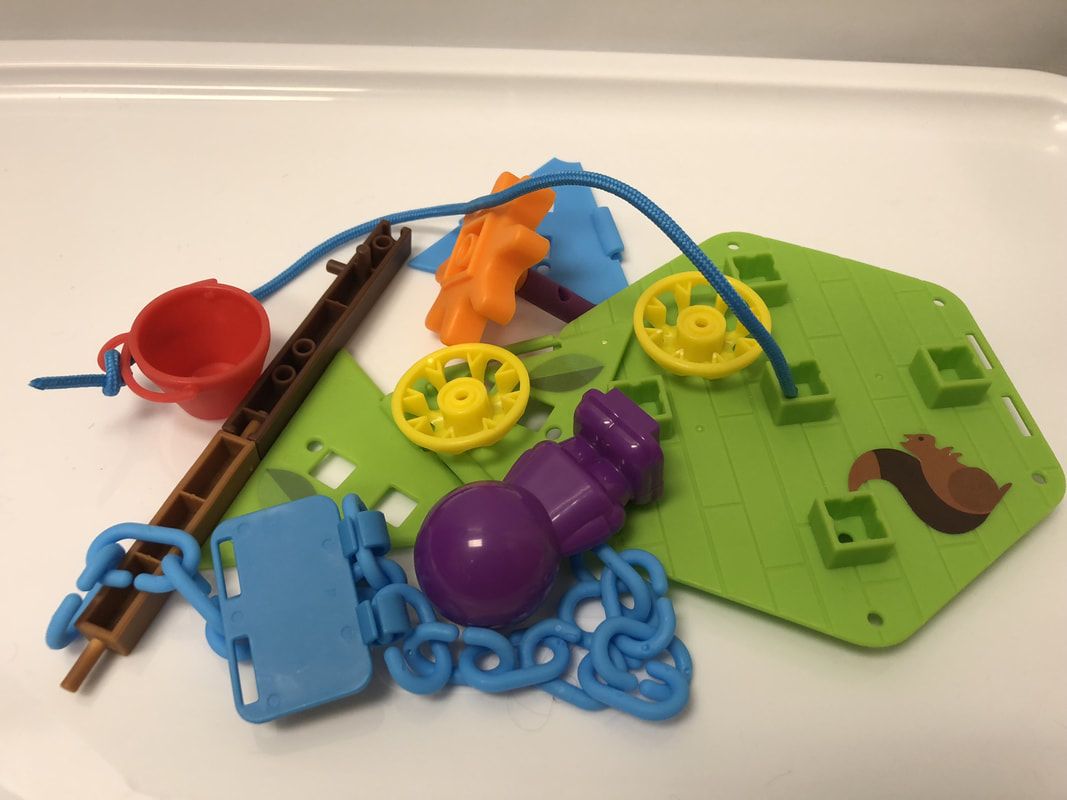
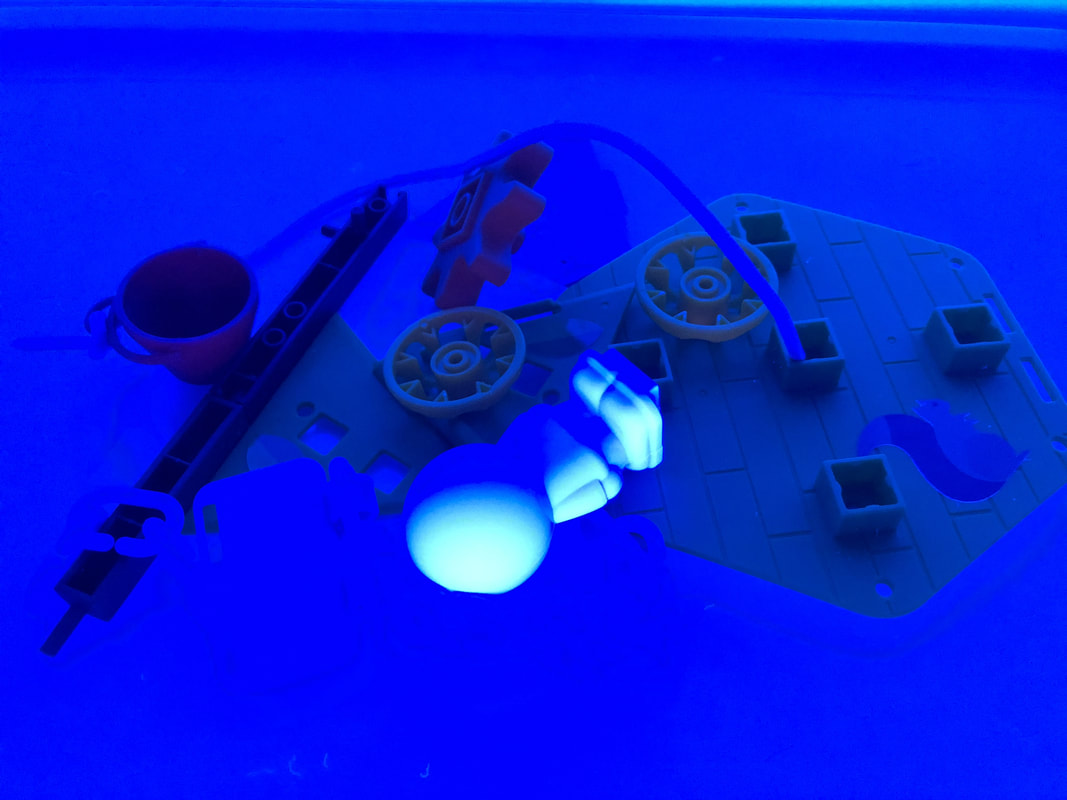
Playground & Treehouse Set

Picture
These are from Learning Resources and are great building tools.  I was a little disappointed that they didn't glow (other than the purple) as they are a great addition to my Learning Landscapes EDU project.

Picture
Picture

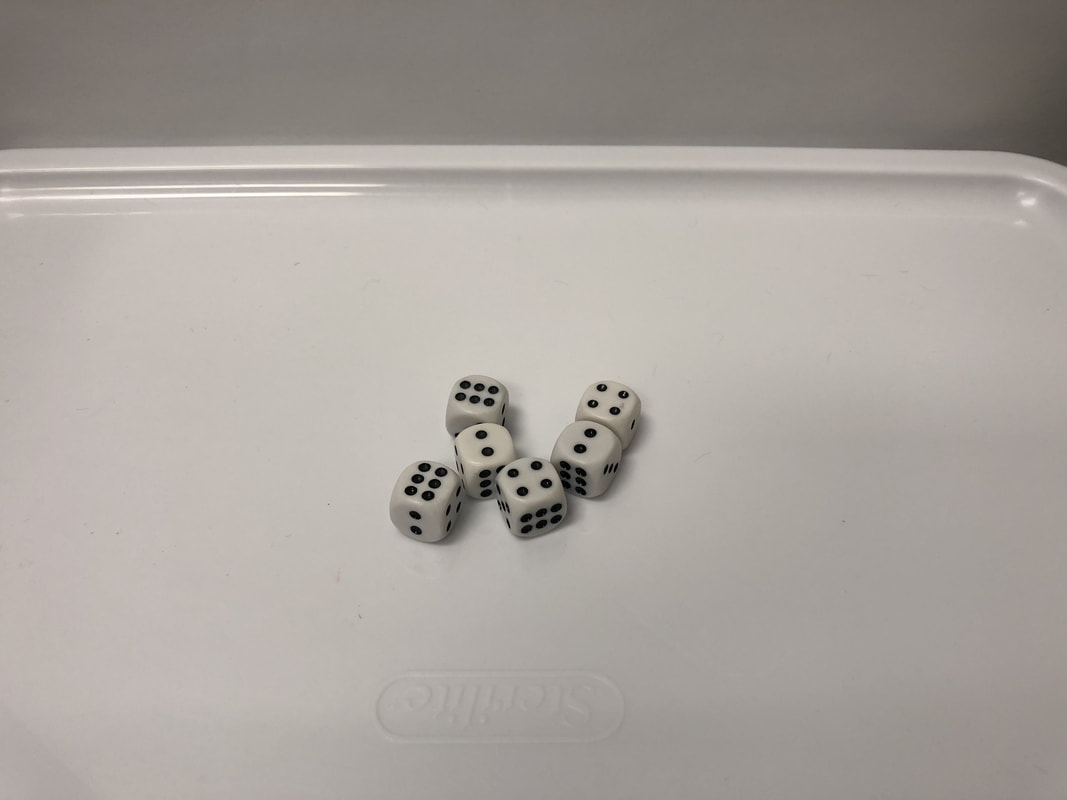
Dice

Picture
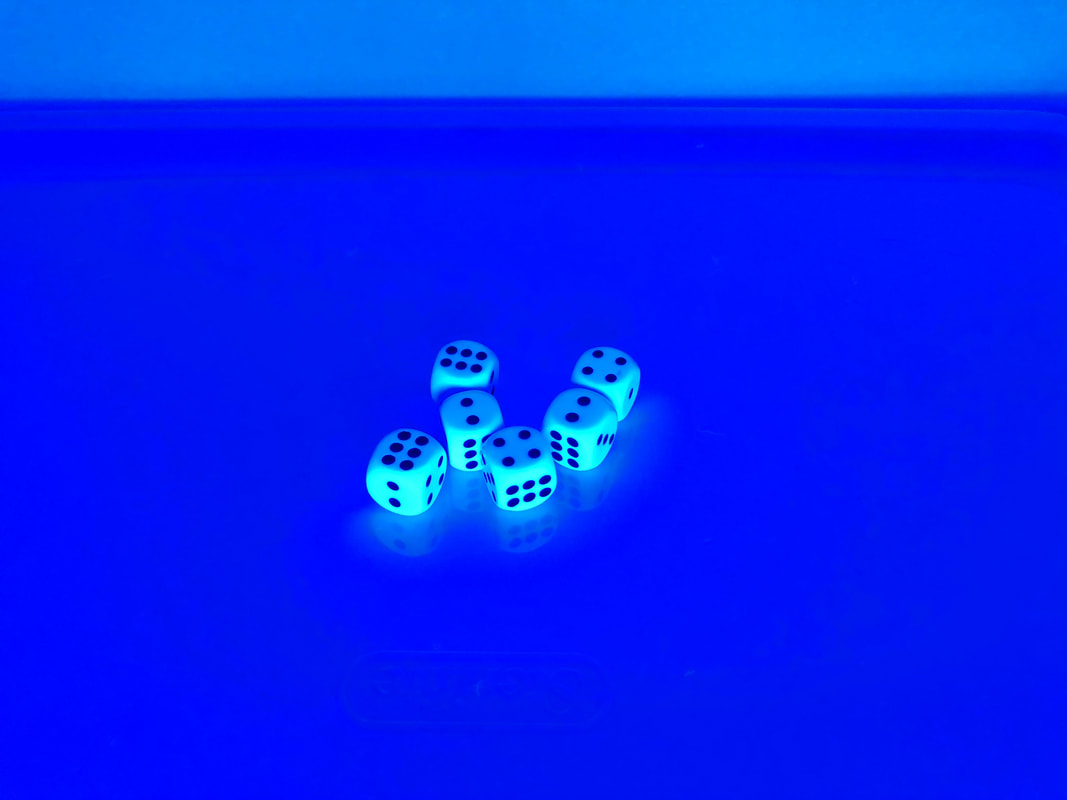
As I anticipated (with pretty much anything white), these dice were great under blacklight!

Picture
Picture
0 Comments

    Like What You See? Show Me Some Love!

    My Amazon Wish List
    Buy Me a Coffee!

    Follow Me

     Subscribe in a reader

    Would you like e-mail notifications?  Enter your e-mail address below to subscribe.

    Enter your email address:


    Categories

    All
    100th Day
    10 Minute Tech Tools
    1:1 Program
    2012 Edtechcheer
    21stcenturylearning
    3D Pens
    3D Printing
    6C Learner Profile
    Activators
    Aliens
    Alphabet Practice
    Angles
    App Review
    Arduino
    Army Men
    Artificial Intelligence
    Assessments
    Augmented Reality
    Back To School
    Beads
    Bingo
    Birthday
    Bitmoji
    Black History Month
    Book Spin
    Botley
    Brain Flakes
    Brain Games
    Breakout EDU
    Bridge Builders
    Button Making
    Camp Legend
    Careers
    Cars
    Chalk
    Choice Board
    Chopsticks
    Christmas
    Cinco De Mayo
    Circuitry
    Clear/Neon Building Bricks
    Clothespins
    Code & Go Mouse
    Coding
    Coffee Filters
    Comics
    Community Partner
    Computational Thinking
    Computer Science
    Conductive Play-Dough
    Conferences
    COVID19 Distance Learning
    CoVid19 Learn At Home
    Crack The Code
    Creation Cubes
    Creative Writing
    Culturally Responsive Teaching
    Dash
    DBEI
    Debate
    Design Thinking
    Dia De Los Muertos
    Dice
    Digital Activities
    Digital Citizenship
    Digital Comics
    Digital Manipulatives
    Distance Learning
    Dot Day
    Drawing
    Earth Day
    Earthquake
    Easter
    EdTech Cheer
    Edtech Cheer 2013
    EdTech Cheer 2014
    EdTech Cheer 2015
    Egged On
    Election
    Engagement
    Engineering Building Blocks
    Fall
    Fidget
    Financial Literacy
    Fire Safety
    Fireup
    Flippity
    Flockmen
    Forces
    Four In A Row
    Friendship
    Glow Day
    Glow Games
    Glowie Mats
    Glow STEAM
    Glps Tech Blog
    Godfrey-Lee
    Google Classroom
    Googledocs
    Google Sheets
    Google Sites
    Google Slides
    Graphic Recording
    Groundhog Day
    Growth Mindset
    Guest Speaker
    Guided Practice
    Halloween
    Hispanic Heritage Month
    Hour Of Code
    House Builders
    Imaginative Play
    Improv
    Index Cards
    Instructional Strategies
    Ipad
    ISTE
    KEVA Planks
    Knitting
    LearningLandscapesEDU
    Lego
    Legos
    Lesson Plans
    Lesson Preparation
    Listening Center
    Literacy
    LittleBits
    Lunch & Learn
    MACUL
    Macul11
    Macul12
    Macul13
    Mad Libs
    Magic Nuudles
    Magna Tiles
    Magnets
    Magnet Tiles
    Maker
    Maker Mat
    Marbles
    Math
    Memory
    Micro:bit
    Minecraft
    Mini Erasers
    Mini-Erasers
    Monthly Integration Idea
    Multiplication
    National Unplugged Play Day
    Nutrition
    Online Learning
    Optical Illusion
    Outdoor Learning
    Ozobots
    Paper Circuits
    Paper Craft
    Paper Quilling
    Paper Rolls
    Passion Project
    Pattern Blocks
    PBIS
    Perler Beads
    Physical Education
    Pipe Cleaner Circuits
    Pipe Cleaners
    Pipettes
    Pix Brix
    Pixel Art
    Plastic Cups
    Play Dough
    Plus Plus
    Podstock
    Pom Poms
    Pop It
    Popsicle Sticks
    Potato Head
    Powerpoint
    Power Tiles Circuits
    Professional Development
    QR Codes
    Qubits
    Quickfires
    Quick Tips
    Reading Month
    Rebelnet
    Rebelu
    Rebel U 2018
    Remote Learning
    Reward
    Robotics
    Room Transformation
    School Spirit
    Scratch
    Senior Capstone
    Sewing
    Shapegram
    Shark Week
    Shrinky Dinks
    SIOP
    Sketchnotes
    Slinky Dog
    Sloths
    Snap Circuits
    Snow Day
    Snowflakes
    Spanish
    Spanish Market
    Spelling
    Spiders
    Sports
    Spring
    Stamps
    Star Wars
    STEAM Calendar
    STEAM Glow Games
    STEAM Night
    STEAM Word Wall
    STEM/STEAM
    Stoneware
    Storybook STEAM
    Story On A Stick
    St. Patrick's Day
    Strawbees
    Straw Builders
    Straws
    STREAM
    Student Engagement Games
    Student Portfolios
    Sum Blox
    Summarizers
    Summer
    Super Bowl
    Symbaloo
    Task Cards
    Teacher Website
    Techintegration
    Tech Integration
    Thanksgiving
    Thaumatropes
    Thematic Learning
    Tinker Toys
    Town Blocks
    Toy Story STEAM Mania
    Unplugged Coding
    Valentine's Day
    Vehicle Builders
    Videostreaming
    Virtual Exploration Rooms
    Virtual Relaxation Room
    Volcano
    Water Activity
    Wikki Stix
    Winter
    Winter Olympics
    Women's History Month
    Wooden Blocks
    Wooden Planks
    Yarn
    Yeti
    Zentangles


    Archives

    June 2024
    December 2022
    March 2022
    October 2021
    September 2021
    July 2021
    May 2021
    February 2021
    December 2020
    November 2020
    October 2020
    September 2020
    August 2020
    June 2020
    April 2020
    March 2020
    February 2020
    January 2020
    December 2019
    November 2019
    October 2019
    September 2019
    August 2019
    May 2019
    April 2019
    March 2019
    February 2019
    January 2019
    December 2018
    November 2018
    October 2018
    September 2018
    August 2018
    June 2018
    May 2018
    April 2018
    March 2018
    February 2018
    January 2018
    December 2017
    November 2017
    October 2017
    September 2017
    August 2017
    March 2017
    September 2016
    July 2016
    April 2016
    March 2016
    February 2016
    January 2016
    December 2015
    November 2015
    October 2015
    September 2015
    April 2015
    February 2015
    January 2015
    November 2014
    October 2014
    September 2014
    March 2014
    January 2014
    December 2013
    November 2013
    October 2013
    September 2013
    May 2013
    April 2013
    March 2013
    February 2013
    January 2013
    December 2012
    November 2012
    October 2012
    September 2012
    March 2012
    December 2011
    November 2011
    October 2011
    July 2011
    June 2011
    April 2011
    March 2011
    January 2011
    December 2010
    November 2010
    October 2010
    September 2010
    March 2010
    December 2009
    November 2009
    October 2009

Powered by Create your own unique website with customizable templates.
Photo from Sustainable Economies Law Center